Best Transcription Software in 2026: 9 Tools Compared
By ToolNimba Editorial Team October 29, 2026 8 min read

- Top pick
 Otter.ai
Meeting transcription
Starting price$8.33 per user per monthCheck out Otter.aiRead our review - Runner-up
 Fireflies
Meeting bot and CRM sync
Starting price$10 per seat per monthCheck out FirefliesRead our review - Also great
 Descript
Creators editing by text
Starting price$16 per monthCheck out DescriptRead our review
How we researched this
We compared official pricing and feature pages, app store listings, privacy policies and public user reviews. Prices change, so check the provider's site before you pay.
Key takeaways
- Otter.ai remains the default for meeting transcription, with live notes, summaries and a free tier of 300 minutes per month.
- Fireflies suits sales and customer-facing teams, with CRM integrations and unlimited transcription on paid plans.
- Descript is the pick for creators, since you edit audio and video by editing the transcript text.
- Rev is the choice when accuracy is non-negotiable, with human transcription from 1.25 dollars per minute alongside AI options.
- Notta offers the most generous free tier for multilingual notes, at 120 minutes per month.
- Trint serves newsrooms and media teams that need collaborative transcript editing at volume.
Quick comparison
| Name | Best for | Starting price | Free plan | |
|---|---|---|---|---|
| Otter.ai | Meeting transcription | $8.33 per user per month | Yes | Visit |
| Fireflies | Meeting bot and CRM sync | $10 per seat per month | Yes | Visit |
| Descript | Creators editing by text | $16 per month | Yes | Visit |
 Rev | Highest accuracy | $14.99 per month | Yes | Visit |
 Trint | Newsrooms, collaborative editing | $52 per seat per month | Free trial | Visit |
 Notta | Multilingual notes | $8.17 per month | Yes | Visit |
 Happy Scribe | Multilingual and subtitles | $8.50 per month | Free trial | Visit |
 Sonix | Pay-as-you-go multilingual | $10 per hour | Free trial | Visit |
 Temi | Cheapest per-minute AI | $0.25 per minute | No | Visit |
The best transcription software
Transcription software turns meetings, interviews, podcasts and videos into searchable text, with accuracy, speed, languages and price varying widely. We compared official feature pages, pricing pages and public documentation to build this list, covering meeting bots, editors and per-minute services.
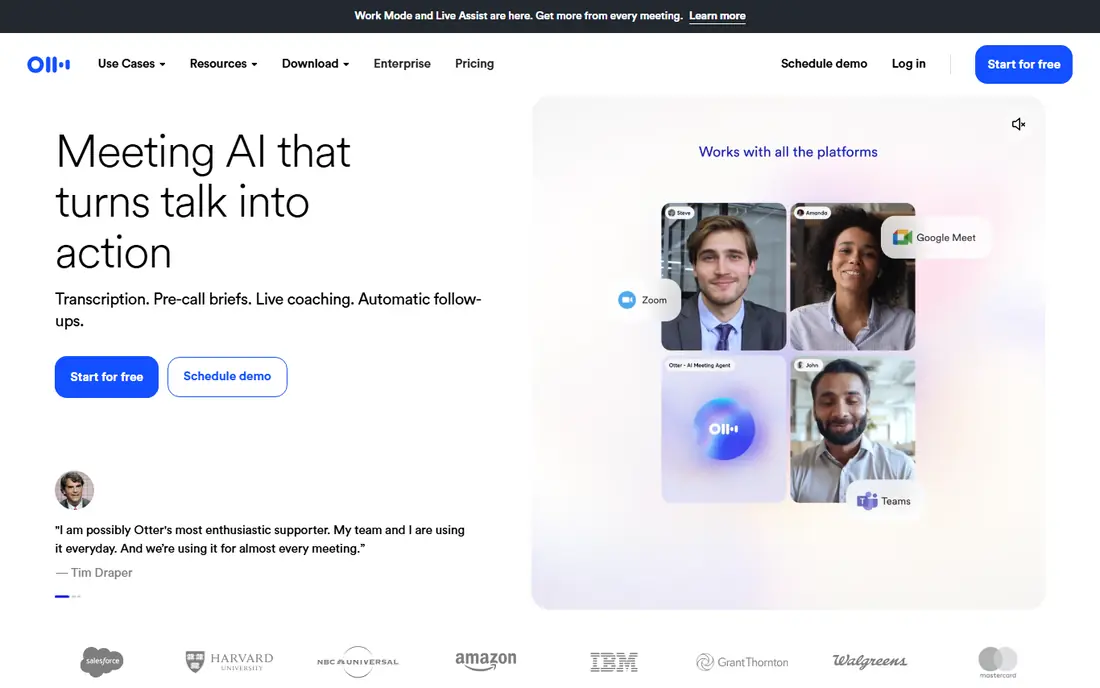
Otter.ai records meetings live, transcribes in real time, identifies speakers and generates summaries with action items, plus an AI chat that answers questions across your meetings. The free plan covers 300 minutes a month, while Pro costs 8.33 dollars per user per month on annual billing for 1,200 minutes.
The free tier is the most generous for meetings anywhere, which makes Otter the default first try. Heavy users hit minute caps, and accuracy drops on accents, crosstalk and background noise. For everyday meetings, Otter is our pick for most people.
- Live meeting notes and summaries
- Bot joins Zoom, Meet and Teams
- 300 free minutes a month
- Best in English
- Minute caps bite heavy users
- Accuracy around 85 to 92 percent on clean audio
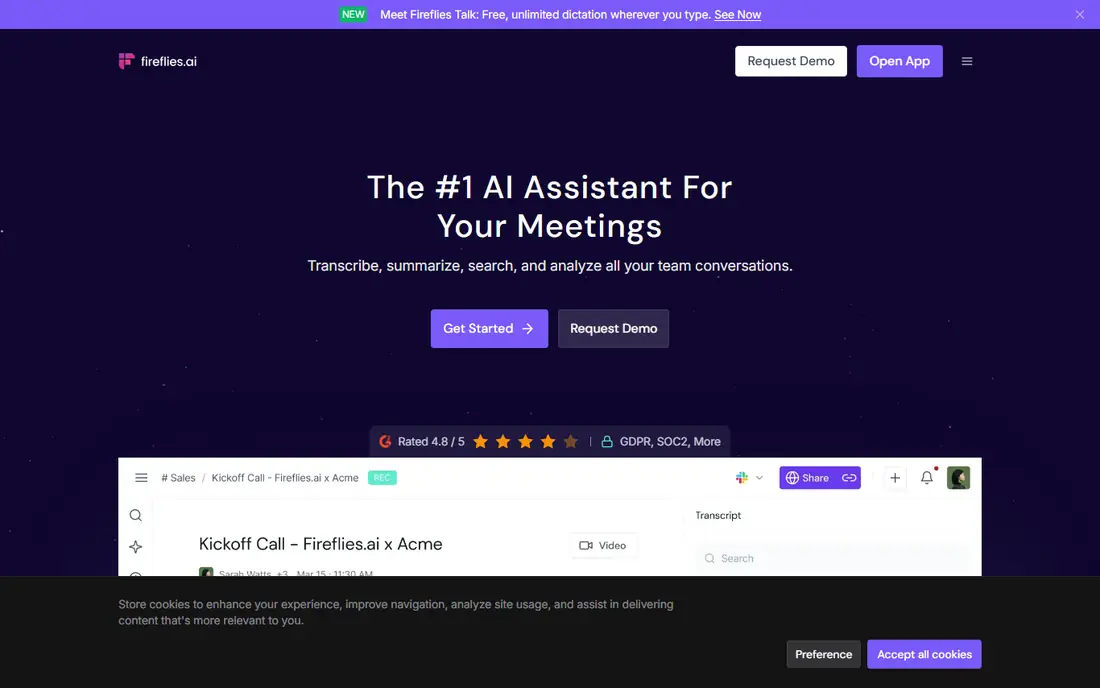
Fireflies joins meetings as a bot, transcribes, summarizes and pushes notes into CRMs like Salesforce, HubSpot and Pipedrive, with search across all past meetings. The free tier covers limited storage, while Pro costs 10 dollars per seat per month on annual billing.
Sales and customer-facing teams value the CRM sync and topic tracking, which turn meetings into pipeline data. A separate AI credit system can push heavy users past the sticker price. For sales teams, Fireflies is a strong pick.
- Unlimited transcription on paid plans
- 100 plus integrations
- Notes pushed to Salesforce and HubSpot
- Separate AI credit system can raise costs
- Free tier is storage capped
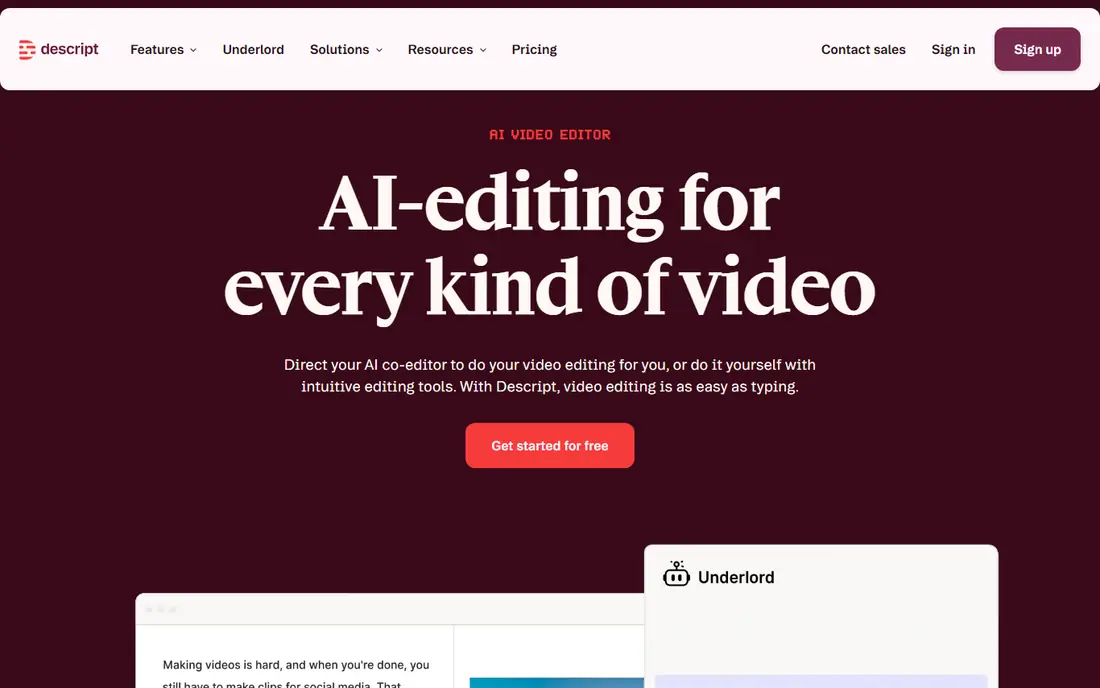
Descript transcribes audio and video, then lets you cut, rearrange and clean recordings by editing the transcript like a document, with studio sound, filler word removal and overdub voice features. The Hobbyist plan costs 16 dollars per month on annual billing for 10 hours, while Creator at 24 dollars covers 30 hours.
The text-based editing changes how creators work, turning hours of audio editing into minutes. Language support centers on English, and the free tier is small. For podcasters and video creators, Descript is unmatched.
- Edit audio and video by editing text
- Studio sound and filler removal
- Screen recording
- English focused
- Free tier covers only 1 hour a month
Rev offers both AI transcription and human transcription, with AI from 14.99 dollars per month on subscription or per-minute rates, and human transcription from 1.25 dollars per minute at near 99 percent accuracy. Captions, subtitles and translations round out the service.
The human option suits legal, research and medical work where accuracy is non-negotiable, while AI covers everyday needs fast. Per-minute pricing adds up for large volumes, so heavy users should compare subscription plans. For accuracy above all, Rev is the pick.
- Human transcription from 1.25 dollars per minute
- AI option for speed
- Captions and subtitles
- Human turnaround takes hours
- Per-minute costs add up at volume
Trint transcribes audio and video for media teams, with collaborative editing, speaker identification and search across transcripts, plus storyboarding tools for journalists. The Starter plan costs 52 dollars per seat per month on annual billing for 7 files, while Advanced at 60 dollars removes the file limit.
The price suits newsrooms and production teams that edit transcripts together daily. Solo users get better value from Otter or Notta. For media collaboration at volume, Trint is a top pick.
- Collaborative transcript editing
- Fast turnaround
- Strong for media teams
- Highest entry price here
- Starter allows only 7 files
Notta transcribes meetings and files in 58 languages, with summaries, action items and a Q and A feature that answers questions from your transcripts. The free plan covers 120 minutes a month, while Pro costs 8.17 dollars per month on annual billing for 1,800 minutes.
The free tier is the most generous for multilingual notes, and the per-minute value on Pro is strong. Meeting bot polish trails Otter, but for multilingual teams on a budget, Notta is a great pick.
- 120 free minutes a month
- 58 languages
- Summaries and Q and A over transcripts
- Meeting bot features trail Otter
- Accuracy varies by language
Happy Scribe transcribes and subtitles in more than 120 languages, with AI transcription, human transcription from 2 dollars per minute, and subtitle editors for video. The Basic plan costs 8.50 dollars per month on annual billing for 120 minutes, with Pro and Business tiers adding more.
Subtitle tooling is the standout for video creators working across languages. The trial is small, so test with a short file first. For multilingual subtitles, Happy Scribe is a strong pick.
- 120 plus languages
- Strong subtitle tools
- Human transcription from 2 dollars per minute
- Free trial covers only 10 AI minutes
- AI accuracy varies by language
Sonix transcribes audio and video in 49 plus languages with automated translation, timestamps and a searchable transcript editor. Pay-as-you-go costs 10 dollars per hour, while Premium at 22 dollars per month adds features but still charges 5 dollars per hour.
The pay-as-you-go model suits occasional users who do not want a subscription. Regular users should compare subscription totals, since per-hour charges add up. For occasional multilingual files, Sonix is flexible.
- Pay-as-you-go at 10 dollars per hour
- 49 plus languages
- Automated translation
- Premium subscription adds 5 dollars per hour on top
- No meeting bot
Temi, from the team behind Rev, offers straightforward AI transcription at 25 cents per minute with fast turnaround and a simple editor. There is no subscription and no free tier, so you pay only for what you transcribe.
The simplicity suits users with occasional files who want a quick, cheap transcript without learning a platform. Editing, collaboration and meeting features are thinner than Otter or Trint. For cheap per-minute AI transcription, Temi is the pick.
- Simple 25 cents per minute pricing
- Fast turnaround
- No subscription
- No free tier
- Fewer editing and collaboration features
How we picked these
We compared official feature pages, pricing pages and public documentation for each tool, and favored products that are actively sold and supported in October 2026. We mixed meeting bots, editors, multilingual tools and per-minute services so the list covers meetings, media and research. Prices come from vendor pricing pages checked in October 2026, and where plans bill annually we note the annual figure.
How to choose transcription software
Start with the job. Meetings point to Otter or Fireflies, creator editing points to Descript, and accuracy-critical work points to Rev human transcription. Next, check languages: Notta, Happy Scribe and Sonix cover far more languages than English-focused tools. Finally, model your minutes: subscription plans win above a few hours a month, while per-minute services win for occasional files.
Test with your worst audio
Run a trial on your hardest recording: accents, crosstalk and background noise, not a clean studio file. Real-world accuracy varies far more than vendor claims, and the test reveals which tool handles your actual audio.