Best Translation App in 2026: 8 Apps Compared
By ToolNimba Editorial Team October 29, 2026 9 min read

- Top pick
 Google Translate
All-round free translation
Starting priceFreeCheck out Google TranslateRead our review - Runner-up
 DeepL
Natural written translation
Starting priceFreeCheck out DeepLRead our review - Also great
 Microsoft Translator
Group conversations
Starting priceFreeCheck out Microsoft TranslatorRead our review
How we researched this
We compared official pricing and feature pages, app store listings, privacy policies and public user reviews. Prices change, so check the provider's site before you pay.
Key takeaways
- Google Translate is the best free all-round choice, with the widest language coverage, camera translation, voice, and offline packs.
- DeepL is the best choice for natural-sounding written translations in its supported languages, especially for work documents and emails.
- Microsoft Translator suits group conversations and Microsoft 365 users, while Apple Translate suits iPhone owners who want simple, on-device translation.
- Papago is the specialist pick for Korean, Japanese, and Chinese, and Reverso is the learner pick for context and real examples.
- No app is perfect for idioms, legal text, or medical instructions, so check important translations before you rely on them.
Quick comparison
| Name | Best for | Starting price | Free plan | |
|---|---|---|---|---|
| Google Translate | All-round free translation | Free | Yes | Visit |
| DeepL | Natural written translation | Free | Yes | Visit |
| Microsoft Translator | Group conversations | Free | Yes | Visit |
 Apple Translate | iPhone simplicity and privacy | Free | Yes | Visit |
 iTranslate | Travel voice and dialects | Free | Yes | Visit |
 Papago | Korean, Japanese, and Chinese | Free | Yes | Visit |
 Reverso | Learning with context | Free | Yes | Visit |
 Yandex Translate | Reading websites and regional languages | Free | Yes | Visit |
The best translation app
We compared official feature pages, app store listings, language lists, offline and camera features, and public reviews to find apps that cover travel, work, study, and everyday conversation.
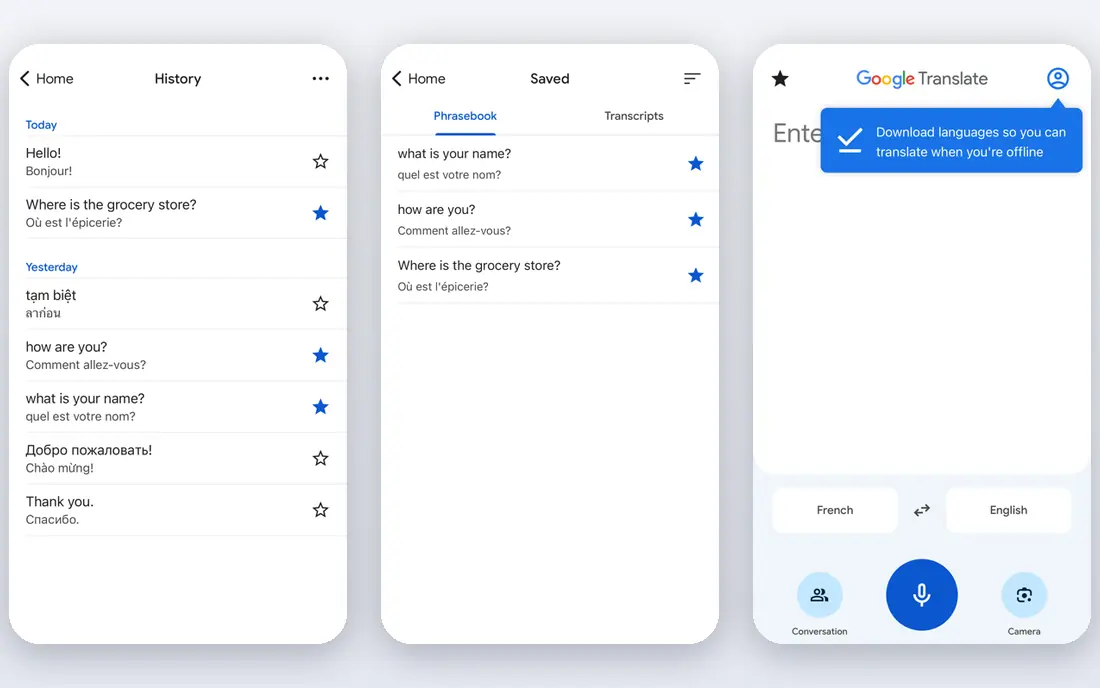
Google Translate remains the default answer for most people, because it covers the most situations for free. You can type, speak, photograph a sign or menu, or hold a two-way conversation, and you can download offline packs before a trip so translation still works without mobile data. That breadth makes it the safest first install for travel, school, and everyday use.
The honest catch is tone. Short, everyday sentences usually translate well, while idioms, formal writing, and long documents can come out flat or slightly off. For a menu, a station sign, or a quick message, Google Translate is excellent. For a work email or a document that must read naturally, compare the result with DeepL.
- Widest language coverage, with more than 240 languages in recent listings
- Camera, voice, conversation, and handwriting modes
- Offline language packs
- Nuance, idioms, and formal tone can be lost in longer text
- Accuracy varies by language pair
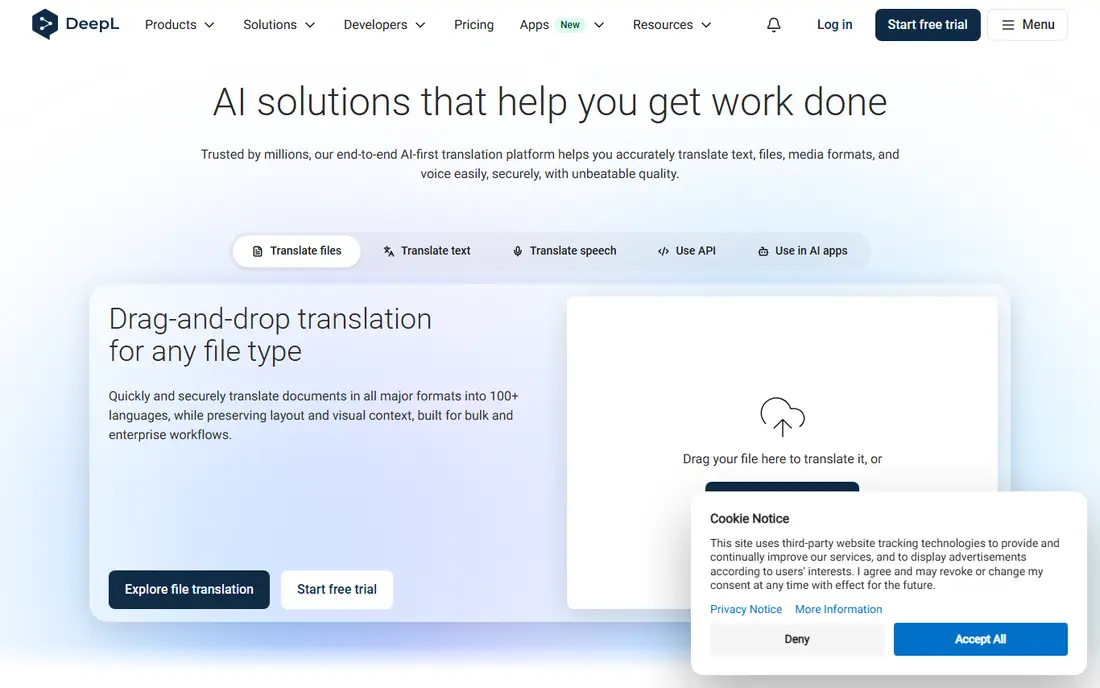
DeepL is the app to open when the writing itself matters. For emails, reports, and documents in its supported languages, DeepL often produces smoother, more natural sentences than a general translator, which is why many professionals use it for European language pairs. The free tier covers text translation, while Pro plans, listed from about $8.74 to $10.49 per month in recent coverage depending on billing, add document translation, higher limits, and team features.
The limit is coverage. DeepL supports around 30-plus languages in recent listings, not the hundreds covered by Google Translate, so it cannot be your only travel app. Use DeepL for writing, and keep Google Translate for breadth, camera translation, and offline travel use.
- Natural-sounding translations for supported languages
- Document translation and writing tools on paid plans
- Clear tone options in some plans
- Supports far fewer languages than Google Translate
- Camera and voice features are limited compared with travel apps
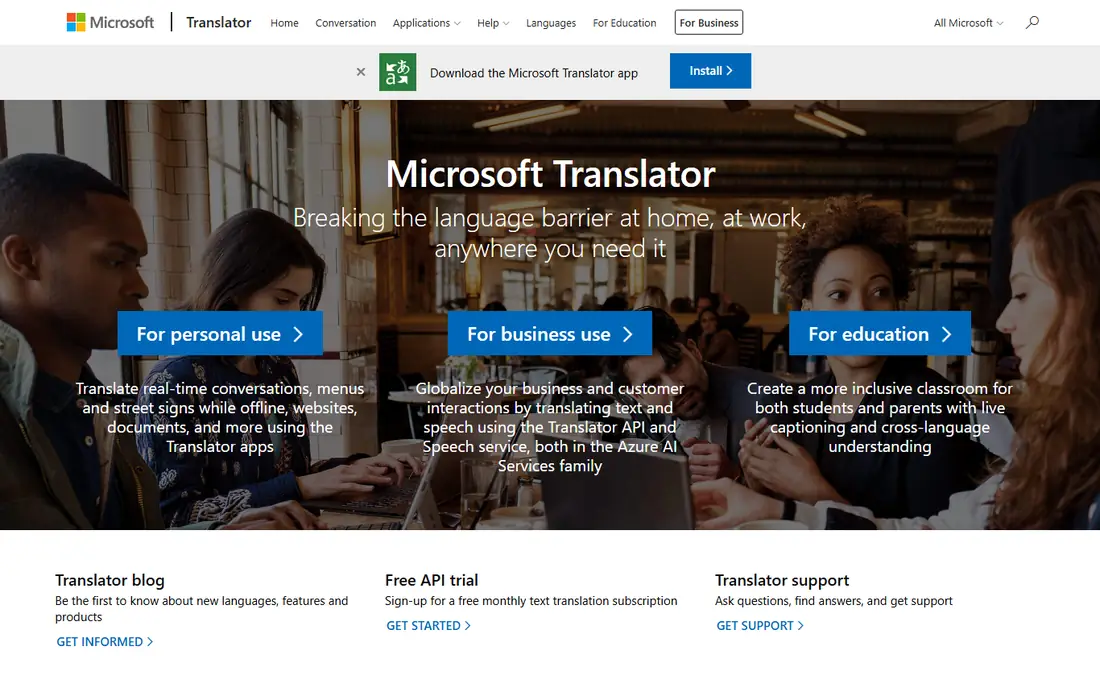
Microsoft Translator is the best free choice for group settings. A host can start a conversation, participants can join from their own phones, and each person can read and speak in their own language, which suits meetings, classrooms, and tour groups. It also offers offline packs, camera translation, and integration with Microsoft products for work users.
The trade-off is polish and breadth. The interface is more functional than delightful, and language coverage, at more than 100 languages in recent listings, is smaller than Google Translate. If you work in Microsoft 365 or need group conversations, Microsoft Translator is a strong, free pick.
- Free text, voice, and camera translation
- Multi-device group conversations
- Offline packs for many languages
- Interface feels less polished than Google Translate
- Language coverage is smaller than Google Translate
Apple Translate suits iPhone owners who translate only occasionally and want the simplest setup. It is already on the phone, it works with downloaded languages offline, and on-device processing fits owners who prefer to keep more translation on the device. Live conversation features with compatible AirPods also help in face-to-face travel situations.
The limit is language count. With around 20 languages in recent listings, Apple Translate cannot match Google Translate for less common languages or for travel across many countries. Keep it as the quick, private default on an iPhone, and add Google Translate when you need broader coverage.
- Built into iPhone with no extra account needed
- On-device translation for downloaded languages
- Simple text, voice, and camera modes
- IPhone and iPad only
- Supports around 20 languages, far fewer than Google Translate
iTranslate is a polished travel companion that puts voice and conversation first. It covers more than 100 languages, offers dialect choices for some languages, and adds dictionary entries, verb conjugations, and a phrasebook that help learners as well as travelers. That design makes it easy to ask a question, hear the reply, and save a useful phrase.
The catch is the paywall. The free tier covers basic translation, but offline mode, camera translation, and full voice features need iTranslate Pro, listed at about $5.99 to $9.99 per month in recent coverage depending on plan. If you travel often and value a clean voice interface, Pro can be worth it. If you translate only occasionally, Google Translate gives more for free.
- Polished travel interface
- Voice translation with dialect options
- Dictionary, verb conjugations, and phrasebook tools
- Offline, camera, and full voice features need a Pro subscription
- Free tier is limited for heavy travel use
Papago, from Naver, is the specialist pick for East Asia. For Korean, Japanese, and Chinese, it often handles idiom, honorifics, and everyday phrasing more naturally than a general translator, which matters for menus, signs, messages, and conversations in Seoul, Tokyo, or Beijing. It also offers camera, voice, and conversation modes, plus offline packs for key languages.
The limit is scope. With about 14 languages in recent listings, Papago is not a general travel app, and you will still need Google Translate for other regions. For a trip focused on Korea, Japan, or China, install Papago alongside Google Translate and use Papago first for those languages.
- Strong, idiomatic Korean, Japanese, and Chinese translation
- Camera, voice, and conversation modes
- Offline packs for key languages
- Supports only about 14 languages, so it cannot serve as a general world travel app
Reverso is the learner pick in this list. Instead of giving one translation and stopping, it shows example sentences from real texts, so you can see whether a word fits a formal email, a casual message, or a technical sentence. That context helps students and writers avoid the most common translation mistake: picking the first dictionary meaning that does not fit the sentence.
Reverso supports about 15 to 18 languages in recent listings, and its camera and offline features are limited compared with travel apps. Use it when you are learning or writing and want to check usage, and use Google Translate or DeepL when you need breadth or a full document translated.
- Real-world example sentences show how words are used in context
- Dictionary, conjugation, and pronunciation tools
- Useful for learners and writers
- Supports fewer languages than Google Translate
- Camera and offline features are limited
Yandex Translate is a useful second app for reading and for regional language coverage. It translates text, voice, and whole websites, offers offline packs, and covers about 100 languages in recent listings, with particular strength for Russian and languages spoken across Central Asia and Eastern Europe. That makes it handy for reading foreign news sites, product pages, and messages.
The trade-off is camera and polish. Camera translation is more limited than in Google Translate, and accuracy varies by pair, as with every machine translator. Use Yandex Translate as a backup for reading and regional languages, and keep Google Translate as the main travel app for camera and conversation use.
- Free text, voice, and website translation
- Offline packs for many languages
- Useful coverage for Russian and regional languages
- Camera features are limited compared with Google Translate
- Accuracy varies by language pair
How we picked these
We compared official feature pages, app store listings, language lists, offline and camera support, and public reviews for each app. We favored apps that are still maintained, that state language coverage clearly, and that fit a distinct use, from travel and group conversation to writing and learning. We did not claim hands-on testing, and we did not include apps that only translate through another service without a clear standalone product.
How to get better translations from any app
Keep sentences short and clear
Short, simple sentences translate more accurately than long sentences with idioms, slang, or double meanings. Break a long request into two sentences, avoid jokes and local slang, and check the back-translation if the app offers one.
Download offline packs before you travel
Offline packs save you when mobile data is slow, costly, or unavailable. Download the languages you need on Wi-Fi, test camera and voice modes before you leave, and keep a second app installed in case one app struggles with a specific language.
Check important translations twice
For contracts, medical instructions, safety information, and work documents, compare two apps and, where it matters, ask a human translator or a fluent speaker to check the result. Machine translation is fast and useful, but it is not a substitute for professional review on high-stakes text.