Best Travel Apps for Planning in 2026: 9 Apps Compared
By ToolNimba Editorial Team October 31, 2026 9 min read

- Top pick
 Wanderlog
Collaborative trip planning
Starting priceFreeCheck out WanderlogRead our review - Runner-up
 TripIt
Automatic itineraries from bookings
Starting priceFreeCheck out TripItRead our review - Also great
 Google Travel
Simple no install trip overviews
Starting priceFreeCheck out Google TravelRead our review
How we researched this
We compared official pricing and feature pages, app store listings, privacy policies and public user reviews. Prices change, so check the provider's site before you pay.
Key takeaways
- Wanderlog is the strongest all round planner for groups, while TripIt is best when bookings already exist.
- Roadtrippers is the clearest choice for a road trip with stops, and Rome2Rio is best for mixed transport routes.
- Google Travel, TripAdvisor, and Splitwise work best as part of a small stack, not as a single solution.
- Free plans cover real planning work, but offline maps, alerts, and extra collaborators often need a paid tier.
Quick comparison
| Name | Best for | Starting price | Free plan | |
|---|---|---|---|---|
| Wanderlog | Collaborative trip planning | Free | Yes | Visit |
| TripIt | Automatic itineraries from bookings | Free | Yes | Visit |
| Google Travel | Simple no install trip overviews | Free | Yes | Visit |
 Roadtrippers | Road trips with stops | Free | Yes | Visit |
 Rome2Rio | Door to door transport routes | Free | Yes | Visit |
 Sygic Travel | Map first visual planning | Free | Yes | Visit |
 Tripadvisor | Restaurant and activity research | Free | Yes | Visit |
 Splitwise | Splitting group trip costs | Free | Yes | Visit |
 Hopper | Flight and hotel price tracking | Free | Yes | Visit |
The best travel apps for planning
For most trips, a small stack works better than one app trying to do everything. The apps below cover collaborative planning, automatic booking organization, road trip routes, transport comparisons, and cost splitting, so you can pick the combination that matches how you travel.
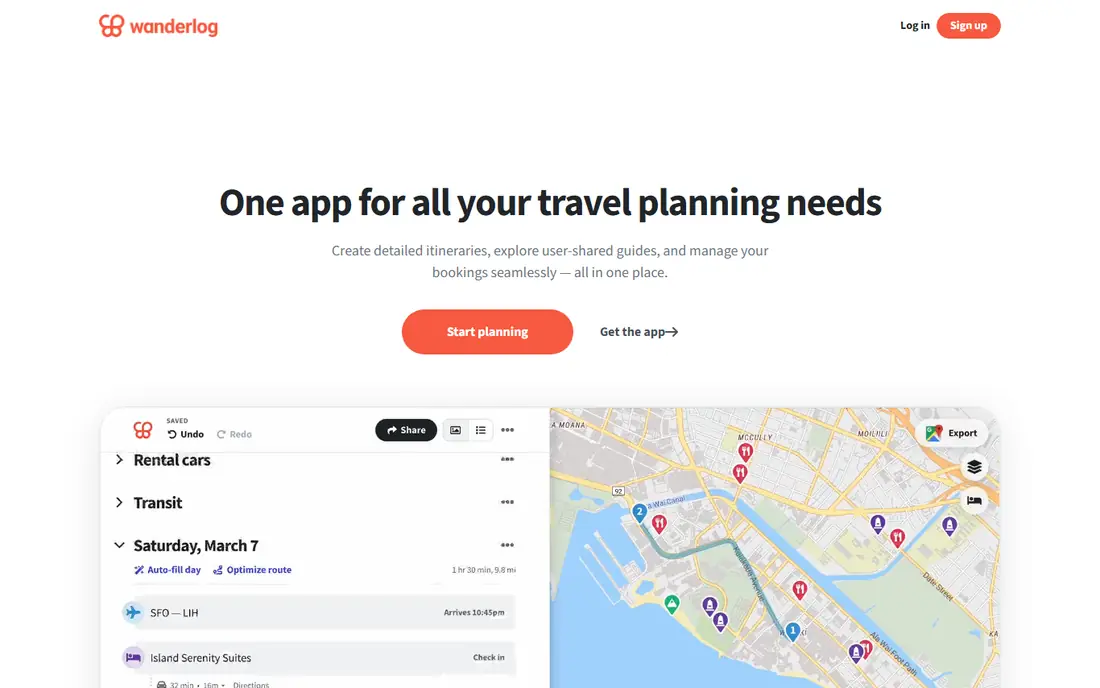
Planning a trip with other people is where Wanderlog earns its place at the top of this list. Everyone can add places, move days around, and see the same map, which cuts down on the usual chain of screenshots and separate documents. The map view is the part we found most useful in our comparison, because it shows stops in a sensible order instead of leaving you to guess which places sit near each other.
The honest catch is that the strongest version of Wanderlog is not entirely free. Offline maps and unlimited collaborators sit behind Pro, so a solo traveler who mostly plans on a laptop may not need the upgrade at all. For a group trip, though, the free plan already covers the core job of building and sharing a day by day plan.
- Shared itineraries with live editing
- Map view with route order
- Budget tools included
- Pro is paid for offline maps and extra collaborators
- Restaurant coverage varies by region
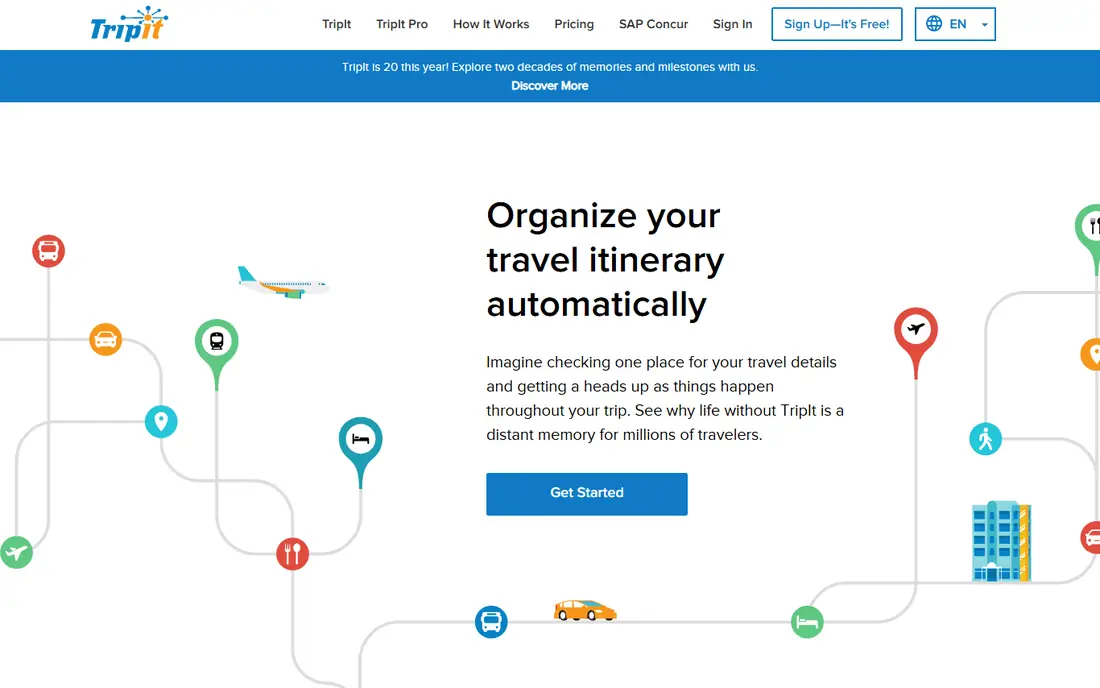
TripIt suits travelers whose bookings already exist and just need to be kept in one place. Forward a flight, hotel, or car confirmation and the app builds a single timeline from it, which is a clear help on multi leg trips where details arrive in separate emails. Sharing that timeline with family or colleagues takes a few taps, and calendar sync keeps the plan visible beside work and personal events.
TripIt is less useful as a blank page planner. It does not help much when you are still choosing where to go, and the more proactive alerts sit in the paid Pro tier. If your main problem is organization rather than inspiration, that trade is easy to accept.
- Turns forwarded confirmations into one itinerary
- Calendar sync
- Simple sharing
- Flight alerts and fare tracking need Pro
- Limited planning tools for new ideas

Google Travel is the lowest friction option here, and that is a real strength for quick trips. If you already use Gmail, bookings can appear without manual entry, and flight and hotel searches sit in the same place as saved ideas. There is nothing to install and no subscription to weigh up, which makes it a sensible first stop before you commit to a dedicated planner.
The trade is control. Editing a detailed day by day plan feels basic next to Wanderlog, and sharing a polished itinerary with a group is limited. Use Google Travel to research and track, then move to a dedicated app if the plan grows complex.
- Free with no app to install
- Pulls bookings from Gmail
- Flight and hotel search in one place
- Limited collaboration
- Itinerary editing is basic
- Web focused
Roadtrippers is built for the specific problem in several of the related searches: a road trip with stops that actually make sense along the route. You can add attractions, campgrounds, restaurants, and fuel stops to a driving route and see how each addition changes the drive. That focus matters, because a general itinerary app often treats driving as a straight line between two cities.
Coverage is strongest in the United States, so international drivers should check the places along their route before relying on it. The free version also limits some features, so longer trips with many stops may need the paid tier. For a United States road trip, it remains the most purpose built choice here.
- Large point of interest database
- Route planning with stops
- Fuel and RV routing options
- Best coverage in the United States
- Full features need a paid plan
Rome2Rio answers a different question from the other apps here: how do you actually get from one place to another when the journey mixes transport types. Type in two places and it lays out flights, trains, buses, ferries, and driving in one view, with time and cost estimates beside each option. That is useful for international trips where a single search site only shows one mode.
It is not a full itinerary planner, so you will still need somewhere to store hotels, activities, and notes. Treat Rome2Rio as the transport layer of your plan, then keep the finished itinerary in Wanderlog or TripIt. Always confirm times and prices with the operator before booking.
- Compares flights, trains, buses, and ferries
- Cost and time estimates
- Worldwide coverage
- No full itinerary builder
- Booking happens with partners
- Estimates need checking
Sygic Travel appeals to planners who think in maps first and lists second. You can place sights on a map, build days around clusters of places, and use offline guides when you arrive, which helps when mobile data is limited or expensive. Shared trips let a partner see the same plan without a long setup process.
The library is not as deep as the biggest travel brands in every city, and some guides and features are paid. If your destination is well covered, the visual approach can save a lot of backtracking. If it is a smaller town, check the available places early in your planning.
- Visual map planning
- Offline guides
- Shared trips
- Some content needs payment
- Smaller community than larger rivals
Tripadvisor is best used as research, not as the planner itself. Its review library helps you compare restaurants, attractions, and tours before you lock a day in place, and saved lists give you a shortlist to carry into a real itinerary app. For a first visit to a popular city, that breadth is hard to match.
Review quality varies, and popular places can attract both enthusiastic and unfair reviews, so read several recent ones rather than trusting a single score. Tripadvisor also pushes bookings and ads, which can distract from planning. Use it to shortlist, then build the day elsewhere.
- Large review library
- Attraction and restaurant ideas
- Saved lists
- Reviews vary in quality
- No strong itinerary builder
- Ads and booking prompts
Splitwise solves the part of group travel that causes the most friction after the trip: who paid for what. Add expenses as you go, assign them to the right people, and the app keeps a running balance so one person does not end up chasing five friends for small amounts. It works across currencies, which helps on international trips.
It will not plan your days or store bookings, so pair it with Wanderlog or TripIt rather than treating it as a planner on its own. The free version covers the core splitting job well. Pro adds receipt scanning and other extras that frequent group travelers may value.
- Simple expense splitting
- Group balances
- Works across currencies
- Not a trip planner
- Paid Pro adds receipt scanning and extra features
Hopper fits travelers who are flexible on dates and want timing help before they book. Price alerts and calendar views show when fares tend to be lower, which can matter more than a small difference between two planners. The app also covers hotels and rental cars, so a price sensitive trip can be watched in one place.
Price predictions are estimates based on past patterns, not promises, and the cheapest fare is not always the best value once bags, seats, and change rules are added. Use Hopper to choose when to book, then read the fare rules on the airline or hotel page before paying.
- Price predictions and alerts
- Calendar price views
- Hotel and flight search
- Predictions are estimates, not guarantees
- Booking fees and options need checking
How we picked these
We compared official feature pages, current pricing pages, app store listings, and privacy policies, along with public reviews, to check what each product actually offers in October 2026. We kept only products that are available now and that fit the topic directly, and we left out tools that were discontinued, region locked in a way that limits most readers, or too narrow for the list. Prices change often, so check the vendor page before you pay, and treat any free plan limit as a starting point rather than a promise for the future.
What to check before you choose
Start with how you travel. Solo travelers who already have bookings can often manage with TripIt and Google Travel. Groups should prioritize shared editing and a clear map view, which points to Wanderlog. Drivers should check Roadtrippers coverage for their route, and international travelers should test Rome2Rio for the transport legs that a flight search misses. ### Budget and offline access
Check what the free plan actually includes. Offline maps matter most when data is costly or coverage is patchy, and that feature is often paid. Also confirm whether collaborators are limited, because a plan that charges per extra person can change the total cost fast. ### A simple setup
Pick one app as the home for the final itinerary, one for transport research, and Splitwise for money if you travel in a group. Keeping those roles separate avoids duplicate plans and makes it clear where the latest version lives.