Best Video Editing Apps for Affiliate Marketing in 2026: 9 Apps Compared
By ToolNimba Editorial Team November 6, 2026 11 min read

- Top pick
 CapCut
Short-form affiliate videos
Starting price$19.99 per monthCheck out CapCutRead our review - Runner-up
 DaVinci Resolve
Free professional editing
Starting priceFreeCheck out DaVinci ResolveRead our review - Also great
 Descript
Talking-head reviews
Starting priceSee websiteCheck out DescriptRead our review
How we researched this
We compared official pricing and feature pages, app store listings, privacy policies and public user reviews. Prices change, so check the provider's site before you pay.
Key takeaways
- CapCut is our pick for fast short-form affiliate content, with templates and auto captions built for TikTok, Reels, and Shorts.
- DaVinci Resolve gives affiliate creators a full professional editor for free, with no watermark on exports.
- Descript is the best choice for talking-head product reviews, since you can edit video by editing the transcript.
- VEED suits creators who publish captioned, branded videos every week and need browser-based teamwork.
- Premiere Pro earns its subscription only when you collaborate with editors or need deep Adobe integration.
Quick comparison
| Name | Best for | Starting price | Free plan | |
|---|---|---|---|---|
| CapCut | Short-form affiliate videos | $19.99 per month | Yes | Visit |
| DaVinci Resolve | Free professional editing | Free | Yes | Visit |
| Descript | Talking-head reviews | See website | Free trial | Visit |
 VEED | Captioned branded videos | See website | Yes | Visit |
 Adobe Premiere Pro | Professional collaboration | $22.99 per month | Free trial | Visit |
 Filmora | Beginner-friendly desktop editing | See website | Yes | Visit |
 Final Cut Pro | Mac creators going pro | See website | Free trial | Visit |
 Camtasia | Tutorial and demo videos | See website | Free trial | Visit |
 InVideo | Template-driven promo videos | See website | Yes | Visit |
The best video editing apps for affiliate marketing
Affiliate video work is different from film editing. You need fast captions, clean product shots, consistent branding, and exports sized for each platform. The apps below cover that work, from phone-first shorts to full desktop edits.
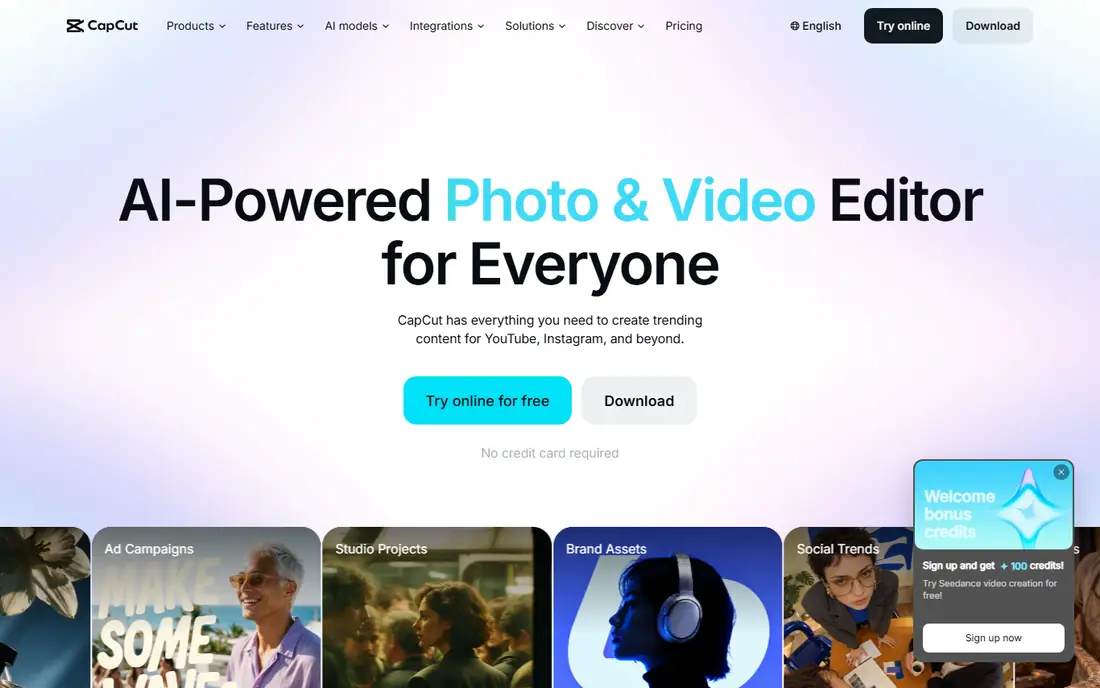
CapCut is where most affiliate creators should start for short-form video. Its template library, auto captions, and direct export sizes for TikTok, Reels, and Shorts cut the time between filming a product clip and publishing it. The free plan covers basic editing at up to 1080p, which is enough to test a format before paying.
The catch is the Pro tier, reported at $19.99 per month for new subscribers after a 2026 pricing change. Premium templates, 4K export, and heavier AI features sit behind that paywall. If your affiliate income depends on daily shorts, the time saved may still justify it, but check the free plan first and only upgrade when a paywalled feature blocks real posts.
- Fast templates and trending effects
- Auto captions
- Mobile, desktop, and web versions
- Pro pricing rose in 2026
- Some premium templates and effects need a paid plan
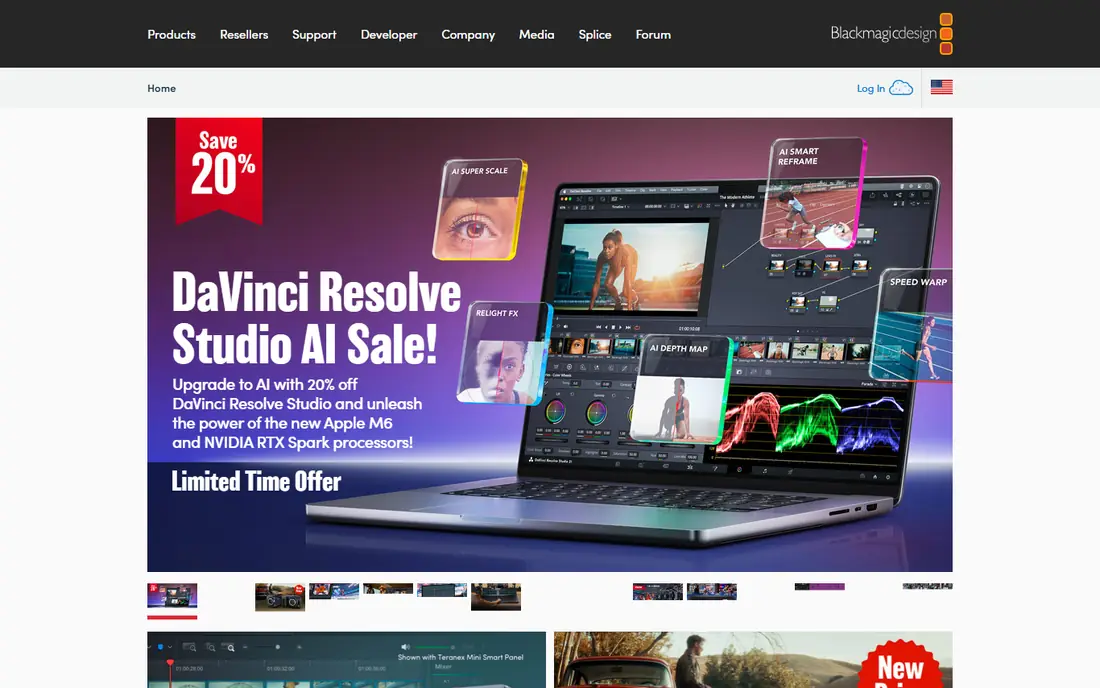
DaVinci Resolve is the most capable free editor an affiliate creator can use. The free version handles 4K exports without a watermark, and it includes professional color grading, audio mixing, and effects tools that paid rivals charge for. For long-form YouTube reviews and comparison videos, it gives you room to grow without a monthly bill.
The trade is time and hardware. Resolve asks more of your computer and your patience than CapCut or Filmora, and the interface can feel crowded on a first project. The paid Studio version costs $295 as a one-time purchase and adds advanced AI tools and higher-end formats. Start free, learn the basics on real affiliate videos, and upgrade only when a Studio feature solves a specific problem.
- Full professional editor at no cost
- No watermark
- Strong color and audio tools
- Steeper learning curve
- Needs a capable computer for smooth editing
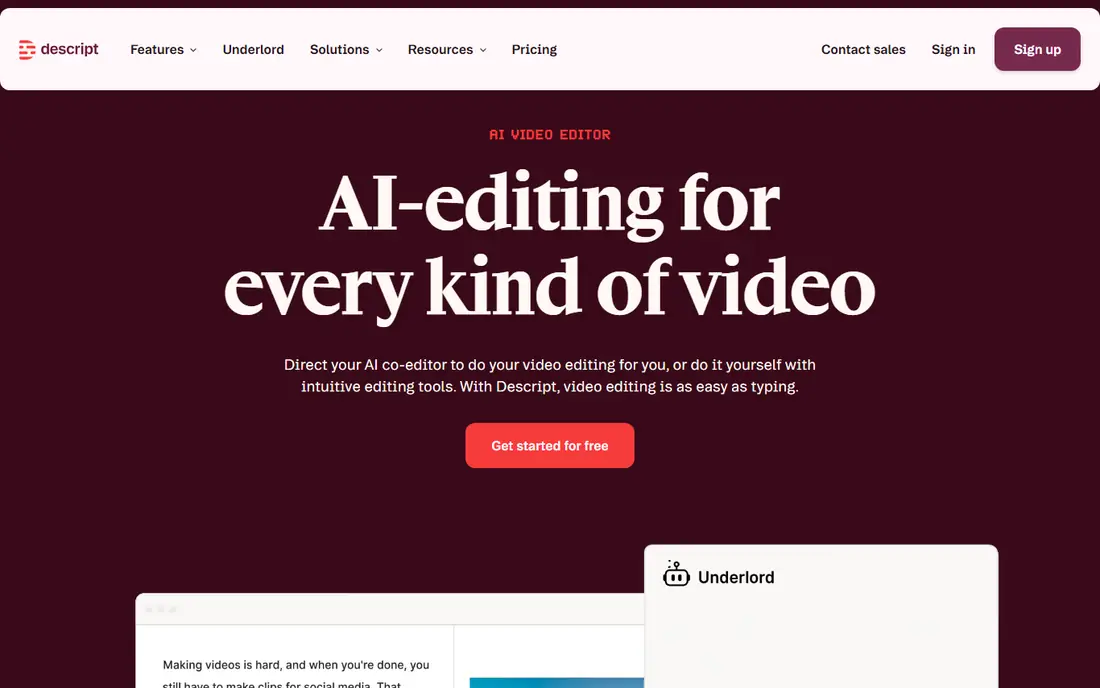
Descript changes the editing job for product reviewers. You record yourself talking about a product, get a transcript, and cut the video by deleting words from the text. Filler words and pauses can be removed in bulk, which turns a rambling first take into a tight review in far less time than timeline scrubbing.
The limit is scope. Descript is not the tool for layered effects, complex motion graphics, or fast-cut trend edits. It shines for reviews, explainers, and tutorials where the spoken message carries the sale. If most of your affiliate content is you on camera, Descript may save more hours than any other app here.
- Edit video by editing text
- Strong transcription
- Filler-word removal
- Not built for heavy effects work
- Pricing varies by plan and usage
VEED fits creators and small teams who publish captioned videos every week. It runs in the browser, so there is nothing to install, and its subtitle tools, translation options, and brand kits keep a consistent look across product videos. Team review features help when a manager or client must approve a video before it goes live.
The free plan is a testing ground, not a publishing plan, since exports carry a watermark. Paid plans are billed per user per year, with the Creator tier reported around $147 per user per year. That cost makes sense if captions and branding are central to your affiliate content, but casual creators will get more from a free desktop editor.
- Browser-based editing
- Strong auto subtitles
- Brand kits and review tools
- Free exports carry a watermark
- Advanced plans are priced per user per year
Premiere Pro is the editor to choose when you work with other editors, agencies, or brands that already use Adobe tools. Project files move between collaborators without conversion headaches, and integrations with After Effects and Audition cover motion graphics and audio cleanup. Its caption workflow and speech tools have improved steadily for creator work.
The cost is $22.99 per month on an annual plan, with no buyout option, which adds up fast if you only cut simple shorts. Premiere also demands more from your machine than lighter editors. Buy it when collaboration or client requirements demand it, not because a bigger tool feels more serious.
- Industry-standard timeline
- Deep Adobe integration
- Strong caption and audio tools
- Subscription only
- Overkill for simple shorts
- Needs a strong computer
Filmora is the friendliest desktop editor for creators moving past phone apps. Its timeline is easy to read, templates speed up intros and product showcases, and the effects library covers most affiliate formats without extra purchases. A yearly plan starts around $49.99 per year, which is modest next to Premiere Pro.
Free exports carry a watermark, so the free plan works for learning, not publishing. The perpetual license, around $79.99, covers one version only and does not include future versions. Read that fine print before choosing between yearly and perpetual billing, and pick the option that matches how often you upgrade software.
- Clear timeline and templates
- Large effects library
- Gentle learning curve
- Free exports carry a watermark
- Perpetual license does not include future versions
Final Cut Pro is the best long-term value for Mac-only affiliate creators. It costs $299.99 as a one-time purchase for Mac, with free updates, and it runs very fast on Apple silicon machines. The magnetic timeline reduces the fiddly track management that slows new editors in other professional apps.
The obvious limit is platform. If you ever switch to Windows, Final Cut does not follow you. Some premium content now sits behind an Apple Creator Studio subscription as well. For creators committed to Mac hardware and long-form YouTube work, though, the one-time price beats years of subscription fees.
- Fast performance on Apple silicon
- One-time purchase
- Magnetic timeline speeds edits
- Mac only
- Smaller template ecosystem than some rivals
Camtasia earns its place for a specific affiliate job: showing software, courses, and digital products on screen. You record your screen and webcam together, then edit in the same app, adding callouts, zooms, and annotations that guide viewers to the feature you are selling. That workflow beats stitching a recorder and an editor together.
New versions are subscription only, after TechSmith ended perpetual upgrade licenses at the start of 2025, so check current pricing before committing. Camtasia is also a poor fit for fast social shorts, where CapCut wins. Use it when your affiliate content teaches people how a product works.
- Screen recording and editing in one app
- Callouts and annotations
- Good for software demos
- Subscription only for new versions
- Less suited to trend-driven shorts
InVideo suits affiliate creators who need a polished promo video fast and do not want to start from a blank timeline. Templates cover product launches, sales announcements, and social ads, and stock footage fills gaps when you lack your own product clips. Text-to-video tools can turn a product description into a first draft.
The risk is sameness. Templates that many creators use can make your video look like everyone else's, so change colors, fonts, pacing, and hooks before publishing. Free exports carry a watermark, so treat the free plan as a trial. InVideo works best for volume promo work, paired with a stronger editor for flagship reviews.
- Large template library
- Text-to-video starting points
- Stock media included on paid plans
- Free exports carry a watermark
- Template look can feel generic without customization
How we picked these
We compared official feature pages, pricing pages, app store listings, and public reviews for editors commonly used by affiliate creators. We weighed caption quality, export sizes for social platforms, branding tools, and the real cost of publishing without a watermark. We did not claim hands-on testing; our findings rest on published features, pricing, and plan limits. We favored tools that fit distinct affiliate jobs, from shorts to tutorials, rather than listing every editor on the market.
Building an affiliate video workflow that converts
Good affiliate video starts before you open an editor. Film or record the product benefit first, in plain language, and keep the hook in the first three seconds. Viewers decide fast on social feeds, so lead with the problem the product solves, not with a long introduction. Captions matter here, since many people watch with sound off, and a clear caption file also helps search and accessibility.
Match the editor to the format
Use CapCut or a similar phone-first editor for daily shorts, Descript for talking-head reviews, and DaVinci Resolve or Premiere Pro for long-form YouTube videos that need color and audio polish. Switching tools by format sounds messy, but it saves time, since each app is fastest at one job. Keep brand assets, fonts, colors, and end screens in one folder so every editor draws from the same kit.
Disclose affiliate links clearly
Say plainly, on screen and in the description, that links may earn you a commission. This is both honest and required by advertising rules in the US, and viewers trust creators who are upfront about it. Place the disclosure where people will actually see it, not buried at the end of a long description. Keep claims about a product tied to what it actually does, and avoid promising results you cannot support.
Repurpose one recording into many posts
Record one solid product review, then cut a long YouTube version, two or three shorts, and a captioned clip for each social platform. Editors with auto captions and resize tools make this practical in an afternoon. Track which format drives clicks, not just views, and double down on the format that sends people to the product page.
Sources
- https://www.capcut.com
- https://www.blackmagicdesign.com
- https://www.descript.com
- https://www.veed.io
- https://www.adobe.com
- https://filmora.wondershare.com
- https://www.apple.com
- https://www.techsmith.com
- https://invideo.io
- https://rankite.com/blog/best-beginner-video-editing-software
- https://www.bukcil.com/finish/video-editor-no-subscription.html
Frequently asked questions
What is the best video editing app for affiliate marketing beginners?
CapCut is the easiest starting point for short-form affiliate videos, thanks to templates and auto captions. Filmora is a good next step if you want desktop timeline control without a steep learning curve. DaVinci Resolve is free and more powerful, but it takes longer to learn, so start there only if you plan to edit long-form video regularly.
Do I need a paid video editor to make affiliate videos?
No, not at first. CapCut and DaVinci Resolve both offer free plans that export usable video, though CapCut reserves some premium features for paid plans. Pay when a free limit blocks real publishing, such as a watermark on exports, missing 4K output, or captions you need at volume. A paid plan should solve a specific bottleneck, not just feel more professional.
Which editor is best for YouTube affiliate reviews?
DaVinci Resolve is our free pick for YouTube reviews, with professional color and audio tools and no watermark. Premiere Pro and Final Cut Pro suit creators who collaborate or want faster performance on their platform of choice. Descript is the best add-on for talking-head reviews, since transcript editing cuts review time sharply.
How important are captions for affiliate videos?
Captions are very important, because many viewers watch social video with sound off and because captions help people follow product details. Editors such as VEED, CapCut, and Descript all offer auto captions, but check accuracy before publishing and fix product names by hand. Clean captions also make your video easier to search and reuse.
Can I edit affiliate videos on my phone?
Yes. CapCut runs on phones, desktop, and the web, and it covers most short-form affiliate work on its own. Phone editing suits daily shorts and quick product clips, while desktop editors suit longer reviews, screen demos, and brand work. Many creators use both, cutting shorts on a phone and flagship videos on a computer.
Should I use templates for affiliate videos?
Templates speed up production and keep branding consistent, which helps when you publish often. The risk is looking generic, so customize colors, fonts, hooks, and pacing for each product. Use templates for promo and announcement videos, and build flagship reviews from scratch so they stand apart from other creators promoting the same product.