Best Virtual Conference Platforms in 2026: 8 Platforms Compared
By ToolNimba Editorial Team November 8, 2026 9 min read

- Top pick
 Zoom Events
Large and hybrid conferences
Starting priceSee websiteCheck out Zoom EventsRead our review - Runner-up
 RingCentral Events
Large interactive summits
Starting price$99 per monthCheck out RingCentral EventsRead our review - Also great
 vFairs
Virtual expos and trade shows
Starting priceSee websiteCheck out vFairsRead our review
How we researched this
We compared official pricing and feature pages, app store listings, privacy policies and public user reviews. Prices change, so check the provider's site before you pay.
Key takeaways
- A virtual conference needs more than a video call: multi-track sessions, networking, sponsor space and registration should work together in one place.
- RingCentral Events and Zoom Events suit large, formal conferences, while Airmeet and Whova are easier picks for community and mid-size events.
- Most enterprise platforms use quote-based pricing, so ask for a quote based on your expected attendee count and session hours before you shortlist.
- Start with a free trial or demo using your real agenda, and test networking and expo features with a small group before you commit.
Quick comparison
| Name | Best for | Starting price | Free plan | |
|---|---|---|---|---|
| Zoom Events | Large and hybrid conferences | See website | No | Visit |
| RingCentral Events | Large interactive summits | $99 per month | Free trial | Visit |
| vFairs | Virtual expos and trade shows | See website | No | Visit |
 Airmeet | Community events and networking | See website | Free trial | Visit |
 Whova | Academic and association conferences | See website | No | Visit |
 BigMarker | Webinars and lead generation | $79 per month | Free trial | Visit |
 ON24 | Enterprise marketing events | See website | No | Visit |
 Bizzabo | Hybrid events with CRM reporting | See website | No | Visit |
The best virtual conference platforms
We compared official feature pages, pricing pages and public reviews to find platforms that handle a full conference, not just a single webinar. The picks below cover large summits, expos, academic meetings and smaller community events.
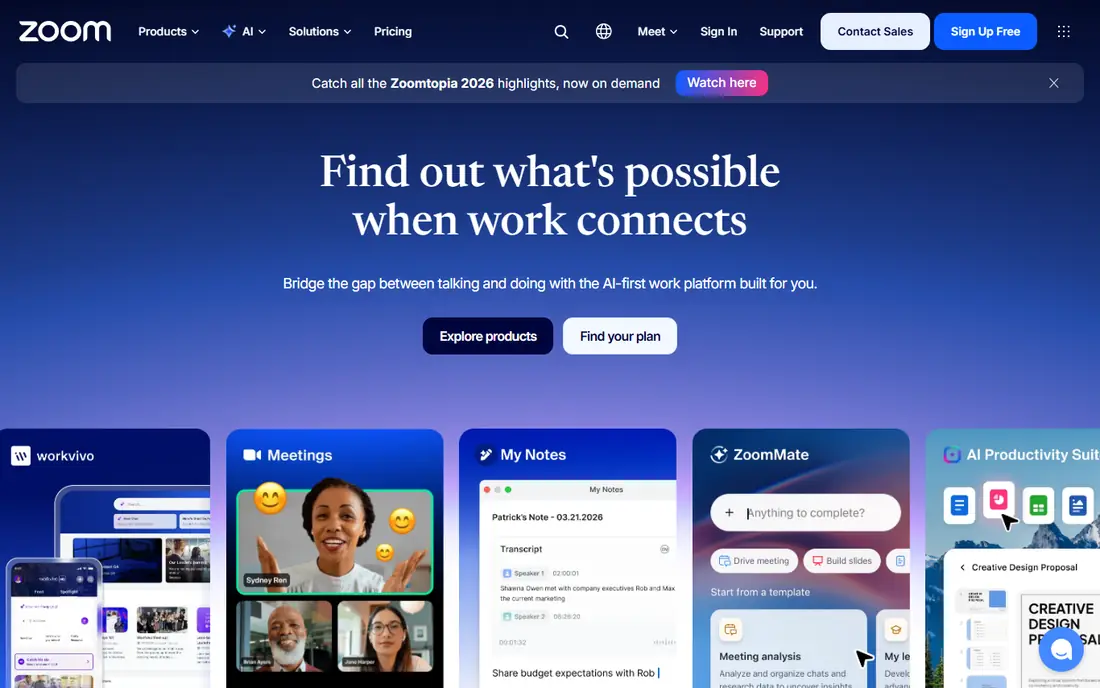
Zoom Events builds on the video tool many attendees already know, which cuts down on joining problems and support questions on the day. Organizers can run parallel sessions, sell tickets and manage registration in one hub, and hybrid events can mix in-person and remote audiences without a second system. That familiarity is a real advantage when your audience includes people who are not comfortable with new software.
The trade-off is that the event pages and virtual venue feel more corporate than playful. If you want a branded expo hall or a strong sponsor showcase, a dedicated platform may give you more design freedom. Zoom Events is the safer pick when reliability, scale and a known interface matter more than visual flair.
- Familiar video quality and controls
- Multi-session support with ticketing
- Broad integration options
- Limited visual customization compared with dedicated event platforms
- Pricing is not simple to compare without a quote
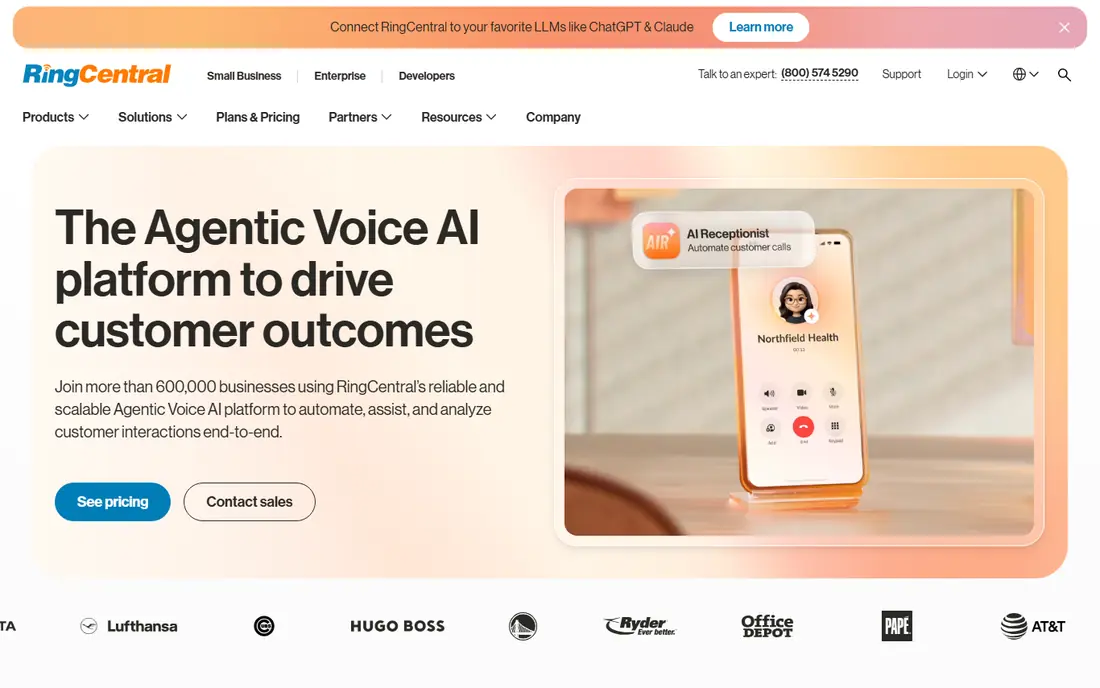
RingCentral Events, formerly Hopin, is built around a virtual venue with a reception area, stages, sessions and an expo floor. Attendees can move between talks, visit sponsor booths and join networking rooms without leaving the event. That structure suits multi-day summits where sponsors and serendipitous meetings are part of the value.
The platform is powerful, and that power comes with a learning curve for organizers. Plan time to build the venue, test networking and train moderators before the event opens. For a large summit with sponsors to satisfy, the depth is worth the setup effort.
- Expo areas, networking and stages in one venue
- Studio-quality streaming options
- 30-day trial reported on its pricing materials
- Dashboard takes time to learn
- Costs rise with organizers and add-ons
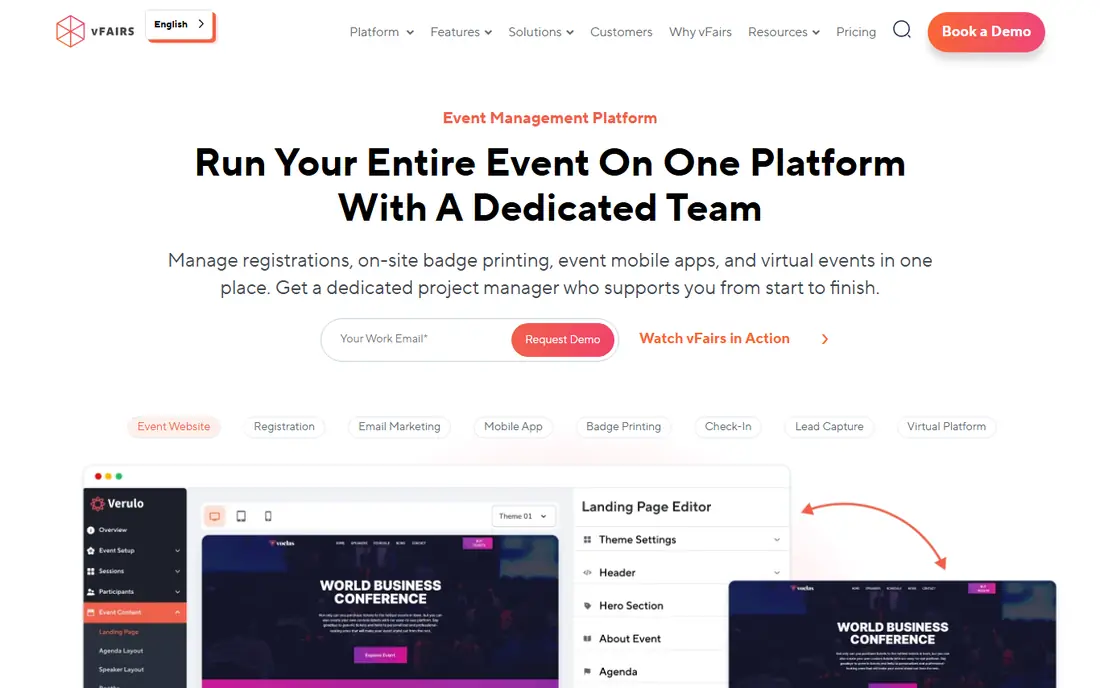
vFairs stands out when the expo floor is the point of the event. Exhibitors get branded booths, visitors can browse a 3D hall, and organizers can add webinars, networking lounges and gamification. That makes it a strong fit for trade shows, career fairs and industry expos where sponsors expect foot traffic, not just a logo on a page.
Because pricing is quoted per event, you will need to talk to sales early and be clear about attendee numbers and booth counts. Setup also takes more planning than a simple webinar tool. If your event is mainly talks with little sponsor activity, a lighter platform will be faster and cheaper.
- 3D virtual venues and exhibition halls
- Strong sponsor booth tools
- Chat, webinars and job fair formats
- Quote-only pricing
- Setup can take longer than simpler platforms
Airmeet is designed around conversation. Its virtual tables let attendees sit together in small groups, which feels closer to a real conference break than a chat box does. Organizers can run sessions, polls and Q and A, and attendees join from a browser without a heavy download.
That focus makes Airmeet a good choice for community conferences, workshops and networking-led events. It is less suited to a giant expo with hundreds of sponsor booths. Try the networking format with your own team first, since the table layout works best when attendees are willing to turn cameras on and talk.
- Virtual tables for small-group networking
- Easy browser access for attendees
- Good for workshops and meetups
- Fewer enterprise sponsor features than larger platforms
- Pricing details require a quote for larger events
Whova is popular with academic conferences, associations and professional meetings because it pairs a solid virtual event platform with a capable attendee app. Participants can build personal agendas, message each other, join community boards and take part in live polls. Organizers get registration, ticketing and engagement reports in the same system.
The breadth of features means the setup screens can feel busy at first. Once the agenda and attendee profiles are in place, though, the app becomes the place attendees actually live during the event. Whova is a strong pick when community and repeat attendance matter as much as the talks themselves.
- Strong event app with agendas and attendee profiles
- Networking and community boards
- Hybrid event support
- Quote-based pricing
- Interface has many features to learn
BigMarker started as a webinar platform and that shows in its strengths: live, automated and on-demand sessions, registration pages and integrations with common CRM and email tools. Attendees join from a browser, which removes a common barrier for corporate audiences. Marketing teams like the automation options for follow-up and lead scoring.
If you need a full virtual venue with an expo hall and networking lounges, BigMarker will feel more functional than immersive. For a conference that is really a series of strong talks plus lead capture, it is a practical and well-priced choice.
- Browser-based attendance with no download
- Webinar automation and evergreen sessions
- CRM and email integrations
- Less of a virtual venue feel than expo platforms
- Higher tiers needed for larger conferences
ON24 is aimed at marketing and demand generation teams that need to prove what an event produced. Every poll answer, question, download and minute watched can feed into analytics and CRM records, which helps sales teams follow up with the right people. The platform handles large webinars and virtual conferences with a polished, broadcast feel.
That depth comes at enterprise cost and complexity. Small teams running a single community conference will find it more than they need. ON24 earns its place when reporting, integration and scale are the deciding factors, and the budget matches.
- Deep engagement analytics and audience insights
- Strong CRM and marketing automation integrations
- Polished webinar and virtual event formats
- Enterprise pricing
- Steeper learning curve for small teams
Bizzabo covers the whole event cycle: registration, agenda building, streaming, networking and post-event reporting. Its hybrid tools help organizers serve in-person and remote audiences from one system, and CRM integrations push attendee data to sales and marketing teams without manual exports. An AI assistant for setup questions is included in recent versions.
The main drawback is the lack of public pricing, which makes early budgeting harder. You will need a demo and a quote, and you should ask exactly which features sit in the base plan. For mid-size to large organizations running regular hybrid events, the all-in-one approach can save more time than it costs.
- End-to-end event management from registration to reporting
- Hybrid event support
- CRM integrations for lead flow
- No public pricing
- Breadth of features takes time to master
How we picked these
We compared official feature pages, pricing pages and public reviews for platforms that run full conferences, not only single webinars. We favored tools with multi-track sessions, networking, registration and reporting, and we kept a mix of enterprise platforms and easier mid-market options. Prices shown are the published starting points we found in October 2026, and quote-only products are marked See website rather than guessed.
What to check before you book
A demo video rarely shows how a platform behaves with a thousand attendees at once. Ask for a live walkthrough using your agenda shape: parallel tracks, a keynote, a networking break and a sponsor area. Check how attendees move between those parts, and whether the mobile experience matches the desktop one.
Pricing deserves the same care. Confirm what counts toward your attendee limit, whether organizers and moderators are billed separately, and what happens if you go over your session hours. Ask about recording storage, support during the live event and data export after it ends. A platform that exports attendee and engagement data cleanly will save your team hours of manual work.
Match the platform to the event type
For a talk-led conference, prioritize session quality, captions and easy agenda navigation. For an expo, prioritize booth tools and sponsor reporting. For a community event, prioritize networking and chat. Buying the biggest platform for a small workshop wastes money, and buying a webinar tool for a trade show leaves sponsors unhappy.
Test networking with real people
Networking features fail quietly: a lounge nobody enters, or tables that stay empty because attendees do not know what to do. Run a rehearsal with colleagues, give them a reason to meet, and watch where they get stuck. Small fixes, such as a host in each networking room, often matter more than the feature list.
Sources
Frequently asked questions
What is the best platform for virtual conferences?
There is no single winner, because the right platform depends on the event. Large summits with sponsors suit RingCentral Events or vFairs, while community conferences often do better on Airmeet or Whova. Start from your agenda, sponsor needs and audience size, then shortlist two platforms and run a trial with a real session.
What is the best virtual events platform for hybrid events?
Zoom Events and Bizzabo are strong hybrid choices because they handle in-person and remote audiences in one system. Whova also supports hybrid conferences through its event app. Check how remote attendees see in-person sessions, and whether Q and A works fairly for both audiences.
How much does virtual conference software cost?
Prices range from under 100 dollars a month for smaller plans to quote-based enterprise contracts for large events. Most dedicated platforms do not publish a single price, since cost depends on attendees, organizers and features. Get quotes for the same attendee count from each vendor so the comparison is fair.
Do attendees need to download an app?
It depends on the platform. Many virtual conference platforms run in a browser, while others offer optional mobile apps for agendas and networking. Browser access usually raises attendance, so confirm this before you choose, especially for corporate or academic audiences with locked-down devices.
What is the best platform for virtual events with networking?
Airmeet is built around small-group tables, and RingCentral Events offers networking rooms alongside stages and expo areas. Whova adds attendee profiles and community boards that help people arrange meetings before the event. Whichever you pick, staff the networking spaces so early joiners are not left alone.