Best Virtual Event Platforms in 2026: 9 Tools Compared
By ToolNimba Editorial Team October 31, 2026 9 min read

- Top pick
 Zoom Events
Large multi-track conferences
Starting price$149 per monthCheck out Zoom EventsRead our review - Runner-up
 RingCentral Events
Sponsor-heavy interactive summits
Starting priceSee websiteCheck out RingCentral EventsRead our review - Also great
 Airmeet
Interactive conferences and networking
Starting price$199 per monthCheck out AirmeetRead our review
How we researched this
We compared official pricing and feature pages, app store listings, privacy policies and public user reviews. Prices change, so check the provider's site before you pay.
Key takeaways
- Zoom Events suits large multi-track conferences, especially for teams already running Zoom meetings.
- Airmeet and HeySummit offer clearer paths for smaller, interactive events without an enterprise contract.
- vFairs and Whova stand out for expos, trade shows, and hybrid conferences that need an event app.
- Pricing models differ widely, from per-month plans to per-attendee and quote-based enterprise deals.
- Networking quality varies more than streaming quality, so test virtual tables, matchmaking, and expo features before you commit.
Quick comparison
| Name | Best for | Starting price | Free plan | |
|---|---|---|---|---|
| Zoom Events | Large multi-track conferences | $149 per month | Yes | Visit |
| RingCentral Events | Sponsor-heavy interactive summits | See website | No | Visit |
| Airmeet | Interactive conferences and networking | $199 per month | Yes | Visit |
 vFairs | Virtual expos and trade shows | See website | No | Visit |
 BigMarker | Webinars and marketing events | $79 per month | No | Visit |
 ON24 | Enterprise webinar marketing | See website | No | Visit |
 Whova | Hybrid and in-person conferences | See website | No | Visit |
 HeySummit | Small niche events | $29 per month | No | Visit |
 Livestorm | Webinars and interactive online events | Free | Yes | Visit |
The best virtual event platforms
A virtual event platform is more than a video call with a waiting room. The best ones handle registration, multi-track agendas, sponsor booths, networking, Q and A, and analytics in one place. The right choice depends on event size, whether attendees are virtual only or hybrid, and how much sponsor value you need to deliver.
Zoom Events is a safe pick for large conferences, especially when your team and audience already use Zoom. It supports multi-track sessions, ticketing, and an event hub, and attendees face little learning curve. That reliability matters when a keynote cannot afford a technical failure. The limits show up in customization and sponsor creativity, where dedicated event platforms offer richer expo halls and branding. If your event is mainly talks and panels, Zoom Events covers it well. If sponsor booths and networking are central, compare it closely with vFairs or RingCentral Events.
- Reliable streaming and multi-session support
- Familiar Zoom experience for attendees
- Ticketing and hub features for larger events
- Limited branding and customization compared with dedicated platforms
- Needs a Zoom Workplace plan alongside Events
- Corporate feel suits formal events more than social ones
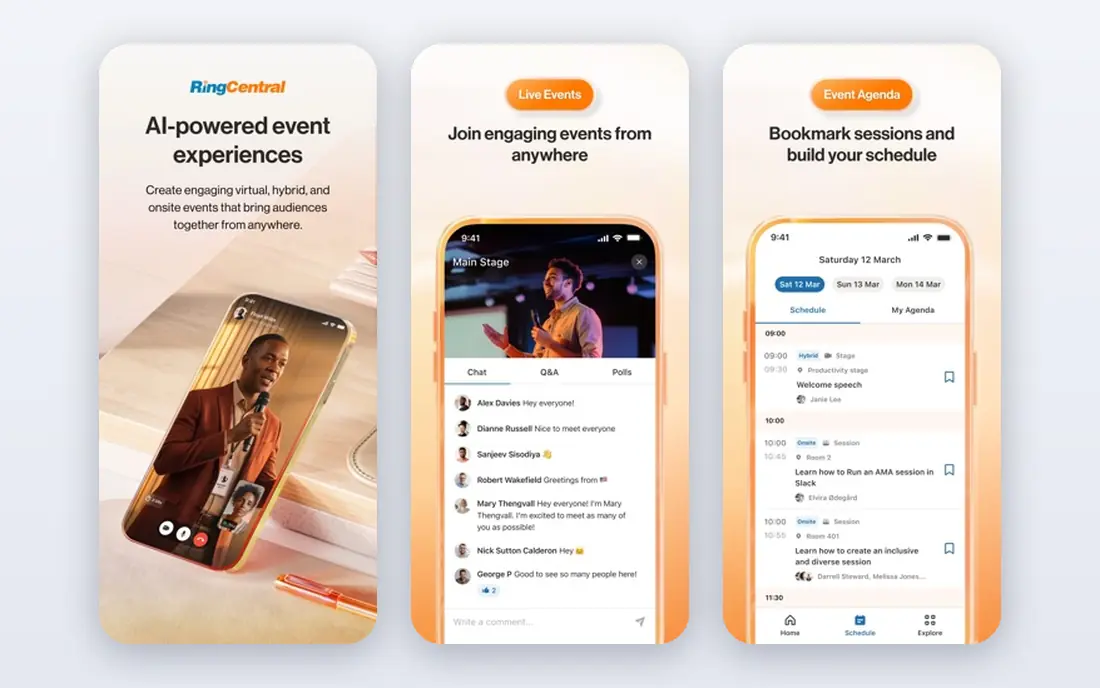
RingCentral Events, formerly Hopin, is built for summits where sponsors and networking matter as much as the stage. Its expo area, booths, and networking features give sponsors visible value, and interactive tools keep attendees engaged between sessions. That depth comes with a steeper setup: organizers should allow time to configure stages, booths, and networking rules. Pricing varies by event size and plan, so get a quote based on your attendee count and session count. For a large, sponsor-funded summit, it remains one of the strongest dedicated options.
- Expo areas, networking, and sponsor booths
- Strong interactive features such as Q and A and polls
- Built for large, multi-day summits
- Dashboard can feel complex for first-time organizers
- Pricing is quote-based for many events
- Setup takes planning for large events
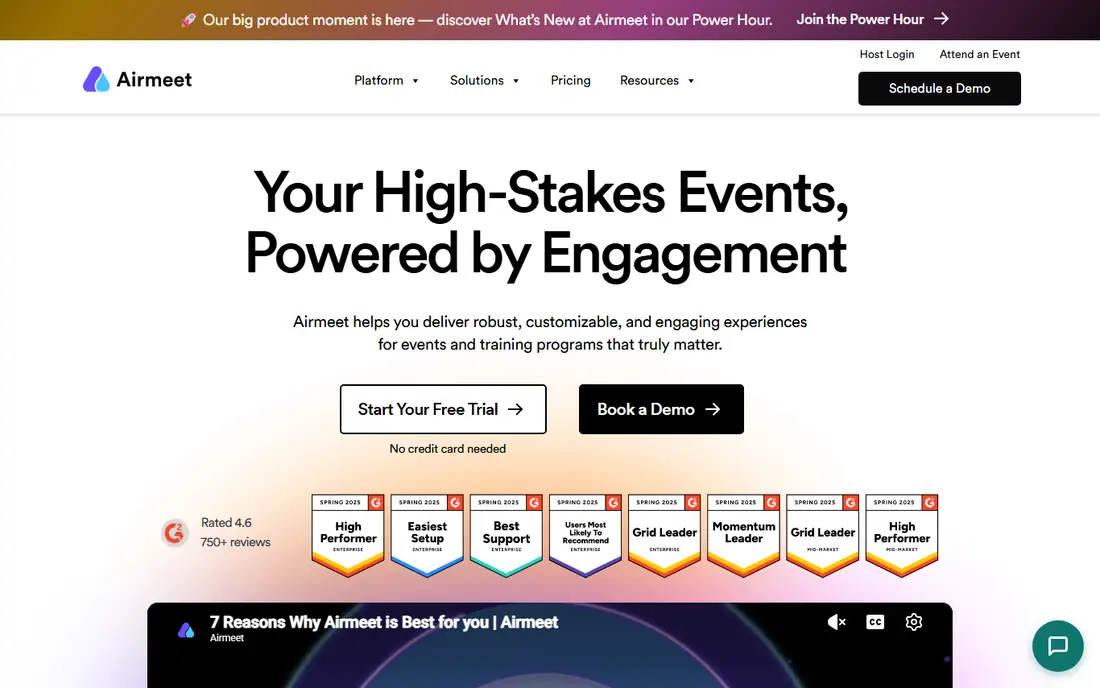
Airmeet balances interactivity with usability. Virtual tables let attendees join small group conversations, which feels closer to a hallway chat than a chat box, and multi-track sessions support conferences rather than single webinars. Setup is simpler than enterprise platforms, which helps smaller teams run a polished event. The pricing needs care: webinar plans start near $199 a month, while larger event plans may require a quote. If networking is a priority and your team is small, Airmeet is a strong middle ground between Zoom Events and a full enterprise platform.
- Virtual tables and lounges for networking
- Multi-track sessions and expo features
- Easier setup than many enterprise platforms
- Webinar plans start at a higher monthly price
- Event plans are often quote-based
- Sponsor features are less deep than vFairs
vFairs is the expo specialist in this list. Its 3D lobbies and booths give trade shows, career fairs, and product showcases a venue feel that a simple webinar platform cannot match. Exhibitors can chat with visitors, share documents, and collect leads, which matters when sponsor return is measured in conversations. That richness requires a longer setup and a custom quote, and it is far more than a small team needs for a one-hour webinar. If your event is an expo first and a set of talks second, vFairs deserves a demo.
- Immersive 3D venues and exhibitor booths
- Strong for career fairs and trade shows
- Networking and chat tools for exhibitors
- Custom pricing only
- Setup and learning curve are steep
- Overkill for a simple webinar
BigMarker suits marketing teams that run webinars to generate leads. It offers live, automated, and on-demand webinars, with integrations that push registrants and attendees into CRM and email tools for follow-up. Attendees join in a browser, which reduces friction and no-show risk from app installs. It is less convincing as a virtual expo or networking-first conference, where dedicated platforms offer richer booths and tables. If your main goal is a steady webinar program with clear lead tracking, BigMarker is a practical, focused choice.
- Webinar automation and evergreen events
- CRM and email integrations for lead follow-up
- Browser-based attendance without downloads
- Less flashy for large expos
- Networking features are thinner than Airmeet
- Higher tiers needed for advanced features
ON24 is the enterprise webinar platform for companies that treat webinars as a demand generation engine. Its analytics track engagement in detail, its content hubs keep recordings working after the live event, and its integrations feed marketing automation systems. That depth suits large marketing teams with a regular webinar calendar and a CRM to feed. Smaller teams will find the quote-based pricing and setup heavy for occasional events. If you run webinars at scale and need to prove pipeline impact, ON24 is built for that job. If you run one event a year, a simpler platform fits better.
- Deep engagement analytics and content hubs
- Strong CRM and marketing automation integrations
- Built for large webinar programs
- Custom pricing and enterprise focus
- Learning curve for new organizers
- Costly for small teams
Whova shines when an event has both in-person and virtual attendees. Its app handles agendas, speaker profiles, networking, and exhibitor listings, so remote attendees stay connected to the live event rather than watching a stream in isolation. That makes it a strong pick for academic conferences, association events, and professional gatherings. Pricing is custom, so budget planning needs a quote, and a purely virtual webinar may not need its full app. If your event mixes rooms, exhibitors, and remote viewers, Whova ties those parts together well.
- Strong event app for in-person and hybrid events
- Agenda, networking, and exhibitor features in one app
- Attendee engagement tools such as polls and live Q and A
- Pricing is custom
- Best value shows in hybrid events rather than virtual-only talks
- Setup needs attention for large agendas
HeySummit is the small-event option that does not require an enterprise budget. It helps organizers run multi-speaker summits with registration, ticketing, and talk pages, without a complex platform to learn. That simplicity suits coaches, niche communities, and small associations. The limits are scale and sponsor depth: it does not offer the expo halls or advanced networking of larger platforms. If you run a focused summit for a defined audience, HeySummit gets you live quickly and cheaply. If you need a trade show floor, look elsewhere.
- Low entry price for small summits
- Simple setup and ticketing
- Good fit for niche, multi-speaker events
- Not built for large expos
- Networking and sponsor features are basic
- Scaling beyond a few hundred attendees needs a higher tier
Livestorm is a strong all-in-one choice for webinars and interactive online events. Its free plan lets a small team test the format, while paid plans add larger audiences, analytics, and integrations. Polls, Q and A, and chat keep sessions interactive, and browser access keeps attendance simple. The per-attendee pricing on some plans means costs rise with audience size, so model it at your expected registration count. For a regular webinar program or a training series, Livestorm offers a good balance of ease and features. For a large expo, a dedicated platform fits better.
- Free plan for getting started
- Interactive polls, Q and A, and chat
- Browser-based events with good analytics
- Pro pricing is per attendee, which scales with audience size
- Less suited to large multi-day conferences
- Expo features are limited
How we picked these
We compared official feature and pricing pages, along with public reviews, and we kept only platforms that handle registration, live sessions, and attendee interaction for virtual or hybrid events. We included webinar tools, conference platforms, and expo specialists so the list covers different event types. Prices change often, and many enterprise plans are quote-based, so confirm attendee limits and included features before you sign.
How to choose by event type
Match the platform to the event, not the other way round. A single webinar needs reliable streaming, registration, and lead capture, which BigMarker, Livestorm, and ON24 handle well. A conference needs multi-track agendas, networking, and sponsor value, which points to Zoom Events, Airmeet, or RingCentral Events. A trade show needs booths and exhibitor chat, which points to vFairs. A hybrid conference needs an app that serves both rooms and remote viewers, which points to Whova.
Check attendee limits, recording access, and analytics before you pay. Some plans cap attendees per tier, others charge per attendee, and enterprise plans may include production support. Run a rehearsal with your real speakers, slides, and sponsor booths, and test networking from an attendee view. A platform that looks good in a demo can still feel empty if networking rooms stay quiet, so plan how you will seed conversations and guide attendees during the live event.