Best Virtual Meeting Platform in 2026: 9 Platforms Compared
By ToolNimba Editorial Team November 8, 2026 9 min read

- Top pick
 Zoom
Standalone meetings for any team
Starting price$14.16 per user per monthCheck out ZoomRead our review - Runner-up
 Google Meet
Google Workspace teams
Starting price$7 per user per monthCheck out Google MeetRead our review - Also great
 Microsoft Teams
Microsoft 365 companies
Starting price$4 per user per monthCheck out Microsoft TeamsRead our review
How we researched this
We compared official pricing and feature pages, app store listings, privacy policies and public user reviews. Prices change, so check the provider's site before you pay.
Key takeaways
- Google Meet and Microsoft Teams are the best free starting points, with 60-minute group calls for 100 people on their free tiers.
- Zoom remains the best standalone meeting app, with Pro at $14.16 per user per month billed annually.
- Microsoft Teams Essentials at $4 per user per month is the cheapest paid entry for companies on Microsoft 365.
- Zoho Meeting undercuts everyone at $1 per host per month for small teams on a tight budget.
- Jitsi Meet is the best truly free option, with no account needed for guests and no published time limit.
Quick comparison
| Name | Best for | Starting price | Free plan | |
|---|---|---|---|---|
| Zoom | Standalone meetings for any team | $14.16 per user per month | Yes | Visit |
| Google Meet | Google Workspace teams | $7 per user per month | Yes | Visit |
| Microsoft Teams | Microsoft 365 companies | $4 per user per month | Yes | Visit |
 Webex | Enterprise security | $12 per user per month | Yes | Visit |
 GoTo Meeting | Security-focused businesses | $12 per organizer per month | Free trial | Visit |
 Zoho Meeting | Small budgets | $1 per host per month | Yes | Visit |
 Jitsi Meet | Free calls with no accounts | Free | Yes | Visit |
 Slack Huddles | Quick calls inside Slack | $7.25 per user per month | Yes | Visit |
 Whereby | Browser meetings to embed | $8.99 per month | Yes | Visit |
The best virtual meeting platform
Virtual meeting platforms all do video calls, but they differ on free limits, suite integration, and enterprise controls. The platforms below cover standalone apps, office suites, and free open-source options, so the right pick usually follows the tools your team already uses.
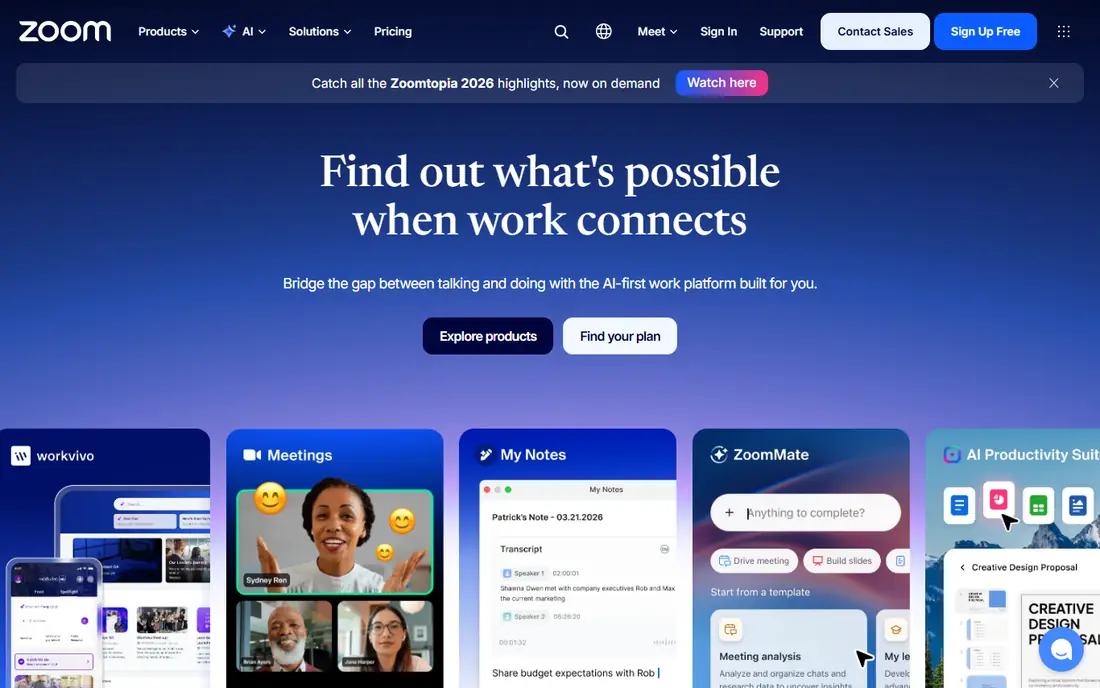
Zoom is the standalone meeting app that needs no introduction. Guests join from a link, video and audio quality are dependable, and breakout rooms, polls, and AI summaries on paid plans cover most team needs. The free tier allows 100 participants with a 40-minute cap on group meetings, while Pro costs $14.16 per user per month billed annually.
The free cap is the main frustration, and larger meetings need higher tiers. But for teams that want one meeting app regardless of which office suite they use, Zoom remains the safest, most familiar choice.
- Everyone knows how to join
- Reliable video and audio
- Strong breakout rooms and AI summaries on paid plans
- Free group meetings cap at 40 minutes
- Pro costs $14.16 per user per month billed annually
- Paid tiers needed for large meetings
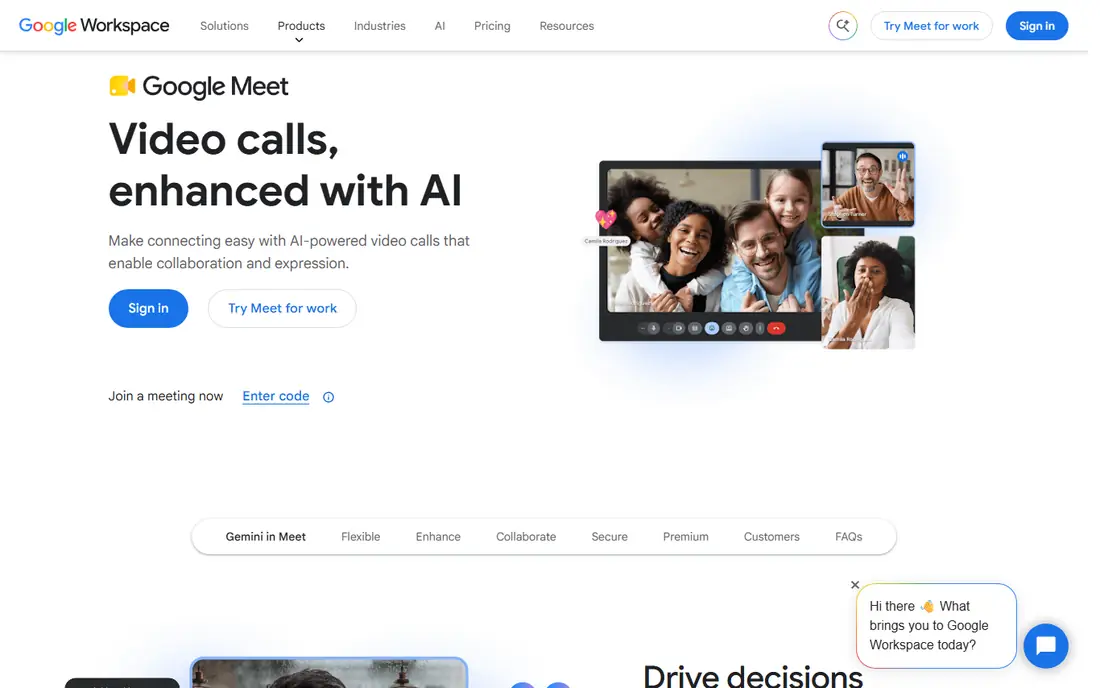
Google Meet is the natural pick for teams on Gmail and Google Calendar. It runs in the browser, so guests join with nothing to install, and the free tier allows group calls of 60 minutes with 100 participants, which beats Zoom's free cap. Paid plans start at $7 per user per month for Business Starter, with larger meetings on higher tiers.
Advanced controls and AI meeting notes trail Zoom and Teams at comparable prices. For Google Workspace teams and anyone who wants the simplest join experience, Meet is our top free-first pick.
- Runs in the browser with no download
- Free group calls run 60 minutes for 100 people
- Deep Gmail and Calendar integration
- Fewer advanced meeting controls than Zoom
- AI notes need higher Workspace tiers
- Large meetings need Enterprise
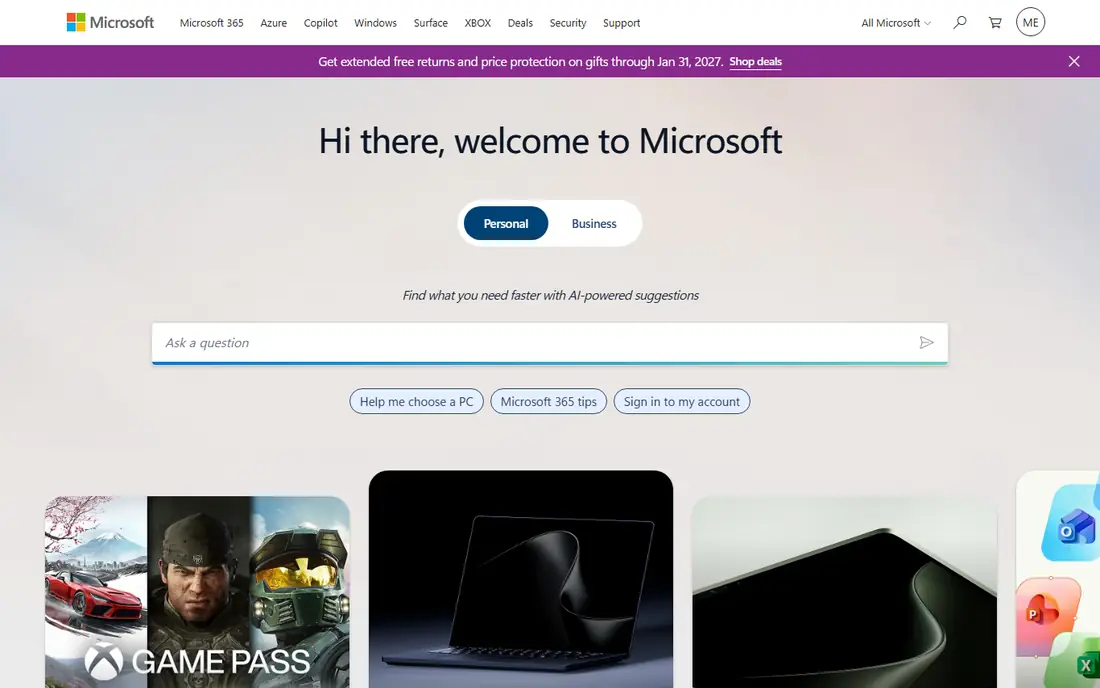
Microsoft Teams combines meetings with chat, files, and Office apps in one place, which suits companies already on Microsoft 365. The free tier matches Meet with 60-minute group calls for 100 people, and Teams Essentials costs just $4 per user per month billed annually, the cheapest paid entry here.
The interface feels heavier than Meet or Zoom, and Copilot AI features need a separate license. For Microsoft 365 companies, though, Teams is the obvious choice, since meetings, chat, and documents already live together.
- Cheapest paid entry at $4
- Free group calls run 60 minutes for 100 people
- Chat, files, and Office in one app
- Interface can feel heavy
- Copilot AI needs a separate license
- Best only inside Microsoft 365
Webex, from Cisco, is the enterprise meeting vendor. Security, compliance, and admin controls suit regulated industries and large organizations, and the free tier covers 40-minute meetings with 100 participants. Paid Meet plans start at $12 per user per month billed annually.
Small teams will find it more corporate and pricier than Meet or Teams. For large organizations and regulated industries that need an enterprise vendor behind their meetings, Webex is the most trusted name here.
- Strong security and compliance
- Reliable at enterprise scale
- Free tier with 100 participants
- Meet tier costs $12 per user per month billed annually
- Interface is corporate
- Overkill for small teams
GoTo Meeting suits security-focused businesses that need dependable dial-in access alongside video. It handles business meetings reliably, with strong security options and straightforward scheduling. Professional pricing starts at $12 per organizer per month billed annually for 150 participants.
There is no permanent free plan, only a trial, and the interface feels older than Zoom or Meet. For companies that value dial-in reliability and a no-nonsense meeting tool, GoTo Meeting remains a solid choice.
- Strong dial-in options
- Reliable for business meetings
- Good security features
- No free plan, trial only
- Professional costs $12 per organizer per month
- Interface feels dated
Zoho Meeting is the budget champion. The free tier allows 60-minute meetings with 100 participants, and Standard costs just $1 per host per month billed annually for 10 participants, with higher tiers scaling to 250. Integration with Zoho CRM and other Zoho apps adds value for teams in that suite.
The ecosystem is smaller than Google or Microsoft, and AI features are thinner. For small teams and Zoho users on a tight budget, it is the cheapest credible meeting platform available.
- Cheapest paid tier here
- Free tier with 60-minute meetings
- Integrates with Zoho apps
- Smaller ecosystem
- Fewer AI features
- Max participants trail the big platforms
Jitsi Meet is the truly free option. Anyone can start a meeting from a browser link, guests need no account, and there is no published per-meeting time limit. Organizations can also self-host it for full control, which appeals to privacy-focused teams and developers.
Free public use is capped at 25 active endpoints a month, and features like AI notes and deep admin controls are absent. For quick calls, classrooms, and privacy-first teams, Jitsi is the best free meeting tool available.
- Completely free and open source
- Guests need no account
- No published time limit
- Free use capped at 25 active endpoints a month
- Fewer features
- Self-hosting needs technical skill
Slack Huddles are for the quick call that should not be a meeting. From any channel or direct message, you start an audio-first huddle, share a screen if needed, and finish in minutes, without opening another app. The free tier covers 1:1 huddles, while Pro at $7.25 per user per month billed annually adds group huddles.
Huddles are not a full meeting platform: no webinars, no large rooms, no advanced controls. For teams already living in Slack, they remove the friction of formal meetings for everyday questions.
- Start a call from any Slack channel
- Ideal for quick questions
- No separate app to open
- Free huddles are 1:1 only
- Not a full meeting platform
- Pro costs $7.25 per user per month
Whereby is the browser-first meeting room, built to embed video into websites and products. Guests join from a link with nothing to install, and the interface stays minimal. A free plan covers small meetings, with paid plans from $8.99 per month for larger rooms.
Free limits are tight, and features trail the big platforms. For telehealth, tutoring, and support teams that embed video into their own product, Whereby is the simplest purpose-built choice.
- Runs entirely in the browser
- Embeddable video rooms
- Simple for guests
- Free plan limits meetings and participants
- Fewer features than Zoom
- Smaller company
How we picked these
We compared official pricing pages, help centers, and independent 2026 comparisons of virtual meeting platforms, favoring tools with current availability in October 2026, a real free plan or trial, and a clear job: standalone meetings, suite integration, budget calls, or embedded video. We mixed free and paid options across team sizes. Prices change often, so confirm on each vendor page before you pay. We did not test every platform hands-on; our comparison rests on published features, pricing, and public reviews.
Picking by what you already use
The simplest rule is to follow your suite. Google Workspace teams should use Meet, Microsoft 365 teams should use Teams, and Slack teams should lean on Huddles for quick calls. Standalone needs point to Zoom, budget needs point to Zoho Meeting or Jitsi, and enterprise security needs point to Webex.
Check free limits against your real meeting habits. A team that runs hour-long group meetings will hit Zoom's 40-minute free cap daily, while Meet and Teams give 60 minutes free. Paying for the suite you already use is usually cheaper than adding a standalone meeting subscription on top.
Sources
- https://meetgeek.ai/blog/top-8-virtual-meeting-platforms
- https://www.learningrevolution.net/best-zoom-alternatives/
- https://livestorm.co/blog/best-online-meeting-apps
- https://fireflies.ai/blog/zoom-alternatives
- https://www.zoom.com
- https://meet.google.com
- https://www.microsoft.com
- https://www.webex.com
- https://www.goto.com
- https://www.zoho.com
- https://meet.jit.si
- https://www.slack.com
- https://whereby.com
Frequently asked questions
What is the best virtual meeting platform?
For most teams, Google Meet and Microsoft Teams are the best starting points, since both offer free 60-minute group calls for 100 people and integrate with suites teams already use. Zoom is the best standalone app regardless of suite. Jitsi Meet is the best fully free option.
What is the best free virtual meeting platform?
Jitsi Meet is the most generous free option, with no account needed and no published time limit, though free use is capped monthly. Google Meet and Microsoft Teams both offer free 60-minute group calls for 100 people. Zoom's free tier caps group meetings at 40 minutes.
How much does Zoom cost?
Zoom Pro costs $14.16 per user per month billed annually, with 100 participants and longer meetings. Business and Enterprise tiers raise participant limits and add admin features. The free tier covers 100 participants with a 40-minute cap on group meetings.
Can I use Microsoft Teams without Microsoft 365?
Yes, Microsoft Teams has a free tier with group meetings up to 60 minutes for 100 participants. Teams Essentials costs $4 per user per month billed annually. Full Microsoft 365 integration, including Office apps and larger meetings, needs a Business plan.
Do virtual meeting platforms work in a browser?
Most do. Google Meet, Jitsi Meet, and Whereby run entirely in the browser with no download. Zoom, Teams, and Webex also offer browser joining, though their desktop apps add features. Browser joining is the easiest option for guests who cannot install software.