Best VoIP Service in 2026: 9 Services Compared
By ToolNimba Editorial Team October 29, 2026 8 min read

- Top pick
 RingCentral
All-in-one communications
Starting priceSee websiteCheck out RingCentralRead our review - Runner-up
 Zoom Phone
Zoom users
Starting priceSee websiteCheck out Zoom PhoneRead our review - Also great
 Google Voice
Simple business phones
Starting price$10 per user per monthCheck out Google VoiceRead our review
How we researched this
We compared official pricing and feature pages, app store listings, privacy policies and public user reviews. Prices change, so check the provider's site before you pay.
Key takeaways
- RingCentral suits teams that want phone, video and messaging in one platform, with deep integrations.
- Zoom Phone suits organizations already on Zoom, adding calling to a familiar app.
- Google Voice is the simplest business phone option, with low cost and Google Workspace integration.
- Ooma Office suits small businesses that want a traditional phone feel with modern features.
- Nextiva and Dialpad add AI features like call summaries and coaching, which suit sales and support teams.
- Grasshopper suits solo owners who want a business number on their existing mobile phone.
Quick comparison
| Name | Best for | Starting price | Free plan | |
|---|---|---|---|---|
| RingCentral | All-in-one communications | See website | Free trial | Visit |
| Zoom Phone | Zoom users | See website | Free trial | Visit |
| Google Voice | Simple business phones | $10 per user per month | No | Visit |
 Ooma Office | Small business phones | $19.95 per user per month | No | Visit |
 Nextiva | AI features | See website | Free trial | Visit |
 Dialpad | AI call summaries | See website | Free trial | Visit |
 Vonage | Flexible APIs | See website | Free trial | Visit |
 Grasshopper | Solo owners | See website | Free trial | Visit |
 Phone.com | Budget small teams | See website | Free trial | Visit |
The best VoIP service
VoIP services carry calls over the internet, replacing traditional phone lines with software that adds video, messaging, call routing and analytics. We compared official feature pages, pricing pages and public documentation to build this list, covering team platforms, small business phones and solo options.
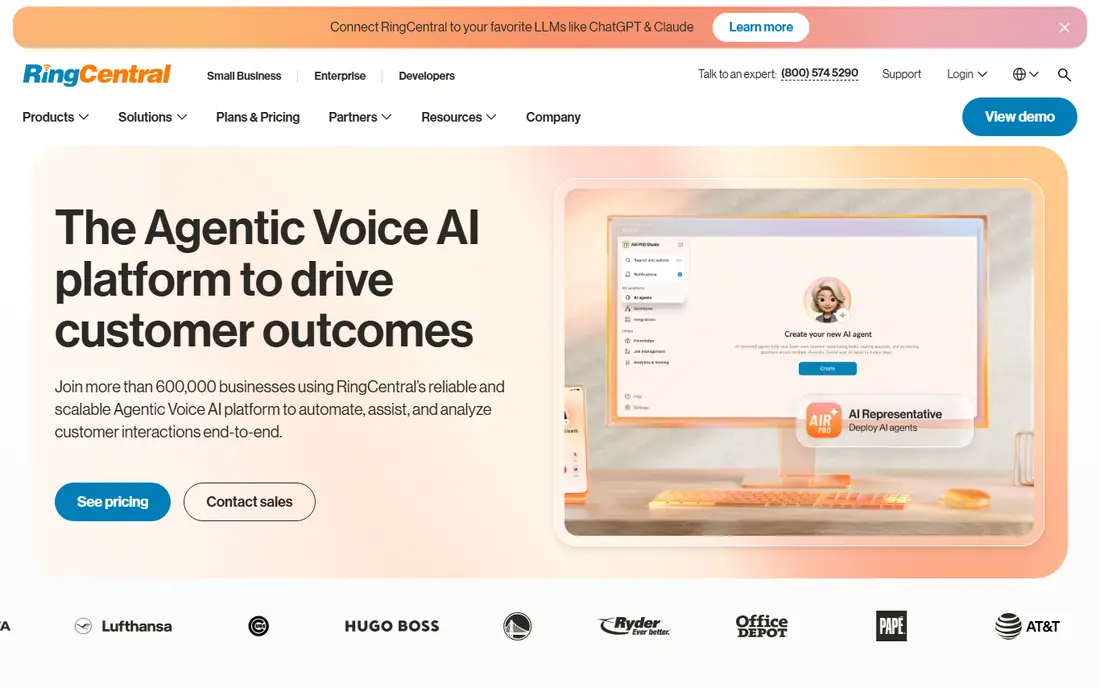
RingCentral combines business phone, video meetings and team messaging in one platform, with call routing, auto-attendant, analytics and integrations with Salesforce, HubSpot, Microsoft 365 and Google Workspace. Plans are tiered by features, with a free trial available.
The breadth suits teams that want one vendor for all communications. Smaller teams may find the depth more than they need. For all-in-one business communications, RingCentral is a top pick.
- Phone, video and messaging in one app
- Hundreds of integrations
- Strong call management
- Pricing varies by plan and region
- Feature depth can overwhelm small teams

Zoom Phone adds cloud calling to the Zoom platform, so teams make and receive calls, check voicemail and route calls from the same app they use for meetings. Plans are tiered, with metered and unlimited options in many regions, and a trial available.
The value is highest for organizations already on Zoom, since calling joins meetings without a second app. Standalone phone buyers should compare dedicated providers. For Zoom teams, Zoom Phone is the natural pick.
- Calling inside the Zoom app
- Global coverage
- Voicemail and call routing
- Needs Zoom licensing
- Phone features vary by plan
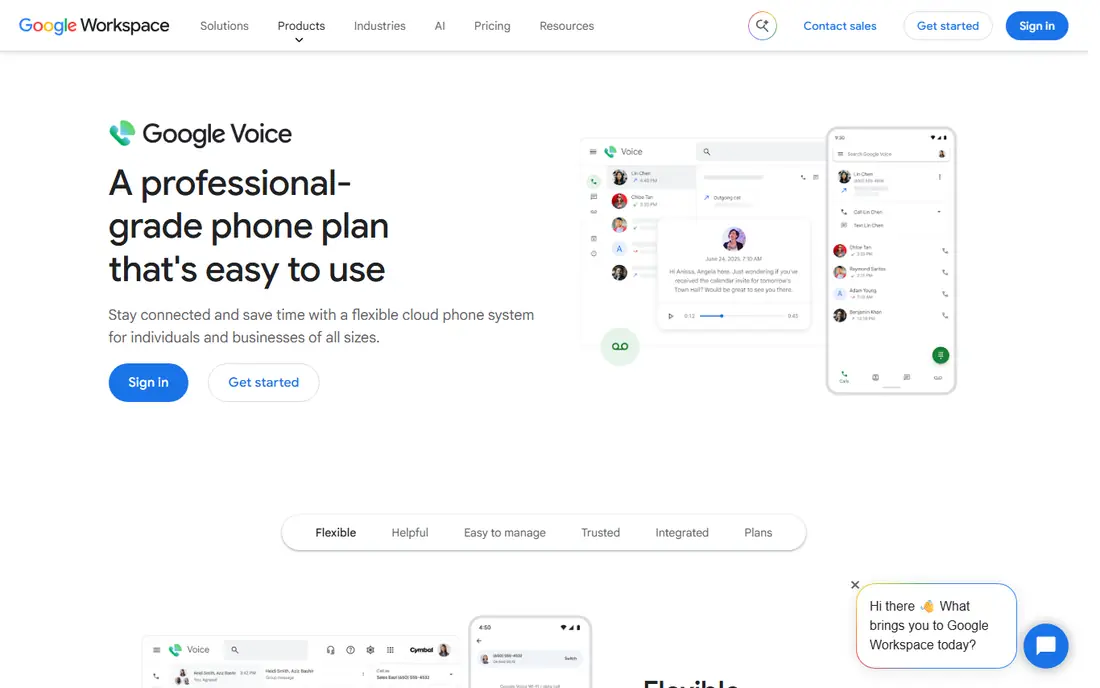
Google Voice for business gives each user a business number that rings on any device, with voicemail transcription, call forwarding and Google Workspace integration. The Starter plan costs 10 dollars per user per month, with higher tiers adding multi-level auto-attendant and advanced reporting.
The simplicity suits small teams that want a business number without phone hardware or complex setup. Advanced call center features trail RingCentral and Nextiva. For simple business phones on Google Workspace, Google Voice is a great pick.
- Simple setup
- Google Workspace integration
- Low starting price
- Fewer advanced call center features
- US-focused availability
Ooma Office provides business phone service with a virtual receptionist, call routing, voicemail and mobile apps, plus optional desk phones for a traditional office feel. The Essentials plan costs 19.95 dollars per user per month, with higher tiers adding call recording and analytics.
The traditional feel suits small businesses moving from landlines without losing familiar workflows. AI features are thinner than Dialpad or Nextiva. For small business phones, Ooma is a solid pick.
- Traditional phone feel
- Virtual receptionist
- No contracts on many plans
- Hardware costs extra for desk phones
- Fewer AI features than rivals
Nextiva combines business phone, video and messaging with AI features like call summaries, sentiment and conversation insights, plus analytics for support and sales teams. Plans are tiered by features, with a free trial available.
The AI features suit teams that review many calls, since summaries and insights save listening time. Entry tiers lack the full AI set. For AI-enhanced business phones, Nextiva is a strong pick.
- AI call summaries and insights
- Unified communications
- Strong reliability claims
- Pricing varies by plan
- AI features need higher tiers
Dialpad is an AI-powered business phone platform with real-time transcriptions, call summaries, coaching prompts and analytics, plus messaging and meetings in one app. Plans are tiered, with a free trial available.
The AI coaching suits sales and support teams that want live guidance during calls. Smaller teams may not need the full AI set. For AI call intelligence, Dialpad is a top pick.
- AI summaries and real-time coaching
- Clean interface
- Google and Microsoft integrations
- Pricing varies by plan
- Some AI features need higher tiers
Vonage offers business phone plans plus communications APIs for voice, messaging and video, letting developers build calling into their own apps. Business phone plans are tiered, with a trial available, while API pricing is usage-based.
The API depth suits companies building custom calling workflows, while standard business plans suit regular teams. API pricing complexity needs care for high-volume use. For flexible, developer-friendly VoIP, Vonage is a strong pick.
- Strong APIs for custom apps
- Global numbers
- Business phone plans
- API pricing is complex
- Business phone pricing varies by region
Grasshopper gives solo owners and tiny teams a business number that forwards to personal mobile phones, with extensions, voicemail transcription and call routing, all without hardware. Plans are tiered by number count and minutes, with a trial available.
The simplicity suits a solo owner who wants to separate business and personal calls on one phone. Growing teams will outgrow it and move to RingCentral or Dialpad. For solo business numbers, Grasshopper is the easiest pick.
- Business number on your existing phone
- Simple setup
- No hardware needed
- No desk phone support
- Fewer team features than rivals
Phone.com offers small business VoIP with virtual receptionist, extensions, call routing and voicemail, at entry pricing aimed at budget-conscious teams. Plans are flexible, with a trial available.
The value suits small teams that need core phone features without enterprise pricing. The interface and brand scale trail RingCentral. For budget small teams, Phone.com is a good pick.
- Low entry pricing
- Flexible plans
- Virtual receptionist and extensions
- Smaller brand than leaders
- Interface feels dated to some users
How we picked these
We compared official feature pages, pricing pages and public documentation for each service, and favored services that are actively sold and supported in October 2026. We mixed all-in-one platforms, small business phones and solo options so the list covers solo owners through large teams. Prices change by region and plan, so where pricing varies we say so and point to vendor pricing pages rather than quoting figures that may shift.
How to choose a VoIP service
Start with team size and tools: Zoom or Google Workspace teams get value from matching phone services, while others should weigh all-in-one platforms against simpler phones. Next, check number porting and coverage: confirm you can keep existing numbers and reach the countries you call. Finally, test call quality on your actual internet connection during a trial, since bandwidth and routing affect every provider.
Test before you port numbers
Run a trial with a new number first, test call quality at peak hours, and check voicemail, routing and mobile apps. Port existing numbers only after the trial proves reliable, since porting back takes time.
Test call quality at peak hours before committing. Run trial calls during your busiest period, on wifi and on mobile data, and check for delay, echo and dropped audio. Quality problems usually come from local network setup, not the provider, so test with a wired connection and a quality headset too. A provider that sounds great in a quiet demo can struggle on a busy office network.