Best Vulnerability Scanning Tool in 2026: 9 Tools Compared
By ToolNimba Editorial Team October 31, 2026 9 min read

- Top pick
 Tenable Nessus
Industry-standard network scanning
Starting price$4,790 per yearCheck out Tenable NessusRead our review - Runner-up
 Qualys VMDR
Enterprise continuous monitoring
Starting priceSee websiteCheck out Qualys VMDRRead our review - Also great
 Rapid7 InsightVM
Risk-based prioritization at scale
Starting priceSee websiteCheck out Rapid7 InsightVMRead our review
How we researched this
We compared official pricing and feature pages, app store listings, privacy policies and public user reviews. Prices change, so check the provider's site before you pay.
Key takeaways
- Tenable Nessus Professional remains the standard single-scanner choice, with a free Essentials tier for small environments.
- Qualys VMDR and Rapid7 InsightVM suit larger teams that need continuous monitoring and remediation workflows.
- ManageEngine Vulnerability Manager Plus and Greenbone OpenVAS offer the most affordable paths for budget-conscious teams.
- Web app scanners such as Acunetix and OWASP ZAP cover a different job from network scanners, so many teams need both.
- A scanner finds problems; fixing them needs ownership, patching, and re-scanning, so check remediation features before you buy.
Quick comparison
| Name | Best for | Starting price | Free plan | |
|---|---|---|---|---|
| Tenable Nessus | Industry-standard network scanning | $4,790 per year | Yes | Visit |
| Qualys VMDR | Enterprise continuous monitoring | See website | Free trial | Visit |
| Rapid7 InsightVM | Risk-based prioritization at scale | See website | Free trial | Visit |
 Intruder | Continuous cloud scanning without infrastructure | See website | Free trial | Visit |
 ManageEngine Vulnerability Manager Plus | Budget on-premises scanning | $695 per unit per year | Yes | Visit |
 Detectify | Web app and attack surface monitoring | See website | Free trial | Visit |
 Acunetix by Invicti | Deep web application scanning | See website | Free trial | Visit |
 Greenbone OpenVAS | Free open-source network scanning | Free | Yes | Visit |
 OWASP ZAP | Free web app security testing | Free | Yes | Visit |
The best vulnerability scanning tools
A vulnerability scanner checks systems, networks, web apps, or code for known weaknesses and misconfigurations, then reports what to fix first. The best tool depends on what you scan: servers and networks, web applications, cloud workloads, or code dependencies. Many teams end up with two tools, one for infrastructure and one for web apps, rather than forcing one scanner to cover everything. Only scan systems you own or have permission to test.
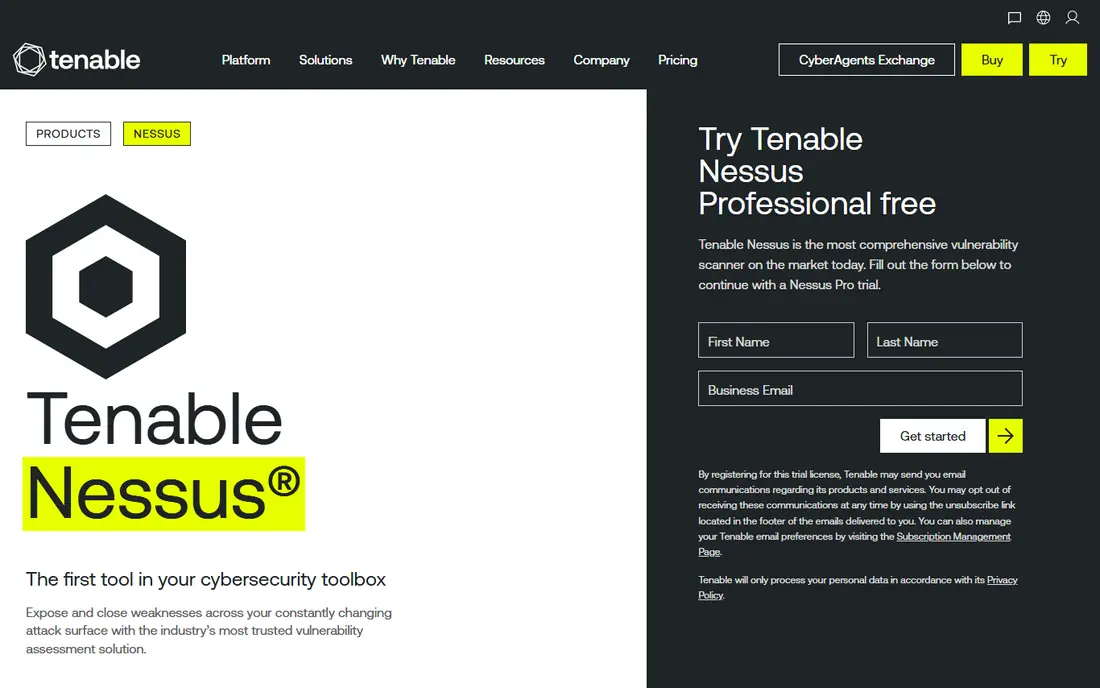
Tenable Nessus Professional is the scanner most security teams know first. It checks hosts, networks, and configurations against a large plugin library, and its reports are widely understood by auditors and IT staff. The free Essentials tier covers small environments, which helps solo consultants and small teams start without a contract. The Professional price is high for a single scanner, and it does not provide the full remediation workflow of Tenable larger platforms. For a team that needs a trusted, thorough network scanner, Nessus remains the default comparison point.
- Very broad plugin coverage for network and host checks
- Essentials tier is free for small environments
- Long track record with security teams
- High annual price for Professional
- Single-scanner scope, not a full management platform
- Results need triage to avoid alert fatigue
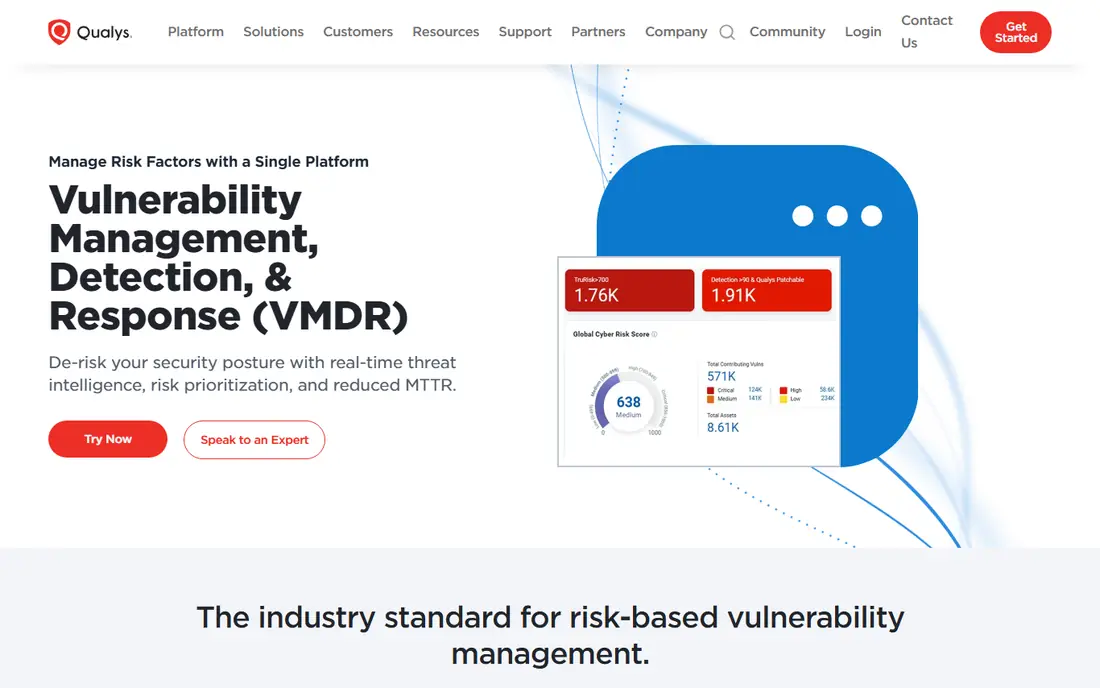
Qualys VMDR suits larger organizations that need continuous visibility rather than occasional scans. Its cloud platform tracks assets, scans for vulnerabilities, and links findings to patching, which helps teams close the loop between detection and repair. That breadth suits hybrid estates with many hosts and cloud workloads. The trade-offs are price transparency and complexity: enterprise plans are quote-based, and smaller teams may find the platform more than they need. If you manage hundreds or thousands of assets and need a managed workflow, Qualys is a strong enterprise pick.
- Cloud platform with continuous scanning
- Vulnerability-to-patch workflow
- Strong asset inventory and reporting
- Enterprise pricing is quote-based
- Complexity suits larger teams
- Smaller teams may find it heavy
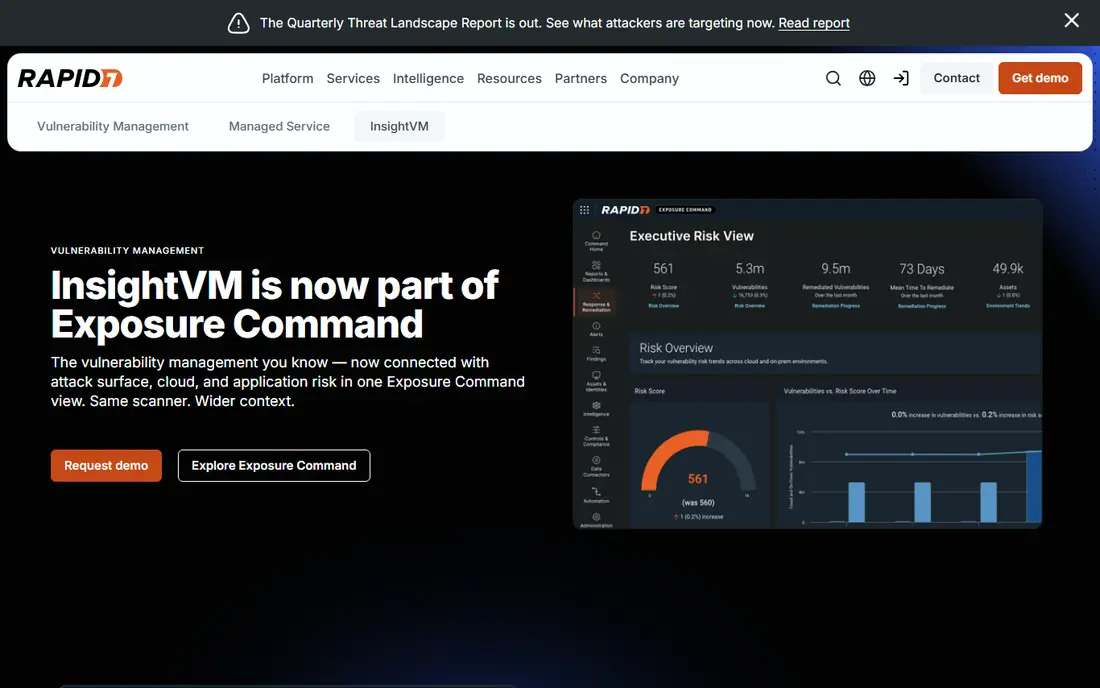
Rapid7 InsightVM helps larger teams decide what to fix first. Its risk scoring weighs exploitability and asset importance, so a critical issue on an internet-facing server ranks above a low-risk finding on an isolated test box. Remediation tracking shows whether fixes actually landed, which matters for compliance reporting. The platform is quote-based and needs tuning to avoid noise, and web app scanning is thinner than dedicated web tools. For infrastructure teams drowning in findings, that prioritization is the main reason to choose InsightVM.
- Risk scoring that prioritizes exploitable issues
- Remediation tracking and reporting
- Strong for larger infrastructure teams
- Pricing is quote-based
- Setup and tuning take time
- Less web-app depth than specialist tools
Intruder suits teams that want continuous scanning without running their own scanner infrastructure. As a cloud service, it checks external and internal systems on a schedule and reports new issues as they appear, which helps small teams that lack a dedicated security engineer. Reports are written for teams that need to act quickly, not just for specialists. The limits are pricing transparency and depth: larger enterprises may need the broader controls of Qualys or Rapid7. If you want a managed scanner that starts quickly, Intruder is a practical modern option.
- Cloud-based continuous scanning
- No scanner infrastructure to manage
- Clear reports for smaller security teams
- Pricing is not openly published for all tiers
- Less depth than enterprise platforms
- Network scanning scope varies by plan
ManageEngine Vulnerability Manager Plus
Best for: Budget on-premises scanning
ManageEngine Vulnerability Manager Plus is the budget on-premises pick. It scans networks and systems, links findings to patching, and offers a free edition for smaller setups, all at a price well below enterprise platforms. That makes it attractive for IT teams that manage their own infrastructure and want scanning plus patching in one tool. The interface is more functional than elegant, and reporting depth lags larger rivals. For a cost-conscious team that prefers on-premises control, it delivers the core scanning and patching job at a fair price.
- Low price for on-premises scanning
- Patch management included
- Free edition for smaller environments
- Interface is functional rather than polished
- Enterprise reporting is thinner
- Some features need higher editions
Detectify covers the web side of vulnerability work: it monitors web applications and attack surfaces for weaknesses, including issues that appear when code or configurations change. Its research model draws on a community of security researchers, which helps it catch newer web issues. That focus is also its limit: it does not replace a network scanner for servers and internal systems. Web teams that ship often will value continuous monitoring, since a new deployment can introduce a flaw overnight. Pair it with a network scanner if you also manage infrastructure.
- Continuous web app and surface monitoring
- Crowdsourced research behind checks
- Clear findings for web teams
- Pricing is quote-based in many cases
- Focus is web, not full network scanning
- Larger estates need higher tiers
Acunetix, part of Invicti, is a specialist web application scanner. It crawls web apps, tests for common flaws such as injection and cross-site scripting, and reports findings with enough detail for developers to fix them. That depth suits teams that run customer-facing web apps and need regular, thorough checks. It needs tuning for complex apps, and false positives require review, as with any automated scanner. It does not scan networks or hosts, so infrastructure teams need a separate tool. If web apps are your main risk, Acunetix is a strong specialist pick.
- Deep automated web app scanning
- Good coverage of common web flaws
- Integrates with development workflows
- Pricing is quote-based
- Requires tuning to reduce false positives
- Not a network scanner
Greenbone OpenVAS, the open-source scanner formerly known as OpenVAS, is the free path to network vulnerability scanning. Its community edition lets a skilled team run thorough network checks without a license fee, and self-hosting keeps control in-house. That freedom comes with work: setup, feed updates, and maintenance need Linux skill, and the time spent can outweigh a commercial license for teams without that skill. Commercial Greenbone editions add support and enterprise features. If your team can run its own scanner and wants zero license cost, OpenVAS is the default free choice.
- Free community edition for network scanning
- Open source and self-hosted
- Broad vulnerability checks
- Requires Linux skill and maintenance
- Setup and feed management take time
- Commercial support is separate
OWASP ZAP is the free standard for web application security testing. It can proxy traffic, spider a site, and run automated scans, and its plugin ecosystem extends it for many testing jobs. Security testers and developers use it to find web flaws before release, and its community keeps it actively maintained. It is not a managed, set-and-forget scanner: it needs skill to configure, and results need human review to separate real issues from noise. For a team on a zero budget that can invest learning time, ZAP is an essential web testing tool.
- Free and open source
- Strong for manual and automated web testing
- Large community and plugin ecosystem
- Needs skill to use well
- Not a managed continuous scanner
- Reports need human review
How we picked these
We compared official feature and pricing pages, along with public reviews, and we kept only tools that actively scan for vulnerabilities in networks, web apps, or code. We favored tools with published prices, free tiers, or trials, and we included both commercial and open-source options. Prices change often, and enterprise plans are frequently quote-based, so confirm pricing at your asset count before you buy. We did not treat vendor coverage claims as verified counts.
How to run scanning without drowning in findings
Start with scope and permission. Scan only systems you own or are authorized to test, and schedule scans to avoid disrupting production work. Then prioritize by exploitability and exposure: an internet-facing critical flaw outranks a low-risk internal finding. Assign each finding an owner and a fix date, patch, and re-scan to confirm the fix worked. Without that loop, scanning creates reports but not security.
Separate network and web app scanning in your plan. A network scanner will miss logic flaws in a web app, and a web scanner will miss host misconfigurations. For code and dependencies, add a software composition tool such as Snyk if your team ships software. Review false positives with your developers, tune scans over time, and keep a regular cadence rather than scanning only before an audit. A smaller, well-owned scan program beats a large, ignored report every time.
Sources
- https://www.tenable.com/products/nessus
- https://www.qualys.com/apps/vulnerability-management-detection-response/
- https://www.rapid7.com/products/insightvm/
- https://intruder.io
- https://www.manageengine.com/vulnerability-management/
- https://detectify.com
- https://www.acunetix.com
- https://www.greenbone.github.io/docs/latest/
- https://www.zaproxy.org
- https://rankite.com/blog/best-vulnerability-management-tools