Best Web Security Software in 2026: 9 Tools Compared
By ToolNimba Editorial Team October 31, 2026 9 min read

- Top pick
 Bitdefender Total Security
Best overall protection
Starting price$59.99 per yearCheck out Bitdefender Total SecurityRead our review - Runner-up
 Norton 360 Deluxe
Families wanting every extra
Starting price$49.99 per yearCheck out Norton 360 DeluxeRead our review - Also great
 McAfee+
Households with many devices
Starting price$39.99 per yearCheck out McAfee+Read our review
How we researched this
We compared official pricing and feature pages, app store listings, privacy policies and public user reviews. Prices change, so check the provider's site before you pay.
Key takeaways
- Bitdefender Total Security offers strong lab results and light system impact, with five devices covered on most plans.
- Norton 360 Deluxe suits families that want VPN, cloud backup, parental controls and dark web monitoring in one suite.
- Avast One Free and Microsoft Defender cover basic protection at no extra cost, which is enough for careful users on modern systems.
- McAfee+ suits households with many devices, since its higher plans cover unlimited devices.
- Renewal prices are often higher than first-year prices, so check the renewal figure before you subscribe.
Quick comparison
| Name | Best for | Starting price | Free plan | |
|---|---|---|---|---|
| Bitdefender Total Security | Best overall protection | $59.99 per year | Yes | Visit |
| Norton 360 Deluxe | Families wanting every extra | $49.99 per year | Free trial | Visit |
| McAfee+ | Households with many devices | $39.99 per year | Free trial | Visit |
 Avast One | Best free antivirus suite | Free | Yes | Visit |
 Malwarebytes Premium | Simple malware cleanup | $59.99 per year | Yes | Visit |
 ESET Home Security Premium | Lightweight protection | $29.99 per year | Free trial | Visit |
 Trend Micro Maximum Security | Beginners wanting simplicity | $29.95 per year | Free trial | Visit |
 TotalAV | Budget buyers | $19 per year | Yes | Visit |
 Microsoft Defender | Free Windows protection | Free | Yes | Visit |
The best web security software
Web security software now covers more than viruses. It blocks phishing sites, ransomware, malicious downloads and scam links, and many suites add a VPN, a password manager, parental controls and dark web monitoring. The tools below are live, widely tested in independent labs and suited to home use. Note that no software replaces careful browsing, strong passwords and software updates.
Bitdefender is the reference point for paid home security. Independent labs have given it top marks for protection, performance and usability, and reviewers consistently find it light on older computers. Total Security covers five devices and adds a firewall, webcam protection, parental controls and a password manager. The bundled VPN limit is the main catch. At 200 MB per day, it suits occasional safe browsing, not daily streaming through a VPN. Users who need unlimited VPN should budget for an upgrade or a separate VPN. For most households that want strong protection without slowing a PC, Bitdefender remains the safest default.
- Top independent lab scores
- Light on system resources
- Five devices on Windows, Mac, Android and iOS
- Bundled VPN caps at 200 MB per day unless upgraded
- Renewal price is higher than first-year price
Norton 360 Deluxe bundles the most extras in one suite. Alongside antivirus and a firewall, it includes an unlimited VPN, 50 GB of cloud backup, a password manager, parental controls and dark web monitoring. For a family with several devices, that bundle can replace three separate subscriptions. Renewal pricing needs a clear check. The first-year price is often discounted, and the renewal figure is much higher. Norton still earns its place for families that will use the VPN, backup and parental controls, rather than paying for extras they never open.
- Unlimited VPN
- 50 GB cloud backup
- Parental controls and dark web monitoring
- Five devices
- First-year price rises sharply at renewal
- Slightly heavier on system resources than Bitdefender
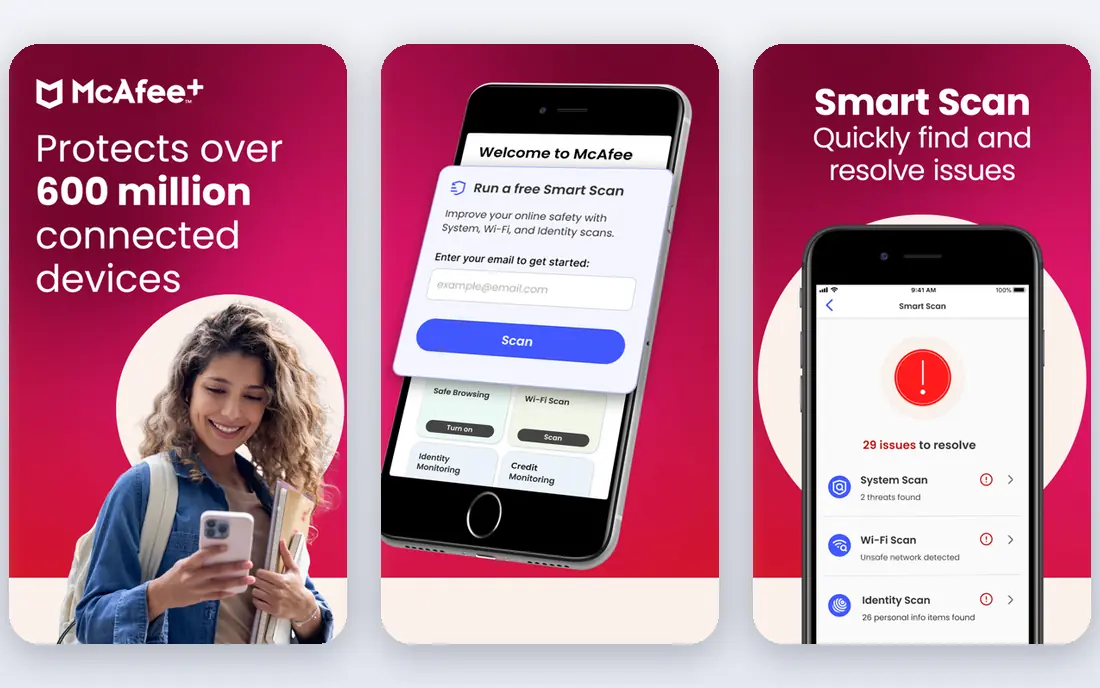
McAfee+ suits households that have lost count of their devices. Higher plans cover unlimited devices, which helps families with phones, tablets, laptops and older PCs. Mobile apps are strong, and identity monitoring on higher tiers adds breach alerts and support. The suite can feel busy, with many features competing for attention. Buyers should check which plan includes unlimited devices and identity protection, since entry plans differ. For a large household, the unlimited-device model can be cheaper than buying five-device licences for each family member.
- Unlimited devices on higher plans
- Strong mobile apps
- Identity monitoring on higher tiers
- Interface can feel busy
- Some features vary by plan and region
Avast One offers the strongest free antivirus suite for many users. The free tier uses the same real-time engine as paid plans and has scored well in independent labs for protection. Paid plans add an unlimited VPN, more privacy tools and extra device coverage. Free users should expect upgrade prompts, which is how the free model is funded. For a careful user who wants dedicated protection without paying, Avast One Free is a solid choice. For users who want a full VPN and no prompts, the paid plan is worth comparing with Norton and Bitdefender.
- Strong free tier with the same core engine as paid plans
- Modular extras
- Good lab scores
- Paid plans cost more for full VPN and extras
- Free tier includes prompts to upgrade
Malwarebytes is best known for cleaning up computers that are already infected. The free version scans and removes malware on demand, while Premium adds real-time protection, web protection and ransomware layers. Its simple interface suits users who do not want a large suite. The trade-off is breadth. Malwarebytes Premium does not bundle the same VPN, backup and parental control set as Norton 360. It suits users who want focused, no-fuss protection, or who keep the free scanner as a second opinion alongside another antivirus tool.
- Excellent for removing existing infections
- Simple interface
- Works alongside other antivirus tools in free form
- Fewer suite extras than Norton or Bitdefender
- Higher price for a focused tool
ESET appeals to users who notice every slowdown. Its engine is known for light performance impact, which helps gamers and owners of older PCs. Home Security Premium adds a firewall, banking protection and device controls without turning the suite into a large bundle. Users who want a VPN, cloud backup and parental controls in one purchase may find ESET thinner than rivals. For protection-first buyers who value speed and low resource use, ESET is a strong, affordable alternative to the big suites.
- Very light system impact
- Strong protection scores
- Good for gamers and older PCs
- Fewer bundled extras
- Interface is more technical than Norton or Avast
Trend Micro Maximum Security
Best for: Beginners wanting simplicity
Trend Micro Maximum Security suits beginners who want protection without learning a complex dashboard. Setup is quick, web threat protection blocks phishing and scam sites, and the interface stays out of the way during daily use. That simplicity helps households where one person manages security for everyone. Advanced users may want more controls over firewall rules and scanning options. Trend Micro also varies device coverage by plan, so check the device count before buying for a family. For a simple, set-and-forget suite, it is a practical pick.
- Simple setup and interface
- Strong web and phishing protection
- Good for less technical users
- Fewer advanced controls
- Device coverage varies by plan
TotalAV attracts budget buyers with a low first-year price for multi-device coverage. Paid plans add a VPN, password management and system tune-up tools, which makes the bundle look generous for the entry cost. For a household that wants basic protection at the lowest headline price, it is worth a look. Buyers should check renewal pricing and plan details carefully. The first-year discount is steep, and the renewal figure is higher. Lab scores also vary, so TotalAV suits price-sensitive users who will still practise safe browsing, rather than users who want the top lab-rated engine at any cost.
- Low first-year price
- Covers multiple devices
- Includes VPN and password tools on paid plans
- Renewal price rises
- Lab scores and feature depth vary by plan
- Upsell prompts on free tier
Microsoft Defender is the free protection already on Windows 10 and 11. It runs in the background with SmartScreen and the Windows firewall, and independent labs have scored it close to paid suites for blocking real-world attacks. For a careful Windows user, it may be all that is needed. The limit is extras. Defender does not bundle a VPN, cloud backup, password manager or full parental controls. Mac, Android and iOS users need another tool. If you already practise safe browsing and keep Windows updated, Defender plus a password manager can be a sound, zero-cost setup.
- Built into Windows at no extra cost
- Strong lab scores for a free tool
- No extra install or prompts
- Fewer extras than paid suites
- No VPN, backup or parental bundle
- Windows only
How we picked these
We compared official pricing pages, independent lab results from AV-TEST and AV-Comparatives, app store listings and public reviews. We favoured tools that are live now, that protect Windows and other major platforms where stated, and that publish enough pricing detail to compare first-year and renewal costs. We excluded closed tools, tools with no current lab coverage and tools whose pricing could not be verified.
How to choose without overpaying
Start with what you already have. Windows users already have Defender, Mac users have Gatekeeper and XProtect, and Android users have Play Protect. A paid suite makes sense when you need its extras, such as a VPN, backup, parental controls or multi-device coverage, not just for basic malware blocking.
Check renewal, not just the first year
Many suites discount the first year heavily. Write down the renewal price, the device count and the VPN limit before you subscribe, and set a reminder before renewal.
Keep the basics in place
No suite blocks every phishing link. Use strong, unique passwords, turn on two-factor authentication, update software promptly and treat unexpected attachments and payment requests with caution. Security software is one layer, not a guarantee.