Best Webinar Software in 2026: 8 Platforms Compared
By ToolNimba Editorial Team October 29, 2026 10 min read

- Top pick
 Zoom Webinars
Large audiences and Zoom teams
Starting price$66.67 per monthCheck out Zoom WebinarsRead our review - Runner-up
 GoTo Webinar
Recurring corporate webinars
Starting price$59 per monthCheck out GoTo WebinarRead our review - Also great
 Livestorm
Browser-based marketing webinars
Starting priceSee websiteCheck out LivestormRead our review
How we researched this
We compared official pricing and feature pages, app store listings, privacy policies and public user reviews. Prices change, so check the provider's site before you pay.
Key takeaways
- Zoom Webinars is our pick for most teams because audiences already know how to join it and it scales from hundreds to tens of thousands of attendees.
- GoTo Webinar suits recurring training and corporate programs, with a familiar host workflow and solid reporting.
- Zoho Webinar is the best low-cost start, with a free plan for small sessions and a cheap paid tier for growing teams.
- Attendee limits and session length matter more than headline price, so check both before you commit to a yearly plan.
Quick comparison
| Name | Best for | Starting price | Free plan | |
|---|---|---|---|---|
| Zoom Webinars | Large audiences and Zoom teams | $66.67 per month | No | Visit |
| GoTo Webinar | Recurring corporate webinars | $59 per month | No | Visit |
| Livestorm | Browser-based marketing webinars | See website | Yes | Visit |
 Webex Webinars | Regulated enterprises | See website | No | Visit |
 Demio | Polished marketing webinars | See website | No | Visit |
 Zoho Webinar | Small budgets and Zoho users | Free | Yes | Visit |
 WebinarJam | Sales and launch webinars | $39 per month | No | Visit |
 ON24 | Enterprise demand generation | See website | No | Visit |
The best webinar software
We compared official pricing pages, attendee limits, engagement features and public reviews for the platforms below. A good webinar platform needs stable video, simple joining for attendees, registration pages, polls and Q and A, and reports you can hand to sales or training managers without extra work.
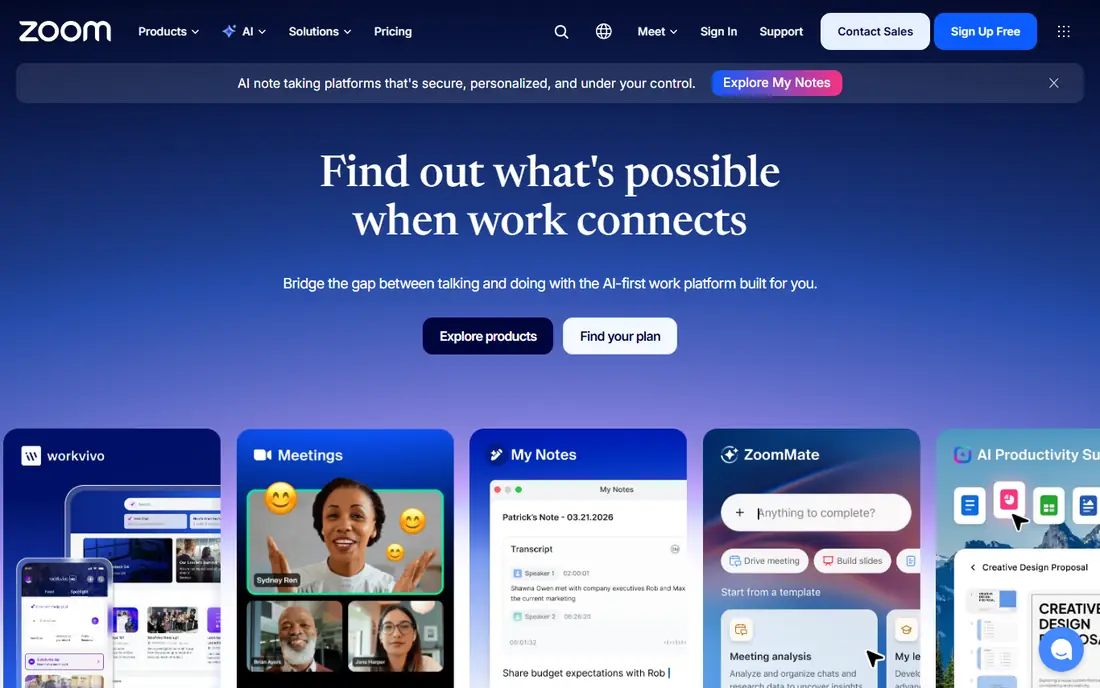
Zoom Webinars wins on familiarity. Most attendees have joined a Zoom call before, so they do not need a download tutorial or a new account to take part. That lowers no-show friction and support requests, which matters when you are running a launch or a training session for hundreds of people at once.
The platform scales well, from 500 attendees on the entry plan up to much larger event capacities, and it offers practice sessions, breakout-style interaction, polls, Q and A and recording with transcription. The catch is pricing structure: the webinar price sits on top of a Workplace license, and higher attendee tiers cost more. If your team already pays for Zoom, that is a small hurdle, but new buyers should price the full stack.
- Audiences already know the join flow
- Scales to very large events
- Strong recording and captioning options
- Requires a Zoom Workplace license on top of the webinar add-on
- Costs rise with attendee capacity
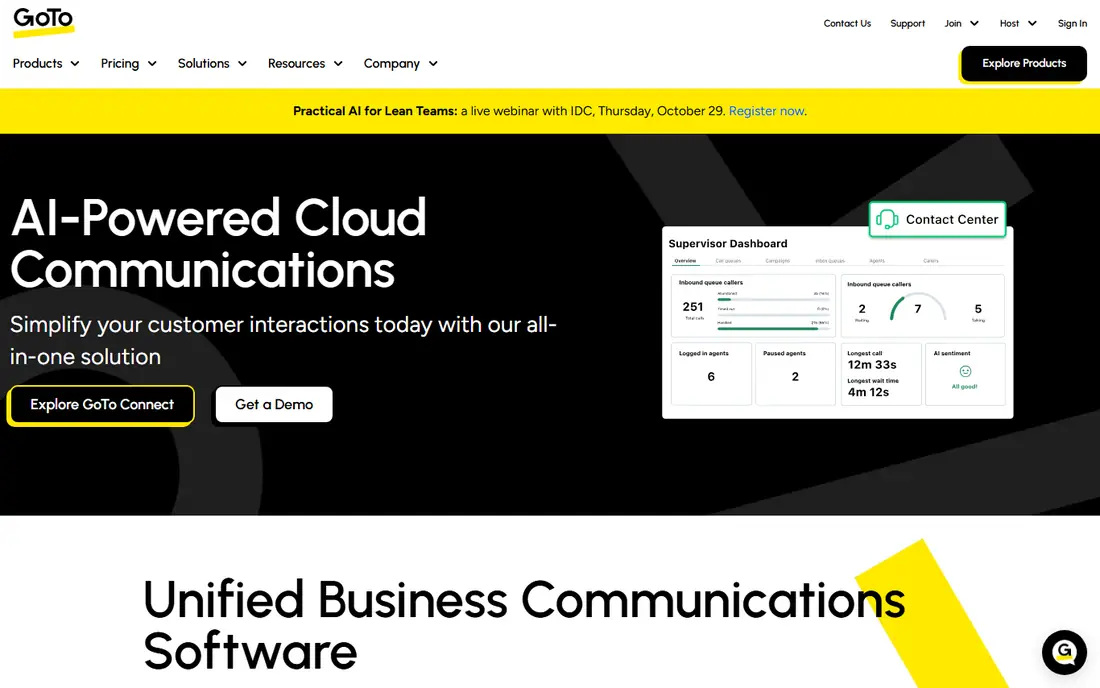
GoTo Webinar has run corporate webinars for years, and that maturity shows in the host workflow. Scheduling repeat sessions, managing registration, running polls and handouts, and pulling attendance reports all follow a predictable pattern that training teams can teach once and reuse. It is a workhorse rather than a showpiece, and for weekly programs that is a strength.
The downside is polish. The interface looks older than Livestorm or Demio, and some marketing features, such as deep CRM scoring, are thinner. GoTo also lacks a free tier, so you will need a trial or a paid month to judge it properly. For a company running the same webinar every week, reliability beats novelty, and GoTo delivers that.
- Proven reliability for repeat programs
- Practice mode and engagement tools
- Clear analytics for hosts
- Interface feels dated next to newer rivals
- No free plan for testing at scale
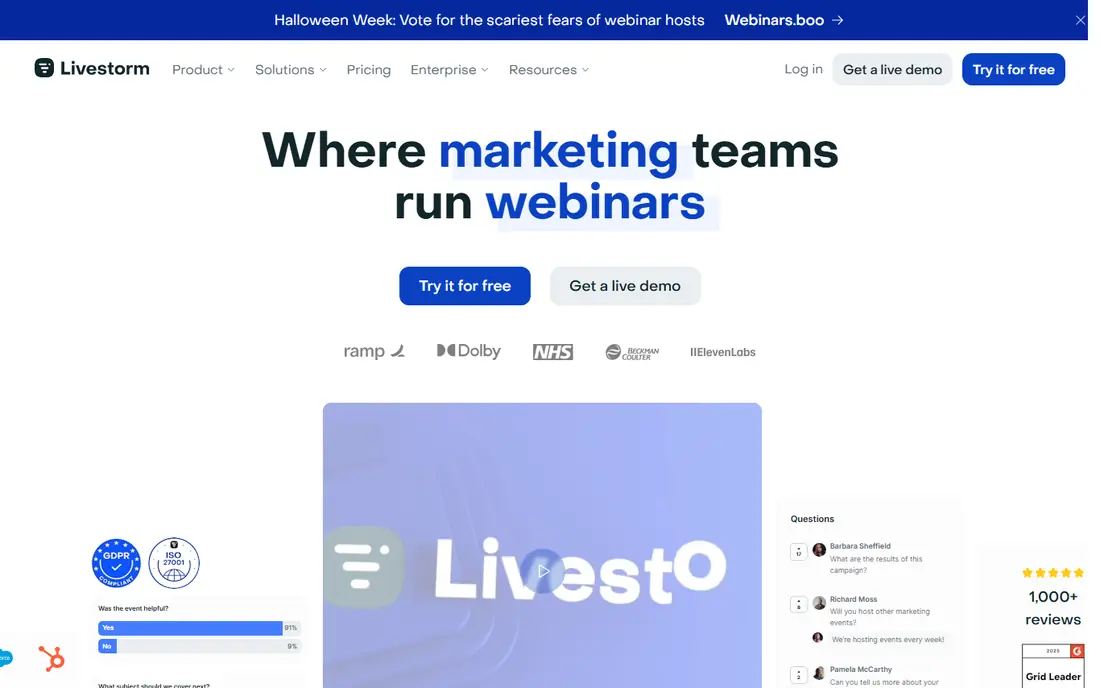
Livestorm is built for marketing teams that want webinars to feed a pipeline. Attendees join in a browser, registration pages and email reminders are built in, and polls, Q and A and calls to action sit inside the live session. Integrations with common CRMs mean attendance and engagement data can flow to sales without manual exports.
The free plan is genuinely useful for trying the product with a small audience and short sessions. Paid pricing, however, has moved toward a credit model in some plans, so the cost depends on how many attendees and sessions you run. Map your monthly event calendar before choosing a tier, and confirm the current price on the Livestorm site, since older per-host pricing no longer matches every plan.
- Attendees join from a browser with no download
- Free plan for small tests
- Strong CRM and automation links
- Pricing model has changed to credits in some plans
- Larger events need a higher tier
Webex Webinars fits organizations where security, compliance and IT control come first. It offers enterprise-grade encryption, admin controls and large event capacity, and it pairs with the wider Webex meeting and calling suite that many large companies already run. For a bank, health system or government supplier, those controls are not optional extras.
Small teams will find it overkill. Pricing is quote-based or license-based at enterprise levels, and the admin setup takes longer than a self-serve tool like Zoho or Demio. If you only run a monthly webinar for 100 people, a lighter platform will save money and time. If your IT team must approve every vendor, Webex makes that approval easier.
- Enterprise security and compliance options
- Very large event capacity with Webex Events
- Stable video at scale
- Expensive for small teams
- Setup can feel heavy for a simple webinar
Demio is the platform we point to when the webinar itself is a marketing asset. The attendee view is clean, registration pages look modern, and features such as timed handouts, polls, calls to action and engagement tracking help hosts spot the warmest leads. Automated webinars let you replay a recorded session on a schedule, which suits evergreen funnels.
The trade-off is capacity pricing. Entry plans cover smaller audiences, and moving to 500 or 1,000 attendees pushes the monthly cost up. That is normal in this category, but Demio's jump can surprise teams that grow fast. Start on the smallest tier that fits your real audience, not your hoped-for audience, and upgrade when attendance proves it out.
- Clean attendee experience with no downloads
- Engagement scoring and CRM sync
- Automated and live events in one tool
- Attendee caps rise in price quickly
- Limited free testing options
Zoho Webinar is the budget pick that still feels like a real product, not a stripped demo. The free plan covers small events, and the paid Standard plan is listed at $8 per organizer per month billed annually, which is far below most rivals. For a small business, a school or a nonprofit running occasional webinars, that price gap is hard to ignore.
Integration is the second reason to pick it. If you already use Zoho CRM, Mail or Meeting, attendee data and follow-up stay inside one system. The platform is thinner on advanced engagement scoring and large-event production tools, so enterprise marketers will outgrow it. For education and small-team training, though, it covers registration, live video, polls and recording at a price others cannot match.
- Free plan for small sessions
- Low paid starting price
- Ties into Zoho CRM and other Zoho apps
- Fewer advanced marketing features than Demio or ON24
- Smaller community of third-party templates
WebinarJam is built for creators and small businesses that sell during a live session. It includes live offers, chat moderation, polls and replay pages that push attendees toward a purchase, and it supports automated webinars for launches that run on a schedule. The entry price of $39 per month billed annually makes it one of the cheapest paid options for a sales-focused host.
The experience is less refined than Demio or Livestorm, and new hosts may need time to learn where settings live. Attendee limits also matter: the entry tier covers smaller audiences, so a large launch needs a higher plan. If your webinar is a sales event first and a meeting second, WebinarJam's conversion tools justify the learning curve.
- Low entry price for sales webinars
- Live offers and chat tools built for conversions
- Automated replay options
- Interface is busy for new hosts
- Support and polish trail newer rivals
ON24 is the enterprise end of this list, aimed at B2B companies that run webinars as a pipeline channel. Its analytics go deeper than most rivals, tracking engagement signals that sales teams can use to prioritize follow-up, and it supports large virtual events with multiple sessions and content hubs. For a demand generation team reporting to revenue leaders, that depth is the point.
For everyone else, ON24 is too much. Pricing is quote-only and typically runs into annual contracts well above self-serve tools, and setup benefits from a dedicated owner. Small teams should pick Zoom, GoTo or Zoho and revisit ON24 only when webinar volume and pipeline reporting justify an enterprise contract.
- Deep analytics and engagement scoring
- Strong fit for B2B pipeline programs
- Large-scale virtual event support
- Quote-only pricing
- Overkill and costly for small teams
How we picked these
We compared official pricing pages, attendee limits, feature lists and public reviews for each platform, and we favored tools that are available to US buyers now and publish clear limits on attendees and session length. Prices change often in this category, so we used vendor pricing checks from September and October 2026 and marked quote-based tools as See website rather than guessing a figure.
How to choose the right platform
Start with your audience size and your frequency, not the feature list. A monthly webinar for 100 people has very different needs from a weekly program for 1,000, and most platforms charge by attendee tier. Check whether the price includes the meeting license, as Zoom does not, and whether sessions have a time cap on the plan you are considering.
Next, test the attendee journey yourself. Register, join from a phone and a laptop, ask a question and watch the replay. If joining feels awkward for you, it will feel worse for a first-time attendee. Finally, check the follow-up workflow: registration data should reach your CRM or email tool without manual exports, and reports should show who attended, how long they stayed and which polls they answered.