Best Website Builder Software in 2026: 9 Tools Compared
By ToolNimba Editorial Team October 31, 2026 10 min read

- Top pick
 Wix
Flexibility and add-ons
Starting price$17 per monthCheck out WixRead our review - Runner-up
 Squarespace
Polished small business sites
Starting price$19 per monthCheck out SquarespaceRead our review - Also great
 WordPress.com
Blogging and content sites
Starting price$4 per monthCheck out WordPress.comRead our review
How we researched this
We compared official pricing and feature pages, app store listings, privacy policies and public user reviews. Prices change, so check the provider's site before you pay.
Key takeaways
- Squarespace is the best choice for polished small business sites, while Wix offers the most flexibility and the largest range of add-ons.
- WordPress.com suits bloggers and content sites that want WordPress without managing hosting, while Shopify remains the clear pick for online stores.
- Hostinger offers the lowest entry price, but long billing terms and renewal prices need checking before you commit.
- Webflow and Framer suit design-led sites, while GoDaddy and Duda suit fast launches and agency work respectively.
Quick comparison
| Name | Best for | Starting price | Free plan | |
|---|---|---|---|---|
| Wix | Flexibility and add-ons | $17 per month | Yes | Visit |
| Squarespace | Polished small business sites | $19 per month | Free trial | Visit |
| WordPress.com | Blogging and content sites | $4 per month | Yes | Visit |
 Shopify | Online stores | $29 per month | Free trial | Visit |
 Webflow | Design-led marketing sites | $15 per month | Yes | Visit |
 Framer | Portfolios and design-led sites | $10 per month | Yes | Visit |
 Hostinger | Lowest entry price | $2.99 per month | Free trial | Visit |
 GoDaddy | Fast, simple launches | $9.99 per month | Yes | Visit |
 Duda | Agencies building many sites | $19 per month | Free trial | Visit |
The best website builder software
Website builders differ in what they trade off: ease against control, design polish against flexibility, and low entry price against renewal cost. Picking the right one starts with the kind of site you need, not the longest feature list.
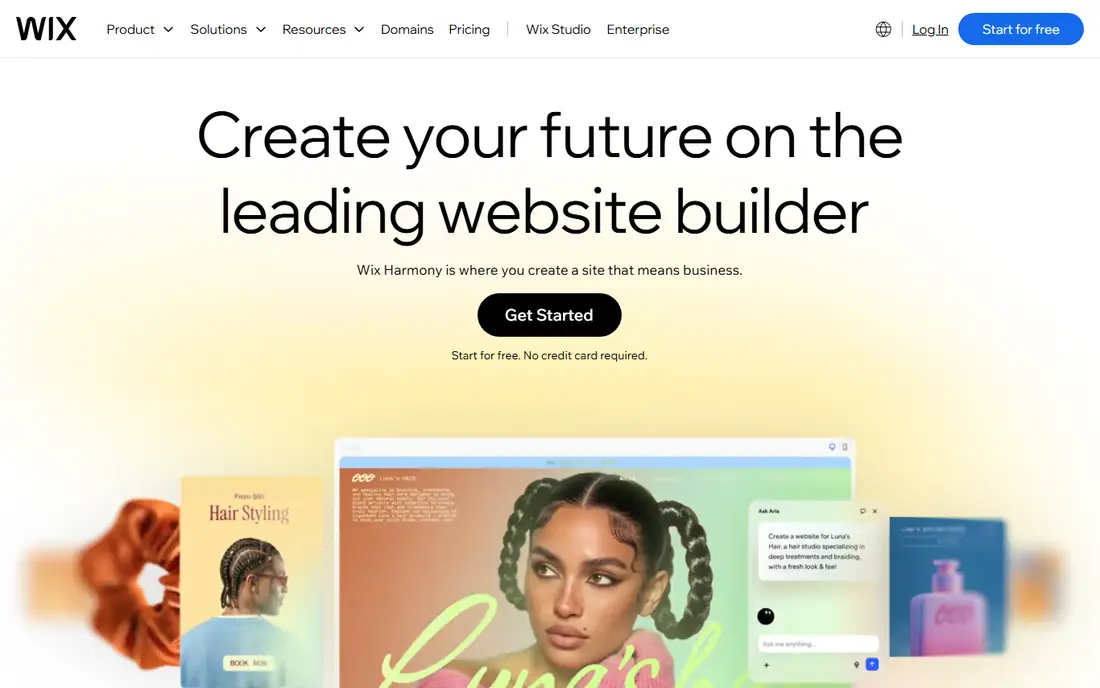
Wix is the most flexible hosted builder in this list. The drag-and-drop editor lets you place elements freely, the template library covers most business types, and the app market adds bookings, stores, forms, and marketing tools without code. An AI builder can create a first draft from a short description, which you can then edit by hand, so a credible site can be live within a day. The trade-off is lock-in. A Wix site does not move cleanly to another platform, so switching later usually means rebuilding. Paid plans start around $17 per month, with higher plans adding payments, scheduling, and more storage. For a small business that wants maximum choice in one place and does not plan to move platforms, Wix is a strong default.
- Drag-and-drop editor with many templates
- Large app market
- AI builder for a fast start
- Sites do not export cleanly to other platforms
- Costs rise with apps and higher plans
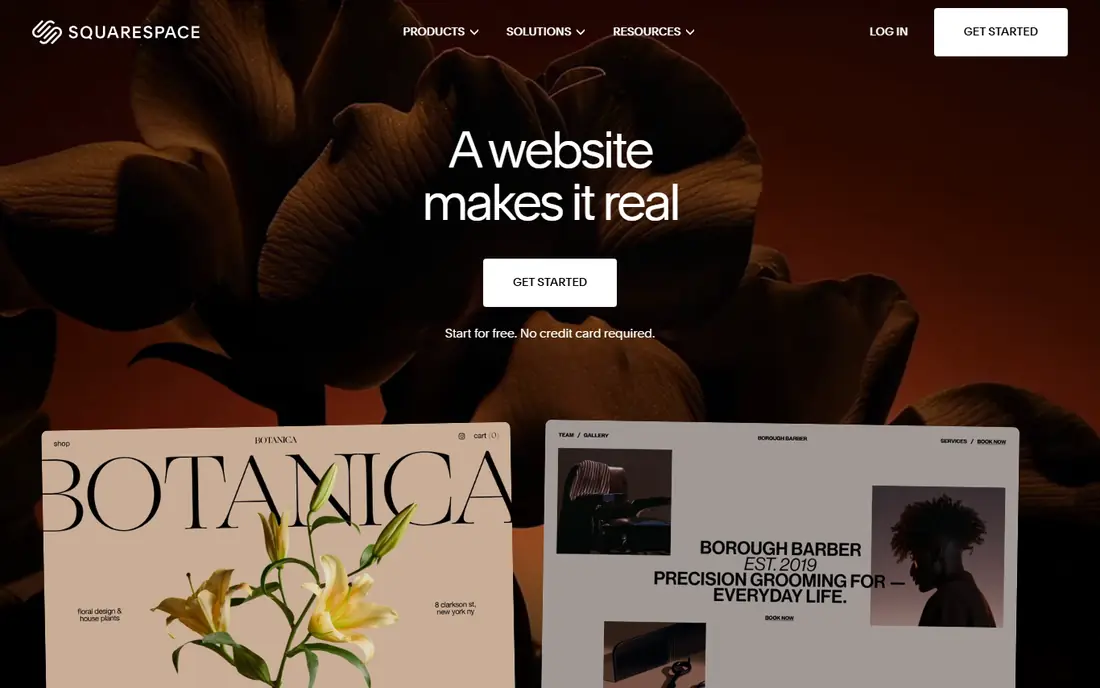
Squarespace suits businesses that want a site to look good with less effort. Templates are consistently polished, typography and spacing are handled well by default, and blogging, portfolios, online stores, and scheduling are built in rather than added through many separate apps. Blueprint AI can generate a starting design, which you can then refine, and hosting, security, and updates are included. Squarespace is less flexible than Wix when you want a highly custom layout, and there is no free plan, only a 14-day trial, with paid plans from $19 per month billed annually. For service businesses, creatives, restaurants, and portfolios where appearance matters, that polish is worth the trade-off. For a site that needs many third-party apps or complex custom features, Wix or WordPress may fit better.
- Polished, design-led templates
- Built-in blogging, stores, and scheduling
- Reliable hosting included
- Less flexible than Wix for custom layouts
- No free plan, only a 14-day trial
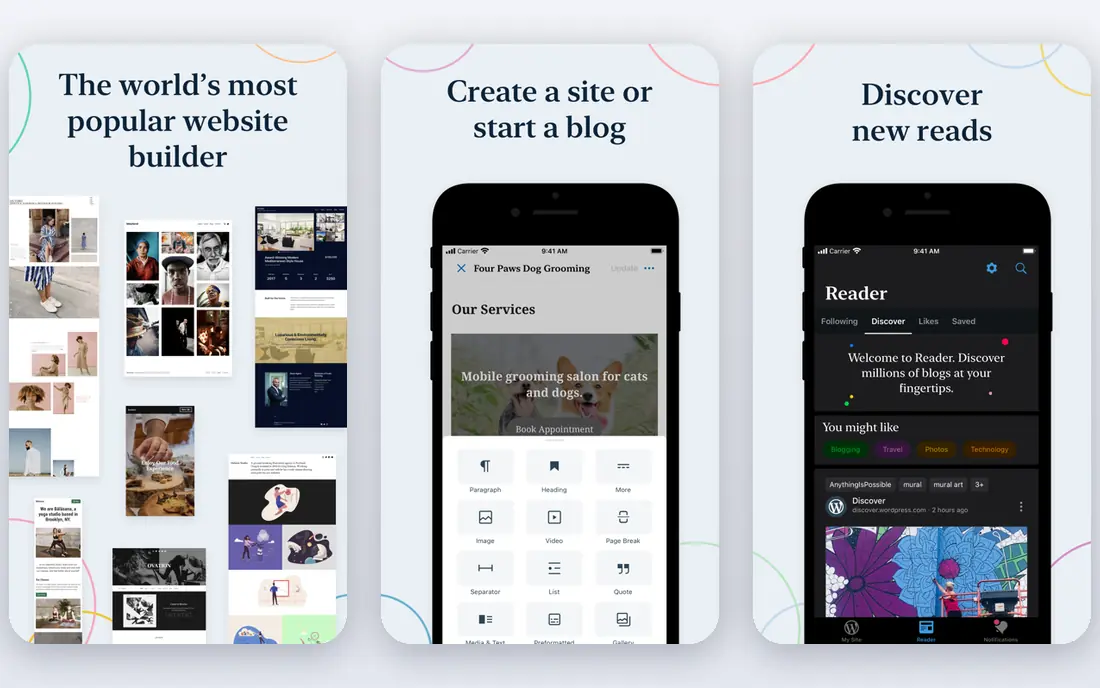
WordPress.com gives you WordPress without managing a server. Automattic handles hosting, updates, security, and spam filtering, while you focus on writing and publishing. That combination suits bloggers, news sites, and content-led businesses that publish often and want a large theme and block ecosystem, without hiring a developer to maintain hosting. The free plan is usable for a personal blog, with WordPress branding and limited features, while paid plans start around $4 per month, with higher plans opening up plugins, themes, and store features. Business at $25 per month billed annually is the usual point for full plugin access. If you want full ownership and the cheapest long-term hosting, self-hosted WordPress.org is a separate option, but it needs more maintenance.
- Managed WordPress hosting
- Strong blogging and SEO tools
- Free plan to start
- Plugins and advanced customisation need higher plans
- Free plan shows WordPress branding
Shopify is the clear pick when selling is the main job of the site. Products, variants, inventory, discounts, shipping, taxes, and payments sit in one dashboard, and the checkout is proven at scale. The app store adds marketing, fulfilment, and accounting tools, while themes and a visual editor handle design without code for most stores. Plans start at $29 per month, with a short trial, and total cost includes transaction fees and any paid apps, so budget beyond the headline price. For a simple brochure site, Shopify is more than you need and more expensive than Wix or Squarespace. For a store that needs to grow, handle many products, and sell across channels, Shopify remains the safest mainstream choice.
- Complete store toolkit: products, payments, shipping, and discounts
- Large app store
- Reliable checkout
- Monthly cost plus transaction and app fees
- Less suited to simple non-store sites
Webflow suits designers and marketing teams who want precise control without writing all the code by hand. The visual editor handles layout, animations, and responsive design in detail, while the CMS manages blog posts, case studies, and landing pages. SEO settings, including titles, descriptions, and structured data, are more detailed than on most hosted builders, and hosting is included. That control comes with a learning curve. Webflow takes longer to learn than Wix, and ecommerce starts at higher plans, from $29 per month for a basic store. A free Starter plan lets you design and publish to a Webflow subdomain, with paid site plans from $15 per month. For a marketing site where design quality and SEO control matter, Webflow is worth the extra learning time.
- Precise visual design control
- Built-in CMS and SEO settings
- Clean, fast hosting
- Learning curve is steeper than Wix or Squarespace
- Ecommerce needs higher plans
Framer is built for speed and visual polish, especially for portfolios, startups, and landing pages. You can generate a site from a prompt, then refine it in a visual editor that feels closer to a design tool than a traditional builder. Animations, responsive layouts, and publishing are handled smoothly, and the free plan lets you publish a site to a Framer subdomain. Framer is weaker for large blogs, membership sites, and full stores, where WordPress.com or Shopify offer deeper tools. Paid plans start at $10 per month billed annually for a custom domain and more pages. For a designer, freelancer, or startup that needs a striking site quickly, Framer is one of the fastest routes to a professional result.
- Fast, polished portfolio sites
- AI generation from a prompt
- Smooth animations by default
- Weaker for large content sites and stores
- Fewer integrations than Wix or WordPress
Hostinger Website Builder is the budget pick in this list, with plans listed from $2.99 per month on a long term, and an AI builder that creates a site from a description. For a simple business site, landing page, or portfolio, that price is hard to match, and the builder covers the basics: templates, sections, forms, and simple stores on higher plans. Read the terms before you buy. The lowest price usually needs a 48-month term, and renewal prices, listed around $10.99 per month for the entry plan, are much higher. Feature depth is also narrower than Wix or Squarespace. If you want the cheapest credible site and you accept the long term and renewal price, Hostinger is good value. If you need advanced stores or marketing tools, a higher-priced builder may save time later.
- Very low entry price
- AI builder included
- Hosting and domain options bundled
- Lowest price needs a long term
- Renewal prices are higher
- Fewer advanced features than Wix
GoDaddy's builder, with its Airo AI tools, aims to get a simple site live as fast as possible. Domain registration, email, and the website sit in one account, which suits owners who want one vendor for the basics. AI tools can draft content, suggest a design, and help with marketing, so a one-page or small multi-page site can be ready in an afternoon. Design flexibility is more limited than Wix or Squarespace, and advanced SEO, blogging, and store features are basic. Paid plans start around $9.99 per month, with a free plan for a simple site. For a local business that needs a credible online presence quickly, GoDaddy is a practical choice. For a content-heavy or design-led site, WordPress.com, Squarespace, or Webflow will offer more room to grow.
- Very fast setup
- Domain, email, and site in one account
- AI-assisted content and design
- Design flexibility is limited
- Advanced SEO and store features are basic
Duda is designed for agencies and freelancers who build sites for clients, rather than for a single owner building one site. Client management, white labelling, team permissions, and site duplication sit alongside the builder, which helps an agency manage many small business sites from one dashboard. Sites are fast and responsive by default, with widgets for common business needs. For a single personal site, Duda is more tool than most people need, and its template range is smaller than Wix. Plans start at $19 per month billed annually, with a 14-day trial. For an agency that values workflow, client handover, and repeatable builds, Duda can save hours each week. For a one-off site, Wix or Squarespace will usually be simpler and cheaper.
- Built for agencies: client management, white labelling, and team tools
- Fast, responsive sites
- Less suited to a single personal site
- Template range is smaller than Wix
How we picked these
We compared official pricing pages, vendor feature lists, and public reviews for website builders available in 2026, focusing on ease of use, design quality, blogging and store tools, SEO settings, free plans or trials, and starting prices. We included builders for small businesses, stores, portfolios, blogs, and agencies, rather than only the most popular names. We did not claim hands-on testing of every builder. Prices vary by region and billing term, and renewal prices can differ from first-term prices, so check the vendor's current pricing page before buying.
Choosing a builder by the site you need
Start with the site's main job. A store needs Shopify or a strong store plan on Wix or Squarespace. A blog or content site needs WordPress.com or Webflow. A portfolio needs Squarespace, Framer, or Webflow. A simple business site can use almost any builder here, so price and design taste decide.
Check the total first-year cost
Add the plan price, domain renewal, email, paid apps, and transaction fees where they apply. A builder with a low monthly price can cost more than a higher-priced rival once apps and renewals are included. Compare annual billing against monthly billing, and note whether the advertised price is a first-term offer.
Test before you pay for a year
Use the free plan or trial to build two real pages, not just a homepage. Add a contact form, a blog post, and a product or service page, then check the site on a phone. That short test reveals limits in design, SEO settings, and editing speed far better than a feature list.