Best Workforce Management Software in 2026: 9 Tools Compared
By ToolNimba Editorial Team November 8, 2026 9 min read

- Top pick
 Rippling
All-in-one HR, IT, and payroll
Starting price$8 per user per monthCheck out RipplingRead our review - Runner-up
 Deputy
Shift scheduling and forecasting
Starting priceSee websiteCheck out DeputyRead our review - Also great
 When I Work
Small hourly team scheduling
Starting price$2.50 per user per monthCheck out When I WorkRead our review
How we researched this
We compared official pricing and feature pages, app store listings, privacy policies and public user reviews. Prices change, so check the provider's site before you pay.
Key takeaways
- Rippling and Deputy are the strongest all-round picks for businesses that need scheduling, time tracking, and payroll in one system.
- When I Work and Homebase are the best low-cost options for small hourly teams.
- Connecteam is the best choice for deskless and mobile teams, with a free plan for up to 10 users.
- UKG and Paycor suit larger employers that need deeper compliance and payroll features, but pricing requires a quote.
Quick comparison
| Name | Best for | Starting price | Free plan | |
|---|---|---|---|---|
| Rippling | All-in-one HR, IT, and payroll | $8 per user per month | No | Visit |
| Deputy | Shift scheduling and forecasting | See website | Free trial | Visit |
| When I Work | Small hourly team scheduling | $2.50 per user per month | Free trial | Visit |
 Connecteam | Deskless and mobile teams | Free | Yes | Visit |
 Homebase | Small business scheduling and hiring | Free | Yes | Visit |
 UKG | Mid-market and enterprise compliance | See website | No | Visit |
 Paycor | Mid-sized business HCM | See website | No | Visit |
 Workforce.com | Hourly businesses at scale | See website | Free trial | Visit |
 Zoho People | Budget HR and time tracking | See website | Free trial | Visit |
The best workforce management software
Workforce management software covers scheduling, time and attendance, payroll, and compliance, and the best tool depends on whether your team is hourly, deskless, or office-based. These are the best workforce management tools for US businesses in 2026, from free small-team options to enterprise platforms.
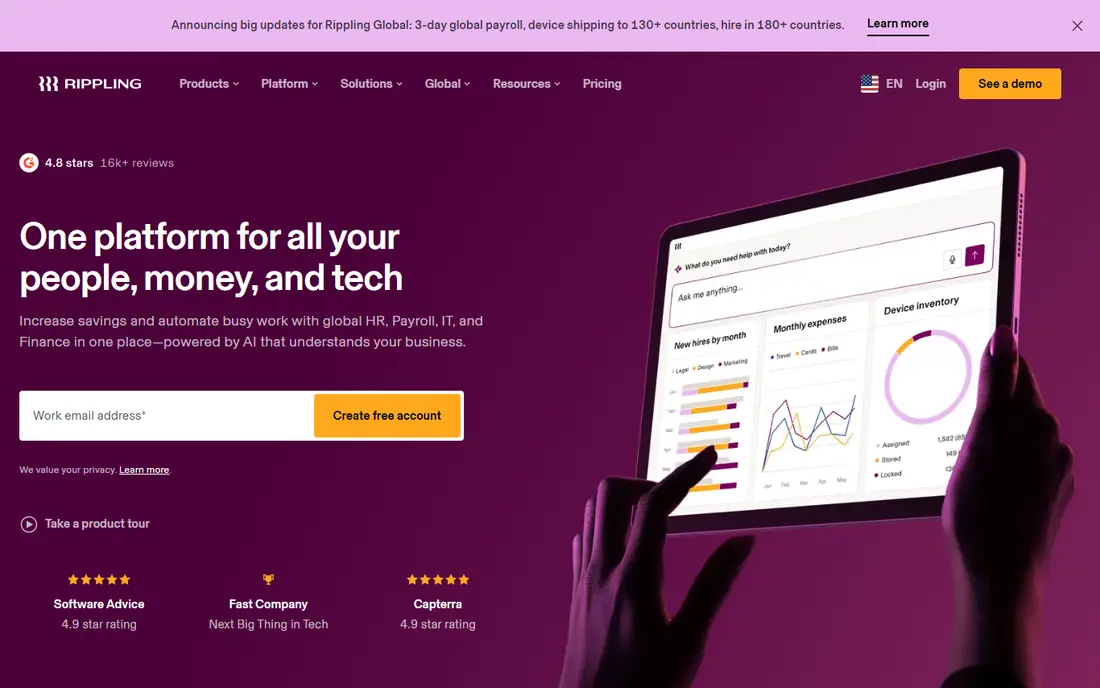
Rippling is our pick for growing businesses that want one system instead of several. It combines HR, payroll, time tracking, scheduling, and IT management, so a new hire can be onboarded, paid, and given app access from the same record. Starting pricing is published at $8 per user per month, though most teams pay more once they add modules.
The catch is that modular pricing makes the final bill hard to predict from the starting price alone. Get a quote for the exact modules you need, and compare it with Deputy or Paycor before committing. For teams that want deep automation and plan to grow past 50 people, Rippling is still the strongest all-round choice here.
- One system for HR, payroll, IT, and scheduling
- Strong automation
- Wide integration library
- Final price depends on which modules you add
- Setup can take time for larger teams
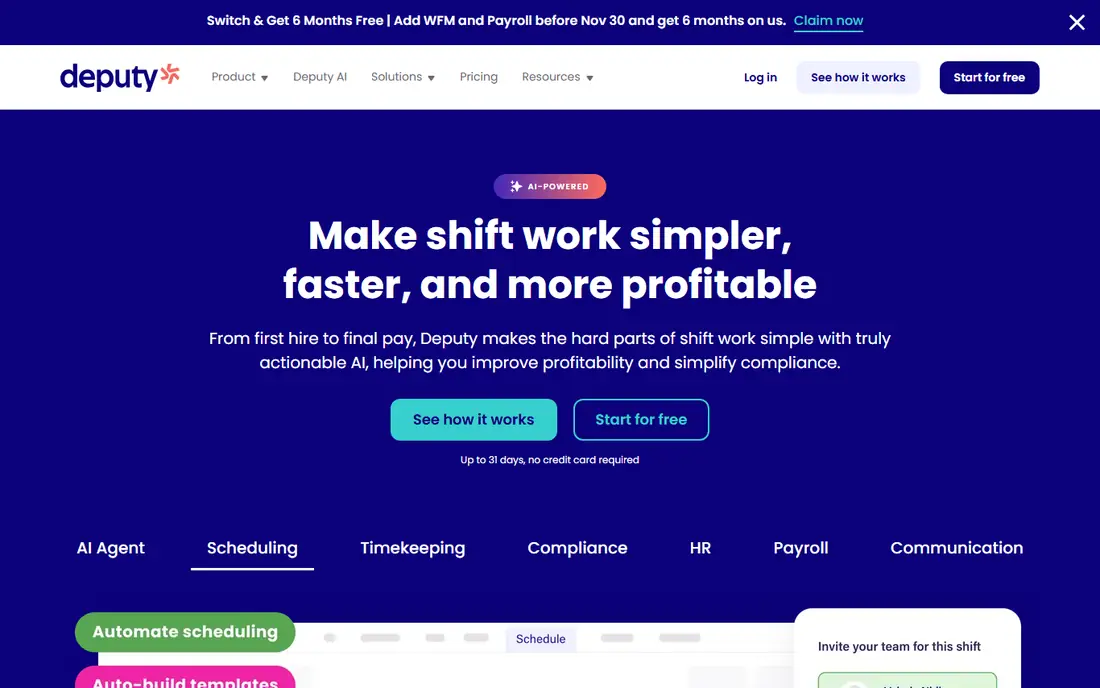
Deputy is the best workforce management software for shift-based teams that live by a rota. It builds schedules around demand, handles shift swaps, tracks time and attendance from a mobile app, and connects with popular payroll systems. Restaurants, retail shops, and care providers use it to keep labor costs in line with busy and quiet periods.
Pricing is the complication. Deputy sells scheduling, payroll, HR, and analytics as separate pieces, so the total depends on what you add. A trial is available, and it is worth costing the full setup for your team size before comparing it with an all-in-one rival like Rippling.
- Strong scheduling and demand forecasting
- Easy mobile clock-in
- Payroll integrations
- Pricing varies by plan and add-ons
- Payroll and HR features cost extra
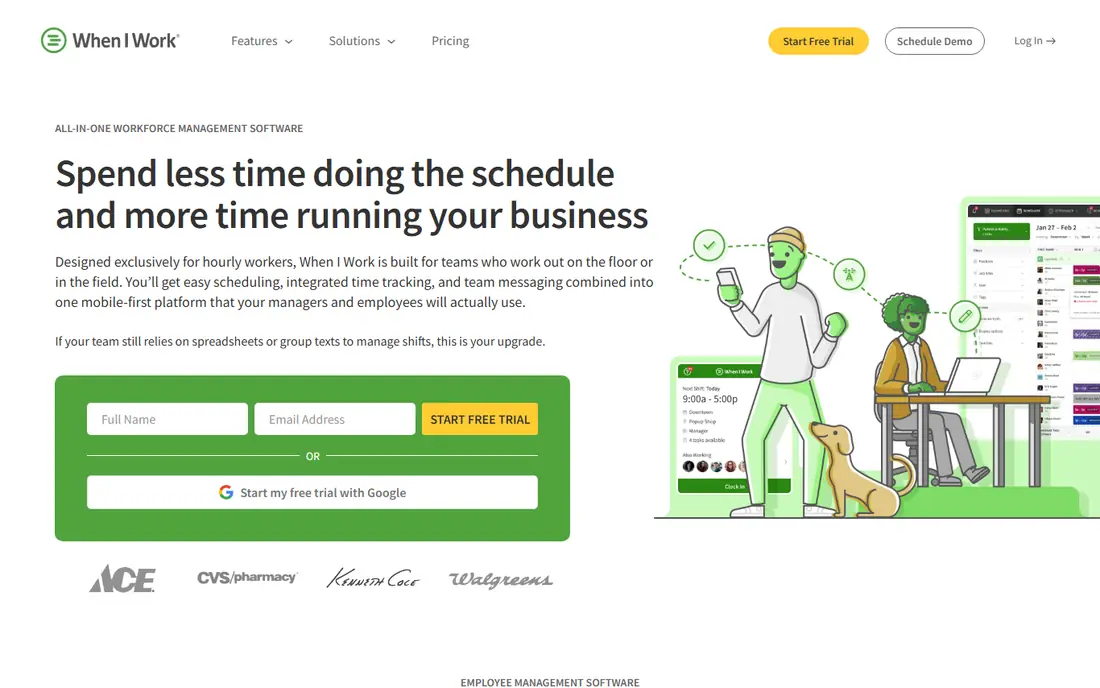
When I Work is the best mobile workforce management software for small hourly teams on a tight budget. Its starting price of $2.50 per user per month on annual billing is among the lowest here, and the core job, building schedules, letting staff swap shifts, and messaging the team, is simple to learn. Most small teams can be running within a day.
The limit is depth. Compliance rules, advanced reporting, and payroll features are thinner than in Deputy or Rippling, so larger or multi-state employers will outgrow it. For a single shop, cafe, or clinic with hourly staff, it is hard to beat on value.
- Very low starting price
- Simple scheduling and messaging
- Quick setup
- Less depth for compliance and payroll
- Advanced features need higher tiers
Connecteam is the best workforce management tool for teams that do not sit at desks. Field staff, cleaners, delivery drivers, and retail workers get schedules, clock-in, job forms, and training from one mobile app, and managers get a clear view of who is where. The free plan covers up to 10 users, which makes it genuinely free for very small teams.
Paid plans are priced per month for a bundle of users rather than per seat, so costs change at thresholds rather than growing smoothly. That suits teams with stable headcounts but can surprise fast-growing ones. For deskless teams, though, the mobile experience is the best in this list.
- Free plan for up to 10 users
- Mobile-first design
- Scheduling, forms, and training in one app
- Paid plans start at a flat monthly rate
- Less suited to office-based HR workflows
Homebase is the best app for workforce management if you run a small business and have never used scheduling software before. The free plan covers scheduling, time tracking, and team messaging, and built-in hiring tools help you post jobs and onboard new staff. It is designed for owners, not HR departments.
Payroll, advanced reporting, and labor cost tools sit on paid plans, so growing businesses should check the upgrade cost early. For a single-location business with hourly staff, however, the free plan alone may cover the daily work, which makes Homebase the lowest-risk place to start.
- Free plan for scheduling and time tracking
- Hiring and onboarding tools
- Easy for first-time managers
- Payroll and advanced features are paid add-ons
- Best for smaller teams
UKG, formed from Kronos and Ultimate Software, is the best workforce management software for mid-market and larger employers with complex compliance needs. It handles scheduling, time and attendance, payroll, and labor compliance across states, and it is built to cope with thousands of employees and union or industry rules.
The trade-off is cost and complexity. Pricing is quote-only, and implementation usually takes longer than with Deputy or When I Work. Small businesses should not start here. Employers with 100 or more staff, or operations in many states, will find the depth worth the effort.
- Deep compliance and payroll features
- Strong for multi-state employers
- Proven at scale
- Pricing requires a quote
- Implementation can be long and complex
Paycor is a strong pick for mid-sized US businesses that want HR, payroll, time tracking, and scheduling from one vendor. Its reporting tools are a genuine strength, and its compliance support is built for US employers rather than adapted from a global product. Teams that have outgrown Homebase or When I Work often land here.
Pricing is quote-based, so budget comparisons need a sales conversation, and very small teams may pay for depth they never use. For businesses with 50 to 500 employees that want one accountable vendor for HR and workforce management, Paycor deserves a shortlist spot.
- Strong HR, payroll, and scheduling in one platform
- Good reporting
- US-focused compliance
- Pricing requires a quote
- Smaller teams may find it more than they need
Workforce.com is the best workforce management software for hourly businesses that are scaling past simple scheduling. It covers demand forecasting, scheduling, time and attendance, and labor cost control, and it is used by multi-location operators in hospitality, retail, and healthcare. A free trial lets teams test the core workflows before talking about price.
The main drawback is transparency. Pricing is quote-only, so comparing it with Deputy or Rippling takes more effort. If your business runs many locations with hourly staff and needs forecasting depth, that effort is worth it, since this is exactly the problem Workforce.com is built to solve.
- Built for hourly and shift-based operations
- Strong forecasting
- Payroll integrations
- Pricing requires a quote
- Less known than larger rivals in some markets
Zoho People is the best software for workforce management on a budget if your team is office-based or mixed. It covers attendance, leave, timesheets, and basic HR records at a low price point, and it connects with the rest of the Zoho suite, including Zoho Payroll and Zoho Books, for businesses already using those tools.
Shift scheduling is not its strongest area, so rota-heavy teams should prefer Deputy or When I Work. But for small businesses that need HR records and time tracking without paying for a full HCM platform, Zoho People offers strong value, and a free trial makes it easy to test.
- Low-cost HR and attendance tools
- Part of the wider Zoho suite
- Good for small office teams
- Scheduling depth is thinner than Deputy or When I Work
- Setup takes patience
How we picked these
We compared official feature pages, pricing pages, and independent reviews for each tool, and we favored products that are actively sold in the US in 2026, cover scheduling and time tracking at minimum, and suit a distinct team type. We did not claim hands-on testing. Where pricing was quote-only or varied by module, we wrote See website rather than publishing a figure we could not verify from the vendor.
What to look for when buying workforce management software
Start with your scheduling reality. Hourly, shift-based teams need demand forecasting, shift swaps, and mobile clock-in, while office teams need leave, attendance, and HR records more. Buying a deep compliance platform for a ten-person cafe wastes money, and buying a simple scheduler for a multi-state employer creates compliance risk.
Next, price the whole setup, not the headline rate. Some tools charge per user, some charge a flat monthly rate, and several sell payroll and HR as add-ons. Work out the monthly cost for your actual headcount and the modules you need, including any base fees, before comparing vendors.
Finally, test the mobile app with real staff, not just managers. If clock-in, shift swaps, and messaging are awkward on a phone, adoption will fail no matter how good the desktop dashboard looks. A short trial with a few employees will tell you more than any demo.
Sources
- https://www.rippling.com
- https://www.deputy.com
- https://wheniwork.com
- https://www.connecteam.com
- https://joinhomebase.com
- https://www.ukg.com
- https://www.paycor.com
- https://workforce.com
- https://www.zoho.com/people/
- https://www.guideflow.com/blog/workforce-management-software
- https://www.peoplegoal.com/blog/best-workforce-management-software-pricing-comparison/
Frequently asked questions
Which software is best for workforce management?
Rippling is the best all-round choice for growing businesses, Deputy is best for shift scheduling, and When I Work is best for small hourly teams on a budget. The right pick depends on team size, whether staff are hourly or salaried, and whether you need payroll included.
What are the best workforce management tools for small businesses?
Homebase and Connecteam both offer free plans that cover scheduling and time tracking for small teams. When I Work is the cheapest paid option for hourly teams, starting at $2.50 per user per month on annual billing.
What is the top rated workforce management software for deskless teams?
Connecteam is the strongest pick for deskless and mobile teams, thanks to its mobile-first design and free plan for up to 10 users. It combines scheduling, clock-in, forms, and training in one app that field staff can use on their phones.
Is there a free workforce management app?
Yes. Connecteam is free for up to 10 users, and Homebase has a free plan for scheduling and time tracking. Both are genuinely usable for very small teams, though payroll and advanced reporting require paid plans.
How much does workforce management software cost?
Prices range from free for small teams to $8 per user per month as a starting point for Rippling, and $2.50 per user per month for When I Work on annual billing. Larger platforms like UKG and Paycor use quote-based pricing, so the final cost depends on headcount and modules.