Constant Contact Alternatives in 2026: 8 Tools Compared
By ToolNimba Editorial Team November 7, 2026 10 min read

- Top pick
 Mailchimp
Familiar all-in-one suite
Starting price$13 per monthCheck out MailchimpRead our review - Runner-up
 Brevo
Large lists, infrequent sending
Starting price$9 per monthCheck out BrevoRead our review - Also great
 MailerLite
Simple newsletters on a budget
Starting price$12 per monthCheck out MailerLiteRead our review
How we researched this
We compared official pricing and feature pages, app store listings, privacy policies and public user reviews. Prices change, so check the provider's site before you pay.
Key takeaways
- Brevo and MailerLite are the strongest budget alternatives, because Brevo prices by emails sent and MailerLite keeps small-list pricing simple.
- Mailchimp is the most familiar alternative, but its price climbs quickly as your contact list grows, so price the list you will have in a year.
- Kit is the best pick for creators and paid newsletters, while ActiveCampaign suits teams that need deeper automation and follow-up.
- Constant Contact still wins for owners who want phone support, so weigh support against price before you switch.
Quick comparison
| Name | Best for | Starting price | Free plan | |
|---|---|---|---|---|
| Mailchimp | Familiar all-in-one suite | $13 per month | Yes | Visit |
| Brevo | Large lists, infrequent sending | $9 per month | Yes | Visit |
| MailerLite | Simple newsletters on a budget | $12 per month | Yes | Visit |
 Kit | Creators and paid newsletters | $33 per month | Yes | Visit |
 ActiveCampaign | Serious automation | $15 per month | Free trial | Visit |
 HubSpot | CRM plus email in one place | $20 per month | Yes | Visit |
 AWeber | Simple lists with human support | $15 per month | Yes | Visit |
 GetResponse | Email plus funnels and webinars | $19 per month | Yes | Visit |
The best Constant Contact alternatives
Constant Contact is easy to use and offers helpful support, but its pricing and automation limits push many small businesses to look elsewhere. The tools below cover the main reasons people switch: lower cost, a better free plan, stronger automation, or a better fit for creators and online stores.
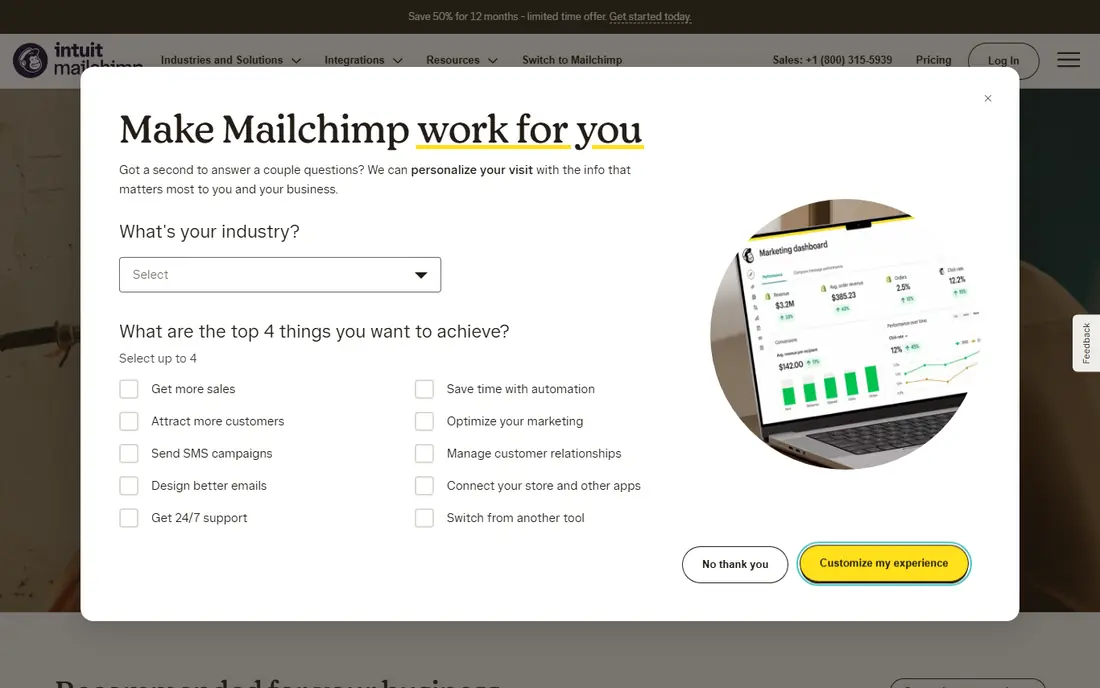
Mailchimp is the alternative most Constant Contact users already know, which makes switching less disruptive. Its editor, templates, and integrations cover most small business needs, from regular newsletters to basic automation and landing pages. If your team has used Mailchimp before, or your other tools already connect to it, that familiarity saves training time.
The catch is cost at scale. The Essentials plan starts at $13 per month for 500 contacts, but the price climbs as the list grows, and the free plan now covers only 250 contacts and 500 sends. Before you move, price your list at its expected size in a year, not today, and check whether unsubscribed contacts count toward your tier. Mailchimp is a good pick for smaller lists that value integrations, but a pricey one for large lists.
- Very wide integration library
- Familiar editor and templates
- Useful audience and reporting tools
- Price rises steeply with list size
- Free plan is small at 250 contacts
- Unsubscribed contacts can still count
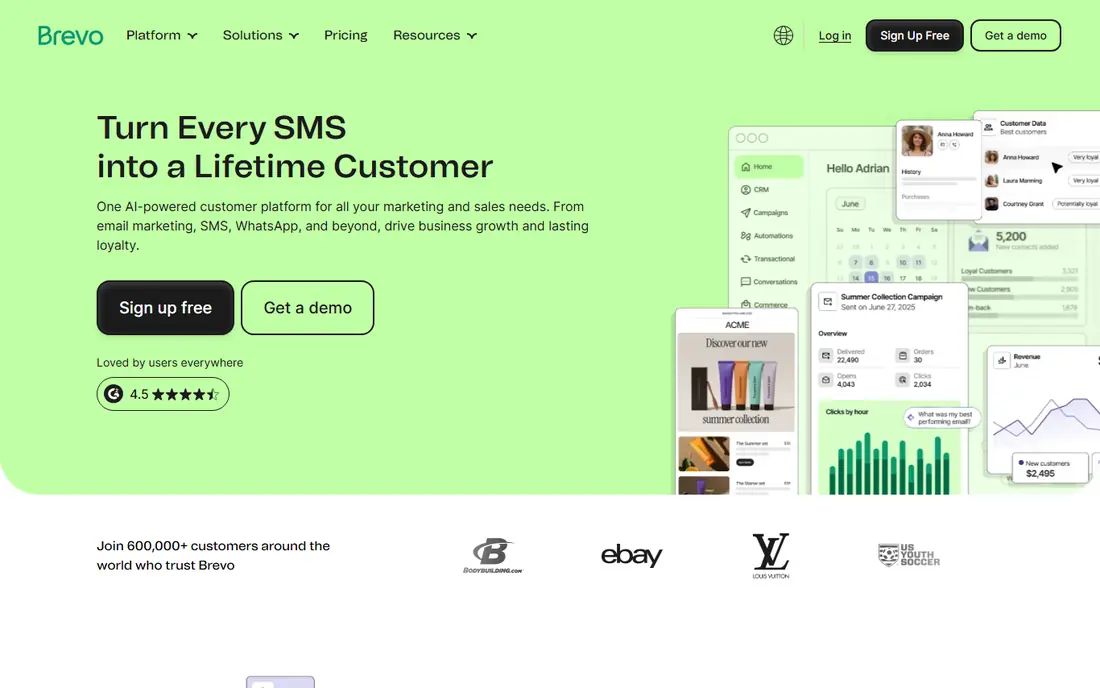
Brevo is the smartest budget switch for businesses with a large list that they email only a few times a month. Unlike most rivals, Brevo prices mainly by how many emails you send, so a list of 10,000 contacts does not automatically push you into an expensive tier. The free plan, with 300 emails a day, is also more generous than most competitors for testing and small sends.
There are limits to watch. Full automation features sit on higher plans, and lower tiers have contact caps that can surprise you if you import a very large list. SMS and WhatsApp add-ons also cost extra. If you send weekly or less, and you want to keep a large list without paying for contacts you rarely email, Brevo is often the cheapest honest option in this list.
- Free plan allows 300 emails a day
- Pricing is based on emails sent, not list size
- Includes SMS and WhatsApp options
- Stronger automation needs a higher plan
- Contact caps apply on lower tiers
- Interface takes a short time to learn
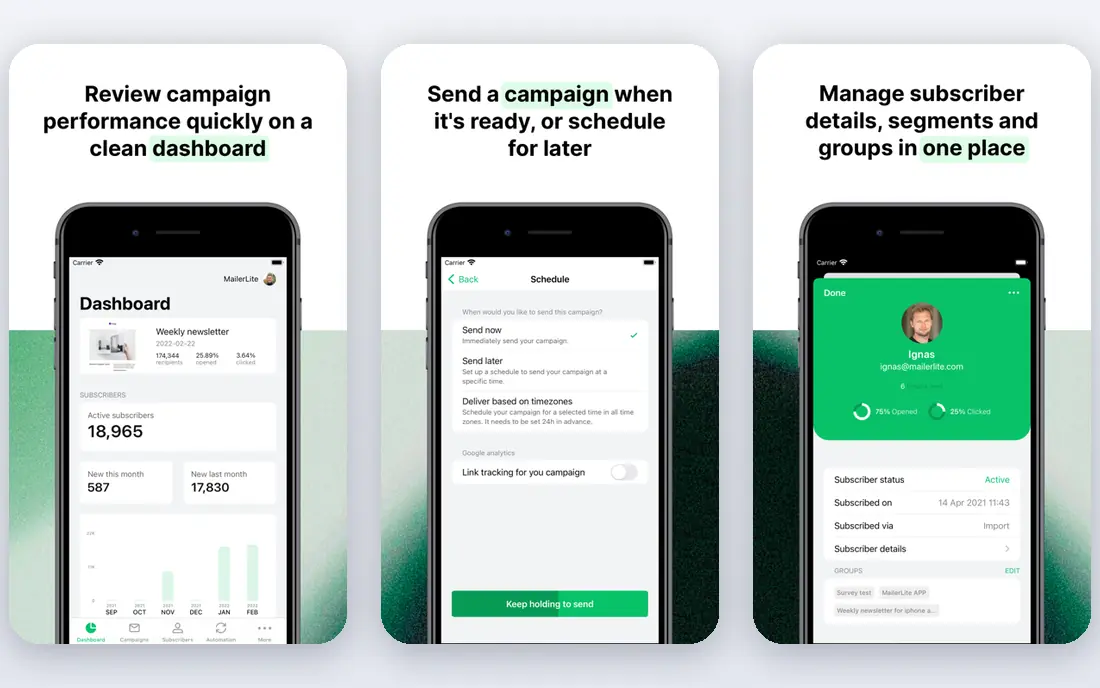
MailerLite is the best choice for owners who want email marketing to stay simple. The editor is clean, the templates look modern, and the pricing is easy to understand: you pay by subscriber count, with a clear step up as the list grows. For a weekly newsletter, a local business update, or a simple product announcement, MailerLite covers the job without a maze of settings.
It is less suited to complex automation. Advanced triggers, deeper segmentation, and some integrations require higher plans or workarounds, and the free plan is small. If your needs are straightforward and your list is modest, MailerLite gives you a polished result for $12 per month at 500 subscribers. If you need branching automation, compare ActiveCampaign or Brevo before you commit.
- Clean, easy editor
- Clear subscriber-based pricing
- Good templates and landing pages
- Free plan covers only 250 subscribers
- Advanced triggers need a higher plan
- Fewer deep integrations than Mailchimp
Kit, formerly ConvertKit, is designed for creators, writers, and course sellers rather than general small businesses. Its free plan allows up to 10,000 subscribers with unlimited sends, which is far more generous than most rivals, and its paid Creator plan adds automation, paid newsletters, and product sales tools. For a newsletter-first business, that combination is hard to match.
The trade-off is focus. Kit is less tailored to shops, restaurants, or service businesses that need event promotion, local offers, or retail integrations. Its automation is built around subscriber journeys and content, not ecommerce flows. If you are a creator growing an audience and selling digital products, Kit is the natural Constant Contact replacement. If you run a local business, MailerLite or Brevo may fit better.
- Built for creators and newsletters
- Generous free plan up to 10,000 subscribers
- Good paid newsletter and commerce tools
- Less suited to local services or retail
- Automation is creator-focused
- Paid plan starts higher than rivals
ActiveCampaign is the step up when simple newsletters are no longer enough. Its automation builder lets you branch follow-up based on what contacts open, click, buy, or ignore, and its CRM tools help small teams track leads and deals in the same place as email. For businesses where follow-up timing decides sales, that depth can pay for itself.
The entry price is misleading if you need that depth. The Starter plan starts at $15 per month for 1,000 contacts on annual billing, but it limits each automation to 5 actions, so the useful Plus tier costs considerably more. There is no free plan, only a 14-day trial. Choose ActiveCampaign when you know you need branching automation and a CRM, not when you just need a monthly newsletter.
- Powerful branching automation
- Built-in CRM features
- Detailed contact and deal tracking
- No free plan, only a trial
- Entry plan limits automations to 5 actions
- Learning curve is steeper
HubSpot suits businesses that want email and customer management in one system rather than stitching tools together. The free CRM stores contacts, deals, and conversations, and the Marketing Hub Starter plan adds email marketing for 1,000 marketing contacts at $20 per month per seat. That single view of a customer, from first form to repeat purchase, is useful as a business grows.
The downside is cost and complexity. Marketing contacts, seats, and add-ons can push the bill up faster than a simple email tool, and setup takes more time. HubSpot is a good Constant Contact alternative for teams that already need a CRM or plan to add sales tools soon. For a simple newsletter list, MailerLite or Brevo will be cheaper and faster to run.
- Free CRM included
- Email, forms, and landing pages in one system
- Strong reporting as you grow
- Costs rise with marketing contacts and seats
- Setup takes longer
- Some features need higher tiers
AWeber is a steady, no-surprises option for solo owners and small teams who want email without a steep learning curve. Its free plan covers 500 subscribers and 3,000 emails a month, and its paid Lite plan starts at $15 per month for 500 subscribers. Human support is a real selling point here, especially for owners who prefer to ask a person rather than search help pages.
The editor and automation tools feel older than MailerLite or Kit, and the Lite plan limits you to a small number of automations. Segmentation is also less flexible than ActiveCampaign or HubSpot. If you value support, simplicity, and predictable pricing over advanced features, AWeber is a solid switch from Constant Contact. If you need modern design tools or deep automation, look elsewhere first.
- Free plan for up to 500 subscribers
- Human support
- Simple editor and automation options
- Editor feels older than MailerLite or Kit
- Lite plan limits automations
- Segmentation is less deep
GetResponse is the broadest tool in this list after HubSpot, combining email with landing pages, sales funnels, webinars, and ecommerce features. That breadth suits businesses that run webinars, sell online courses, or build funnels alongside email campaigns. The free plan covers 500 contacts, and the paid plan starts at $19 per month for 1,000 contacts.
Breadth brings complexity. The interface has many sections to learn, and the most useful automation workflows sit on higher plans. GetResponse is a good Constant Contact alternative when you want webinars and funnels in the same subscription, rather than paying for separate tools. For a plain newsletter, a simpler and cheaper tool will serve you better.
- Email plus landing pages, funnels, and webinars
- Free plan for small lists
- Useful ecommerce tools
- Entry plan starts at 1,000 contacts
- Advanced workflows need higher plans
- Interface has many options to learn
How we picked these
We compared official pricing pages and plan descriptions for email tools that small businesses actually use as Constant Contact replacements. We checked free plan limits, entry paid prices, whether pricing is based on contacts or emails sent, and whether automation is included or gated behind a higher tier. We included a mix of budget tools, creator tools, and automation-heavy tools, so readers can match the tool to their list size and sending pattern rather than just the headline price.
How to switch without losing subscribers
Export your Constant Contact list first, including unsubscribed and bounced contacts, so you can clean the list before import. Most tools in this list let you import by CSV, but they will not import unsubscribed contacts as emailable, and that is correct: mailing people who opted out risks spam complaints and account trouble. Tag contacts by source or interest during import, so your first campaigns in the new tool are already segmented.
Then rebuild your key templates and automations before you send to the full list. Start with a welcome email and one regular newsletter, send a small test to yourself and a colleague, and check how it looks on mobile and desktop. Send your first full campaign to your most engaged segment, watch open, click, and bounce rates, and only then move your full sending schedule over. Keep Constant Contact active until that first campaign performs normally, so you have a fallback.
Sources
Frequently asked questions
Is there a free alternative to Constant Contact?
Yes. Brevo, MailerLite, Mailchimp, Kit, AWeber, and GetResponse all offer free plans, but the limits differ greatly. Brevo allows 300 emails a day, Kit allows up to 10,000 subscribers, and MailerLite and Mailchimp cap free contacts at 250. Check the free limit against your list size and sending frequency before you choose.
What is the cheapest Constant Contact alternative?
For large lists emailed infrequently, Brevo is usually cheapest because it prices by emails sent. For small lists emailed regularly, MailerLite at $12 per month for 500 subscribers is often cheapest. Price your expected list size and sending volume, not just the entry price, to find the true cheapest option for you.
Can I move my contacts from Constant Contact?
Yes, you can export contacts as a CSV file from Constant Contact and import them into most email tools. Clean the list first by removing duplicates, bounces, and unsubscribed contacts. Most tools will guide you through mapping fields such as name, email, and tags during import.
Which alternative is best for nonprofits?
Brevo and MailerLite are strong nonprofit picks on price, and Constant Contact itself offers nonprofit discounts that are worth comparing before you leave. If your nonprofit runs events, check whether the new tool handles event promotion and donations as well as Constant Contact does. Ask about nonprofit pricing directly, since some vendors offer discounts that are not shown on the public pricing page.
Do I need automation, or is a newsletter enough?
A regular newsletter is enough for many local businesses, clubs, and creators who mainly share updates. Automation helps when you need welcome sequences, abandoned cart reminders, course follow-up, or lead nurturing based on behavior. Start simple, and move to a tool such as ActiveCampaign only when manual follow-up starts to cost you sales.
Will switching affect my email deliverability?
A switch can affect deliverability if you move to a new sending domain without proper setup. Authenticate your domain with SPF, DKIM, and DMARC records in the new tool, warm up sending by starting with engaged contacts, and avoid sudden large sends to cold lists. Good list hygiene matters more than the tool itself for inbox placement.