Discord Alternatives in 2026: 9 Apps Compared
By ToolNimba Editorial Team October 29, 2026 11 min read

- Top pick
 Guilded
Gaming communities
Starting priceFreeCheck out GuildedRead our review - Runner-up
 Stoat
Closest Discord style swap
Starting priceFreeCheck out StoatRead our review - Also great
 Slack
Work teams and workflows
Starting priceFreeCheck out SlackRead our review
How we researched this
We compared official pricing and feature pages, app store listings, privacy policies and public user reviews. Prices change, so check the provider's site before you pay.
Key takeaways
- Guilded and Stoat are the closest free swaps for gaming communities that want servers, channels, and voice.
- Slack and Microsoft Teams suit work teams, but per user pricing can get costly for large open communities.
- Element, Rocket.Chat, and Mattermost suit groups that want to host their own chat and control their data.
- TeamSpeak and Mumble remain the best voice first options when low delay audio matters more than text features.
- Before moving a community, test moderation tools, mobile apps, and bots with a small group, since switching costs rise fast.
Quick comparison
| Name | Best for | Starting price | Free plan | |
|---|---|---|---|---|
| Guilded | Gaming communities | Free | Yes | Visit |
| Stoat | Closest Discord style swap | Free | Yes | Visit |
| Slack | Work teams and workflows | Free | Yes | Visit |
 Microsoft Teams | Microsoft 365 teams | Free | Yes | Visit |
 Element | Private federated chat | Free | Yes | Visit |
 Rocket.Chat | Self hosted team chat | Free | Yes | Visit |
 Mattermost | Developer teams | Free | Yes | Visit |
 TeamSpeak | Low delay voice | Free | Yes | Visit |
 Mumble | Open voice servers | Free | Yes | Visit |
The best Discord alternatives
We compared official feature pages, pricing pages, app store listings, and public reviews to find apps that cover text, voice, or community chat in a real way. No single app copies every Discord feature, so the list is grouped by what each app does best.
Guilded is the easiest move for a gaming group that wants Discord style servers without paying for premium perks. Voice and text channels work in a familiar layout, and calendars, docs, forums, and media channels are built in rather than added through bots. Tournament brackets and recruitment forms help competitive teams organize tryouts and matches.
The main drawback is reach. Friends outside gaming may not have an account, and the integration library is smaller than Discord or Slack. Still, for a guild or esports team that plans events every week, the built in scheduling alone can replace several separate tools. Guilded is owned by Roblox, so groups should review its current terms before moving a large community.
- Servers, voice, and video at no cost
- Calendars, forums, and docs built in
- Tournament and recruitment tools
- Smaller community than Discord
- Fewer third party integrations
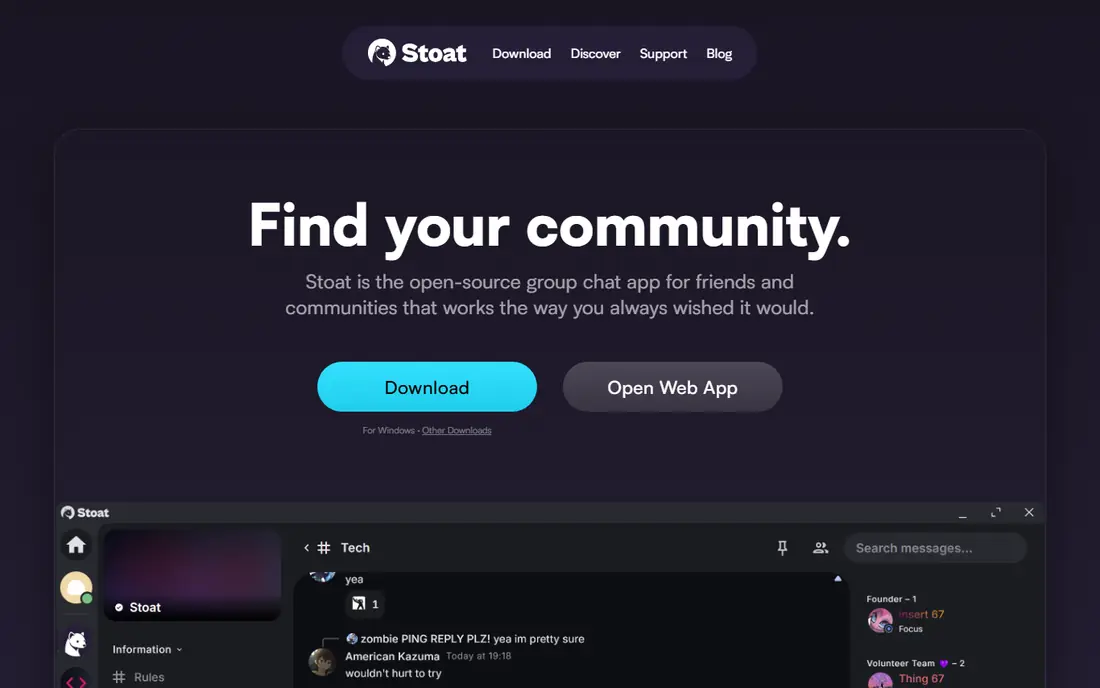
Stoat, formerly known as Revolt, is the closest like for like alternative for people who like how Discord feels. Servers sit on the left, channels are grouped by type, and roles and permissions control who can speak, post, or manage a space. Voice, text, and media sharing cover the daily needs of a friend group or fan community.
Because Stoat is open source, groups can self host if they want full control, or use the hosted service for free. The tradeoff is maturity: bots, integrations, and mobile polish are still catching up to Discord. Test it with your core members first, and keep your Discord server open during the move so no one is stranded if a feature is missing.
- Familiar server and channel layout
- Open source and self hostable
- Custom emojis without a paid tier
- Smaller ecosystem of bots and integrations
- Newer platform with less polish in places
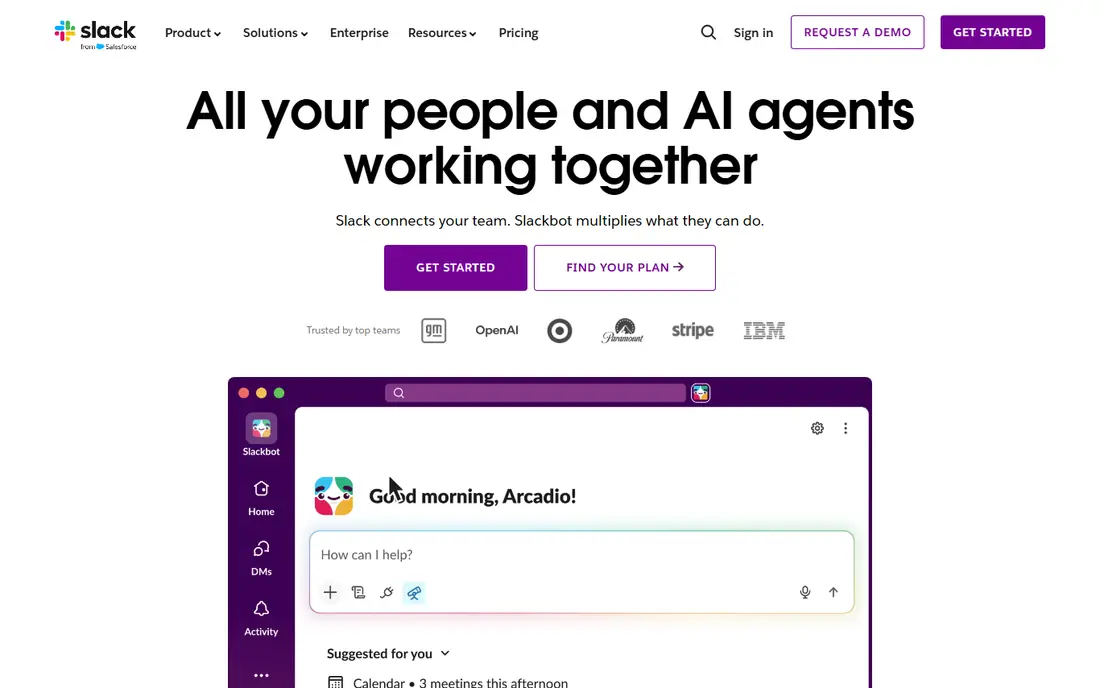
Slack is the best choice when the group is really a team with tasks, files, and outside tools. Channels keep topics separate, threads keep replies tidy, and integrations connect chat to calendars, code, and customer tools. Huddles add quick audio calls without scheduling a meeting, and canvases help teams draft notes in the same workspace.
Pricing is the catch for open communities. The free plan hides messages older than 90 days, and Pro costs $7.25 per user per month billed annually, or $8.75 billed monthly. Slack charges only for active users, which helps, but a public community with thousands of members can still face a large bill. Use Slack for work, not for a free for all fan server.
- Strong integrations and search on paid plans
- Channels, threads, and huddles
- Fair billing for active users only
- Free plan limits history to 90 days
- Per user cost grows fast for large communities
Microsoft Teams suits schools, offices, and clubs that already use Word, Excel, Outlook, or OneDrive. Chat channels, video meetings, and shared files live in one place, so a team does not need a separate meeting app. The free version offers unlimited chat and meetings up to 60 minutes for up to 100 people, which is enough for many small groups.
Teams Essentials costs $4 per user per month, and Microsoft 365 Business Basic, which includes Teams plus web Office apps, is listed higher in recent pricing guides. The tradeoff is tone: Teams feels like work software, and casual gaming groups may find it less fun than Guilded or Stoat. If your group already pays for Microsoft 365, Teams is often the cheapest serious option.
- Chat, meetings, and file sharing in one app
- Strong fit for Microsoft 365 users
- Large meeting capacity on paid plans
- Interface can feel heavy for casual chat
- Best value needs a Microsoft 365 subscription
Element is the strongest privacy pick for groups that do not want one company to hold all their messages. It runs on Matrix, an open federated protocol, so different servers can talk to each other and organizations can run their own server. Private rooms and direct messages use end to end encryption, and bridges can connect Matrix rooms to Slack, IRC, and other networks.
The client itself is free and open source, while managed hosting starts at about $5 per user per month through Element services. Self hosting gives full control but needs technical upkeep, including updates and backups. For a privacy minded community or a nonprofit with technical help, Element offers control that hosted apps cannot match.
- Built on open Matrix protocol
- End to end encryption for private rooms
- Bridges to other chat networks
- Setup and federation concepts can confuse newcomers
- Encryption key handling takes care
Rocket.Chat is a practical self hosted option for teams that want Slack style chat on their own server. Channels, direct messages, threads, and video calls cover daily work, and the marketplace adds bots and integrations for common tools. Omnichannel features also let support teams handle live chat and social messages in the same system.
The community edition is free for self hosting, while cloud plans start at about $4 per user per month on some listings and $7 on others, so check the current pricing page before budgeting. The honest cost is time: the server needs a database, updates, and monitoring. Teams with IT support will find that tradeoff fair, while small casual groups should pick a hosted app instead.
- Open source community edition
- Channels, video, and screen sharing
- Large integration marketplace
- Self hosting needs database upkeep
- Some compliance features need paid plans
Mattermost is built for engineering and operations teams that live in code, tickets, and incident channels. Markdown messages, code blocks with syntax highlighting, and integrations for GitHub and GitLab fit developer workflows better than a general chat app. Playbooks help teams run repeatable incident steps in the same channel where they talk.
The self hosted Team Edition is free with no per user fee, apart from server costs, while Professional is listed at $10 per user per month. Free self hosting limits integrations in some guides, so check the current plan table if you need many plugins. For a dev team that wants data control and a Slack like feel, Mattermost is a strong, serious choice.
- Open source and self hostable
- Strong developer integrations
- Unlimited history on your own server
- Video calls need plugins
- Paid tiers needed for advanced compliance and guest access
TeamSpeak predates Discord and still wins when voice quality and delay matter most. Competitive teams use it for clear, low latency audio, noise suppression, and detailed permissions over who can speak in each channel. Whisper features let leaders talk across channels during large matches, which Discord does not match as cleanly.
The client is free, and self hosting a small server with up to 32 slots is free for non commercial use. Larger self hosted licenses start at $30 per year for 32 slots in older pricing, while hosted TeamSpeak 6 servers start at about $4.99 per month for 11 slots in recent guides. TeamSpeak is a voice tool first, so groups that live on memes, threads, and bots will miss Discord style community features.
- Very low latency voice
- Fine grained permissions
- Long track record with esports teams
- Text and community features lag behind Discord
- Hosting larger servers needs a license
Mumble is the leanest voice option in this list, and that is the point. The client and server software are free, voice traffic is encrypted, and positional audio places teammates by their in game location in supported titles. Detailed access controls let admins shape channels for large groups, podcasts, or radio style use.
There is no central hosted service to browse, so a group must run its own server or join a public one. That setup step puts off casual users, but it also means no company controls the server or its rules. For a small clan, a podcast group, or a privacy minded team that only needs reliable voice, Mumble remains hard to beat on cost and control.
- Free and open source
- Encrypted low latency voice
- Positional audio in supported games
- Plain interface
- No hosted community discovery like Discord
- Setup needs a server
How we picked these
We compared official feature pages, pricing pages, app store listings, and public reviews, and we kept only apps that are available now and offer real text, voice, or community chat. We favored a mix of hosted apps for easy switching and self hosted apps for data control, and we noted where prices differ by channel or plan. We did not claim hands on testing, and readers should check the current pricing page before moving a large group.
We also treated safety as part of the choice. A good alternative needs clear moderation tools, roles, and reporting options, especially for open communities with teens. Parents and moderators should review age rules, default privacy settings, and who can send direct messages before inviting young members to any new server.
How to move without losing your community
Start by listing what your group actually uses on Discord. A gaming guild needs voice and calendars, a study group needs threads and files, and a work team needs integrations and search. Pick the app that covers the top three needs, not the one with the longest feature list.
Run a trial before you switch
Invite ten to twenty active members to the new app for two weeks and test voice quality, mobile apps, moderation, and bots. Keep the old server open and post a clear move date only after the trial group reports no major gaps. Export rules, roles, and pinned messages by hand if the new app has no import tool, since automatic migration is rare.
Plan for cost and moderation
Free plans can hide history, limit file storage, or charge per user once a group grows. Check those limits against your member count before announcing a move. Appoint moderators early, set clear rules, and test mute, ban, and role tools in a private channel. A smaller app with good moderation beats a larger app where no one can keep order.
Sources
- https://www.guilded.gg
- https://stoat.chat
- https://www.slack.com/pricing
- https://www.microsoft.com/en-us/microsoft-teams/group-chat-software
- https://www.element.io
- https://www.rocket.chat
- https://www.mattermost.com
- https://www.teamspeak.com
- https://www.mumble.info
- https://bettermode.com/blog/discord-alternatives