Docker Alternatives in 2026: 10 Tools Compared
By ToolNimba Editorial Team October 31, 2026 9 min read

- Top pick
 Podman Desktop
Free Docker Desktop replacement
Starting priceFreeCheck out Podman DesktopRead our review - Runner-up
 Podman
Daemonless Linux engine
Starting priceFreeCheck out PodmanRead our review - Also great
 Rancher Desktop
Free local Kubernetes
Starting priceFreeCheck out Rancher DesktopRead our review
How we researched this
We compared official pricing and feature pages, app store listings, privacy policies and public user reviews. Prices change, so check the provider's site before you pay.
Key takeaways
- Podman Desktop and Rancher Desktop are the best free replacements for Docker Desktop, with no license fee at any company size.
- OrbStack is the best paid Mac option if you want the fastest local container experience and can pay $8 per user per month.
- Podman, containerd, and Buildah cover different jobs, so many teams use more than one: one for local work, one for builds, and one for production.
- Docker Desktop is still free for individuals and small companies under 250 employees and $10 million in revenue, so staying put is rational if nothing hurts.
- Agree on one local setup as a team, because five developers on five different runtimes will cost more in support time than any license saving.
Quick comparison
| Name | Best for | Starting price | Free plan | |
|---|---|---|---|---|
| Podman Desktop | Free Docker Desktop replacement | Free | Yes | Visit |
| Podman | Daemonless Linux engine | Free | Yes | Visit |
| Rancher Desktop | Free local Kubernetes | Free | Yes | Visit |
 OrbStack | Fast Mac containers | $8 per user per month | Yes | Visit |
 Colima | Lightweight Mac CLI runtime | Free | Yes | Visit |
 containerd | Production Kubernetes runtime | Free | Yes | Visit |
 Buildah | Daemonless image builds | Free | Yes | Visit |
 Lima | Mac Linux virtual machines | Free | Yes | Visit |
 Portainer | Web management for Docker and Kubernetes | See website | Yes | Visit |
 Finch | AWS-focused Mac containers | Free | Yes | Visit |
The best Docker alternatives
Docker is still the most compatible container tool, but licensing, security, and performance have pushed many teams to alternatives. The tools below are not all direct replacements: some replace Docker Desktop, some replace the engine, and some replace only the build step. We compared official sites and recent independent comparisons.
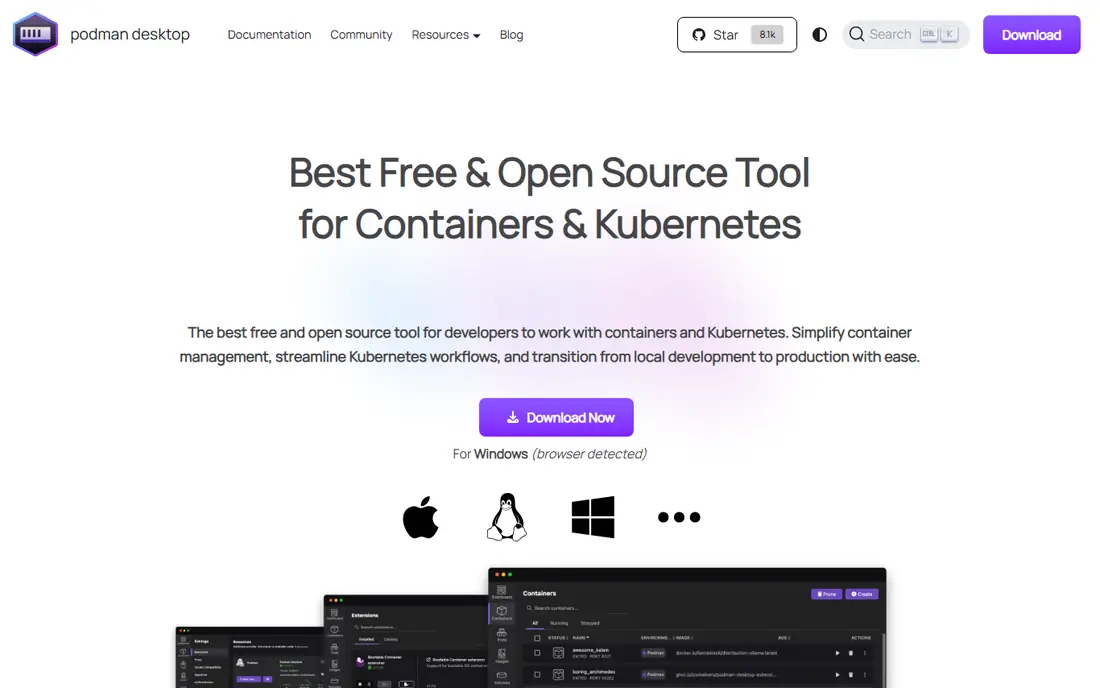
Podman Desktop is the closest free replacement for Docker Desktop. It offers a graphical interface, container and image management, and a Docker-compatible command line, so most Docker commands keep working. It is open source, backed by Red Hat, and free at any company size.
The main gap is ecosystem. A few Docker Desktop extensions and integrations may not be available, and performance depends on the virtual machine on Mac and Windows. For a team that wants to drop Docker Desktop licensing without changing daily commands, Podman Desktop is the first tool to test.
- Free and open source
- Docker-compatible commands
- GUI plus Kubernetes support
- Some Docker Desktop extensions are missing
- Windows and Mac setup needs a virtual machine
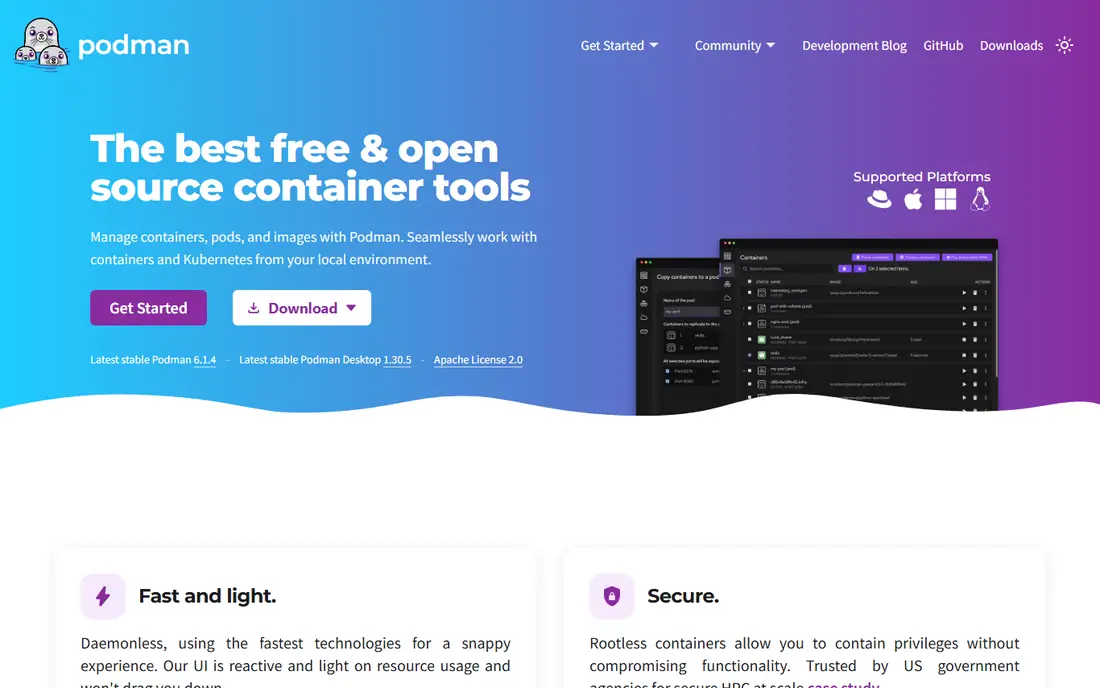
Podman is the engine behind Podman Desktop, and it can also be used on its own from the command line. It runs containers without a central daemon, and it supports rootless containers, which means containers do not need root access to run. That design appeals to security-minded teams and to CI runners.
On Linux, Podman is a direct engine replacement. On Mac and Windows, you need a virtual machine, which Podman Desktop or another tool provides. If your team works on Linux servers or in CI, Podman is a clean, free engine choice.
- Daemonless and rootless by design
- Docker-compatible CLI
- Strong security model
- No built-in GUI on its own
- Linux-first, with a machine needed on Mac and Windows
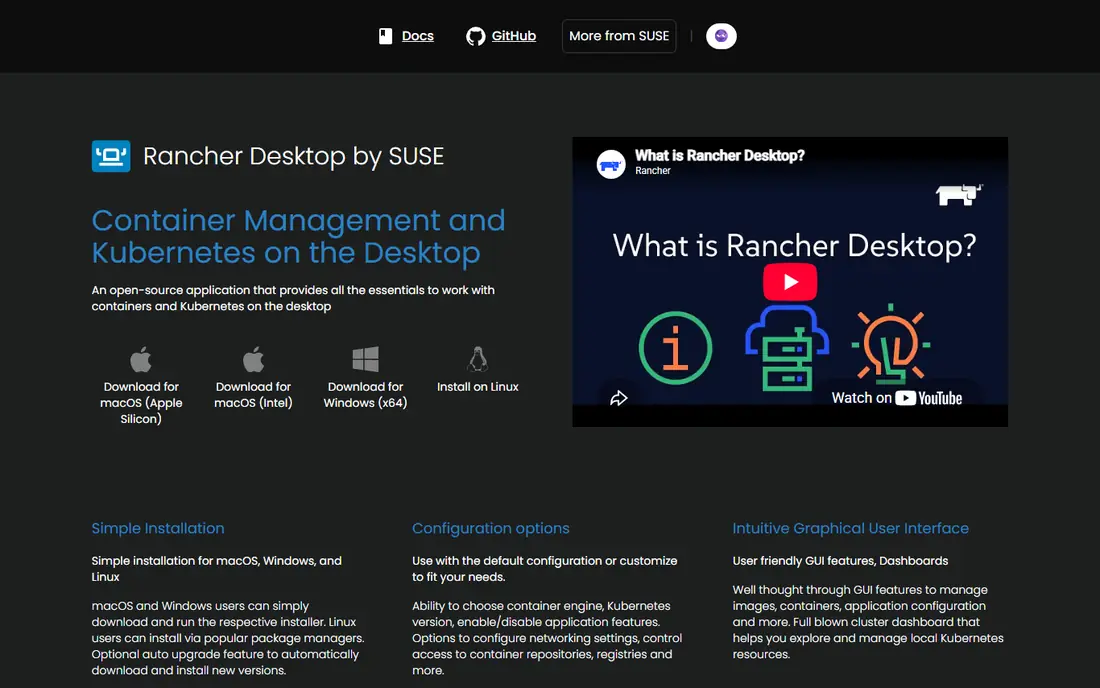
Rancher Desktop is the best free option if local Kubernetes matters as much as containers. It bundles containerd or dockerd, a Kubernetes cluster based on k3s, and a desktop interface, all for free. That makes it useful for developers who test Kubernetes manifests locally before they deploy.
The trade is weight. A full local Kubernetes cluster uses more CPU and memory than a simple container runtime, and it can feel slow on a small laptop. For Kubernetes-heavy teams, that cost is worth it. For simple web apps, Podman Desktop or Colima may be lighter.
- Free and open source
- Built-in Kubernetes with k3s
- Works on Mac, Windows, and Linux
- Heavier than Colima or OrbStack
- Kubernetes version choices need care
OrbStack is the best paid Docker Desktop alternative for Mac-only teams. It is known for fast startup, low idle CPU and memory use, and a simple interface that stays out of the way. Personal use is free, and the Pro plan is listed at $8 per user per month in recent comparisons.
The limit is platform. There is no Windows or Linux version, so a mixed-OS team cannot standardize on OrbStack alone. If your team is all on Mac and you can spend $96 per developer per year, OrbStack offers the smoothest daily experience in this list.
- Very fast startup and low idle use on Mac
- Docker-compatible
- Simple interface
- Mac only
- Commercial use needs a paid plan
- Linux and Windows teams need another tool
Colima is a lightweight, command-line container runtime for Mac that uses Lima virtual machines under the hood. It is free, it works with the standard Docker CLI, and it uses fewer resources than a full desktop app. Terminal-first developers often prefer it because there is no GUI to manage.
The lack of a GUI is also its limit. Teams that rely on a visual dashboard for images, volumes, and logs will miss Docker Desktop or Podman Desktop. For a developer who lives in the terminal, Colima is fast, free, and simple.
- Free and open source
- Lightweight
- Works well with the Docker CLI
- Good for terminal users
- No GUI
- Mac only
- Setup is command-line only
containerd is the runtime that actually runs containers on most Kubernetes nodes today. It is free, open source, and maintained as a graduated CNCF project. It handles image transfer, container execution, and storage, and tools such as nerdctl add a Docker-like command line on top of it.
It is not a developer desktop tool. There is no GUI, and setting it up for local work takes manual steps. Its place in this list is for production and CI: if you already run Kubernetes, you are already using containerd, and using it directly in CI matches production closely.
- Industry-standard Kubernetes runtime
- Lightweight
- OCI compliant
- No desktop GUI or developer workflow
- Manual setup
- Not a Docker Desktop replacement
Buildah builds container images without needing a daemon or root access, which makes it a good fit for CI pipelines and secure build environments. You can build from a Dockerfile or script each layer step by step, with precise control over the result. It pairs well with Podman, which can then run the images.
Buildah does not run containers, so it is not a full Docker replacement on its own. Think of it as the build half of a Podman-based workflow: Buildah builds, Podman runs, and both stay daemonless.
- Builds images without a daemon
- Works well in CI
- Fine-grained control over layers
- Build-only tool, not a runtime
- Command line only
- Learning curve for Docker-only users
Lima, short for Linux Machines, runs Linux virtual machines on Mac with good file sharing, networking, and port forwarding. Colima and other tools build on Lima, and developers can also use Lima directly to run Podman or containerd inside a VM. It is free and open source.
Lima alone is not a container tool. You still need a runtime inside the VM, and there is no GUI. Its value is control: if you want to choose your own VM, runtime, and networking, Lima gives you a solid base.
- Free and open source
- Fast Linux VMs on Mac
- Good file sharing and port forwarding
- Command-line only
- Mac focus
- Needs another tool for a full container workflow
Portainer is a web-based management layer for Docker, Podman, and Kubernetes, rather than a runtime itself. It gives teams a single dashboard for containers, images, volumes, and clusters, with access controls for different users. A free Community Edition covers many small-team needs, and Business plans add more controls.
Because Portainer needs a host and a runtime underneath, it does not replace Docker Desktop on a laptop by itself. It shines for a team that runs containers on servers and wants one web panel to manage them, without giving everyone SSH access.
- Web interface for local and remote Docker and Kubernetes
- Team access controls
- Good for operations
- Management layer, not a runtime
- Paid features for larger teams
- Setup needs a host to run on
Finch is an open source command-line tool for building and running containers on Mac, developed with AWS workflows in mind. It bundles a VM, containerd, BuildKit, and nerdctl into a simple client, so you can build and run images with familiar commands. It is free and suits developers who deploy to AWS.
The community is smaller than Podman or Rancher Desktop, and there is no desktop GUI. For an AWS-focused Mac team that prefers the terminal, Finch is a clean, free option worth testing alongside Colima.
- Free and open source
- Simple Mac CLI
- Built with AWS tooling in mind
- Mac only in its main form
- Smaller community than Podman
- Fewer GUI options
How we picked these
We compared official sites and recent independent comparisons, and we favored tools that are live today and that truly cover a Docker job, whether local development, production runtime, image builds, or management. We included free, open source, and paid options, and we did not claim hands-on testing.
What to check before you switch
Test with your real repositories, not a hello-world image. Check volume mounts, networking, build speed, and any Docker Compose files you rely on, because those are where switches break. Check licensing for your company size, since Docker Desktop is still free below its thresholds.
Pick a stack, not a single tool
Most teams end up with a stack: Podman Desktop or OrbStack locally, Buildah or Kaniko in CI, and containerd in production Kubernetes. That layered approach is normal, and it avoids forcing one tool to do every job badly.
Standardize as a team
Agree on one local setup, script it, and document it. A shared setup script saves more time than any license saving, because it stops each developer debugging a different runtime.
Sources
- https://podman-desktop.io
- https://podman.io
- https://rancherdesktop.io
- https://orbstack.dev
- https://github.com/abiosoft/colima
- https://containerd.io
- https://buildah.io
- https://lima-vm.io
- https://www.portainer.io
- https://runfinch.com
- https://tech-insider.org/docker-alternatives-podman-orbstack-rancher-colima-2026/
- https://www.edopedia.com/blog/docker-alternatives/