Best Dropbox Alternatives in 2026: 8 Services Compared
By ToolNimba Editorial Team October 29, 2026 8 min read

- Top pick
 Google Drive
Most people and Google users
Starting price$1.99 per monthCheck out Google DriveRead our review - Runner-up
 OneDrive
Windows and Microsoft 365 users
Starting price$1.99 per monthCheck out OneDriveRead our review - Also great
 Box
Business compliance and controls
Starting price$10 per monthCheck out BoxRead our review
How we researched this
We compared official pricing and feature pages, app store listings, privacy policies and public user reviews. Prices change, so check the provider's site before you pay.
Key takeaways
- Google Drive is the best Dropbox alternative for most people, thanks to 15 GB free and strong collaboration.
- OneDrive is the natural pick for Windows and Microsoft 365 users, since storage often comes with the office apps they already use.
- Proton Drive, Sync.com, and MEGA lead on privacy, with end-to-end encryption that keeps file contents private from the provider.
- Box is the strongest business pick for compliance and admin controls, while pCloud suits buyers who prefer a one-time payment.
- Check free storage, sharing limits, and device support before you move files, because switching later takes time.
Quick comparison
| Name | Best for | Starting price | Free plan | |
|---|---|---|---|---|
| Google Drive | Most people and Google users | $1.99 per month | Yes | Visit |
| OneDrive | Windows and Microsoft 365 users | $1.99 per month | Yes | Visit |
| Box | Business compliance and controls | $10 per month | Yes | Visit |
 iCloud+ | Apple households | $0.99 per month | Yes | Visit |
 Proton Drive | Privacy-first storage | $3.99 per month | Yes | Visit |
 pCloud | One-time payment buyers | $8.33 per month | Yes | Visit |
 Sync.com | Private sharing for professionals | $6 per month | Yes | Visit |
 MEGA | Largest free encrypted tier | See website | Yes | Visit |
The best dropbox alternatives
Dropbox is still a fine sync tool, but it is not the cheapest, the most private, or the best fit for every device. The services below cover personal backup, team sharing, and business compliance, with different strengths on price and privacy.
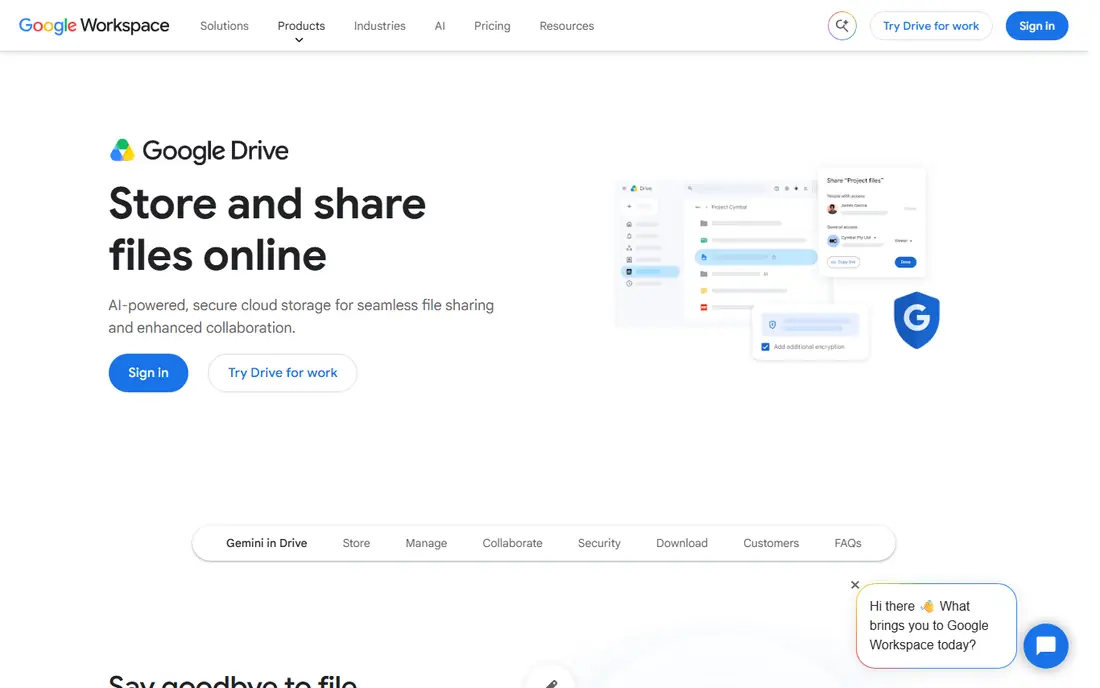
Google Drive is our default pick because it is already part of life for many users. Docs, Sheets, and Slides edit in the browser, sharing is simple, and search finds files by name and content. For students, families, and small teams on Google Workspace, it removes the need for a separate tool.
The shared 15 GB limit is the catch. Gmail and Photos eat into the same quota, so heavy users hit the limit faster than the headline suggests. Google also does not offer end-to-end encryption by default, so privacy-focused users should look at Proton Drive or Sync.com instead.
- 15 GB free across Google services
- Strong search and collaboration
- Works well on Android, web, and desktop
- 15 GB is shared with Gmail and Photos
- Privacy model is not end-to-end by default
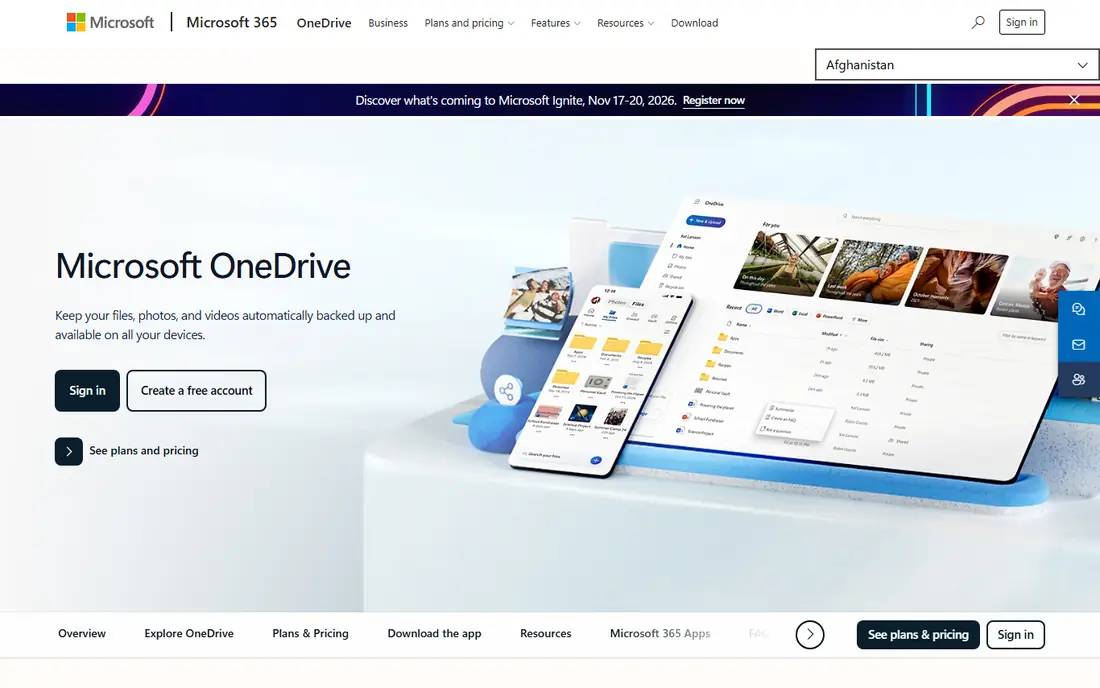
OneDrive makes the most sense if you already live in Windows and Office. Files sync into File Explorer, Office apps save straight to the cloud, and real-time co-authoring works well. A Microsoft 365 Personal plan adds 1 TB plus the desktop Office apps, which changes the value math entirely.
The free tier is small at 5 GB, and Microsoft holds the encryption keys, so it is not a zero-knowledge service. For a household or office already paying for Microsoft 365, though, OneDrive is often the cheapest good option, because the storage is already included.
- Deep Windows and Office integration
- 1 TB with Microsoft 365 Personal
- Personal Vault for sensitive files
- Only 5 GB free
- Less private than end-to-end services
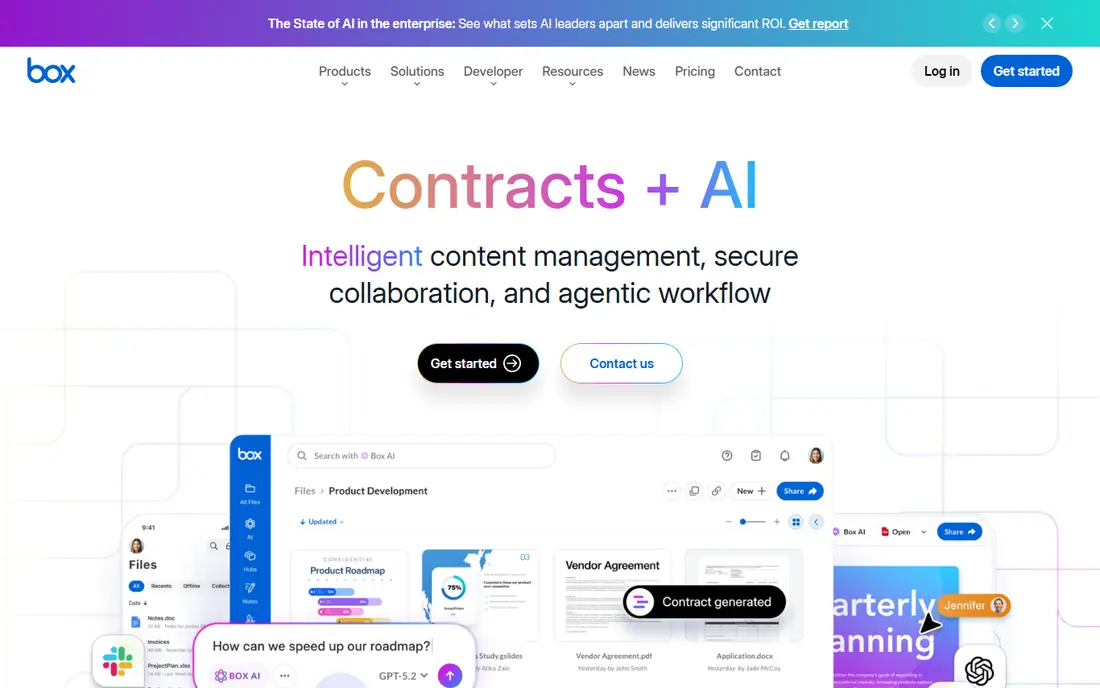
Box is built for companies that need control, not just storage. Admins can set permissions, track activity, apply retention rules, and meet compliance needs in regulated work. Its collaboration tools, including document signing, help teams that share files with clients and partners.
Personal users will find Box less appealing. The individual paid plan costs more than Google or OneDrive for similar storage, and some business tiers require several users. For a business that must show auditors how files are handled, that cost buys real control.
- Strong admin controls and compliance features
- Document signing and collaboration tools
- 10 GB free for individuals
- Individual plans are pricier than consumer rivals
- Business plans need a minimum number of users on some tiers
iCloud+ is the obvious pick for Apple households. Photos, device backups, and app data sync without extra setup, and the 50 GB plan costs less than a dollar a month at entry. For a family sharing Apple devices, that simplicity is worth a lot.
Windows and Android users get a thinner experience, and the free 5 GB fills up fast once backups start. If your household mixes devices, Google Drive or OneDrive will feel more even-handed. For an all-Apple home, iCloud+ is hard to beat.
- Tight iPhone, iPad, and Mac integration
- Cheap entry plan
- Device backup included in the same storage
- Only 5 GB free
- Windows and Android support is weaker
Proton Drive is for readers who want their files private from the provider itself. End-to-end encryption covers files and folder names, and the service sits under Swiss privacy law. It also includes a document editor and encrypted sharing links, so privacy does not mean giving up basic collaboration.
The free tier is modest, and the wider Proton ecosystem, including Mail and VPN, costs more on higher plans. Sync and sharing are solid but not as broad as Google Drive. If privacy is your top requirement, Proton Drive is the most complete private option here.
- End-to-end encryption on all plans
- Swiss privacy protections
- Document editor and encrypted link sharing
- Only 5 GB free
- Smaller ecosystem than Google or Microsoft
pCloud stands out because you can pay once instead of every month. Lifetime plans suit buyers who dislike subscriptions and plan to keep the same storage for years. The free tier, media features, and simple sharing also make it easy to try before paying.
Note that the strongest client-side encryption, called Crypto, is a separate paid add-on, not included by default. Lifetime plans also need a judgment call: they save money over many years, but only if the service stays useful to you. For subscription-averse buyers, pCloud is still the clearest option.
- Lifetime plans available
- Up to 10 GB free
- Good media playback and sharing
- Full client-side encryption is a paid add-on
- Lifetime value depends on how long you use it
Sync.com gives professionals a private Dropbox-style workflow. Files are encrypted end to end, sharing links can carry passwords and expiry dates, and team plans add controls for client work. For lawyers, accountants, and consultants sharing sensitive files, that mix is practical.
The app ecosystem is smaller than Google Drive or Dropbox, so check that your tools connect before you switch. The free tier is also small. If your priority is private sharing rather than a huge integration list, Sync.com delivers it at a fair price.
- End-to-end encryption by default
- Canadian data residency
- Good client sharing and team controls
- Fewer third-party integrations than Google or Dropbox
- Free tier is only 5 GB
MEGA offers the largest free tier in this guide, at 20 GB, with end-to-end encryption included. That makes it a strong free starting point for users who want privacy without paying at once. Paid plans scale to large storage amounts for heavy users.
Pricing in euros can confuse US buyers, and the experience is less polished than Google Drive or OneDrive. Some users also report slower support. If free encrypted storage is your main goal, MEGA is worth trying, with a paid plan only once you know you need more space.
- 20 GB free with end-to-end encryption
- Generous paid storage tiers
- Chat and sharing built in
- Paid prices are charged in euros on some plans
- Interface and support feel less polished than rivals
How we picked these
We compared official pricing pages, free tiers, encryption models, and sharing features for cloud services that can replace Dropbox for personal or business use. We kept only services that exist and work today, with a real sync app or web client. We did not claim hands-on testing. Prices change often, so check the vendor page before you buy or migrate files.
How to switch without losing files
Start by listing what Dropbox does for you today. Note your storage total, shared folders, and any app integrations you rely on. A service that looks cheap can cost time if it lacks a link your team uses every day.
Next, test the new service with a small folder before moving everything. Check sync speed, mobile access, and sharing links with a colleague. Confirm how the free tier counts storage, and whether photos, backups, or email share the same quota.
Finally, keep Dropbox until the move is complete. Upload in batches, check that shared links still work, and only cancel once you have verified the new copy. A slow, checked migration beats a fast one that loses a shared folder.