Best Figma Alternatives in 2026: 9 Tools Compared
By ToolNimba Editorial Team October 31, 2026 10 min read

- Top pick
 Penpot
Open source team design
Starting priceFreeCheck out PenpotRead our review - Runner-up
 Sketch
Mac-native UI design
Starting price$12 per editor per monthCheck out SketchRead our review - Also great
 Framer
Designs that become websites
Starting priceFreeCheck out FramerRead our review
How we researched this
We compared official pricing and feature pages, app store listings, privacy policies and public user reviews. Prices change, so check the provider's site before you pay.
Key takeaways
- Penpot is the strongest free and open source alternative, with self-hosting and a free cloud plan for small teams.
- Sketch remains the best Mac-native option, while Lunacy suits Windows and Linux users who want a free desktop app.
- Framer is the pick when a design should become a live website, not just a mockup for developers.
- Adobe XD is now a weak choice for new projects, since Adobe has shifted focus and it is mainly for existing users.
Quick comparison
| Name | Best for | Starting price | Free plan | |
|---|---|---|---|---|
| Penpot | Open source team design | Free | Yes | Visit |
| Sketch | Mac-native UI design | $12 per editor per month | Free trial | Visit |
| Framer | Designs that become websites | Free | Yes | Visit |
 Lunacy | Free desktop design | Free | Yes | Visit |
 Adobe XD | Existing Adobe workflows | See website | No | Visit |
 Axure RP | Complex prototypes | $29 per user per month | Free trial | Visit |
 UXPin | Code-based design systems | $6 per editor per month | Free trial | Visit |
 Canva | Fast marketing and social design | Free | Yes | Visit |
 ProtoPie | Realistic interactive prototypes | $11 per month | Free trial | Visit |
The best Figma alternatives
Figma set the standard for browser-based, collaborative design, but it is not the only sensible choice. Some teams want open source software, some want a native Mac app, and some want to publish straight to the web. The tools below cover those needs without forcing you to copy Figma feature for feature.
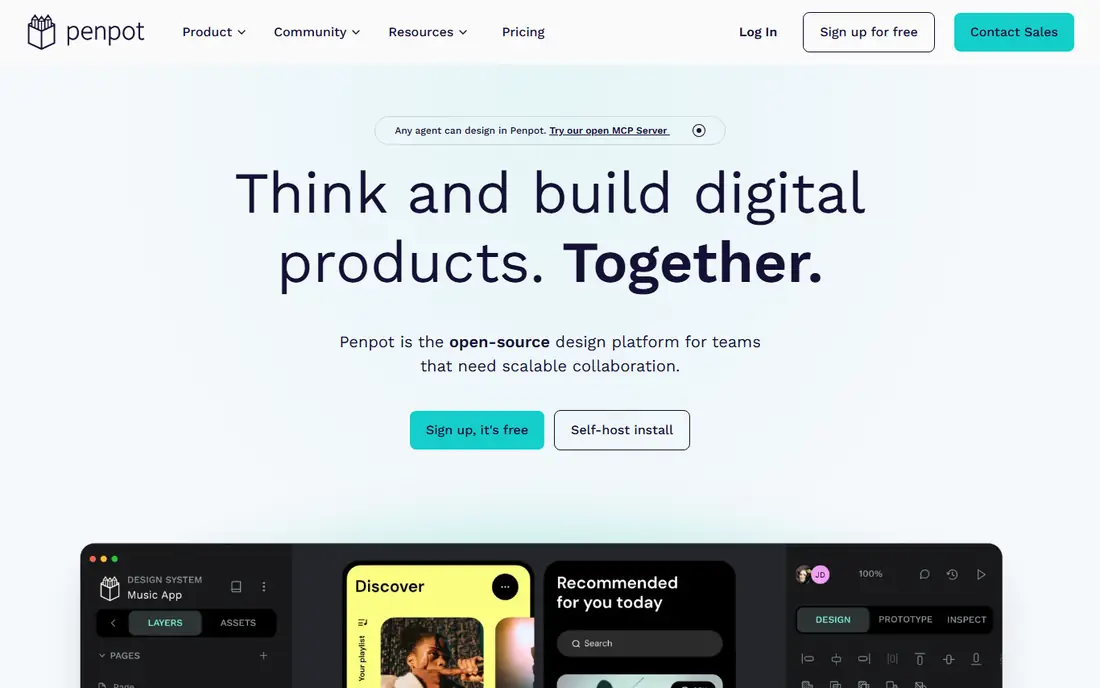
Penpot is our pick for most people leaving Figma on principle or on budget. It runs in the browser, supports real-time collaboration, and uses CSS concepts such as flex layout, which helps developers translate a design into code with fewer surprises. The Professional cloud plan is free for small teams, and larger teams can pay $7 per user per month for Unlimited, with self-hosting available for full control.
The trade-off is ecosystem depth. Penpot has fewer third-party plugins and community files than Figma, and very large multiplayer sessions can feel less polished. For product teams that value file ownership, open formats and predictable cost, those limits are acceptable. For teams that depend on a specific Figma plugin daily, check for a Penpot equivalent before migrating a live project.
- Open source and self-hostable
- Free Professional cloud plan for up to 8 users
- CSS-based layout
- Smaller plugin ecosystem than Figma
- Some collaboration features are less mature
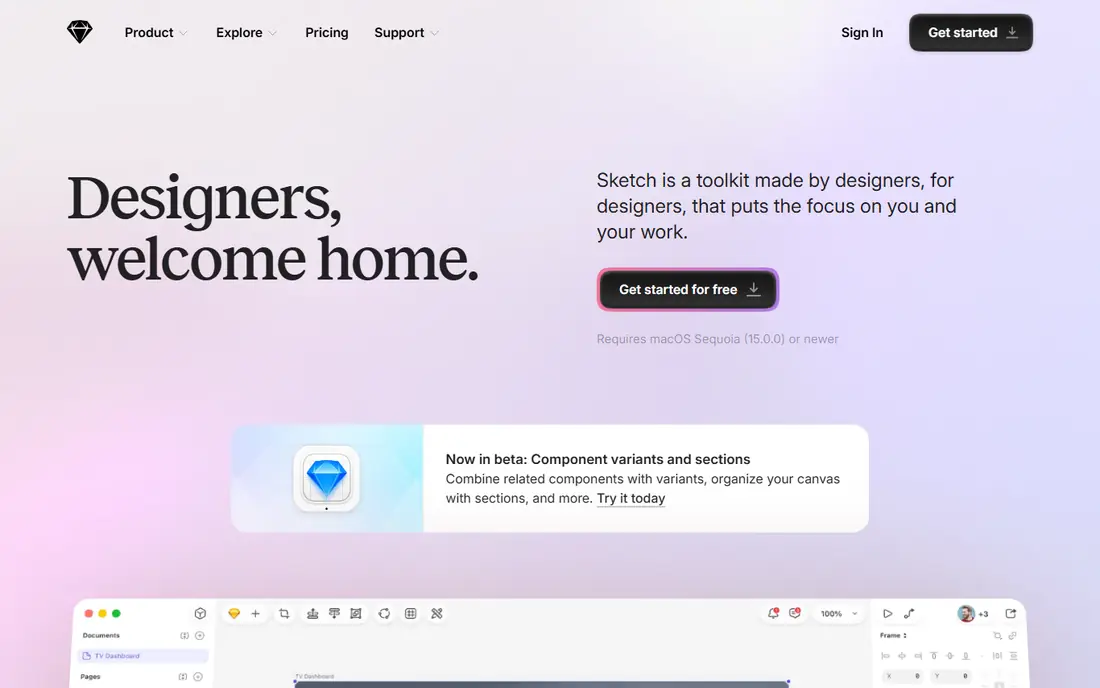
Sketch was the standard UI tool before browser design took over, and it still appeals to designers who prefer a native app. It feels fast, works offline, and lets developers inspect files, copy CSS and download assets without paying for an editor seat. Standard pricing is listed at $12 per editor per month billed annually, with a 30-day trial for new users.
The clear limit is platform. If your team includes Windows or Linux users, Sketch alone will not work for everyone. It also lacks a free tier for ongoing use, so a freelancer must budget for it from the start. For a Mac-only studio that values speed and local files, Sketch remains a serious, focused tool.
- Fast native Mac app
- Offline work
- Open file format and free developer inspection
- Mac only
- No permanent free plan
- Collaboration needs a paid workspace
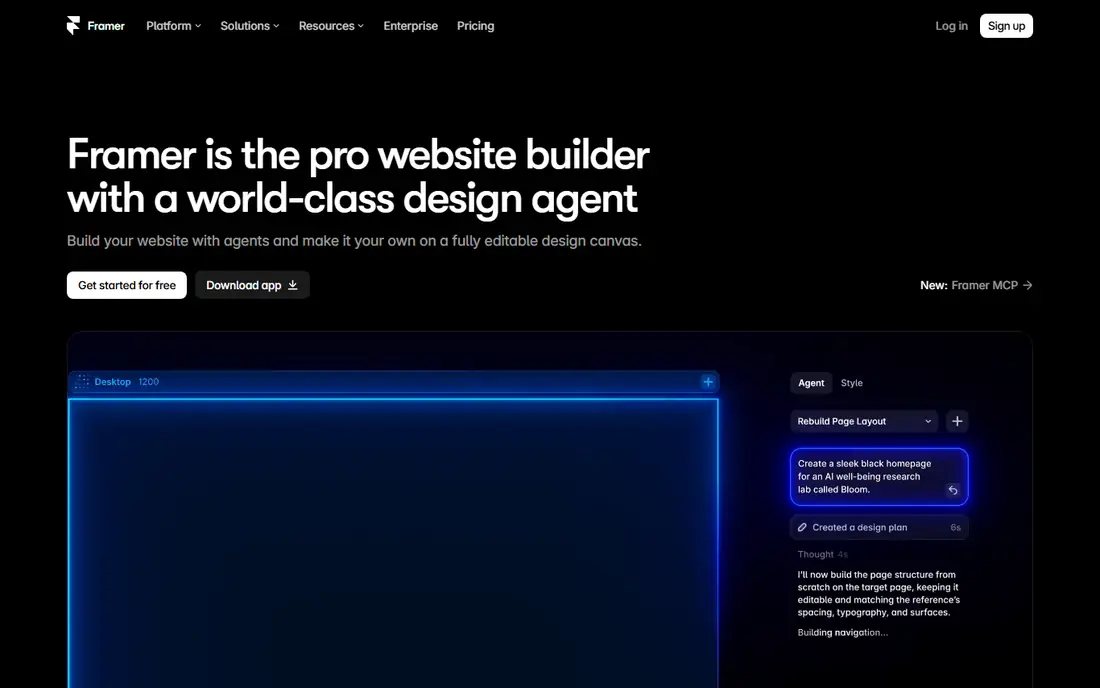
Framer blurs the line between design tool and website builder. What you design can be published as a live site with animations and interactions, without a separate build step. The free plan covers design work on a Framer subdomain, and Basic starts at $10 per month billed annually for a custom domain. That makes it ideal for marketing sites, landing pages and portfolios.
It is not the best home for a large, multi-screen product system. Pricing by site plus editor seats can rise quickly for agencies, and product teams may miss Figma-style component libraries at scale. If your main output is a website, though, Framer removes handoff entirely, and that is a real saving in time and miscommunication.
- Publishes real websites
- Strong animation tools
- Free plan for unpublished design work
- Per-site and per-editor costs add up
- Less suited to large product design systems
Lunacy is the most useful free desktop alternative for designers who do not want to work only in a browser. It runs on Windows, macOS and Linux, opens native Sketch files, and imports Figma files, which helps when switching tools mid-project. The core app is free for personal and commercial use, with a Pro plan listed at $11.99 per user per month billed yearly for full-resolution assets, AI tools and unlimited cloud documents.
The free tier has limits worth reading before you rely on it for client work, especially around cloud documents and asset quality. Lunacy also has a smaller community than Sketch or Figma, so templates and tutorials are thinner. For a solo designer on Windows or Linux, it is still a strong, no-cost starting point.
- Free desktop app for Windows, macOS and Linux
- Opens Sketch and Figma files
- Offline use
- Free plan limits cloud documents and asset resolution
- Smaller community
Adobe XD once competed directly with Figma, but Adobe has shifted its focus and XD is now best viewed as a legacy tool. Existing users with files and workflows in XD can keep using it, and it remains usable for wireframes, prototypes and sharing, especially inside a Creative Cloud subscription. That continuity is its main value today.
For a new project, we would not start here. Development has slowed, community momentum has moved elsewhere, and pricing is tied to broader Creative Cloud plans rather than a simple standalone design tier. If you are already paying for Adobe tools and need a quick prototype, XD can fill that gap. If you are choosing fresh, Penpot, Sketch or Framer will serve you better.
- Familiar Adobe interface
- Useful if you already pay for Creative Cloud
- Prototyping and sharing
- In maintenance mode for new development
- Not a good pick for new projects
- Pricing tied to Creative Cloud
Axure RP is built for prototypes that need to behave like real software. You can add conditional logic, variables, dynamic panels and data-driven lists, then generate specifications for developers. That depth suits enterprise products, complex forms and flows where a clickable mockup is not enough to test a decision. Pro pricing is listed at $29 per user per month billed annually, with a 30-day trial.
The cost is a heavier interface and slower visual design work. Axure will not match Figma or Sketch for pure visual craft, and new users need time to learn its logic system. Use it when the prototype itself is the deliverable, such as for usability testing of a complex flow, and use a visual tool alongside it when polish matters most.
- Logic, conditions and variables in prototypes
- Detailed specifications
- Enterprise-friendly
- Steeper learning curve
- Design polish lags behind Figma
- Higher price
UXPin appeals to teams whose design system is built from code. Designers can work with real coded components rather than drawn copies, which keeps the design and the shipped product closer together. That approach reduces drift, where a mockup promises a component that developers cannot easily build, and it helps large teams keep patterns consistent. Essentials pricing is listed at $6 per editor per month billed annually.
The downside is scope. UXPin is more complex than a simple screen designer, and its community is smaller than Figma's, so finding templates takes more effort. It also offers a free trial rather than a permanent free plan. For a team already thinking in components and code, that trade is worth it. For a quick landing page, a simpler tool will be faster.
- Design with real code components
- Strong design system features
- Developer-friendly specs
- Smaller community
- Trial only, no permanent free plan
- Can feel complex for simple screens
Canva is not a like-for-like Figma replacement, and that is exactly why it belongs here. For social posts, presentations, ads and simple web graphics, it is faster than any UI tool, with templates, stock assets and brand kits that a non-designer can use well. The free plan covers a lot of everyday work, and Pro adds brand controls, background removal and more assets.
For detailed app screens, Canva falls short. It lacks the component, auto-layout and developer handoff depth that product teams need, and precise control over spacing and states is limited. Use Canva for marketing output and a UI tool for product screens, and let each one do the job it was built for rather than forcing one tool to cover both.
- Very easy to learn
- Huge template library
- Free plan covers many everyday designs
- Weak for detailed product UI work
- Less precise control than a dedicated UI tool
ProtoPie makes prototypes that feel like real apps, with gestures, sensors, voice and hardware inputs that static mockups cannot show. Designers can import screens from Figma, Sketch or Adobe XD, add interactions without code, and test them on a real device. Individual pricing is listed at $11 per month billed annually, with a free trial to try the workflow.
It is a prototyping specialist, not a replacement design editor. You will still design screens elsewhere, then bring them into ProtoPie for interaction work. That extra step pays off when testing a flow that depends on motion, device sensors or multi-screen logic, where a flat prototype would hide the real usability problems.
- No-code realistic interactions
- Sensor and hardware inputs
- Good for usability testing
- Not a full UI design tool
- Paid plan needed for ongoing work
- Learning curve for advanced logic
How we picked these
We compared official pricing pages, feature pages and current comparisons for tools that design, prototype or publish interfaces. We favored tools that are actively sold today, cover a distinct need, and offer a free plan or trial so you can test them before paying. We did not claim hands-on testing, and we noted where a tool is in maintenance mode rather than presenting it as equal to active rivals.
How to choose without switching twice
Start from your output, not from a feature list. If the output is a website, try Framer first. If it is a product system, try Penpot or Sketch. If it is a testable prototype for a complex flow, add Axure RP or ProtoPie to a visual tool. Run one real project, not just a demo file, through the free plan or trial before moving a team.
Check migration costs early
Test file imports, component reuse and developer handoff on a small project first. Confirm that fonts, colors and spacing survive the move, and that developers can inspect and export what they need without a paid seat. A tool that looks cheap but breaks handoff will cost more in rework than a slightly higher subscription.