Free Alternatives to After Effects in 2026: 9 Tools Compared
By ToolNimba Editorial Team October 29, 2026 8 min read

- Top pick
 DaVinci Resolve
All-in-one editing and compositing
Starting priceFreeCheck out DaVinci ResolveRead our review - Runner-up
 Blender
3D motion graphics
Starting priceFreeCheck out BlenderRead our review - Also great
 Natron
Node-based compositing
Starting priceFreeCheck out NatronRead our review
How we researched this
We compared official pricing and feature pages, app store listings, privacy policies and public user reviews. Prices change, so check the provider's site before you pay.
Key takeaways
- DaVinci Resolve with Fusion is the strongest free After Effects alternative, combining editing, compositing and color in one app.
- Blender suits 3D motion graphics and visual effects, with a full 3D pipeline free.
- Natron suits node-based compositing, with an interface familiar to Nuke users.
- Lightworks suits editors who want effects inside a video editor, with a free tier covering many effects.
- Kdenlive, Shotcut and OpenShot suit simpler motion graphics and titles inside free editors.
- CapCut suits quick social motion graphics, with templates and a free tier.
Quick comparison
| Name | Best for | Starting price | Free plan | |
|---|---|---|---|---|
| DaVinci Resolve | All-in-one editing and compositing | Free | Yes | Visit |
| Blender | 3D motion graphics | Free | Yes | Visit |
| Natron | Node-based compositing | Free | Yes | Visit |
 Lightworks | Professional editing on a free tier | Free | Yes | Visit |
 Olive | Lightweight editing and effects | Free | Yes | Visit |
 Kdenlive | Open source editing and titles | Free | Yes | Visit |
 Shotcut | Simple effects and filters | Free | Yes | Visit |
 OpenShot | Beginner titles and animation | Free | Yes | Visit |
 CapCut | Quick social motion graphics | Free | Yes | Visit |
The best free alternatives to After Effects
After Effects combines motion graphics, compositing and visual effects, and no single free tool matches it fully. We compared official feature pages, download pages and public documentation to build this list, covering compositors, 3D tools and editors with effects.
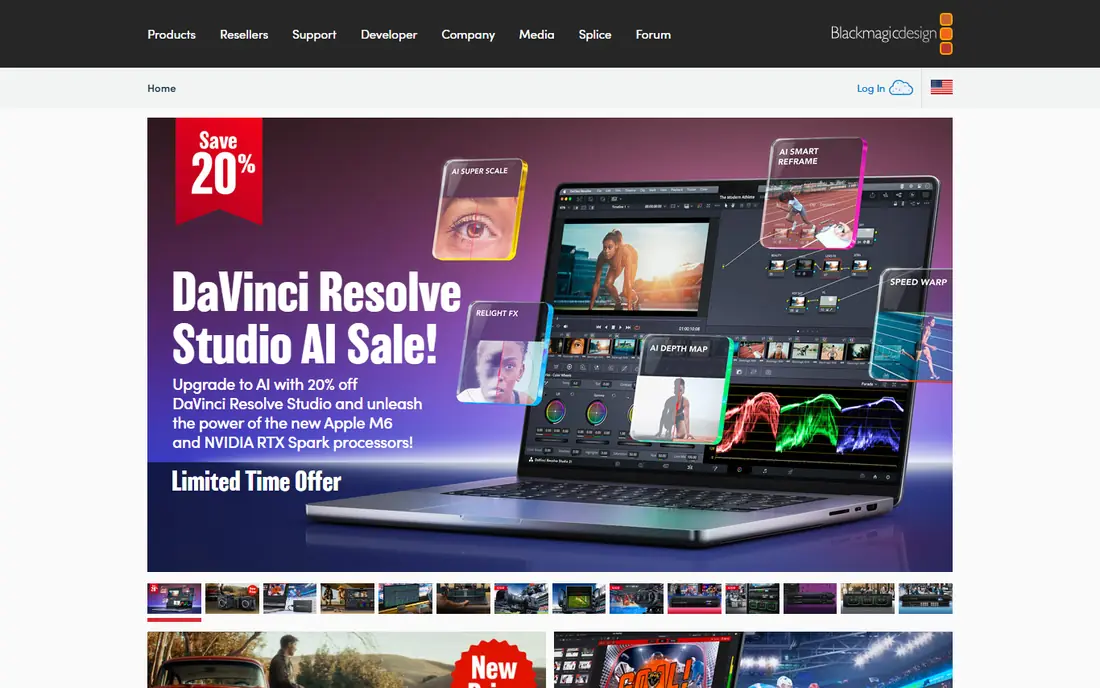
DaVinci Resolve from Blackmagic Design combines video editing, Fusion visual effects and compositing, color grading and audio in one free app, with node-based compositing inside Fusion. The free version covers most effects work, while Studio adds advanced features.
The combination suits creators who want editing and effects in one place without subscriptions. The learning curve and hardware needs are real. For a free After Effects alternative, DaVinci Resolve is our pick.
- Fusion compositing built in
- Professional editing and color
- Free version is very capable
- Steep learning curve
- Needs a powerful computer
- Some features need Studio
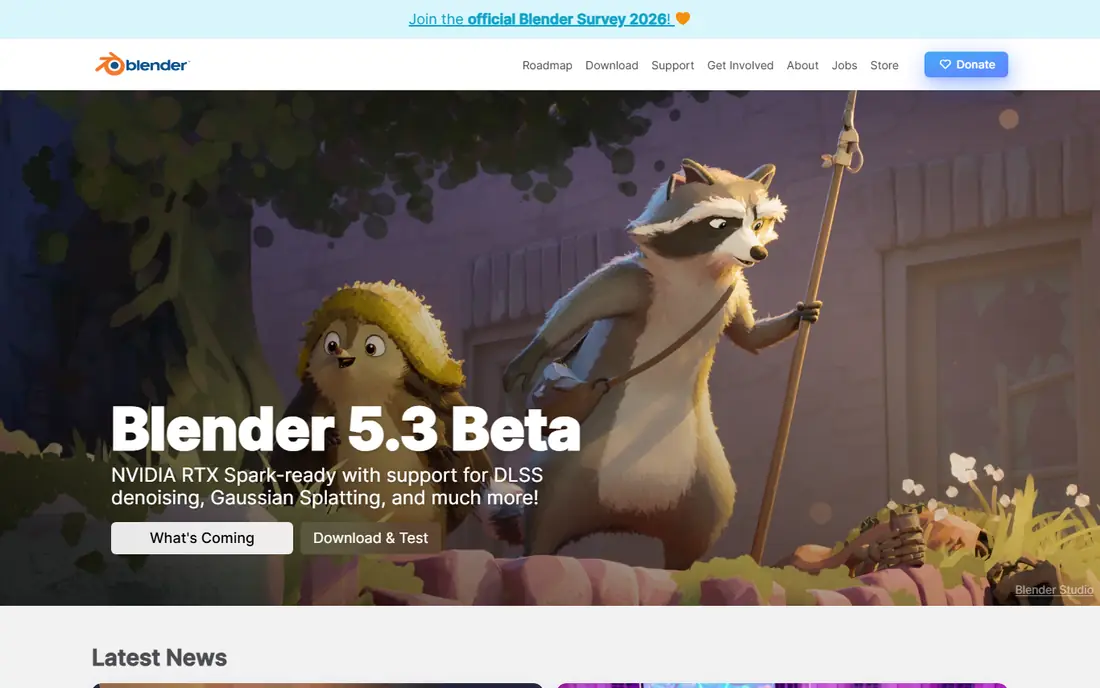
Blender is a free, open source 3D creation suite with modeling, animation, motion tracking, compositing and video editing, used for films, games and motion graphics. The Grease Pencil tools add 2D animation inside the 3D workspace.
The 3D depth suits motion graphics with 3D elements, titles and visual effects. Pure 2D motion graphics need more setup than After Effects. For 3D motion graphics free, Blender is unmatched.
- Full 3D pipeline free
- Motion tracking and compositing
- Huge community and tutorials
- Steep learning curve
- 2D motion graphics need extra setup
Natron is a free, open source node-based compositing tool, with an interface familiar to Nuke users, supporting rotoscoping, keying, tracking and effects through plugins. It runs on Windows, Mac and Linux.
The node workflow suits compositors who think in nodes rather than layers. The community is smaller than Blender or Resolve, so tutorials are fewer. For free node-based compositing, Natron is a strong pick.
- Node-based compositing like Nuke
- Free and open source
- Plugin support
- Smaller community than rivals
- Development is community-driven
Lightworks is a professional video editor with a free version that is not a time-limited trial. It runs on Windows, macOS and Linux, and the free version exports finished videos at up to 1080p, including portrait video for social media. Effects and graphics work happens in its finishing step, so it suits editors who want a capable timeline first and effects second.
The limit is focus. Lightworks is an editor, not a dedicated motion graphics suite, and its professional interface takes time to learn. For free effects inside a serious editor, it is a strong pick.
- Professional timeline editor
- Free version exports up to 1080p including portrait video
- Works on Windows, macOS and Linux
- Free version is not a time-limited trial
- Professional interface takes learning
- Effects tools are part of an editor, not a dedicated motion graphics app
Olive is a free, open source video editor aiming for professional features, with node-based compositing in its newer builds and a lightweight design that runs well on modest computers. It covers Windows, Mac and Linux.
The lightness suits older computers and simple effects work. The tool is still maturing, so effects depth trails Resolve. For lightweight free editing with effects, Olive is a promising pick.
- Lightweight and fast
- Node-based compositing in development
- Free and open source
- Still maturing
- Fewer effects than Resolve or Lightworks
Kdenlive is a free, open source video editor with titles, transitions, effects and keyframe animation, plus multi-track editing and proxy workflows for smooth playback. It runs on Windows, Mac and Linux.
The title and keyframe tools suit simple motion graphics like lower thirds and animated text. Complex compositing needs Resolve or Natron. For open source editing with titles, Kdenlive is a solid pick.
- Free and open source
- Titles, transitions and effects
- Works on Windows, Mac and Linux
- Motion graphics depth trails After Effects
- Interface feels technical
Shotcut is a free, open source video editor with filters, transitions, keyframes and color tools, plus a simple interface that suits beginners. It runs on Windows, Mac and Linux.
The simplicity suits quick effects like text, fades and color looks. Advanced motion graphics need another tool. For simple free effects, Shotcut is a good pick.
- Free and open source
- Many filters and transitions
- Simple interface
- Motion graphics are basic
- No node compositing
OpenShot is a free, open source video editor designed for beginners, with animated titles, transitions and keyframe animation in a simple drag-and-drop interface. It runs on Windows, Mac and Linux.
The ease of use suits first-time editors making simple motion graphics. Performance and effects depth trail rivals on large projects. For beginner titles and animation, OpenShot is an easy pick.
- Very easy to learn
- Animated titles and transitions
- Free and open source
- Basic effects
- Performance lags on large projects
CapCut offers templates, effects, transitions and auto captions for social video, with mobile and desktop apps and a free tier covering many features. Paid plans remove limits and watermarks on some exports.
The templates suit quick social motion graphics without learning a compositor. Control and precision trail Resolve and Blender. For quick social graphics, CapCut completes the list.
- Templates and effects for social video
- Auto captions
- Mobile and desktop apps
- Free tier has limits and watermarks on some exports
- Less control than desktop tools
How we picked these
We compared official feature pages, download pages and public documentation for each tool, and favored software that is actively available and supported in October 2026. We mixed compositors, 3D tools and editors so the list covers different After Effects use cases, from compositing to simple titles. All nine tools are free to download and use, with optional paid tiers on some.
How to replace After Effects for free
Match the tool to the job: compositing points to DaVinci Resolve Fusion or Natron, 3D motion graphics point to Blender, and simple titles point to Kdenlive, Shotcut or OpenShot. Most creators combine two tools: Resolve for editing and compositing, plus Blender for 3D elements. Learn node basics in Fusion, since node thinking transfers to Natron and Nuke later.
Start with one project, not a feature tour
Pick a real project, like a title sequence or a product shot with tracked text, and finish it in your chosen tool. A finished project teaches more than hours of feature browsing.
Learn Fusion nodes with a simple composite first. Start by combining two clips with a tracked text label, then add a keyed element, then a color grade, building one skill per project. Node tools reward patience: each small project teaches a concept that the next project reuses, and after five projects the workflow feels natural. Tutorials help most when you follow them with your own footage rather than the tutorial's.
Use proxies for smooth editing on modest computers. Proxy files are low-resolution stand-ins that make playback smooth, while the final export still uses full-quality originals. Most free editors support proxies, and the feature turns a stuttering timeline into a workable one without new hardware. Turn proxies on before starting a big project, not after frustration sets in.