Gmail Alternatives in 2026: 8 Services Compared
By ToolNimba Editorial Team October 29, 2026 9 min read

- Top pick
 Outlook
Direct Gmail replacement
Starting priceFreeCheck out OutlookRead our review - Runner-up
 Proton Mail
Privacy and encryption
Starting priceFreeCheck out Proton MailRead our review - Also great
 Tuta
Encrypted mail at low cost
Starting priceFreeCheck out TutaRead our review
How we researched this
We compared official pricing and feature pages, app store listings, privacy policies and public user reviews. Prices change, so check the provider's site before you pay.
Key takeaways
- Outlook is the easiest direct Gmail replacement for most people, with calendar and Office links.
- Proton Mail and Tuta lead on privacy, with end-to-end encryption and no ads on free plans.
- Zoho Mail is the best low-cost business option, with custom domain support for small teams.
- Fastmail suits power users who want speed, custom domains and strong organisation tools.
- iCloud Mail and Yahoo Mail suit users already in Apple or Yahoo ecosystems, with generous free storage on Yahoo.
Quick comparison
| Name | Best for | Starting price | Free plan | |
|---|---|---|---|---|
| Outlook | Direct Gmail replacement | Free | Yes | Visit |
| Proton Mail | Privacy and encryption | Free | Yes | Visit |
| Tuta | Encrypted mail at low cost | Free | Yes | Visit |
 Zoho Mail | Small business email | Free | Yes | Visit |
 Fastmail | Power users and custom domains | See website | Free trial | Visit |
 Apple Mail and iCloud Mail | Apple device users | Free | Yes | Visit |
 Yahoo Mail | Generous free storage | Free | Yes | Visit |
 Thunderbird | Free desktop email client | Free | Yes | Visit |
The best Gmail alternatives
Switching email is easier than it looks, as long as you pick by what matters to you: privacy, business features, storage or device fit. Some services below are full email providers, while Thunderbird is a free client that works with many providers. Together they cover the main reasons people leave Gmail.
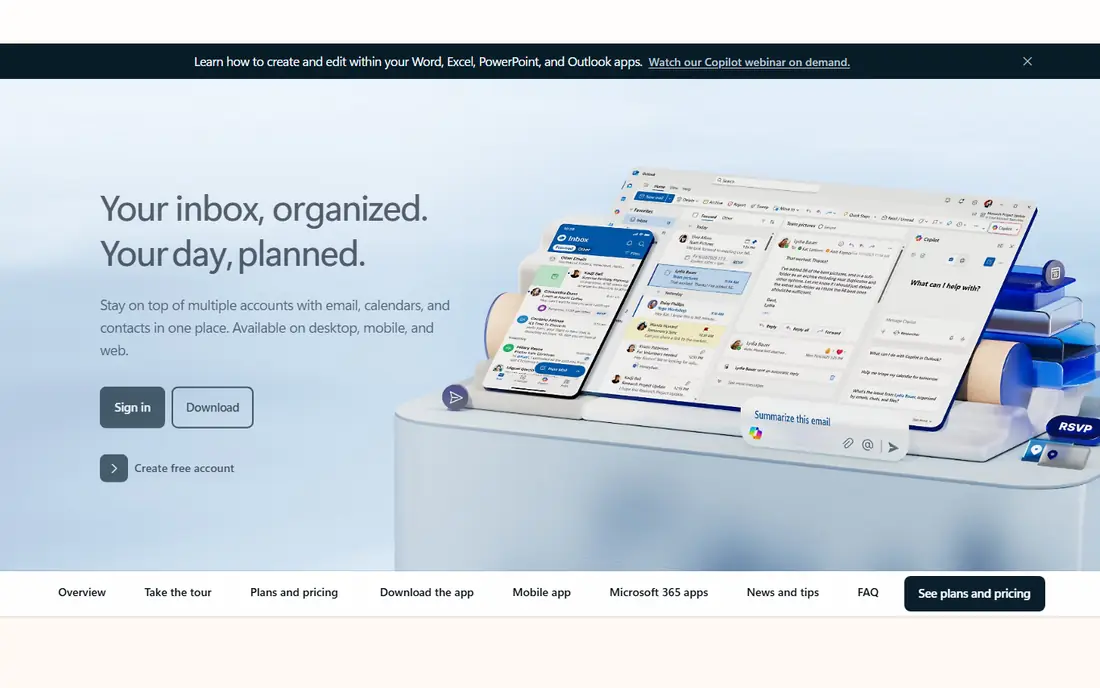
Outlook is the closest like-for-like Gmail replacement for most users. It offers webmail, calendar, contacts and a solid mobile app, plus links to Word, Excel and OneDrive on paid plans. If you work with Microsoft files or collaborate in Office, Outlook fits naturally, and migration tools help move mail from Gmail.
The free plan shows ads, and some features, such as expanded storage and custom domains, need a paid plan. Outlook also uses a folder model rather than Gmail labels, so Gmail users may need a short adjustment period. For everyday personal and work email, though, Outlook is familiar, capable and easy to adopt.
- Free webmail with calendar and contacts
- Strong Microsoft 365 links
- Good spam and phishing controls
- Free plan shows ads
- Custom domains need paid Microsoft 365 plans
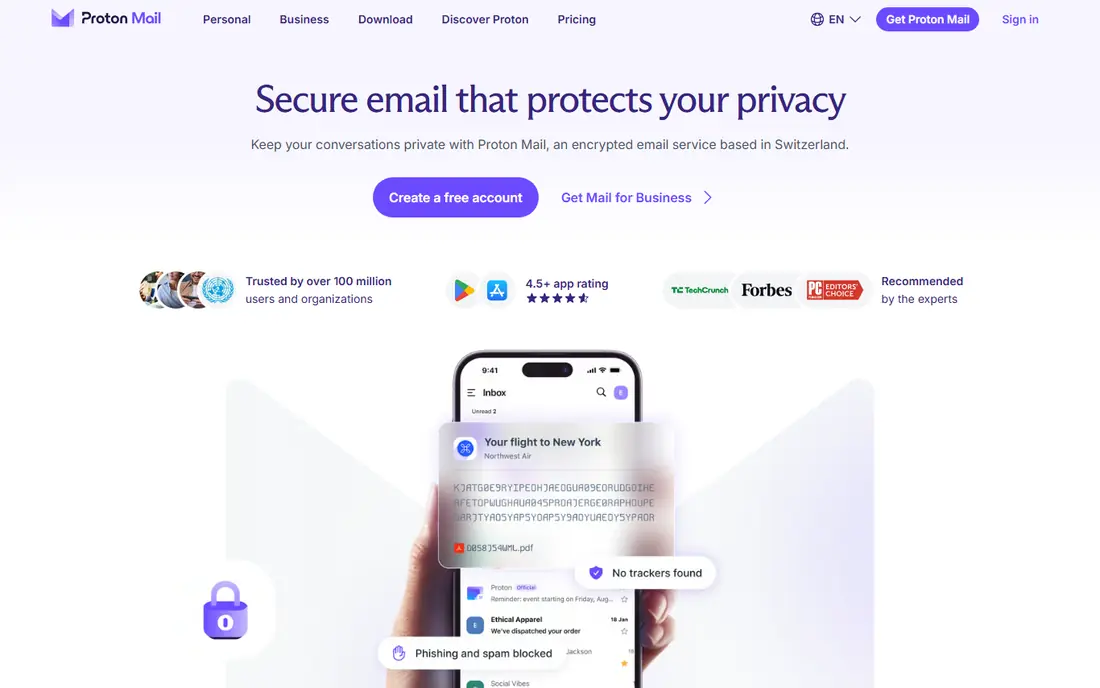
Proton Mail leads on privacy for users who want encryption by default. Messages between Proton users are end-to-end encrypted, and the service uses zero-access encryption, so Proton cannot read your mailbox content. The free plan has no ads, which is a clear contrast to ad-supported rivals, and paid plans add storage, custom domains and more addresses.
Free storage is limited, so heavy users with large attachments will need a paid plan sooner than on Yahoo or Outlook. Proton Mail also works best when contacts use Proton or accept encrypted message links, though it still sends normal email to other providers. For privacy-first users, those limits are a fair trade for stronger protection.
- End-to-end encryption
- No ads
- Based in Switzerland with strong privacy laws
- Free storage is limited
- Full features and custom domains need paid plans
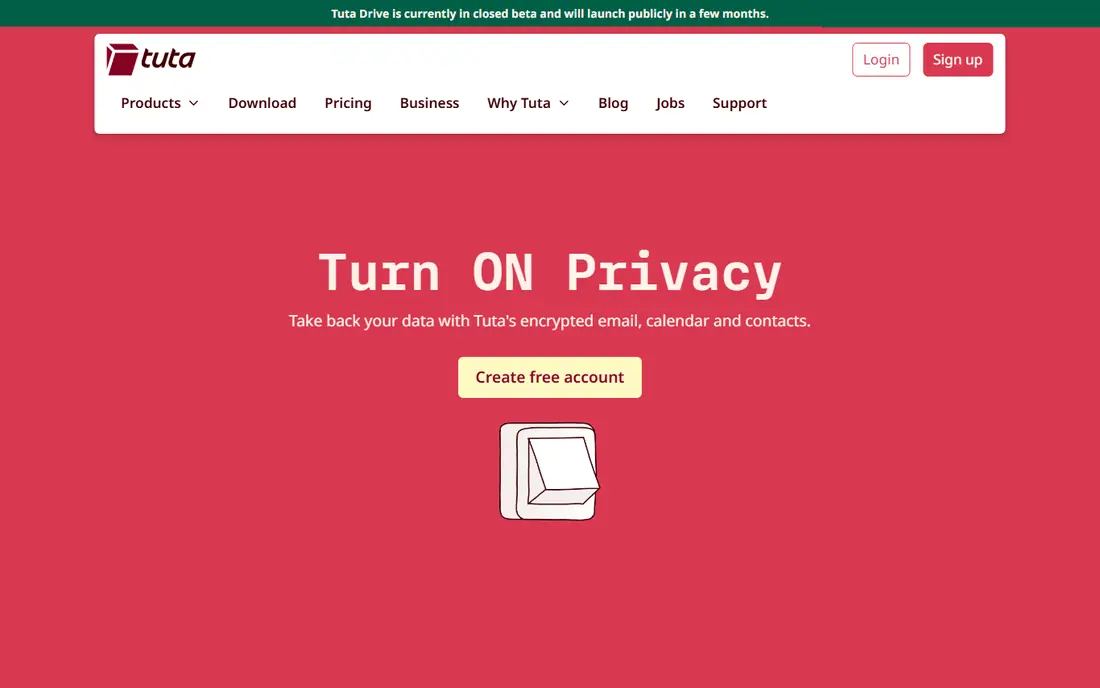
Tuta, formerly Tutanota, encrypts the whole mailbox, including subject lines in many cases, plus calendar and contacts. That breadth of encryption appeals to users who want privacy across more than email alone. Paid plans start at a low monthly cost, which makes Tuta one of the cheapest encrypted options for individuals and small teams.
The ecosystem is smaller than Outlook, Gmail or Apple Mail, so integrations are fewer. Free storage is also limited, and power users may miss some Gmail features, such as deep third-party app links. For a user whose main priority is encryption at a low price, Tuta is a strong and honest choice.
- Fully encrypted mailbox, calendar and contacts
- No ads
- Low-cost paid plans
- Free storage is limited
- Smaller ecosystem than Outlook or Gmail
Zoho Mail is the best business pick for small teams that want a professional address without a large bill. The free plan supports a small team with a custom domain, and paid plans add more storage, users and admin controls. Links to Zoho CRM, Docs and other Zoho apps also help a small business keep mail, contacts and documents together.
For personal use, Zoho Mail can feel more business-like than Outlook or Yahoo, and the free plan has user and storage limits. Small teams should also check admin features before they scale, since larger firms may need stronger controls. For a startup or small business moving off Gmail, Zoho Mail offers a clear and low-cost path.
- Ad-free business mail
- Custom domain support
- Links to Zoho CRM, Docs and other Zoho apps
- Free plan limits users and storage
- Interface can feel busy for personal use
Fastmail suits users who want email done well, without ads or clutter. Its interface is fast, search is strong, and filters, folders and custom domains give power users real control over a busy inbox. Calendar and contacts are included, and the service has a long record of reliable, independent email hosting.
The main barrier is price. There is no free plan, only a trial, so casual users may prefer a free service. Fastmail also does not offer end-to-end encryption by default, unlike Proton Mail and Tuta, though it does offer strong transport security and privacy practices. For a power user who values speed and control over free storage, Fastmail is worth paying for.
- Fast, ad-free interface
- Strong filters, folders and custom domains
- Good calendar and contacts
- No free plan, only a trial
- No end-to-end encryption by default
Apple Mail with iCloud Mail is the quiet choice for Apple users. It is built into every iPhone, iPad and Mac, so setup is minimal and mail syncs across devices without extra apps. The interface is clean, there are no ads, and iCloud Plus adds custom domain support and more storage for users who need it.
Outside Apple devices, the experience is weaker. Webmail works in a browser, but the full benefit comes from Apple hardware and software. Free iCloud storage is also shared with photos, backups and files, so heavy users may need a paid iCloud plan. For a household or team already on Apple devices, iCloud Mail is a simple and private-feeling Gmail alternative.
- Built into iPhone, iPad and Mac
- Clean interface
- No ads
- Custom domains on iCloud Plus
- Best only inside Apple devices
- Free iCloud storage is shared across Apple services
Yahoo Mail remains useful mainly for its generous free storage and simplicity. Users with large mailboxes, many newsletters or old accounts can keep mail without paying for storage. The webmail and mobile app cover everyday needs, and Yahoo Mail works well as a second address for signups and newsletters.
Ads on the free plan and weaker privacy features are the limits. Yahoo Mail does not match Proton Mail or Tuta on encryption, and its feature set is less modern than Outlook or Fastmail. For a free, high-storage mailbox, especially as a secondary account, Yahoo Mail still earns a place, but privacy-focused users should look elsewhere.
- Large free storage
- Simple webmail and mobile app
- Useful for legacy accounts and newsletters
- Free plan shows ads
- Privacy and features lag behind Proton Mail and Tuta
Thunderbird is different from the other entries, because it is a free email client, not a provider. You connect it to an existing account, such as Fastmail, Zoho Mail or a work account, and read mail on your desktop with strong offline access. Its folders, filters and add-ons suit users who want control over how mail is organised on their own computer.
Thunderbird does not give you an email address, so you still need a provider for the account itself. Its mobile story is also less central than its desktop app. For users who like desktop email, want offline access and prefer open-source software, Thunderbird is a strong free client to pair with a provider from this list.
- Free and open source
- Works with many email providers
- Strong folders, filters and offline access
- Not an email provider by itself
- Needs an existing email account
- Mobile app is less central
How we picked these
We compared official product pages, free plans, storage, encryption, custom domain support and cross-platform apps, plus public reviews and help pages, to check that each service still operates and fits email use. We kept a mix of general providers, privacy providers, business providers and a desktop client, and we favoured services with a clear free plan or trial. We did not claim hands-on testing, and storage and pricing change, so confirm the current plan before you migrate.
How to switch from Gmail safely
Start by choosing based on one priority, not on every feature. If privacy matters most, pick Proton Mail or Tuta. If business email matters most, pick Zoho Mail or Fastmail. If ease matters most, pick Outlook or iCloud Mail. A clear priority makes the rest of the switch simpler.
Next, migrate in stages. Set up the new account, import mail and contacts, and set Gmail to forward to the new address for a few weeks. Update important accounts, such as banking, work and shopping, first, then update newsletters and less critical accounts over time. Keep Gmail active during the transition, so no message is lost while contacts learn your new address.
Finally, check the details that cause trouble later. Confirm that your new service works on all your devices, that calendar and contacts sync, and that spam filters catch what you expect. Test sending and receiving with a few contacts before you tell everyone to use the new address. A slow, staged switch is far less stressful than a sudden move.