Best Google Voice Alternatives in 2026: 9 Tools Compared
By ToolNimba Editorial Team October 31, 2026 10 min read

- Top pick
 RingCentral
All-round business communications
Starting price$20 per monthCheck out RingCentralRead our review - Runner-up
 OpenPhone
Small, text-heavy teams
Starting price$15 per monthCheck out OpenPhoneRead our review - Also great
 Dialpad
AI transcription and coaching
Starting price$15 per monthCheck out DialpadRead our review
How we researched this
We compared official pricing and feature pages, app store listings, privacy policies and public user reviews. Prices change, so check the provider's site before you pay.
Key takeaways
- OpenPhone, now Quo, is the best modern replacement for small, text-heavy teams, while Grasshopper suits solo owners who want a flat monthly price.
- RingCentral, Dialpad, and Nextiva suit larger teams that need video, AI summaries, and deeper integrations, at a higher per-user price.
- Google Voice limits that push teams away include weak CRM integration, limited international SMS, and support that relies mainly on community forums.
- Check texting limits, international calling, and CRM integrations before switching, since those details decide the real monthly cost.
Quick comparison
| Name | Best for | Starting price | Free plan | |
|---|---|---|---|---|
| RingCentral | All-round business communications | $20 per month | Free trial | Visit |
| OpenPhone | Small, text-heavy teams | $15 per month | Free trial | Visit |
| Dialpad | AI transcription and coaching | $15 per month | Free trial | Visit |
 Grasshopper | Solo owners and flat pricing | $14 per month | Free trial | Visit |
 Nextiva | Reliability and human support | $15 per month | No | Visit |
 Ooma Office | Simple small business phone | $19.95 per month | Free trial | Visit |
 Aircall | CRM-centred sales and support teams | $30 per month | No | Visit |
 Zoom Phone | Teams already using Zoom | $10.50 per month | No | Visit |
 TextNow | Free second number for personal use | Free | Yes | Visit |
The best Google Voice alternatives
Google Voice is simple and cheap, especially for personal use, but business teams often outgrow it when they need shared numbers, CRM logging, better texting, and real support. The alternatives below cover that gap at different prices and sizes.

RingCentral is the most complete replacement for a team that wants phone, video, and messaging together. The Core plan at $20 per user per month billed annually includes unlimited domestic calling, video meetings, and team messaging, with integrations for Salesforce, HubSpot, Google Workspace, and Slack. Call queues, multi-level IVR, and AI transcription on higher tiers suit support and sales teams that need structure. The complexity is real. Admin settings take time to learn, and the base plan includes only 25 texts per user per month, which is tight for text-heavy teams. Higher plans at $25 and $35 per user add more texts, call recording, and features. For a growing team that wants one platform for most communication, RingCentral is still the safest all-round pick, despite the learning curve.
- Voice, video, and messaging in one platform
- Many CRM integrations
- Multi-level IVR and call queues
- Base plan texting limits are tight
- Setup is more complex than simpler alternatives
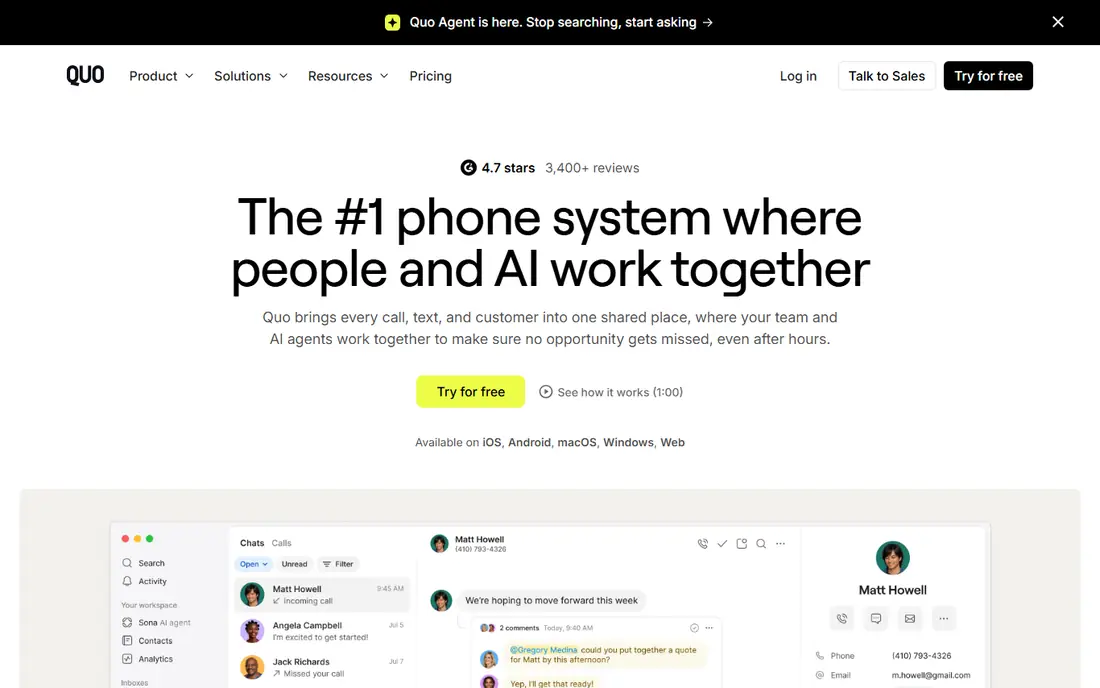
OpenPhone, now also branded as Quo, is built for small teams that live in text messages as much as calls. Shared numbers let several team members answer the same business line, with a shared inbox, internal threads, and AI summaries on higher plans. That design suits startups, agencies, and service businesses where a missed text costs a lead. Pricing starts at $15 per user per month billed annually, with a 7-day free trial, and higher plans add more integrations and AI features. OpenPhone does not try to replace Zoom or a full video platform, so teams that need large video meetings will need a separate tool. For a small, mobile-first team that wants a modern business number without enterprise complexity, OpenPhone is the best fit in this list.
- Shared numbers and shared inbox
- Strong texting and messaging
- HubSpot integration
- Now branded as Quo in some places, which can confuse search
- Fewer video features than RingCentral
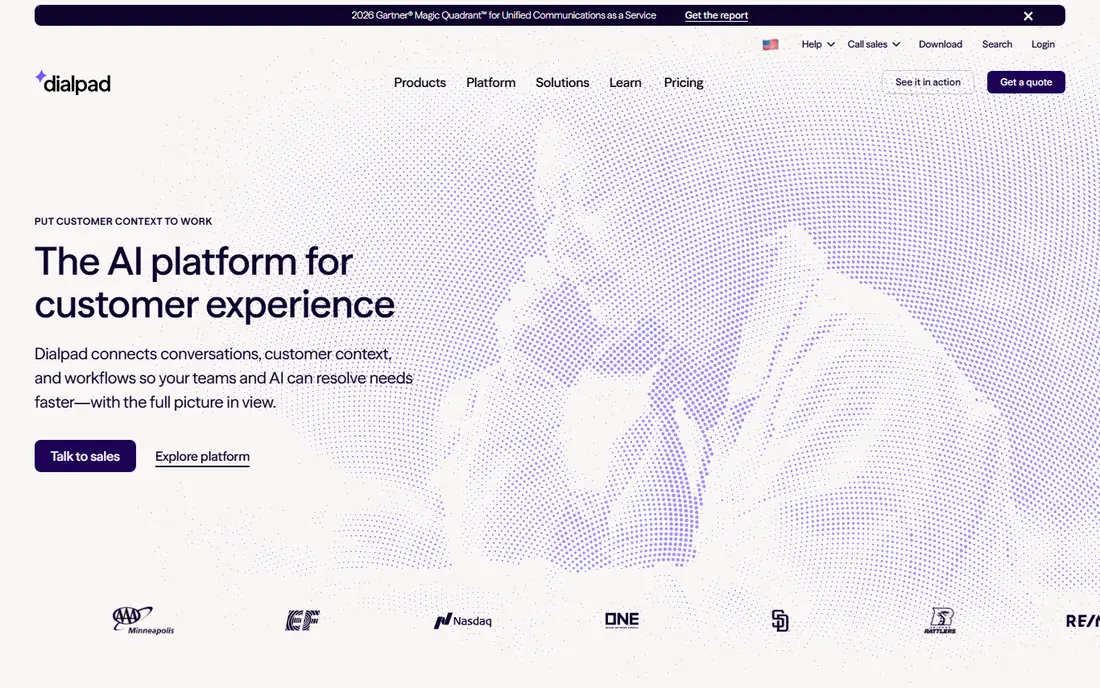
Dialpad stands out for AI features that are included from the start, rather than locked behind the top plan. Calls are transcribed, summarised, and searchable, which helps managers review conversations, follow up accurately, and coach new staff. Real-time suggestions during calls suit sales and support teams, and integrations cover common CRMs and productivity tools. The Standard plan starts at $15 per user per month billed annually, with a 14-day trial. More advanced AI, analytics, and contact centre features sit on higher plans, so the full cost depends on team needs. Dialpad is less of a flat business line for solo owners, and more of a team phone system with intelligence built in. For sales and support teams that will actually use transcripts and coaching, it offers strong value.
- AI transcription and summaries on every plan
- Real-time coaching for sales teams
- Good integrations
- Some advanced AI features need higher plans
- Pricing rises with add-ons
Grasshopper is the simplest business replacement for a solo owner or a very small team. Instead of paying per user, you pay a flat monthly price, starting around $14 per month billed annually for a solo plan, and you get a business number, extensions, call forwarding, and voicemail transcription. That flat model makes budgeting easy, and the mobile app lets you run the business line from a personal phone. Grasshopper does not offer the CRM depth, AI coaching, or team analytics of larger platforms, and its flat model suits small teams better than a team of twenty. For a freelancer, consultant, or shop owner who wants a professional number without per-user fees, Grasshopper remains a practical, low-friction choice.
- Flat monthly price, not per user
- Toll-free and local numbers
- Simple mobile-first setup
- No per-user pricing for growing teams
- Fewer CRM integrations than Dialpad or Aircall
Nextiva appeals to teams that value reliability and support over the newest AI feature. The Core plan starts at $15 per user per month billed annually, with unlimited calling in the US and Canada, voicemail transcription, and team messaging options. Support is available around the clock, which matters when a phone problem hits during business hours and you need a person, not a forum thread. Nextiva's higher plans add CRM integrations, analytics, and contact centre tools, so the entry price is not the full story for larger teams. There is no free plan, though trials and demos are offered. For a small or mid-size business that wants a dependable phone system with strong support, Nextiva is a solid alternative to Google Voice, especially for teams moving away from Google's community-based help.
- Strong uptime record
- 24/7 human support
- Visual IVR and team chat options
- No free plan
- Higher plans needed for full CRM and analytics features
Ooma Office suits small offices that want a traditional phone feel with modern features. The Essentials plan at $19.95 per user per month includes a virtual receptionist, call forwarding, voicemail, and many standard business features, with desk phones available for offices that prefer hardware. Setup is straightforward, and the feature list is generous for a small team. The entry price is higher than Grasshopper or Dialpad, and features such as call recording, CRM integration, and advanced analytics sit on Pro plans. Ooma is less focused on text-heavy mobile teams than OpenPhone, and more focused on offices that want a reliable, easy-to-manage phone system. For a small office that values simplicity and a familiar phone setup, Ooma Office is a good fit.
- Virtual receptionist and many standard features
- Simple pricing
- Desk phone options
- Higher entry price than Grasshopper
- Advanced features need Pro plans
Aircall is built for teams whose phone system must write activity into the CRM without manual work. Calls, texts, and notes sync with Salesforce, HubSpot, and other tools, and the power dialler, call queues, and analytics suit sales and support teams that measure talk time and outcomes. That integration depth is the main reason teams choose Aircall over a simpler business line. Pricing starts at $30 per user per month, which is higher than most alternatives here, and there is no free plan. Teams that do not use a CRM, or that make few calls, will not get full value. For a sales or support team that lives in HubSpot or Salesforce and needs reliable call logging, Aircall justifies its price through time saved and cleaner records.
- Native Salesforce and HubSpot sync
- Power dialler
- Analytics for sales and support teams
- Higher entry price
- Best value requires a CRM-centred workflow
Zoom Phone makes sense if your team already meets on Zoom every day. Adding phone to the same account means one login, one admin console, and a familiar app for calls, meetings, and chat. The US and Canada metered plan starts around $10.50 per user per month billed annually, which is among the lowest entry prices for a team phone system. The total cost depends on your existing Zoom plan, since Zoom Phone is often an add-on, and some phone features and numbers vary by region. Teams that do not use Zoom will find little reason to choose it over Dialpad or RingCentral. For a Zoom-centred team that wants phone without a second platform, Zoom Phone is the most convenient replacement for Google Voice.
- One login for meetings and phone
- Low entry price on annual billing
- Familiar Zoom interface
- Needs a Zoom base plan in many cases
- Phone features vary by plan and region
TextNow is the closest free alternative to personal Google Voice. It gives users a free US phone number for calling and texting over Wi-Fi or data, with an ad-supported app. That suits anyone who wants a second number for online listings, dating, or separating personal and public contact, without paying a monthly fee. TextNow is not a business system. It lacks shared numbers, CRM integration, IVR, and team management, and the free version includes ads. Paid options remove ads and add features, but a business should choose Grasshopper, OpenPhone, or RingCentral instead. For a free personal second number, TextNow is the simplest option that still works in 2026.
- Free US number with calling and texting
- Ad-supported model
- Simple app for a second line
- Ads in the free version
- Not a business phone system
- Number and features vary by plan
How we picked these
We compared official pricing pages, vendor feature lists, and public reviews for phone services that replace Google Voice for personal or business use in 2026. We focused on shared numbers, texting, CRM integration, international calling, support quality, and starting price, and we included options for solo users, small teams, and larger teams. We did not claim hands-on testing of every service. Prices vary by billing term and region, and Google Voice itself still suits some personal users, so check current pricing before switching.
What to check before you leave Google Voice
Porting your number is the first risk. Confirm that the new provider can port your Google Voice number, how long it takes, and whether calls and texts keep working during the transfer. A failed port can mean missed calls, so do not cancel Google Voice until the new number is live and tested.
Count texts, not just calls
Many business plans limit texts per user, or charge for extra messages, which matters for teams that text customers daily. Add up your monthly texts, check international texting if you serve customers abroad, and compare the plan that covers that volume, not just the cheapest plan.
Test CRM and support on a trial
Use the trial to log a call to your CRM, transfer a call, set up an auto-attendant, and contact support with a real question. Those four tests reveal more about daily fit than a feature list, and they help you avoid a system that looks good on paper but frustrates your team.