Best HeyGen Alternatives in 2026: 9 Tools Compared
By ToolNimba Editorial Team November 7, 2026 10 min read

- Top pick
 Synthesia
Governed corporate and training video
Starting price$18 per monthCheck out SynthesiaRead our review - Runner-up
 Colossyan
Training video with quizzes
Starting price$59 per monthCheck out ColossyanRead our review - Also great
 Elai
Slide decks turned into video
Starting price$23 per monthCheck out ElaiRead our review
How we researched this
We compared official pricing and feature pages, app store listings, privacy policies and public user reviews. Prices change, so check the provider's site before you pay.
Key takeaways
- Synthesia leads for governed corporate video, with a free plan and an $18 per month annual starter price.
- Colossyan is the training-focused pick, with SCORM export and quiz features on paid plans.
- D-ID offers the lowest entry price here for simple photo avatar clips.
- VEED is the best route if you also need a full video editor in the same tool.
- Credit and minute limits matter more than the monthly price on every tool here.
Quick comparison
| Name | Best for | Starting price | Free plan | |
|---|---|---|---|---|
| Synthesia | Governed corporate and training video | $18 per month | Yes | Visit |
| Colossyan | Training video with quizzes | $59 per month | Yes | Visit |
| Elai | Slide decks turned into video | $23 per month | Yes | Visit |
 D-ID | Low-cost photo avatars | $5.90 per month | Free trial | Visit |
 DeepBrain AI | Realistic AI presenters | See website | See website | Visit |
 Vidnoz | Quick browser avatar video | See website | Yes | Visit |
 Fliki | Text to video with voices | See website | Yes | Visit |
 Pictory | Long text turned into short video | See website | Free trial | Visit |
 VEED | Avatar video inside a video editor | $12 per month | Yes | Visit |
The best HeyGen alternatives
If you need avatar video without HeyGen, the market now splits into training tools, marketing tools, and low-cost photo avatar tools. The right pick depends on how many minutes you need each month, whether you need SCORM export, and how much control you want over voices and avatars.
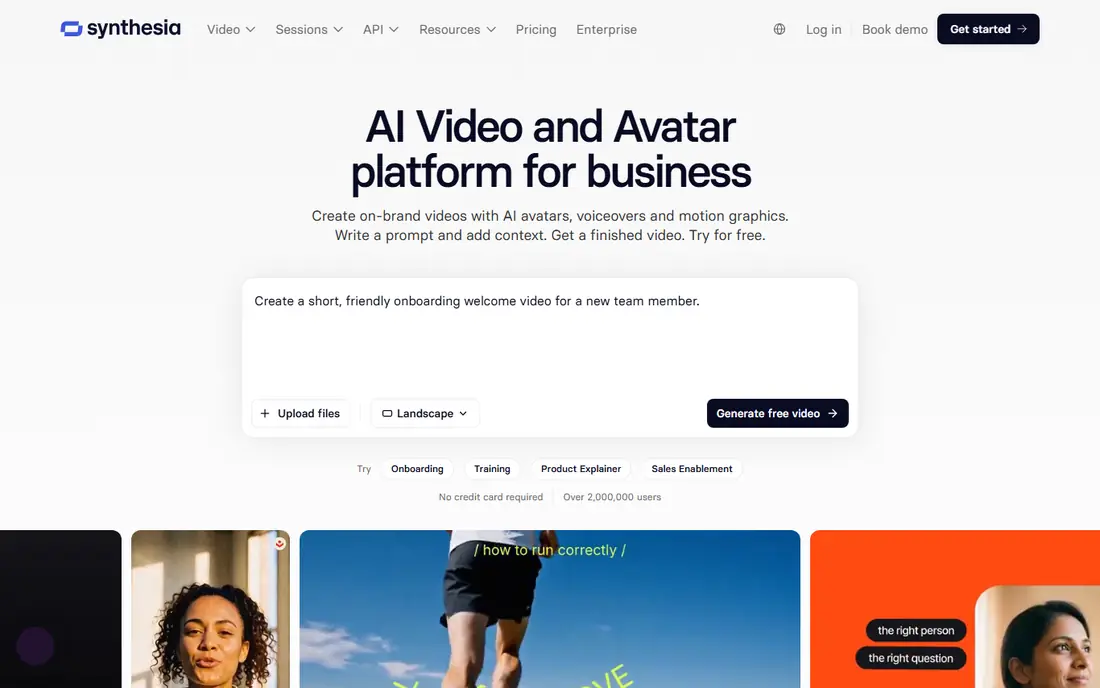
For teams that want a governed corporate video tool with a large avatar library, template workflows, and team controls that suit training and internal communications. The published feature set and pricing page make it easy to compare this option against the others here, and the plan limits matter more than the headline price. Check minutes, seats, exports, and any add-ons before you commit to a yearly plan.
The catch is volume. A starter minute allowance can run out fast if you publish weekly, so map your monthly minutes before you choose a tier. On pricing, $18 per month is the starting point we found, and the free option is listed as yes in the field lines above. That combination makes it worth a short trial on a real project, rather than a decision based on a demo alone.
- Large avatar and language range
- Strong controls for teams
- Free plan to test scripts
- Minute limits can bite on larger programs
- Advanced features sit on higher tiers
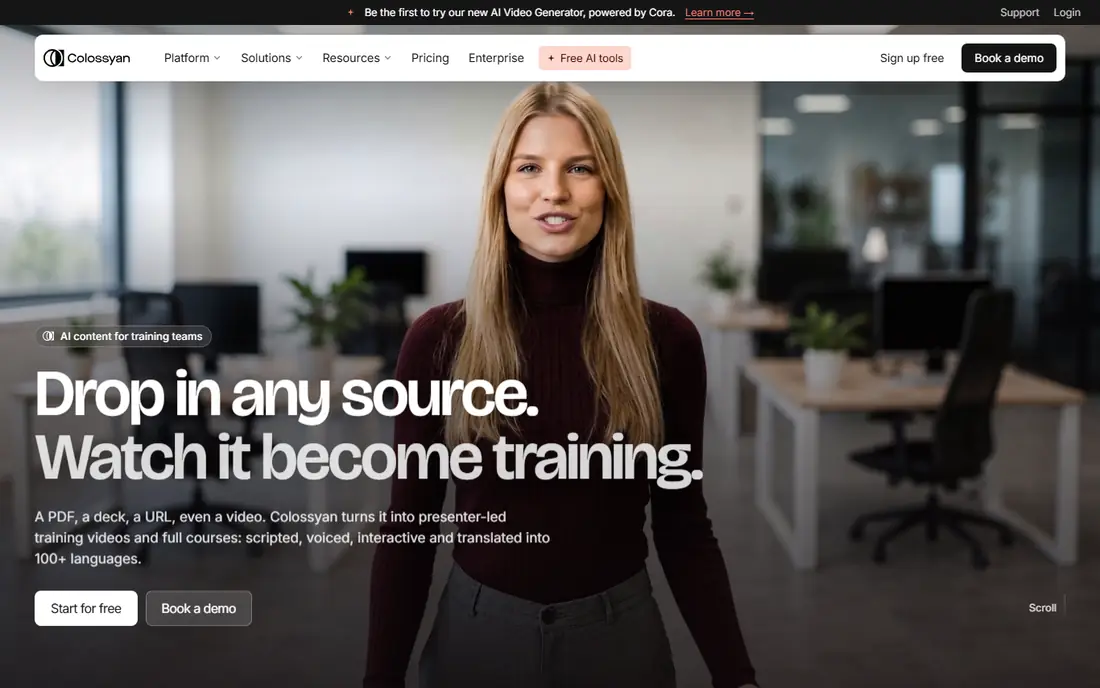
If your priority is a learning-team tool that turns scripts and documents into presenter-led training, with branching quizzes and SCORM export for a learning system. The published feature set and pricing page make it easy to compare this option against the others here, and the plan limits matter more than the headline price. Check minutes, seats, exports, and any add-ons before you commit to a yearly plan.
The catch is price. The training features justify the cost for a learning team, but a solo creator will find cheaper avatar tools for short clips. On pricing, $59 per month is the starting point we found, and the free option is listed as yes in the field lines above. That combination makes it worth a short trial on a real project, rather than a decision based on a demo alone.
- SCORM export and quizzes for learning teams
- Multiple presenters in a scene
- Free starter minutes
- Higher entry price than simple avatar tools
- Premium voices use more minutes
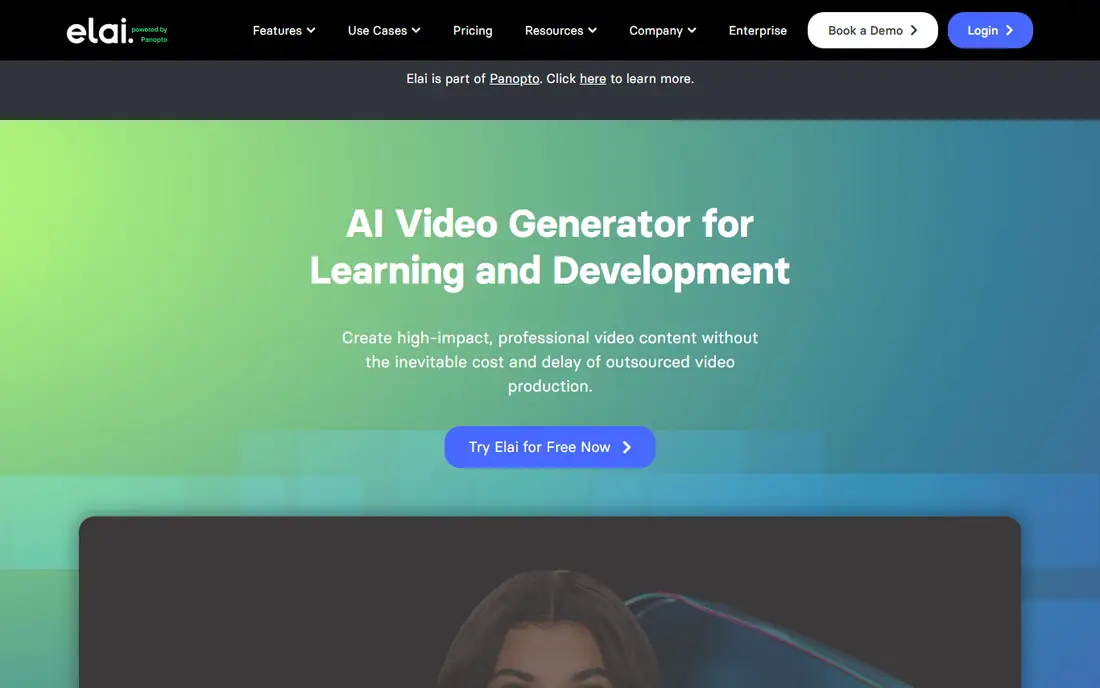
This one suits a slide-to-video tool for creators who already have decks or documents and want a presenter without filming. The published feature set and pricing page make it easy to compare this option against the others here, and the plan limits matter more than the headline price. Check minutes, seats, exports, and any add-ons before you commit to a yearly plan.
The catch is polish. Slide imports save time, but you may still need to tidy timing, visuals, and voice pacing for a finished course. On pricing, $23 per month is the starting point we found, and the free option is listed as yes in the field lines above. That combination makes it worth a short trial on a real project, rather than a decision based on a demo alone.
- Imports slides, PDFs, and URLs
- Simple script-to-video flow
- Useful for course creators
- Fewer enterprise controls than Synthesia
- Extra minutes cost more
A practical choice when a budget photo avatar tool and API option for developers, chat agents, and short talking-head clips. The published feature set and pricing page make it easy to compare this option against the others here, and the plan limits matter more than the headline price. Check minutes, seats, exports, and any add-ons before you commit to a yearly plan.
The catch is scope. It handles a face and a voice well, but it is not built as a full course authoring suite. On pricing, $5.90 per month is the starting point we found, and the free option is listed as free trial in the field lines above. That combination makes it worth a short trial on a real project, rather than a decision based on a demo alone.
- Very low entry price
- Photo avatars and an API for developers
- Quick short clips
- Trial limits are tight
- Not a full training suite
Consider this option if a presenter-focused studio for teams that want a polished, news-style avatar for marketing and corporate video. The published feature set and pricing page make it easy to compare this option against the others here, and the plan limits matter more than the headline price. Check minutes, seats, exports, and any add-ons before you commit to a yearly plan.
The catch is pricing clarity. Get a written quote and a minute allowance in writing before you plan a series around it. On pricing, see website is the starting point we found, and the free option is listed as see website in the field lines above. That combination makes it worth a short trial on a real project, rather than a decision based on a demo alone.
- Realistic presenter style for news and marketing style video
- Studio-style templates
- Pricing is not fully published on one simple page
- Check the current plan before budgeting
For buyers who need a fast browser tool for short marketing and social clips, with templates that cut setup time. The published feature set and pricing page make it easy to compare this option against the others here, and the plan limits matter more than the headline price. Check minutes, seats, exports, and any add-ons before you commit to a yearly plan.
The catch is limits. Free and low tiers may cap length or resolution, so test an export at the size you plan to publish. On pricing, see website is the starting point we found, and the free option is listed as yes in the field lines above. That combination makes it worth a short trial on a real project, rather than a decision based on a demo alone.
- Browser-based creation with no install
- Templates for marketing clips
- Free tier to test
- Credit rules and export limits vary by plan
- Check resolution and watermark rules
This service fits a text-to-video tool for bloggers and marketers who want narration and visuals from a written script. The published feature set and pricing page make it easy to compare this option against the others here, and the plan limits matter more than the headline price. Check minutes, seats, exports, and any add-ons before you commit to a yearly plan.
The catch is avatar realism. It is strong for narrated video, but less convincing for a long presenter-led training session. On pricing, see website is the starting point we found, and the free option is listed as yes in the field lines above. That combination makes it worth a short trial on a real project, rather than a decision based on a demo alone.
- Text-to-video workflow with many voices
- Useful for blogs turned into video
- Stock media included
- Avatar depth is thinner than dedicated avatar studios
- Check voice quality per language
When you want a repurposing tool for turning articles, webinars, and scripts into short shareable video. The published feature set and pricing page make it easy to compare this option against the others here, and the plan limits matter more than the headline price. Check minutes, seats, exports, and any add-ons before you commit to a yearly plan.
The catch is fit. Buy it for repurposing and captions, not as a direct replacement for a dedicated avatar presenter studio. On pricing, see website is the starting point we found, and the free option is listed as free trial in the field lines above. That combination makes it worth a short trial on a real project, rather than a decision based on a demo alone.
- Turns long articles and scripts into short captioned video
- Good for repurposing content
- Avatar options are not its main strength
- Plan limits affect longer projects
A strong fit for an editor-first tool where avatars sit beside subtitles, trimming, and social formats. The published feature set and pricing page make it easy to compare this option against the others here, and the plan limits matter more than the headline price. Check minutes, seats, exports, and any add-ons before you commit to a yearly plan.
The catch is minutes. If avatar video is your main output, compare its minute allowance against a dedicated avatar studio before you subscribe. On pricing, $12 per month is the starting point we found, and the free option is listed as yes in the field lines above. That combination makes it worth a short trial on a real project, rather than a decision based on a demo alone.
- Full editor plus avatars, subtitles, and screen recording in one workspace
- Easy for social teams
- Avatar minutes are limited on lower tiers
- Heavier editing still needs care with exports
How we picked these
We compared official feature pages, pricing pages, and app store listings, and we checked public reviews for recurring complaints about limits, support, and billing. We left out products that did not clearly fit the topic, products with no working official site, and products whose pricing could not be checked at all. Prices change often, so confirm the current plan on the vendor site before you pay.
We did not claim hands-on testing for any product here. Our picks reflect the documented features, the plan limits, and the fit for a stated use case, not a lab test. That approach keeps the comparison honest when plans and limits shift during the year.
How to choose a HeyGen alternative
Count minutes, not just months
Add up the finished minutes you will publish each month, then add a margin for revisions. A cheap plan that runs out mid-month costs more in upgrades and delays than a slightly dearer plan with headroom.
Check the export you actually need
Confirm SCORM, 1080p export, watermark removal, and commercial use on the plan you will buy, not on the top tier. Training teams need SCORM, while social teams need clean captions and vertical formats.
Test a real script first
Use the free plan or trial on a script in your own words, with your own brand terms. Listen for mispronounced names, watch lip sync on longer sentences, and export a clip before you pay for a year.
Sources
Frequently asked questions
What are the best HeyGen alternatives?
Synthesia, Colossyan, and Elai are strong for training and corporate video, while D-ID and Vidnoz suit lower budgets and short clips. VEED suits teams that also need editing. The best pick depends on minutes, SCORM needs, and language support.
Are there HeyGen free alternatives?
Yes. Synthesia, Colossyan, Elai, Vidnoz, Fliki, and VEED all offer a free plan or trial, but free exports are often watermarked or capped. Treat free tiers as a test, not a production plan.
Which alternative is best for training video?
Colossyan is the most training-focused here, with quizzes and SCORM export. Synthesia also suits governed training programs, especially when team controls and review workflows matter.
Do these tools support many languages?
Most do, but the range and voice quality vary by language. Test your main languages on a real script, and check whether voice cloning or translation is included on your plan.
How much video can I make each month?
That depends on credits or minutes on your plan, and premium voices or avatars can use more. Count finished minutes plus revisions, and keep a buffer for re-renders.