Best Oilfield Software Alternatives in 2026: 8 Tools Compared
By ToolNimba Editorial Team November 1, 2026 8 min read

- Top pick
 Peloton WellView
Drilling and completions data
Starting priceSee websiteCheck out Peloton WellViewRead our review - Runner-up
 Peloton RigView
Rig scheduling
Starting priceSee websiteCheck out Peloton RigViewRead our review - Also great
 Petrel
Subsurface interpretation
Starting priceSee websiteCheck out PetrelRead our review
How we researched this
We compared official pricing and feature pages, app store listings, privacy policies and public user reviews. Prices change, so check the provider's site before you pay.
Key takeaways
- Peloton WellView and RigView suit operators that want drilling data and rig scheduling on one platform.
- Petrel, Landmark, and JewelSuite cover subsurface, well planning, and drilling engineering for larger technical teams.
- Quorum and Aucerna focus on land, accounting, reserves, and planning workflows across the upstream business.
- Most oilfield software is quote-based, so ask for a scoped demo with your own well data before you judge cost or fit.
Quick comparison
| Name | Best for | Starting price | Free plan | |
|---|---|---|---|---|
| Peloton WellView | Drilling and completions data | See website | No | Visit |
| Peloton RigView | Rig scheduling | See website | No | Visit |
| Petrel | Subsurface interpretation | See website | No | Visit |
 Landmark | Well planning and drilling engineering | See website | No | Visit |
 JewelSuite | Well planning and drilling design | See website | No | Visit |
 Quorum Software | Land, accounting, and operations | See website | No | Visit |
 Aucerna | Reserves and planning | See website | No | Visit |
 WellEz | Field reporting and well data | See website | No | Visit |
The best oilfield software alternatives
Oilfield software covers a wide range of jobs, from subsurface interpretation to daily drilling reports and rig schedules. No single tool does everything well, so the right choice depends on whether your main problem is planning, field data, or back-office work. The eight below cover those main jobs.
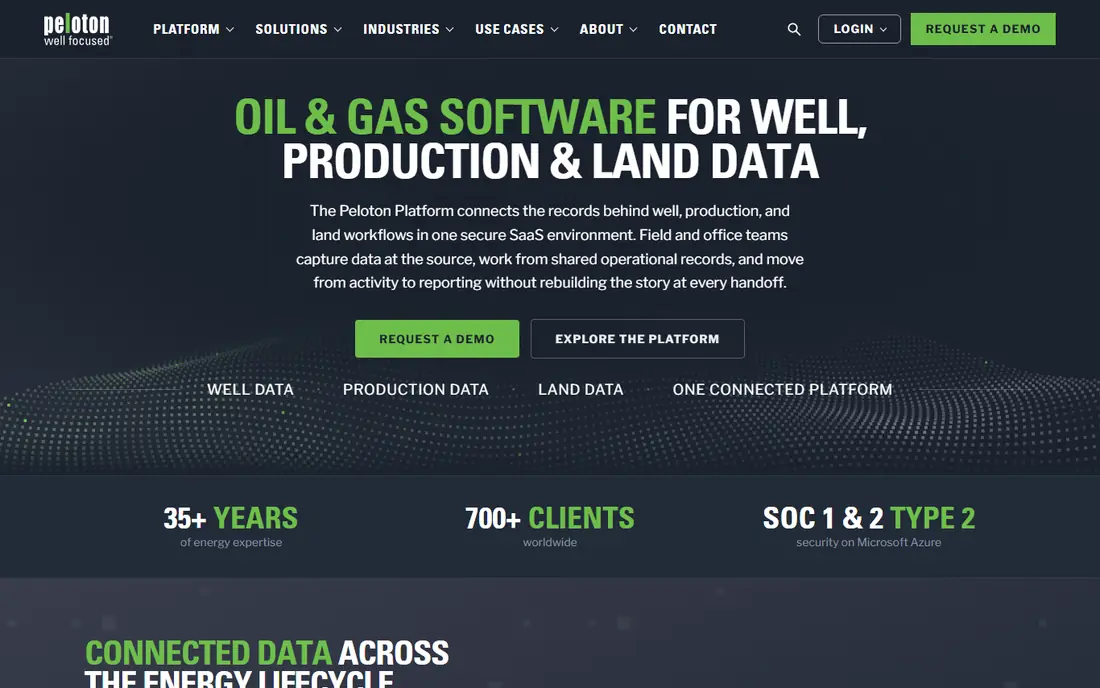
WellView centralizes operational and structural activity across rigs and regions, replacing spreadsheets with structured input. Field teams and service providers enter bit runs, time logs, and other daily data in a standard format, which gives office teams a single source of truth for each well. That consistency matters when you compare performance across wells or prepare reports for partners.
The main drawback is scope. WellView pays off when drilling and completions teams commit to it as the daily record, not as an occasional reporting tool. Pricing is quote-based, so you will need a demo and a scoped proposal. For operators tired of reconciling spreadsheets, it is a strong starting point.
- Central well operations record
- Standardized field data entry
- Vendor-friendly imports
- Quote-based pricing
- Best value when used across many wells
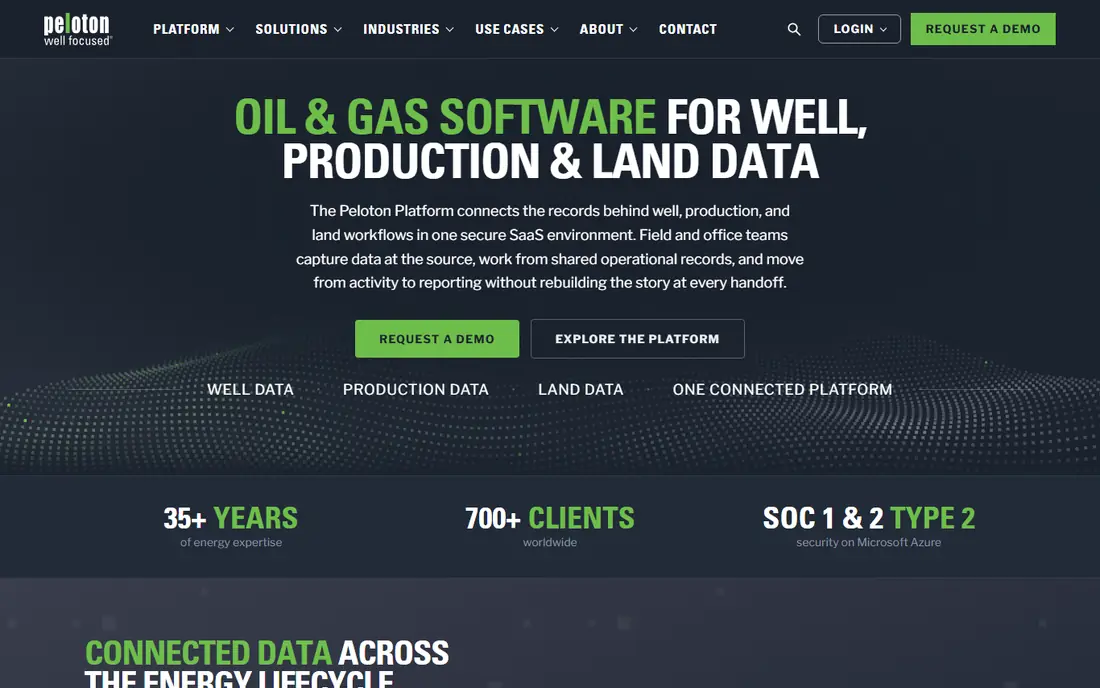
RigView handles rig scheduling across drilling, completions, interventions, and abandonments from one platform. Visual calendars, conflict alerts, and drag-and-drop tools help planners spot double-bookings before they cause downtime. It also links to WellView, so schedules sit alongside well activity rather than in a separate spreadsheet.
Like WellView, RigView works best when operations, engineering, and field teams all work from the same plan. If only one team uses it, conflicts will still slip through in side channels. For operators managing many rigs across regions, the shared schedule is the main reason to choose it.
- Visual rig scheduling
- Conflict alerts
- Links to WellView data
- Quote-based pricing
- Scheduling value depends on full adoption

Petrel, from SLB, is a subsurface platform for interpretation, modeling, and well planning. Geoscientists and reservoir engineers use it to bring seismic, well, and production data together, build models, and test development options. Its breadth makes it a standard choice for larger operators and service teams.
Petrel is not a field operations tool, and it is not a light purchase. Licensing is quote-based, and staff need training to use it well. If your main need is subsurface understanding and reservoir decisions, rather than daily drilling reports, Petrel belongs on the shortlist.
- Broad subsurface workflows
- Seismic and modeling tools
- Large user community
- Enterprise pricing
- Needs trained subsurface staff
Landmark, from Halliburton, covers well planning, drilling engineering, and related technical workflows. Engineers can plan trajectories, model drilling performance, and share data across the well planning process. For teams that already use Halliburton services, integration with service workflows is a practical benefit.
Small operators may find Landmark more than they need, and pricing is quote-based. It suits technical teams that plan many wells and need consistent engineering data from plan to execution. Check which modules are included in any quote, since Landmark is a suite rather than a single app.
- Integrated well planning suite
- Drilling engineering tools
- Halliburton service links
- Enterprise pricing
- Complex setup for small teams
JewelSuite, from Baker Hughes, focuses on well planning and drilling design. It helps engineers design trajectories, assess risks, and prepare drilling programs, with tools for analysis along the way. That planning focus makes it a good match for operators that want a dedicated design tool rather than a general operations platform.
JewelSuite does not replace daily field reporting or rig scheduling tools, so most buyers will pair it with an operations system such as WellView. Pricing is quote-based. If well design quality and consistency are your main gaps, JewelSuite is worth a demo with your own well plans.
- Well planning and trajectory design
- Engineering analysis
- Baker Hughes integration
- Enterprise pricing
- Focused on planning rather than field operations
Quorum Software covers the business side of upstream operations, including land, accounting, and related workflows. For operators, that means lease and ownership data, revenue and cost accounting, and operational reporting can sit in a connected system rather than in separate tools. That connection helps when finance, land, and operations teams must agree on the same numbers.
The breadth also means implementation needs care. Buyers should scope which Quorum products they need, since the name covers a family of tools. If your pain is back-office accuracy and land data, rather than drilling engineering, Quorum is a better fit than a technical planning suite.
- Broad upstream business coverage
- Land and accounting tools
- Operations workflows
- Quote-based pricing
- Implementation scope can be large
Aucerna focuses on reserves, planning, and portfolio economics for upstream companies. Teams use it to value assets, plan development, and test scenarios across a portfolio, which supports budgeting and investment decisions. That planning depth is its main strength.
Aucerna is not a daily drilling report tool, so it will not replace WellView or a field reporting system. It also sells by quote, and staff need training in reserves workflows. For operators and planners who need credible reserves and portfolio numbers, it is a strong specialist choice.
- Reserves and planning tools
- Portfolio and economics workflows
- Established upstream focus
- Quote-based pricing
- Specialist tool, not a field operations system
WellEz is built for field reporting and well data capture, helping operations teams record daily activity in a structured way. That focus suits operators that need cleaner field data without adopting a full enterprise suite. Reports and well history become easier to find and compare than in spreadsheets or paper tickets.
As with most tools here, pricing is quote-based, and integration depth matters. Check how WellEz shares data with accounting, planning, or drilling systems you already use. For smaller operators that want better field data first, WellEz offers a practical entry point.
- Field-focused reporting
- Well data capture
- Practical for operations teams
- Quote-based pricing
- Check integration depth before buying
How we picked these
We compared official feature pages, pricing pages, and public reviews for software that is live in October 2026 and truly serves oil and gas operations, planning, or subsurface work. We favored established vendors with clear product scopes, and we avoided generic field service tools that are not built for wells. Where a vendor does not publish a price, we say so rather than repeating an estimate as fact.
What to check before you buy
Start with the job you need done, not the vendor name. Subsurface, well planning, field operations, rig scheduling, land, and reserves are different jobs, and a tool that excels at one may be weak at another. List your must-have workflows, your data sources, and the reports you must produce for partners or regulators.
Next, test with your own well data. Ask for a demo that uses a real well, a real schedule, or a real reserves case, and check how data moves to your other systems. Confirm hosting, offline field access, user permissions, and support hours, since field teams work outside office hours. Finally, get implementation, training, and support costs in writing, since license fees alone understate the total for enterprise oilfield software.
Matching the tool to your team size
Small operators should start with field reporting and scheduling tools that can be adopted well by well. Mid-size operators often need a drilling operations record plus land or accounting tools. Large operators and technical teams should compare subsurface and planning suites on data quality and integration, not only on license cost.