Pinterest Alternatives in 2026: 9 Sites Compared
By ToolNimba Editorial Team October 31, 2026 9 min read

- Top pick
 Mix
Casual visual discovery
Starting priceFreeCheck out MixRead our review - Runner-up
 Cosmos
Calm, ad-free collections
Starting priceFreeCheck out CosmosRead our review - Also great
 Behance
Professional design portfolios
Starting priceFreeCheck out BehanceRead our review
How we researched this
We compared official pricing and feature pages, app store listings, privacy policies and public user reviews. Prices change, so check the provider's site before you pay.
Key takeaways
- No single site copies Pinterest exactly, so most people end up pairing one discovery feed with one organizing tool.
- Mix and Cosmos come closest to casual visual browsing, while Behance and Dribbble suit professional portfolios.
- Are.na and Pearltrees are better for research and private collections than for chasing trends.
- Most alternatives here are free to start, with paid plans mainly adding private saves, storage, or portfolio extras.
Quick comparison
| Name | Best for | Starting price | Free plan | |
|---|---|---|---|---|
| Mix | Casual visual discovery | Free | Yes | Visit |
| Cosmos | Calm, ad-free collections | Free | Yes | Visit |
| Behance | Professional design portfolios | Free | Yes | Visit |
 Dribbble | Design trends and networking | Free | Yes | Visit |
 Designspiration | Mood boards and color ideas | Free | Yes | Visit |
 Pearltrees | Visual bookmarking | Free | Yes | Visit |
 Are.na | Research and idea connections | Free | Yes | Visit |
 Flipboard | Magazine-style reading | Free | Yes | Visit |
 Milanote | Team mood boards and planning | Free | Yes | Visit |
The best Pinterest alternatives
Pinterest combines three jobs: finding images, saving them into boards, and following other people's taste. Alternatives tend to do one of those jobs well and the others weakly. The list below separates discovery feeds from organizing tools, so you can pick based on what you actually miss.
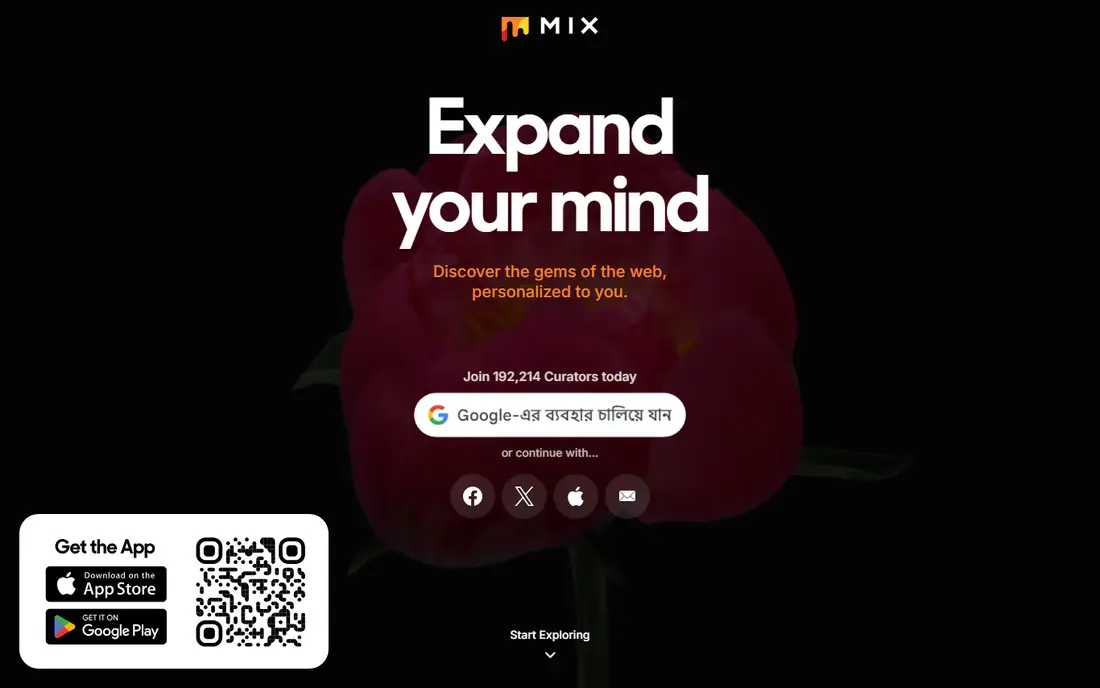
Mix, formerly StumbleUpon, is the closest free alternative for people who mainly browsed Pinterest for fun. You pick interests, scroll a feed, and save items you like into collections. The feed learns from your saves, so it improves with use, though it can still surface odd matches early on.
It is less useful as a portfolio or a business traffic channel. There is no large shopping or search audience waiting for your pins. For personal inspiration and idle browsing, though, Mix is simple, free, and low pressure.
- Personalized feed based on interests
- Easy saving into collections
- Broad mix of topics
- Smaller community than Pinterest
- Discovery can feel random
- Limited tools for professional portfolios
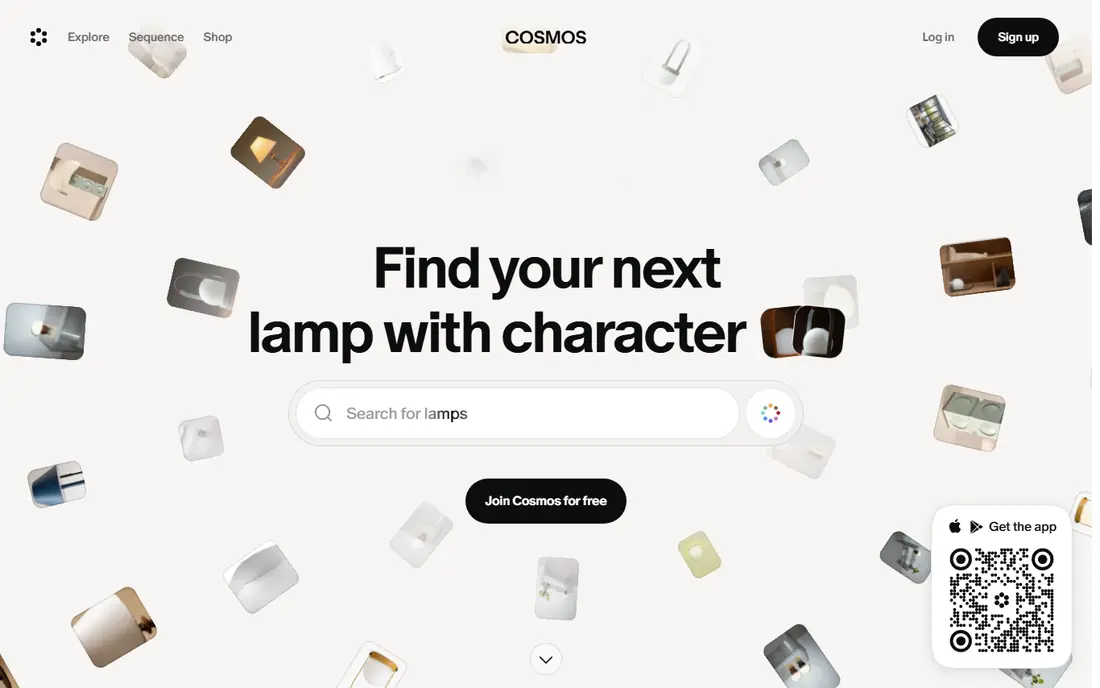
Cosmos presents saved images like a gallery rather than a busy social feed. You can search by color and visual similarity, which helps when you have a mood in mind but not the right words. It also lets you blur or hide images flagged as likely AI-generated, a useful control for designers who want human-made references.
The trade-off is scale. You will not find the same depth of niche content as Pinterest, and some features have rolled out on mobile first. If a calm workspace matters more than endless scrolling, Cosmos is a strong pick.
- Clean gallery-style layout
- Visual search by color and similarity
- Option to hide likely AI images
- Smaller catalog than Pinterest
- IOS focus in early years
- Limited social following features
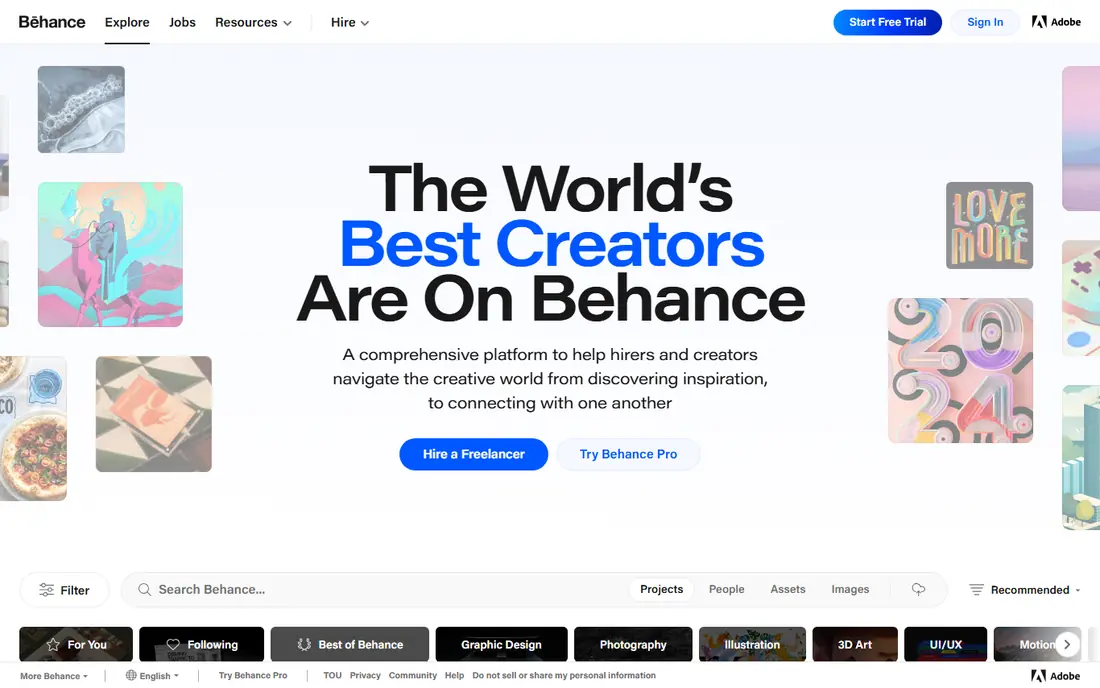
Behance, owned by Adobe, is where designers present complete projects with context, process images, and final results. That depth makes it useful for hiring, client work, and serious inspiration. You can follow creative fields, save projects into mood boards, and link work to Adobe tools.
It is not a direct Pinterest replacement for everyday topics. A recipe board or a wedding plan fits awkwardly here, and casual browsing feels more formal. For creative professionals, that focus is the point.
- Full project case studies
- Adobe Creative Cloud links
- Strong discovery by creative field
- Built for finished work, not casual saving
- Less useful for recipes or home ideas
- Portfolio quality bar is high
Dribbble shows short visual shots from designers, which makes it fast for spotting current UI, branding, and illustration trends. It also hosts a job board, so it doubles as a networking tool for freelancers and studios. The free tier is enough for browsing and basic sharing.
The format favors polished images over full case studies, so you see less process than on Behance. It is also firmly a design community, not a general interest board. Use it for trends and contacts, and pair it with a saving tool for project research.
- Strong UI and branding inspiration
- Job board and hiring tools
- Active designer community
- Paid plans add portfolio extras
- Short shots favor polish over process
- Less useful outside design
Designspiration keeps the interface minimal and puts the images first. You can search by color, save images into collections, and build mood boards without social noise. That makes it a good fit for branding work, interior ideas, and presentation references.
Its scope is narrow by design. You will not find recipes, travel plans, or DIY tutorials here in depth. If your Pinterest use was mostly visual design, that narrow focus feels like a benefit rather than a limit.
- Minimal interface
- Color-based search
- Easy mood board creation
- Design-only content
- Smaller community
- Limited collaboration tools
Pearltrees organizes saved items into visual trees, with collections branching into sub-collections. That structure suits research, reading lists, and long projects where a flat board becomes messy. A browser extension and mobile apps let you save pages, images, documents, and notes from across the web.
The layout is the learning curve. New users may find the branching view fussy compared with a simple grid. Paid plans add storage and features, so heavy collectors should check limits before moving a large library over.
- Tree-style collections for links, images, and notes
- Browser extension for quick saving
- Collaboration options
- Tree layout takes time to learn
- Free storage is limited
- Mobile experience is weaker than desktop
Are.na is built around channels, which are collections of blocks that can hold images, links, files, and text. You can connect your channels to other people's channels, which turns research into a web of related ideas rather than a single board. There are no ads, no likes, and no algorithm deciding what you see.
That calm comes with a plain look and a smaller audience. The free plan limits private blocks, with a paid plan for more, so check the current cap if privacy matters. For students, writers, and designers doing serious research, Are.na is one of the most thoughtful options here.
- No ads and no algorithm
- Channels link images, links, and text
- Good for long-term research
- Plain interface
- Free plan caps private blocks
- Small mainstream audience
Flipboard turns topics you follow into magazines you can flip through. It works well for news, food, travel, and design articles, and the layout is calmer than a social feed. You can create your own magazines from articles and images you find.
It is not a strong replacement for personal image boards. Saving and organizing your own photos is secondary to reading published content. Use Flipboard when you want a daily magazine, and use another tool here when you want a private collection.
- Curated magazines on many topics
- Clean reading layout
- Good for articles as well as images
- Weaker for saving your own images
- Less of a creative community
- Traffic for creators is limited
Milanote is a visual workspace where you can place images, notes, links, and tasks on an open board. That freedom suits mood boards for a client project, a wedding plan, or a product launch, especially when a team needs to comment and rearrange ideas together. Boards can grow from a rough sketch into a structured plan.
The free plan limits the number of boards and uploads, so casual users may hit caps sooner than expected. It also has little built-in discovery content, so you bring your own images. For planning work with others, that trade-off is worth it.
- Visual boards with notes, links, and images
- Good for team projects
- Flexible layout
- Free plan limits boards and uploads
- Overkill for casual browsing
- Less discovery content
How we picked these
We compared official product pages, free plan limits, and public descriptions of each platform in October 2026. We included only tools that are live, that handle visual saving or discovery, and that cover different needs from casual browsing to professional portfolios. We did not claim hands-on testing, and we left out general social networks that do not center on saving and organizing visuals.
How to replace Pinterest without losing your boards
Start by naming what you used Pinterest for most. If it was browsing, pick Mix or Cosmos first. If it was saving for a project, pick Pearltrees, Are.na, or Milanote. If it was professional work, Behance or Dribbble will serve you better than any general board.
Export and rebuild in stages
Download or screenshot your most-used boards before you close anything, since not every alternative offers a direct Pinterest import. Rebuild the top few boards first, and leave older boards archived. That keeps the move manageable and shows quickly whether the new tool fits your habits.
Pair a feed with a workspace
Most people get the best result from two tools, not one. Use a discovery feed for new ideas, and a workspace for the ideas you plan to act on. That split matches how Pinterest worked in practice, and it avoids forcing one app to do two different jobs poorly.