Pipedrive Alternatives in 2026: 9 Options Compared
By ToolNimba Editorial Team November 7, 2026 9 min read

- Top pick
 HubSpot CRM
small teams starting free
Starting priceFreeCheck out HubSpot CRMRead our review - Runner-up
 Zoho CRM
budget-conscious teams
Starting price$14 per user per monthCheck out Zoho CRMRead our review - Also great
 Salesforce Sales Cloud
large and complex sales teams
Starting price$25 per user per monthCheck out Salesforce Sales CloudRead our review
How we researched this
We compared official pricing and feature pages, app store listings, privacy policies and public user reviews. Prices change, so check the provider's site before you pay.
Key takeaways
- HubSpot gives the most generous free starting point for small teams that also need marketing tools.
- Zoho CRM and Freshsales keep monthly costs low while still offering pipelines, automation, and reporting.
- Salesforce suits larger teams that need deep customisation, while Monday Sales CRM suits visual, project-led teams.
- Close is the strongest pick for teams that live on calls, and Copper fits teams that live in Google Workspace.
Quick comparison
| Name | Best for | Starting price | Free plan | |
|---|---|---|---|---|
| HubSpot CRM | small teams starting free | Free | Yes | Visit |
| Zoho CRM | budget-conscious teams | $14 per user per month | Yes | Visit |
| Salesforce Sales Cloud | large and complex sales teams | $25 per user per month | Free trial | Visit |
 Monday Sales CRM | visual and project-led teams | $12 per seat per month | Free trial | Visit |
 Freshsales | small teams wanting AI help | $9 per user per month | Yes | Visit |
 Close | outbound and calling teams | $49 per user per month | Free trial | Visit |
 Copper | Google Workspace teams | See website | Free trial | Visit |
 Capsule CRM | small teams wanting simplicity | $18 per user per month | Free trial | Visit |
 Insightly | teams linking sales and projects | $29 per user per month | Free trial | Visit |
The best pipedrive alternatives
If Pipedrive feels too narrow, too pricey at higher tiers, or missing marketing tools, these options cover the same sales work in different ways.
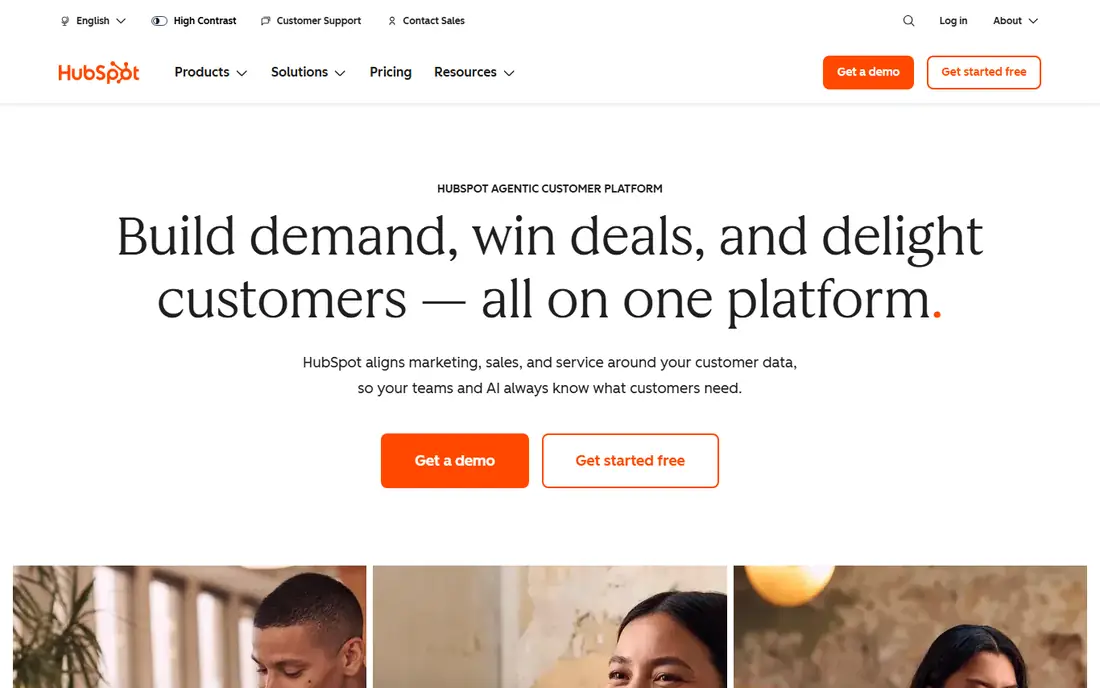
HubSpot is the natural first stop for a team that wants more than a pipeline.
Its free CRM covers contacts, companies, deals, and basic email tools, and paid Sales Hub plans add sequences and automation as the team grows. The catch is price growth. The free plan is genuinely useful, but the features that replace several separate tools often sit on Professional plans, so map the upgrade path before you commit.
Before you commit to HubSpot CRM, check the current plan limits, renewal price, and cancellation terms on its official site, and test it with a small real task that matches how you will use it every week.
- Free CRM with contacts and deals
- Marketing and service tools in one account
- Wide integration library
- Paid features rise in price quickly
- Advanced reporting needs higher plans
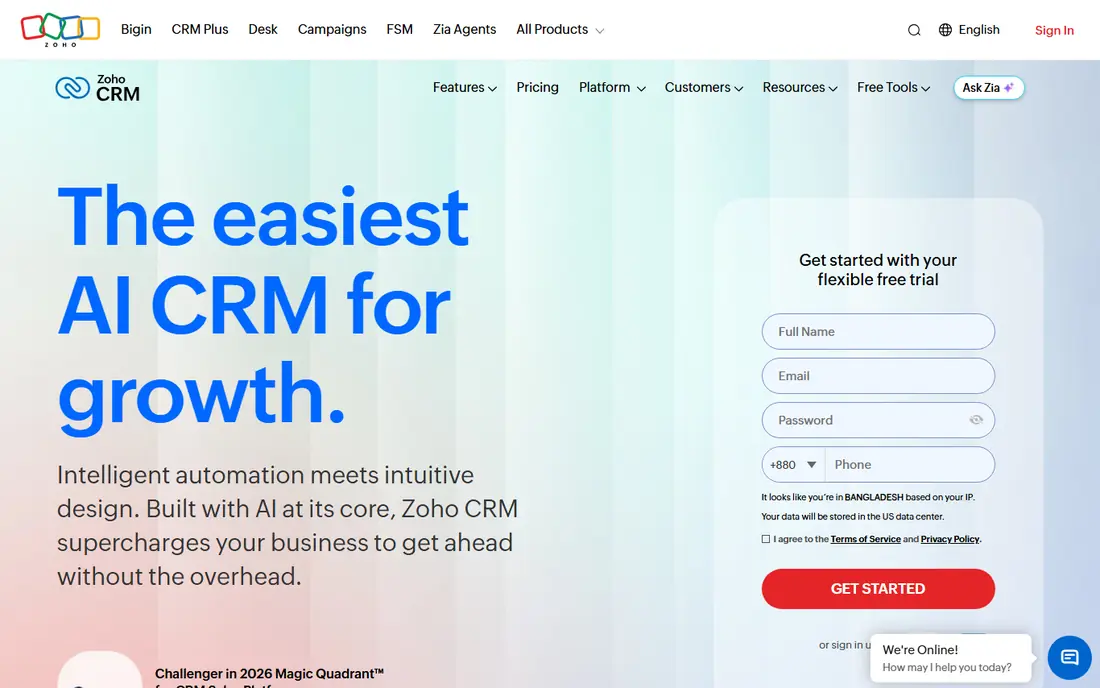
Zoho CRM rewards teams that want a lot of function for a modest monthly fee.
Standard plans cover pipelines, workflow rules, and email, while higher plans add forecasting, territory control, and AI assistance. The trade-off is polish. Menus and settings are plentiful, which helps power users and can slow down a new rep. A short pilot with your real sales stages helps a lot.
Before you commit to Zoho CRM, check the current plan limits, renewal price, and cancellation terms on its official site, and test it with a small real task that matches how you will use it every week.
- Low entry price
- Broad automation and customisation
- Large Zoho app suite
- Interface can feel busy
- Setup takes time to tune well
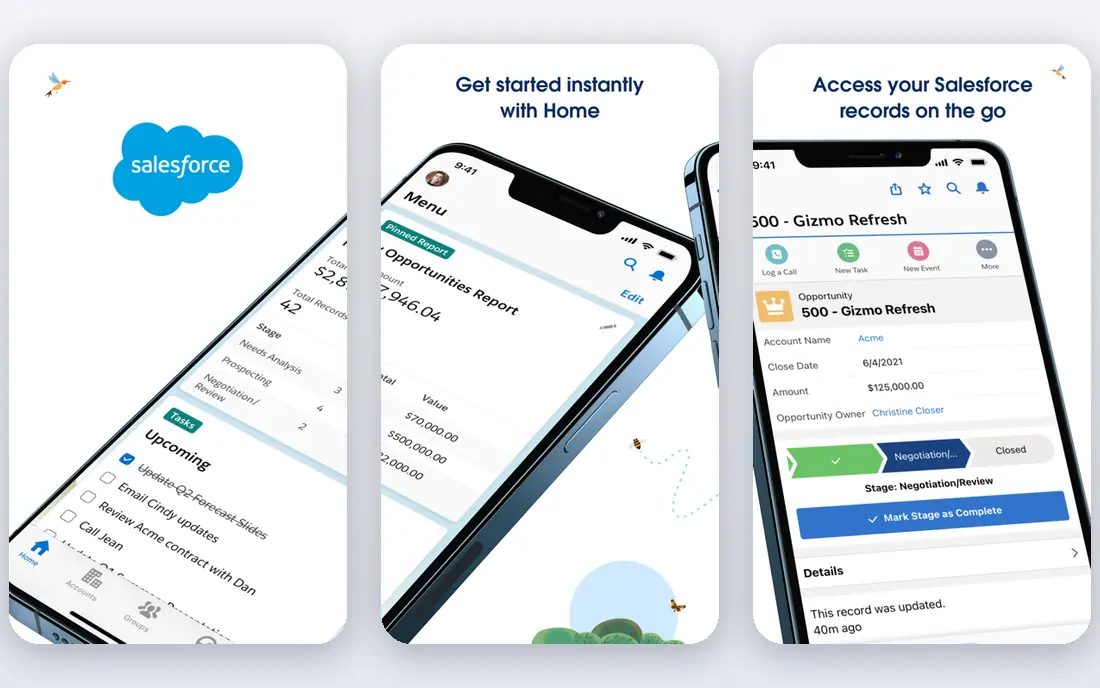
Salesforce is the choice when a sales process has many stages, teams, approvals, and data rules.
Its Starter and higher plans support leads, opportunities, forecasting, and dashboards, and the marketplace adds industry and integration options. The honest catch is complexity. Small teams may find it heavy, and admin time should be budgeted alongside licence cost. Larger teams get value back through control and scale.
Before you commit to Salesforce Sales Cloud, check the current plan limits, renewal price, and cancellation terms on its official site, and test it with a small real task that matches how you will use it every week.
- Deep customisation
- Strong reporting and automation
- Huge app marketplace
- Setup and admin effort is high
- Costs rise with add-ons
Monday Sales CRM suits teams that think in boards and timelines rather than in list views.
Deals, contacts, and activities sit beside project tasks, so handoffs from sales to delivery stay visible in the same workspace. The catch is that the CRM depth is lighter than a dedicated enterprise CRM on lower plans. Check lead scoring, forecasting, and email limits before switching.
Before you commit to Monday Sales CRM, check the current plan limits, renewal price, and cancellation terms on its official site, and test it with a small real task that matches how you will use it every week.
- Highly visual boards
- Project and sales work in one place
- Flexible automations
- Seat minimums apply
- Advanced CRM features need higher plans
Freshsales is a tidy middle ground between a free starter CRM and a heavy enterprise system.
It covers pipelines, contact timelines, campaigns, and built-in calling, which keeps daily selling inside one tab. The catch is scale. Larger teams with complex territories may outgrow it, and some AI and forecasting features sit above the entry plan. For a small team, that trade is often worth it.
Before you commit to Freshsales, check the current plan limits, renewal price, and cancellation terms on its official site, and test it with a small real task that matches how you will use it every week.
- Low entry price
- Built-in phone and email
- AI lead scoring on higher plans
- Integration library is smaller than HubSpot or Salesforce
- Some features need higher plans
Close is built for reps who spend the day on the phone.
Power dialling, call recording, SMS, and email sequences sit inside the pipeline, so follow-up does not require switching tools. The catch is cost and scope. It is pricier than budget CRMs and it is not a marketing platform. For outbound teams, the time saved on calls can justify it.
Before you commit to Close, check the current plan limits, renewal price, and cancellation terms on its official site, and test it with a small real task that matches how you will use it every week.
- Calling, SMS, and email built in
- Strong pipeline speed
- Good for high-volume outreach
- No free plan
- Higher entry price
- Marketing tools are limited
Copper makes sense if your team already lives in Gmail and Google Drive.
Contacts, deals, and emails sync from Google tools, which reduces manual data entry and keeps records current. The catch is dependence on that ecosystem. Teams on Microsoft tools will get less value, and larger teams may want deeper automation than Copper offers.
Before you commit to Copper, check the current plan limits, renewal price, and cancellation terms on its official site, and test it with a small real task that matches how you will use it every week.
- Deep Gmail and Calendar integration
- Simple pipeline view
- Quick setup for Google users
- Per-user cost can rise
- Fewer advanced marketing features
Capsule is for teams that found Pipedrive simple but want an even calmer workspace.
Contacts, tasks, pipelines, and email history are easy to find, and new users need little training. The catch is depth. Heavy automation, forecasting, and complex workflows are not its strengths. If simplicity is the goal, that limit is also the point.
Before you commit to Capsule CRM, check the current plan limits, renewal price, and cancellation terms on its official site, and test it with a small real task that matches how you will use it every week.
- Clean and simple interface
- Good contact history
- Easy to learn
- Automation is lighter than rivals
- Reporting is basic on lower plans
Insightly suits service firms where winning a deal is only the first half of the work.
Projects, milestones, and tasks link to the original opportunity, so delivery teams can see what sales promised. The catch is price and learning curve. Smaller deal-only teams may find cheaper options, while project-led firms will use the extra structure every day.
Before you commit to Insightly, check the current plan limits, renewal price, and cancellation terms on its official site, and test it with a small real task that matches how you will use it every week.
- CRM plus project management
- Good for service businesses
- Solid reporting
- Higher entry price
- Interface takes some learning
How we picked these
We compared official feature pages, pricing pages, app store listings, privacy and support pages, and public reviews for each option. We checked whether each product still exists, fits the topic, and offers a clear price or free tier, and we marked prices as See website where vendor pricing varies by plan, region, or account type.
We did not claim hands-on testing we did not do. Instead, we weighed plan limits, ease of setup, and honest weaknesses alongside strengths, so the list mixes well-known leaders with smaller options that suit specific needs.
How to choose a Pipedrive alternative without breaking your pipeline
Start with how your team actually sells. A visual pipeline matters most for deal-led teams, while marketing, projects, or calling may matter more than the pipeline view itself. Count seats honestly, including part-time users, and check whether automation, reporting, and integrations sit on the plan you would buy, not only on the top plan. Trial the tool with real deals, real contacts, and a real follow-up sequence before you move your whole history across. Check import tools and support hours too, since a cheaper plan can cost more in setup time if migration is manual.
It also helps to write down your must-have features before you look at prices, because a low headline price can hide limits on users, records, exports, or support that matter later. Compare at least two options side by side on the same task, such as creating a record, sending a message, or completing a booking, and note where each one feels slow, confusing, or incomplete. Ask support a real question during the trial, since response quality often predicts how a problem will be handled after you pay.
Check the vendor pricing page again before you buy, since plans, limits, and promotions change. A short trial with your real workflow will tell you more than any feature list.
Sources
Frequently asked questions
Is there a free alternative to Pipedrive?
Yes. HubSpot CRM and Zoho CRM both offer free plans, though limits apply to users, features, and records. They work well for testing a new workflow before paying.
What is the best Pipedrive alternative for small teams?
HubSpot, Zoho CRM, and Freshsales are strong small-team picks because they combine low entry prices with pipelines and automation. The best choice depends on whether you also need marketing or project tools.
Which alternative is best for large sales teams?
Salesforce is the usual large-team pick because it supports complex permissions, workflows, and reporting. It needs more setup time and admin care than simpler tools.
Can I migrate deals from Pipedrive?
Most tools here support CSV import, and several offer guided migration tools or integrations. Export contacts, deals, activities, and notes first, then test the import with a small batch.
Do these tools include email and calling?
Many do, but the depth varies. Close focuses on calling, HubSpot and Freshsales cover email sequences, and some plans charge extra for advanced calling or higher sending limits.