Slack Alternatives in 2026: 10 Tools Compared
By ToolNimba Editorial Team October 31, 2026 10 min read

- Top pick
 Microsoft Teams
Microsoft 365 teams
Starting price$4 per user per monthCheck out Microsoft TeamsRead our review - Runner-up
 Google Chat
Google Workspace teams
Starting price$7 per user per monthCheck out Google ChatRead our review - Also great
 Mattermost
Self-hosted and regulated teams
Starting priceFreeCheck out MattermostRead our review
How we researched this
We compared official pricing and feature pages, app store listings, privacy policies and public user reviews. Prices change, so check the provider's site before you pay.
Key takeaways
- If your team already pays for Microsoft 365 or Google Workspace, Teams or Google Chat may cost nothing extra, which beats any standalone chat price.
- Pumble offers the most generous free plan for message history, while Mattermost and Rocket.Chat offer the most control through self-hosting.
- Discord suits communities and informal teams, but it lacks the admin controls and app integrations most companies need.
- Open source does not mean free in practice, because self-hosting needs server time, updates, and someone to run it.
- Test search, threads, and mobile use with a real project before you move, because those daily details decide whether a switch sticks.
Quick comparison
| Name | Best for | Starting price | Free plan | |
|---|---|---|---|---|
| Microsoft Teams | Microsoft 365 teams | $4 per user per month | Yes | Visit |
| Google Chat | Google Workspace teams | $7 per user per month | Yes | Visit |
| Mattermost | Self-hosted and regulated teams | Free | Yes | Visit |
 Rocket.Chat | Open source omnichannel chat | Free | Yes | Visit |
 Zoho Cliq | Low-cost Zoho teams | $1.80 per user per month | Yes | Visit |
 Discord | Communities and voice-first teams | Free | Yes | Visit |
 Pumble | Free unlimited history | $2.49 per user per month | Yes | Visit |
 Zulip | Threaded async discussion | $6.67 per user per month | Yes | Visit |
 Twist | Async-first remote teams | $6 per user per month | Yes | Visit |
 Chanty | Very small teams on a budget | $3 per user per month | Yes | Visit |
The best Slack alternatives
Slack is a good product, but its free plan limits message history to 90 days and its paid plans add up fast for a large team. The tools below cover the main reasons teams switch: cost, control, a bundle they already pay for, or a calmer way to work. We compared official pricing pages and recent independent comparisons.
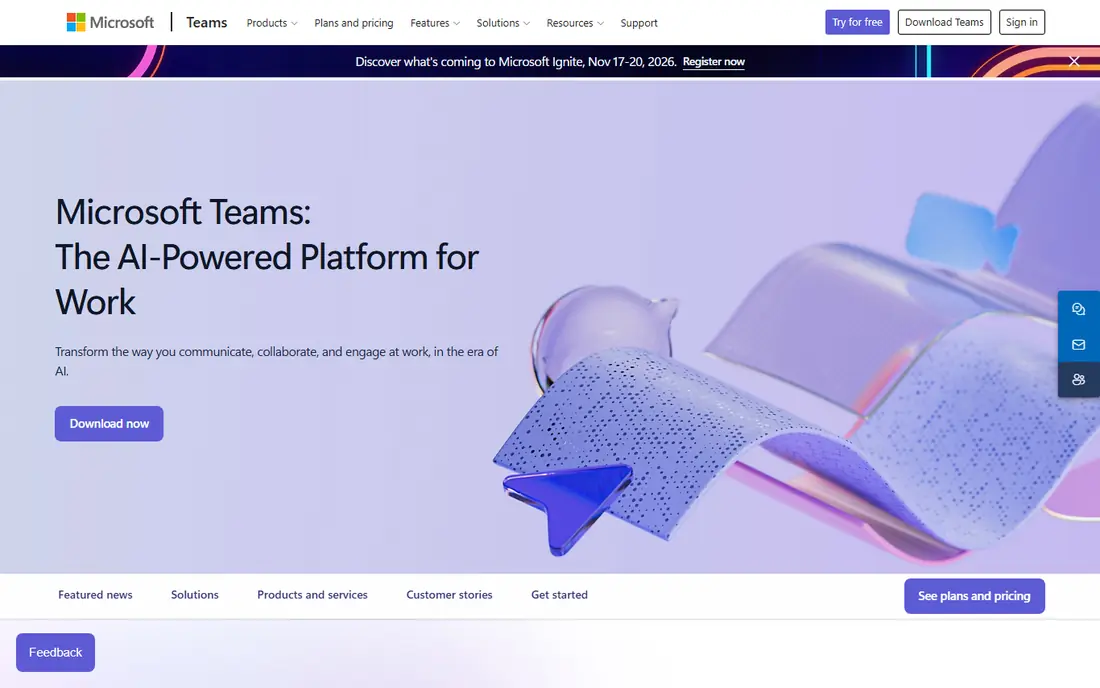
Microsoft Teams is the obvious Slack alternative for any company already on Microsoft 365. Chat, video meetings, file storage, and Office apps sit in one place, and the Essentials plan is listed at $4 per user per month. A free version exists for personal and small-team use, with limits.
The trade is feel. Teams is a full workspace app, not just chat, so it can feel slower and more cluttered than Slack. If your team lives in Outlook, Word, and SharePoint, that integration outweighs the learning curve. If not, a lighter chat tool may fit better.
- Included with most Microsoft 365 plans
- Meetings, files, and chat in one app
- Strong admin controls
- Interface feels heavier than Slack
- Search and channel layout take getting used to
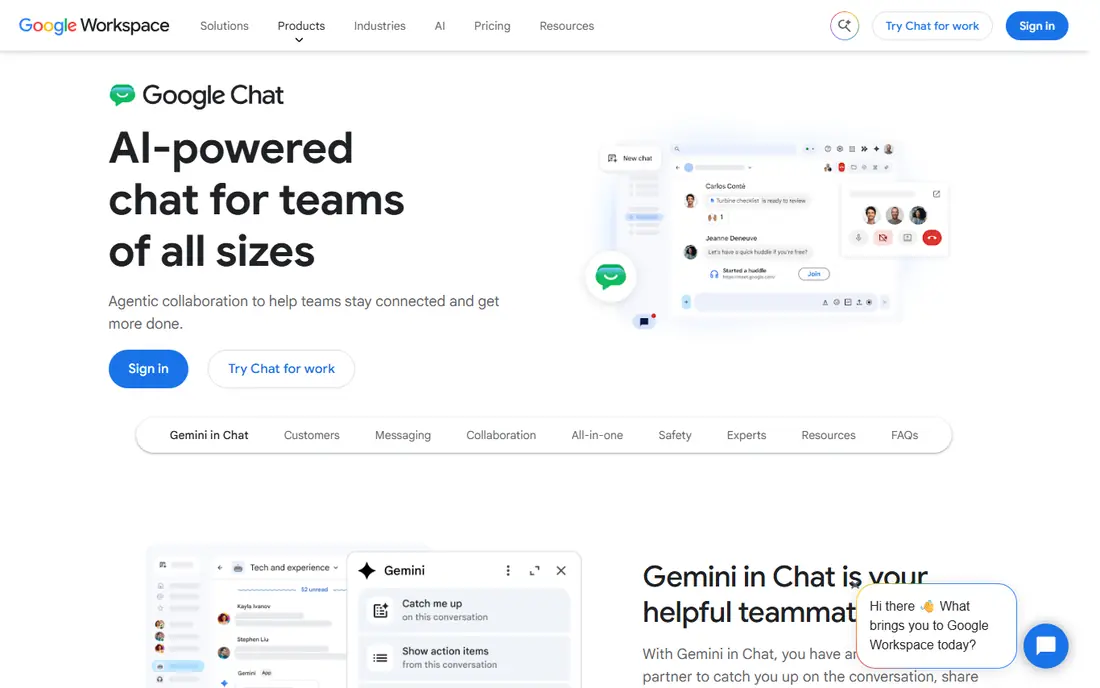
Google Chat is the low-friction choice for Google Workspace teams. It is included in Workspace plans starting at $7 per user per month for Business Starter, and it sits inside Gmail, so many users never open a separate app. Spaces, direct messages, and file sharing cover most daily team chat needs.
It is not a feature-for-feature Slack replacement. Integrations are fewer, bots are simpler, and large communities will miss Slack app options. For a team that already works in Google Docs and Drive all day, that simplicity is often enough.
- Included with Google Workspace
- Tight Gmail, Drive, and Calendar links
- Simple to learn
- Fewer integrations and features than Slack
- Spaces feel less flexible than channels
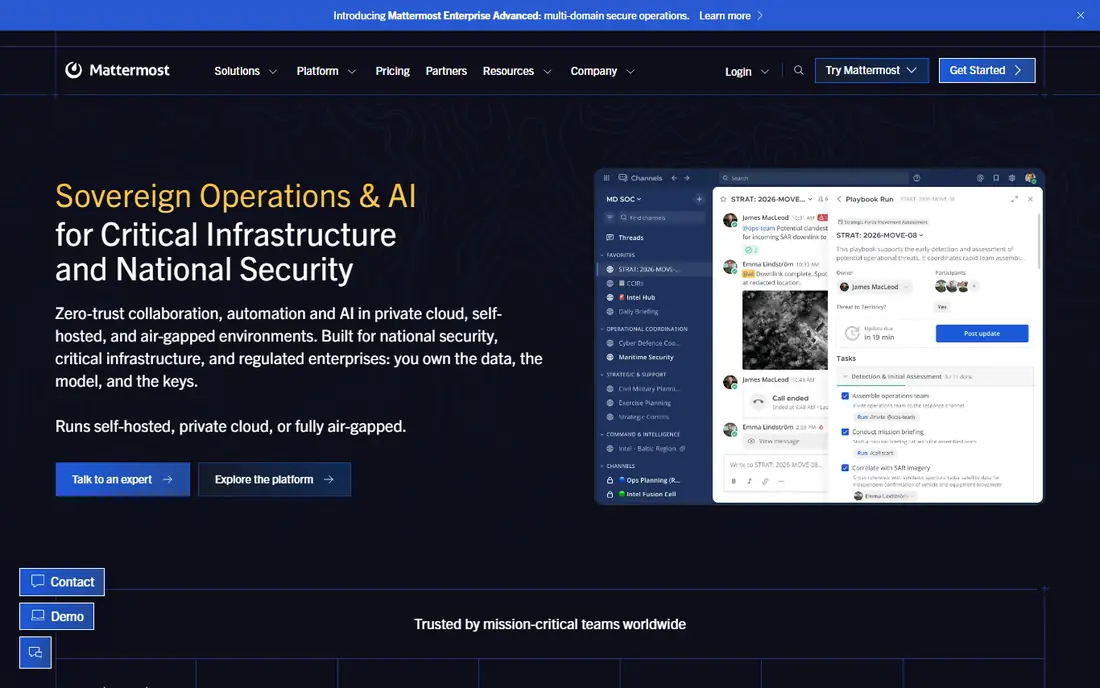
Mattermost is the leading open source Slack alternative for teams that must control their own data. The interface will feel familiar to Slack users, with channels, threads, and direct messages, and the open source Team Edition can be self-hosted for free. Paid plans add enterprise controls and support, with recent listings from about $10 per user per month.
Self-hosting is the real cost. Someone must install, update, back up, and secure the server, and that time should be counted. For regulated industries, government work, or companies with strict data rules, that control is the point.
- Open source and self-hosted
- Familiar channel layout
- Strong security and compliance options
- You run the server and updates
- Paid plans are quoted or higher priced
- Fewer consumer integrations
Rocket.Chat is another open source option, with a focus on bringing customer and team conversations into one place. It supports channels, direct messages, video, and an omnichannel inbox, and a free Starter plan covers self-hosting for up to 50 users in recent listings. Cloud plans are also available.
The setup effort is higher than a cloud-only tool, and the design feels more functional than polished. Teams that need federation, broad protocol support, or a single inbox for support and internal chat will value that depth.
- Open source and self-hosted
- Omnichannel inbox for chat, email, and social
- Wide language support
- Interface feels less polished than Slack
- Setup and maintenance take technical skill
Zoho Cliq is the cheapest paid Slack alternative in this list for many small teams. The free plan is usable, and the Professional plan is listed at about $1.80 per user per month, with a minimum user count in some listings. Channels, audio and video calls, and file sharing cover the basics well.
Outside Zoho, the appeal drops. Integrations are fewer, and teams that rely on a wide Slack app library may miss key tools. Inside Zoho, where Cliq links to CRM, Mail, and Projects, the price is hard to argue with.
- Very low paid price
- Free plan for up to 100 participants per chat
- Good Zoho app links
- Smaller integration library than Slack
- Best value only inside the Zoho suite
Discord is a strong Slack alternative for communities, gaming groups, creator teams, and informal workgroups. Text channels, voice channels, screen sharing, and roles are free, and voice quality is a clear strength. Nitro, from about $9.99 per month for an individual, adds perks but is not a business seat plan.
For a company, Discord has limits. Admin controls, data retention, and enterprise integrations are weaker than Slack, Teams, or Mattermost. Use it when community and voice matter more than formal IT controls.
- Free for core use
- Excellent always-on voice channels
- Huge community features
- Not built for business admin, compliance, or formal workflows
- Nitro is a personal plan, not a team seat
Pumble, from the makers of Clockify, is the best free Slack alternative for message history. The free plan includes unlimited users and unlimited history, plus 10 GB of storage in recent listings, which fixes the main pain of Slack free. Paid Pro starts at $2.49 per user per month when billed annually.
The library of integrations is smaller, and some admin features sit on higher plans. For a small team that mainly needs reliable chat, channels, and search without paying per seat, Pumble is a practical pick.
- Free plan includes unlimited users and message history
- Simple Slack-like layout
- Low paid price
- Fewer integrations than Slack
- Advanced features need the paid Business plan
Zulip organizes chat by stream and topic, which makes it easier to follow a long discussion than a single fast-moving channel. That structure suits engineering teams, open source projects, and remote teams across time zones. The cloud Standard plan is listed at $6.67 per user per month when billed annually, and self-hosting is free.
The learning curve is real. People used to Slack channels may at first find topics fussy, and the free cloud history limit matters for older teams. Once a team adopts topics, though, Zulip is one of the calmest chat tools here.
- Topic-based threading keeps long discussions readable
- Open source and self-hosted option
- Good search
- Thread model takes time to learn
- Free cloud plan limits searchable history to 10,000 messages
Twist, from the makers of Todoist, is built for teams that want less real-time pressure. Conversations are organized as threads, not a live feed, so people can catch up in batches instead of watching chat all day. The Unlimited plan is listed at $6 per user per month, and a free plan covers basic use.
That calm design is a poor fit for support teams or anyone who needs instant answers. For a remote team spread across time zones, Twist can cut noise and make decisions easier to find later.
- Thread-first design reduces constant interruption
- No presence pressure
- Clean, focused interface
- Free plan limits history to one month
- Weaker for urgent real-time chat
Chanty suits a team of five to twenty people that wants chat plus simple tasks without a big setup. The free plan covers up to five members, and the paid Business plan is listed at $3 per user per month. A Kanban task view sits next to chat, which helps small teams track work without a separate project tool.
Larger teams will outgrow it, and the integration list is modest. For a startup or a small agency that wants one simple app, Chanty is a low-cost, low-friction start.
- Simple interface
- Built-in task board
- Free plan for up to five members
- Smaller scale than Slack or Teams
- Fewer integrations and admin tools
How we picked these
We compared official pricing pages, free plan limits, and recent independent comparisons, and we favored tools that are live today and that truly replace team chat. We included bundled, open source, free, and async options so readers can match the tool to their budget and work style, and we did not claim hands-on testing.
What to check before you switch
Move one team first, not the whole company. Export or archive old Slack history where possible, because free Slack history is limited and some alternatives charge to import it. Check single sign-on, guest access, and mobile apps on the plan you will actually buy.
Cost, control, and calm
A bundled tool is cheapest if you already pay for it. A self-hosted tool gives control but needs upkeep. An async tool such as Zulip or Twist can improve focus, but only if the team agrees to use threads instead of live chat for non-urgent work.
Integrations that your team actually uses
List the five Slack apps your team opens daily, then check each alternative for those apps or a workable replacement. A cheaper chat tool that breaks a key workflow is not cheaper for long.
Sources
- https://www.microsoft.com/microsoft-teams
- https://workspace.google.com/products/chat
- https://mattermost.com
- https://www.rocket.chat
- https://www.zoho.com/cliq
- https://www.discord.com
- https://pumble.com
- https://zulip.com
- https://twist.com
- https://www.chanty.com
- https://www.flozic.ai/blog/alternatives/slack-alternatives
- https://www.fabricloop.com/en/blog/best-slack-alternatives/