Best Squarespace Alternatives in 2026: 8 Builders Compared
By ToolNimba Editorial Team November 7, 2026 9 min read

- Top pick
 Wix
All-round Squarespace replacement
Starting price$17 per monthCheck out WixRead our review - Runner-up
 WordPress.com
Flexible blogs and content sites
Starting priceFreeCheck out WordPress.comRead our review - Also great
 Webflow
Design control and CMS sites
Starting price$14 per monthCheck out WebflowRead our review
How we researched this
We compared official pricing and feature pages, app store listings, privacy policies and public user reviews. Prices change, so check the provider's site before you pay.
Key takeaways
- Wix is the closest all-round swap for Squarespace, with a flexible editor and a free plan.
- Webflow and Framer suit design-led sites, with Webflow stronger for larger sites and Framer faster for landing pages.
- Shopify is the right alternative only if selling products is the main job of the site.
- WordPress.com offers the most flexibility and ownership, but it needs more setup than Squarespace.
- Hostinger is the cheapest way to get a simple site online, while Duda suits agencies managing many client sites.
Quick comparison
| Name | Best for | Starting price | Free plan | |
|---|---|---|---|---|
| Wix | All-round Squarespace replacement | $17 per month | Yes | Visit |
| WordPress.com | Flexible blogs and content sites | Free | Yes | Visit |
| Webflow | Design control and CMS sites | $14 per month | Yes | Visit |
 Framer | Fast modern marketing sites | $5 per month | Yes | Visit |
 Shopify | Online stores | $29 per month | Free trial | Visit |
 Hostinger Website Builder | Lowest-cost simple sites | $2.99 per month | No | Visit |
 GoDaddy | Fastest beginner setup | $9.99 per month | Free trial | Visit |
 Weebly | Simple small business sites | $13 per month | Yes | Visit |
The best Squarespace alternatives
We compared official feature pages, pricing, free plans, templates, and public reviews to find builders that truly replace Squarespace for different kinds of sites. Squarespace itself is not listed here, since this guide is about what to use instead of it.
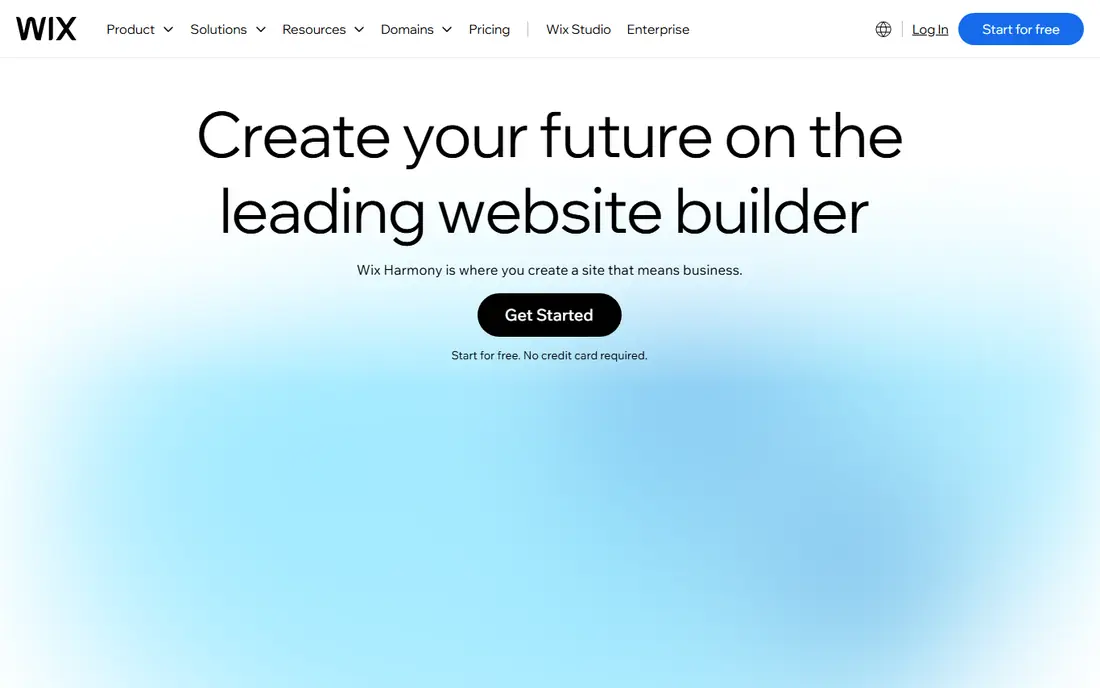
Wix is the most direct alternative for most Squarespace users. It offers a freeform editor, hundreds of templates, and an app market for bookings, events, stores, and more. Paid plans start at around 17 dollars per month, and a free plan lets you test the editor before you pay, though it shows Wix branding.
The main drawback is template switching. Once you publish, changing to a new template often means rebuilding parts of the site, so choose carefully at the start. Wix also tempts you to add paid apps, which can raise the monthly cost. If you want one builder that handles many site types without learning code, Wix is our pick for most people.
- Flexible drag-and-drop editor
- Large template and app library
- Free plan to start
- Switching templates after launch is hard
- Costs rise as you add paid apps
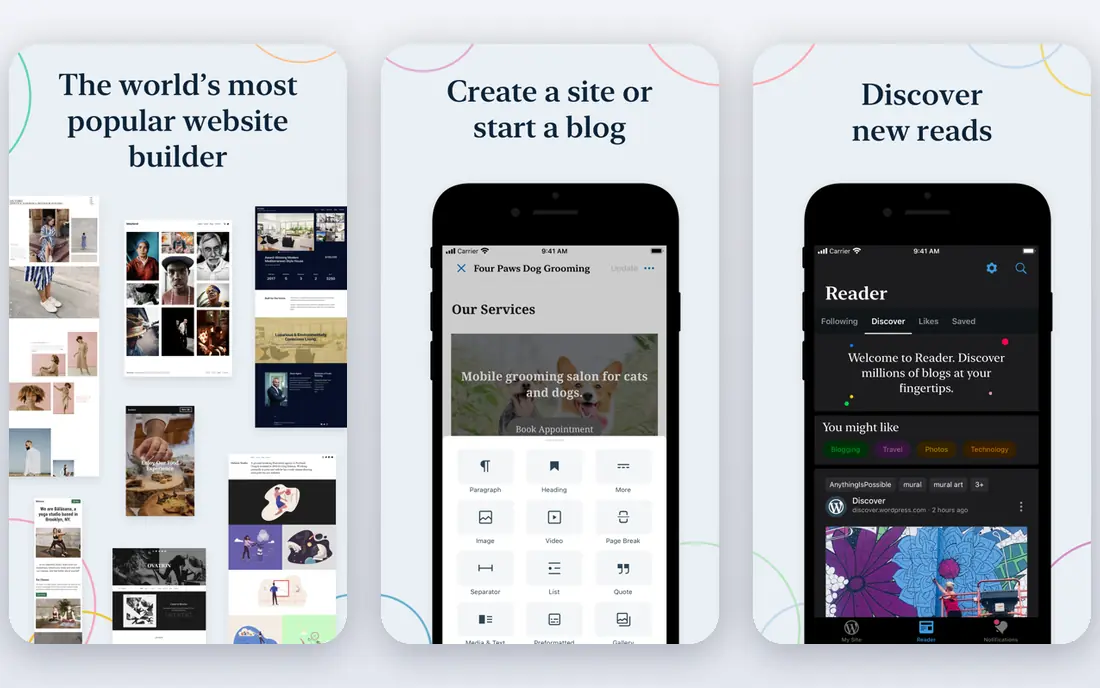
WordPress.com is the best alternative if you want flexibility and long-term ownership of your content. The free plan covers a basic site, and paid plans start at around 4 dollars per month on annual billing for a custom domain. Higher plans add plugins, themes, and commerce tools, which makes WordPress scale from a blog to a business site.
That flexibility comes with more choices than Squarespace. You must pick a theme, decide on plugins, and manage updates on some plans. For bloggers, writers, and content sites, that tradeoff is worth it, since WordPress blogging tools are deeper than most builders. For a simple portfolio, Wix or Framer will get you live faster.
- Free plan available
- Huge theme and plugin ecosystem
- Strong blogging tools
- Paid plans needed for a custom domain and plugins
- Setup takes more decisions
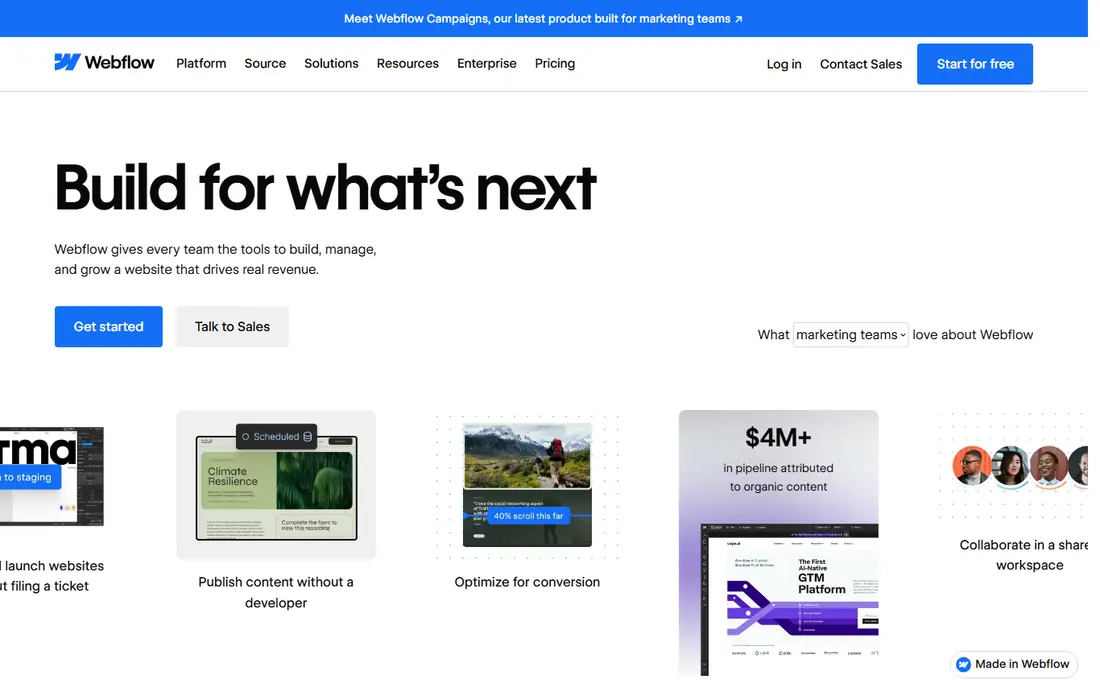
Webflow is the pick for designers and teams that want full control over layout, interactions, and content structure. A free Starter plan lets you design and test, while paid site plans start at around 14 dollars per month on annual billing for a basic site. CMS plans cost more but support far more collections and items than most builders.
Webflow takes longer to learn than Squarespace, and beginners may feel lost in its panels at first. The payoff is a site that can grow into a large marketing site, blog, or small store without switching platforms. Choose Webflow when design precision and content scale matter more than getting live in an afternoon.
- Precise visual design control
- Strong CMS for larger sites
- Code export on some plans
- Steeper learning curve
- CMS features need higher plans
Framer feels like a design tool that publishes websites, which is why it suits startups and portfolios. You can generate a site with AI, refine it visually, and publish quickly. Paid plans start at around 5 dollars per month in some listings, with Basic at around 10 dollars per month on annual billing in more recent checks, so confirm the current price on the pricing page before you buy.
Framer has no native cart or checkout, so it is not a store builder. You can connect Shopify or a payment tool for a few products, but a real catalog belongs on Shopify or Webflow commerce. For a landing page, portfolio, or startup marketing site, Framer is fast, modern, and easy to keep updated.
- Free plan to start
- Fast AI site generation
- Modern animations and templates
- No native online store
- No code export
- CMS limits are lower than Webflow
Shopify is the right Squarespace alternative only when selling is the main job. Basic plans start at around 29 dollars per month, with a short trial to test the platform. Inventory, discounts, abandoned cart recovery, shipping, and payments are built for commerce in a way that general builders cannot match.
For a content or portfolio site, Shopify is overkill and its page builder feels limited next to Webflow or Framer. Costs also rise as you add apps that other builders include for free. If your site exists to sell products, though, Shopify is the safer long-term pick, and Squarespace commerce users who outgrow small catalogs often land here.
- Best-in-class store tools
- Payments, shipping, and inventory built in
- Huge app ecosystem
- Higher monthly cost
- Page design is less flexible than Webflow or Framer
Hostinger Website Builder is the budget pick for a simple business site, landing page, or personal site. Plans start at around 2.99 dollars per month on a long term, with an AI builder that creates a draft site from a few prompts. Hosting is bundled, so you do not need a separate hosting account.
Check the renewal price before you commit, since it rises sharply after the introductory term. Design and store features are also simpler than Wix or Squarespace, so Hostinger suits a first site on a tight budget rather than a complex brand site. For the price, though, it gets a clean site online with little fuss.
- Very low introductory price
- AI builder included
- Hosting bundled in
- Renewal prices are much higher
- Ecommerce and design depth are limited
GoDaddy suits people who want a site live today with minimal decisions. Its builder asks a few questions, generates a draft, and lets you edit text, images, and sections. Plans start at around 9.99 dollars per month, and GoDaddy is convenient if you already buy domains there.
The tradeoff is creative control. Templates and layouts are simpler than Squarespace, Wix, or Webflow, so a design-led brand may feel constrained. GoDaddy is a good pick for a local service business that needs contact details, services, and a booking link online quickly, rather than a portfolio that must stand out visually.
- Very fast AI-guided setup
- Domains and hosting in one account
- Easy for beginners
- Design flexibility is limited
- Higher tiers needed for fuller commerce
Weebly remains a solid simple alternative, especially for small businesses that also use Square for payments. The editor is easy to learn, a free plan lets you start, and paid plans start at around 13 dollars per month on annual billing. Square integration helps small shops and restaurants take orders and payments without a separate store platform.
Weebly templates are fewer and less modern than Wix or Squarespace, and its design tools have not kept pace with Framer or Webflow. If ease matters more than latest design, and you like Square, Weebly is a calm and reliable choice. If visual impact is the priority, start with Wix or Framer instead.
- Simple drag-and-drop editor
- Free plan to start
- Square integration for selling
- Template range is smaller than Wix
- Design tools feel dated next to Framer
How we picked these
We compared official feature pages, pricing pages, free plan and trial terms, template ranges, and public reviews for builders that cover the main Squarespace use cases. We favored tools with a clear live product, published pricing, and a distinct strength, and we left out builders that no longer offer a usable free or paid site product. We did not claim hands-on testing.
How to pick your Squarespace replacement
Match the builder to the job of the site, not to a feature list. A store, a portfolio, and a blog need different tools.
Decide the main job first
If selling products is the main job, shortlist Shopify first and Webflow commerce second. If the site is a portfolio or marketing site, shortlist Wix, Framer, and Webflow. If blogging and content growth matter most, shortlist WordPress.com. A builder that is good at everything is rarely best at your one main job.
Test two builders before you pay
Build your homepage in two builders and compare how each feels to edit. Check mobile layout, page speed, SEO settings, and how easy it is to change text and images. A free plan or trial is enough for this test, and it reveals more than a template gallery ever will.
Check migration and ownership
Ask how you move your domain, content, and images out later. Webflow offers code export on some plans, while Framer does not offer HTML export for self-hosting. WordPress offers the most ownership, while all-in-one builders trade some control for convenience. Pick the tradeoff you can live with for a few years.
Sources
Frequently asked questions
What are the best alternatives to Squarespace?
Wix is the best all-round alternative, Webflow is best for design control, Framer is best for fast marketing sites, and Shopify is best for stores. WordPress.com is best if you want maximum flexibility. The right pick depends on whether your site sells, showcases work, or publishes content.
Are there free alternatives to Squarespace?
Yes. Wix, WordPress.com, Webflow, Framer, and Weebly all offer free plans, though free plans usually show builder branding and do not include a custom domain. A free plan is a good way to test the editor, and you can upgrade when you are ready to launch properly.
Is Wix better than Squarespace?
Wix is more flexible and has a larger app market, while Squarespace templates often look more polished out of the box. Wix suits users who want more layout freedom and a free plan. Squarespace suits users who prefer a curated template range and built-in scheduling tools.
Can I move my site from Squarespace to another builder?
You can usually move your domain and rebuild pages on a new builder, but full automatic migration is limited. Text and images can be exported or copied, while design, layout, and some commerce settings must be rebuilt. Plan for a rebuild, and keep your Squarespace site live until the new site is ready.
Which Squarespace alternative is best for selling online?
Shopify is the best alternative for a real online store, with stronger inventory, shipping, and payment tools. Wix and Webflow commerce suit smaller catalogs, and Weebly with Square suits small shops. Choose Shopify if your catalog, orders, and growth plans go beyond a few products.
Is WordPress a good Squarespace alternative?
Yes, if you want flexibility, strong blogging, and more control over themes and plugins. WordPress.com needs more setup decisions than Squarespace, and higher plans are needed for full plugin access. For a simple site that must be live quickly, Wix or Framer may be easier.