Best AI Helpdesk Software in 2026: 9 Tools Compared
By ToolNimba Editorial Team October 31, 2026 8 min read

- Top pick
 Zendesk
Mid market and enterprise support
Starting priceSee websiteCheck out ZendeskRead our review - Runner-up
 Intercom
AI first conversational support
Starting priceSee websiteCheck out IntercomRead our review - Also great
 Freshdesk
Best value full helpdesk
Starting priceFreeCheck out FreshdeskRead our review
How we researched this
We compared official pricing and feature pages, app store listings, privacy policies and public user reviews. Prices change, so check the provider's site before you pay.
Key takeaways
- Freshdesk offers the best value for most teams, while Zendesk offers the deepest enterprise workflows.
- Intercom leads on AI first chat support, but seat plus per resolution pricing needs careful forecasting.
- Gorgias is the clear pick for ecommerce, and HubSpot Service Hub is best for HubSpot CRM users.
- AI pricing is now often metered, so compare seat cost plus AI usage cost, not seat cost alone.
Quick comparison
| Name | Best for | Starting price | Free plan | |
|---|---|---|---|---|
| Zendesk | Mid market and enterprise support | See website | Free trial | Visit |
| Intercom | AI first conversational support | See website | Free trial | Visit |
| Freshdesk | Best value full helpdesk | Free | Yes | Visit |
 Help Scout | Small email first teams | Free | Yes | Visit |
 Zoho Desk | Budget helpdesk for Zoho users | Free | Yes | Visit |
 Gorgias | Ecommerce support for Shopify stores | See website | No | Visit |
 Front | Collaborative shared inboxes | See website | Free trial | Visit |
 HubSpot Service Hub | CRM driven support teams | Free | Yes | Visit |
 HappyFox | Growing teams needing automation | See website | Free trial | Visit |
The best AI helpdesk software
AI helpdesk software in 2026 means more than a chatbot. The tools below combine ticketing, knowledge bases, and AI agents or copilots, but they charge for AI in different ways, so the cheapest seat price is not always the cheapest total cost.
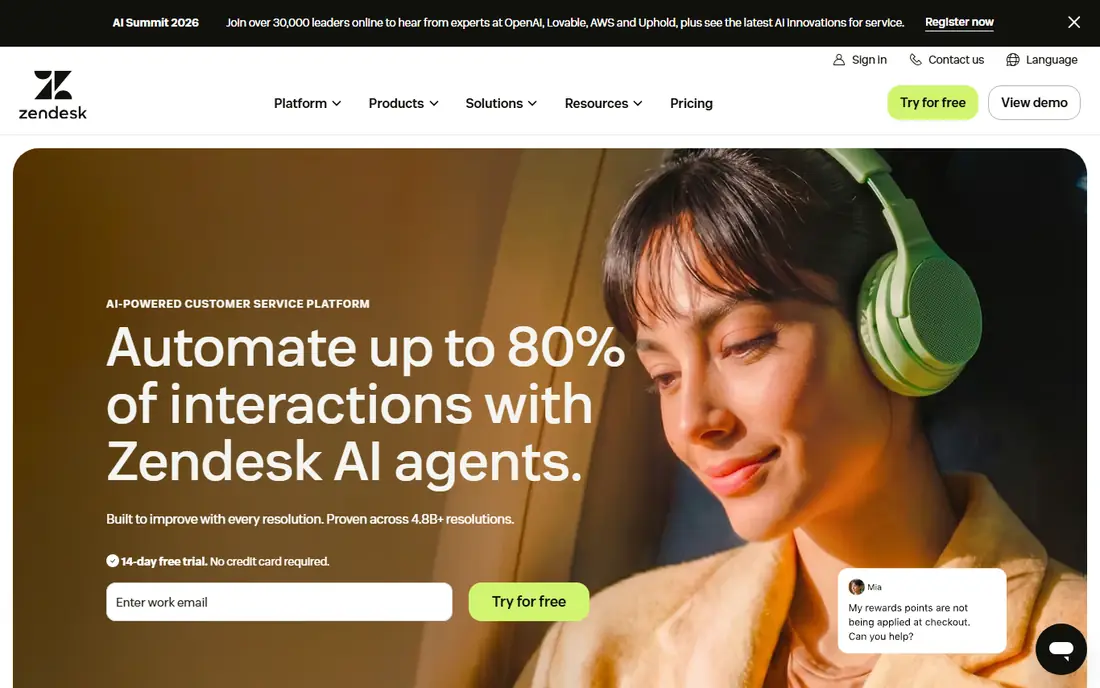
Zendesk is the safe choice for mid market and enterprise teams that need depth more than simplicity. Ticketing, routing, reporting, and a large marketplace cover complex workflows across email, chat, phone, and social channels. For a team with several departments and strict service level rules, that depth matters.
The cost is the main barrier. Entry pricing is high compared with Freshdesk or Zoho Desk, and AI Copilot adds further per agent cost. Setup also takes longer. If your team is small and your workflows are simple, a lighter tool will feel faster.
- Deep ticketing and routing
- Large app marketplace
- Strong reporting
- Entry price is high
- AI Copilot is a paid add on
- Setup can be complex
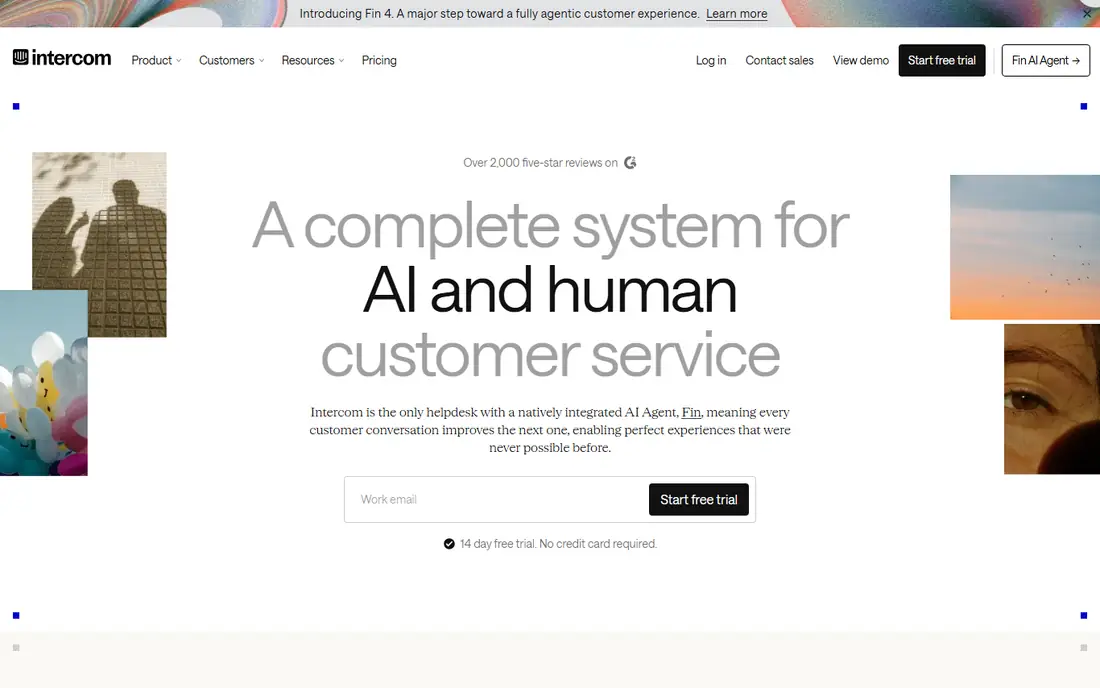
Intercom is built for product led teams that support users inside an app or website. Fin, its AI agent, can resolve common questions automatically, and the messenger keeps support close to where users already are. Proactive messages also let teams reach users before a problem becomes a ticket.
Pricing combines seats with per resolution charges for Fin, so costs can rise as volume grows. Advanced workflows need higher plans. For a SaaS team with high chat volume and a good help center, Intercom is a strong AI first choice.
- Fin AI agent for automated resolutions
- In app messenger
- Proactive messaging
- Seat plus per resolution pricing can rise with volume
- Advanced workflows need higher plans
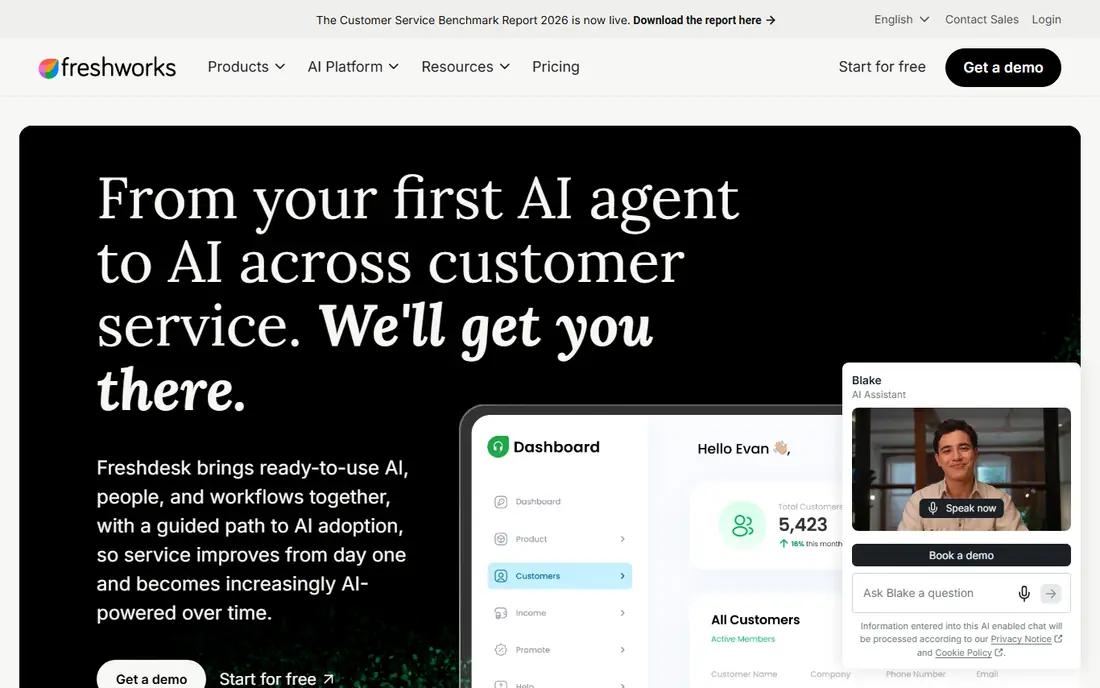
Freshdesk is the value pick for most growing teams. It offers full ticketing across email, chat, phone, and social, plus automation, a knowledge base, and Freddy AI, at prices below Zendesk entry tiers. That combination makes it a sensible first full helpdesk for teams of five to fifty agents.
The free tier covers only a small number of agents, so do not plan a real operation around it. Copilot is also a separate add on, and the interface can feel busy as features grow. For the price, though, Freshdesk covers more than most rivals at the same tier.
- Full ticketing across channels
- Freddy AI
- Affordable mid tier plans
- Free tier is limited to few agents
- Copilot is a separate add on
- Interface can feel busy
Help Scout suits small teams that want support to feel like email, not a complex ticket system. Shared inboxes, internal notes, and a Docs knowledge base keep the workflow simple, and onboarding is fast. For a team under ten agents, that simplicity saves training time.
Phone support and advanced routing are thinner than Zendesk or Freshdesk, and AI Answers adds per resolution charges. If your support is mainly email and chat, Help Scout is a good fit. If you need complex routing or voice, look at a larger platform.
- Clean shared inbox
- Docs knowledge base
- Simple onboarding
- Limited phone and advanced routing
- AI Answers billed per resolution
Zoho Desk is the budget choice for teams that want a full helpdesk without enterprise pricing. Standard plans are low cost, Zia AI appears on higher plans, and integration with other Zoho apps helps teams already in that ecosystem. For a small business watching every seat cost, that matters.
Outside the Zoho ecosystem, some integrations feel less native, and the interface can grow complex as modules are added. If you already use Zoho CRM or Zoho One, the value improves further. As a standalone budget helpdesk, it still competes well.
- Lowest cost per seat among full helpdesks
- Zia AI on higher plans
- Zoho ecosystem integration
- Best inside Zoho ecosystem
- Interface complexity grows with modules
Gorgias is the clear pick for ecommerce, especially Shopify stores. It pulls order data into the ticket, so agents can answer shipping, refund, and return questions without switching systems. Automation rules for common ecommerce issues also cut repetitive work, and its AI agent handles order related questions well.
Outside ecommerce, that specialization becomes a weakness, and ticket based pricing needs forecasting as volume changes. For an online store, though, the order integration alone can justify Gorgias over a general helpdesk. Check the plan that matches your monthly ticket volume.
- Deep Shopify and order integration
- Ecommerce automation
- AI agent for order questions
- Weak fit outside ecommerce
- Ticket based pricing needs careful forecasting
Front fits teams where support, sales, and operations share inboxes and need to collaborate on the same message. Internal comments, assignments, and multi channel views keep work visible without forwarding emails. That shared inbox model works well for B2B teams with complex customer threads.
Lower tiers cap seats, and enterprise features raise the price quickly. Front is also less of a traditional ticket system than Zendesk, so teams that need strict ticket workflows should test it first. For collaborative inbox work, it is a strong choice.
- Shared inbox with internal comments
- Multi channel collaboration
- Strong team workflows
- Seat caps on lower tiers
- Enterprise features push price up quickly
HubSpot Service Hub is best for teams already running HubSpot CRM, because support tickets sit beside sales and marketing history in one timeline. That shared view helps agents answer with full customer context, and the free tier lets small teams start without a seat cost.
Professional tiers are expensive and carry an onboarding fee, and AI features use credits that need tracking. If you do not use HubSpot CRM, much of the advantage disappears. For HubSpot users, the integration is the reason to choose it.
- Native HubSpot CRM connection
- Shared customer timeline
- Free tier for small teams
- Professional tier has onboarding fee
- AI uses credits
- Higher tiers are expensive
HappyFox suits growing teams that want scalable automation without Zendesk complexity or price. Multi channel ticketing, automation rules, and AI summaries cover the core helpdesk job, and the interface is more approachable than enterprise platforms. That balance helps teams moving from a shared inbox to a real helpdesk.
The starting price is higher than Zoho Desk or Freshdesk, and the app marketplace is smaller than Zendesk. For a team that values automation and a cleaner setup, HappyFox is a solid middle ground. Test its reporting against your service level needs before committing.
- Scalable automation
- Multi channel ticketing
- AI summaries and workflows
- Starting price higher than budget options
- Smaller marketplace than Zendesk
How we picked these
We compared official feature pages, current pricing pages, app store listings, and privacy policies, along with public reviews, to check what each product actually offers in October 2026. We kept only products that are available now and that fit the topic directly, and we left out tools that were discontinued, region locked in a way that limits most readers, or too narrow for the list. Prices change often, so check the vendor page before you pay, and treat any free plan limit as a starting point rather than a promise for the future.
How to compare AI helpdesk pricing
We compared official pricing pages for seat costs and AI charges, plus feature pages for channels, automation, and knowledge bases. ### Seat plus AI cost
Add seat price, AI copilot add ons, and per resolution or per session charges together for your expected volume. A tool that looks cheap per seat can become expensive at high AI volume, and a tool with higher seats can be cheaper if AI resolutions are included. ### A practical trial
Trial with real tickets, not demo data. Test routing, knowledge base answers, and AI resolution quality on your most common ten questions, and check reporting for the service levels you must meet.