Top Rated Poster Maker Software in 2026: 8 Tools Compared
By ToolNimba Editorial Team October 29, 2026 9 min read

- Top pick
 Canva
All-round poster making
Starting priceFreeCheck out CanvaRead our review - Runner-up
 Adobe Express
Print-quality posters
Starting priceFreeCheck out Adobe ExpressRead our review - Also great
 PosterMyWall
Event and marketing posters
Starting priceFreeCheck out PosterMyWallRead our review
How we researched this
We compared official pricing and feature pages, app store listings, privacy policies and public user reviews. Prices change, so check the provider's site before you pay.
Key takeaways
- Canva is the best all-round poster maker for beginners, thanks to its template range and easy editor.
- Adobe Express suits users who want strong print quality and Adobe fonts without learning a complex tool.
- PosterMyWall is best for event posters that also need social and email promotion.
- Visme, Piktochart and Venngage suit data-heavy posters, such as infographics and research posters.
- Free plans vary a lot on downloads and watermarks, so check export rules before you design a final poster.
Quick comparison
| Name | Best for | Starting price | Free plan | |
|---|---|---|---|---|
| Canva | All-round poster making | Free | Yes | Visit |
| Adobe Express | Print-quality posters | Free | Yes | Visit |
| PosterMyWall | Event and marketing posters | Free | Yes | Visit |
 Visme | Data and infographic posters | Free | Yes | Visit |
 Piktochart | Infographic posters for teams | Free | Yes | Visit |
 VistaCreate | Quick animated and static posters | Free | Yes | Visit |
 Fotor | Photo-first posters | Free | Yes | Visit |
 Venngage | Infographic and report posters | Free | Yes | Visit |
The best poster maker software
A good poster maker should let you start from a template, change text and images quickly, and export a file that looks sharp in print or on screen. The tools below cover beginners, event marketers, educators and teams that need data visuals, so the best choice depends on your poster type.
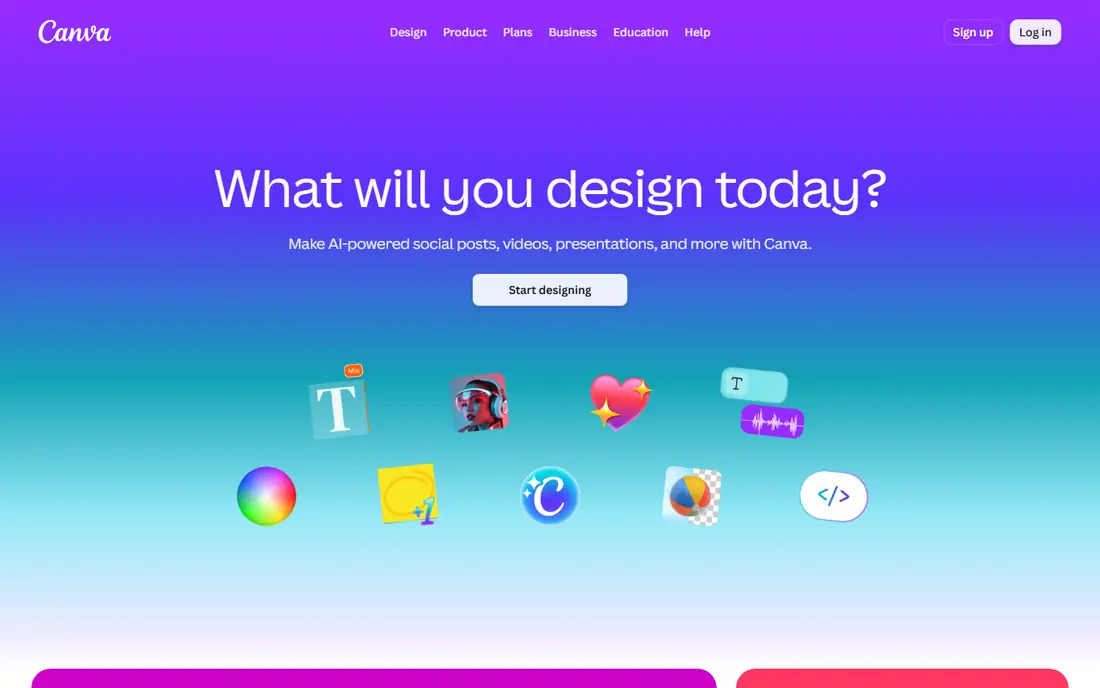
Canva is the easiest recommendation for most people because it covers the whole poster job in one place. You can pick a poster size, choose a template for an event, sale, class or campaign, then swap text, colours and photos in minutes. The editor is forgiving for beginners, and collaboration makes it easy for a team or class to review a draft.
The limit is the paid wall around some assets. A template that looks free may include premium photos or fonts that need a Pro plan, so check the final design before you share it. For most posters, though, the free plan is enough to produce a clean result, and paid plans add brand kits, background removal and wider asset access. Canva also offers print delivery, which helps if you do not have a local print shop.
- Very large template library
- Drag-and-drop editor
- Print delivery and many export formats
- Some templates and assets need a paid plan
- Free exports can lack premium elements
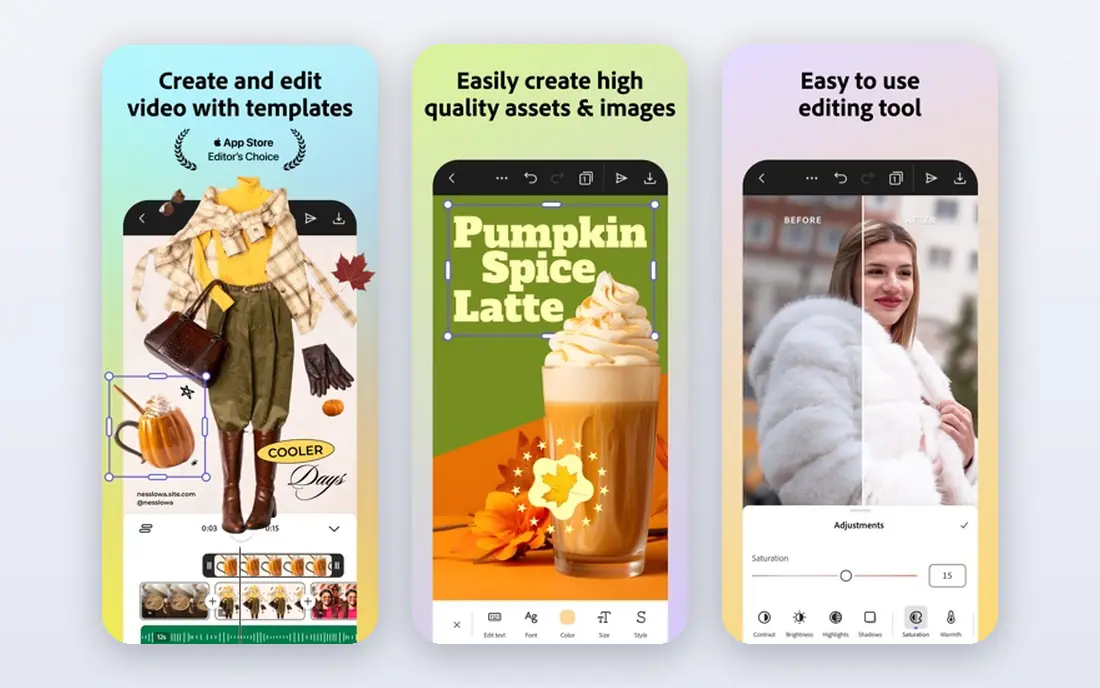
Adobe Express suits users who care about print quality and typography. Adobe Fonts gives you a deeper type choice than most poster tools, and print-ready PDF export helps when you send a poster to a print shop. The free tier covers core design work, and the editor stays simple enough for a beginner to use without Adobe training.
The trade-off is that the full feature set sits behind a paid plan, and complex photo editing still belongs in Photoshop. For a standard poster, though, Adobe Express is strong: clean templates, good fonts and reliable exports. If you already use Adobe tools, the shared assets and fonts make it an even easier choice.
- Strong templates and Adobe Fonts
- Print-ready PDF exports
- AI tools for images and text effects
- Premium features need a paid plan
- Advanced photo work still needs Photoshop
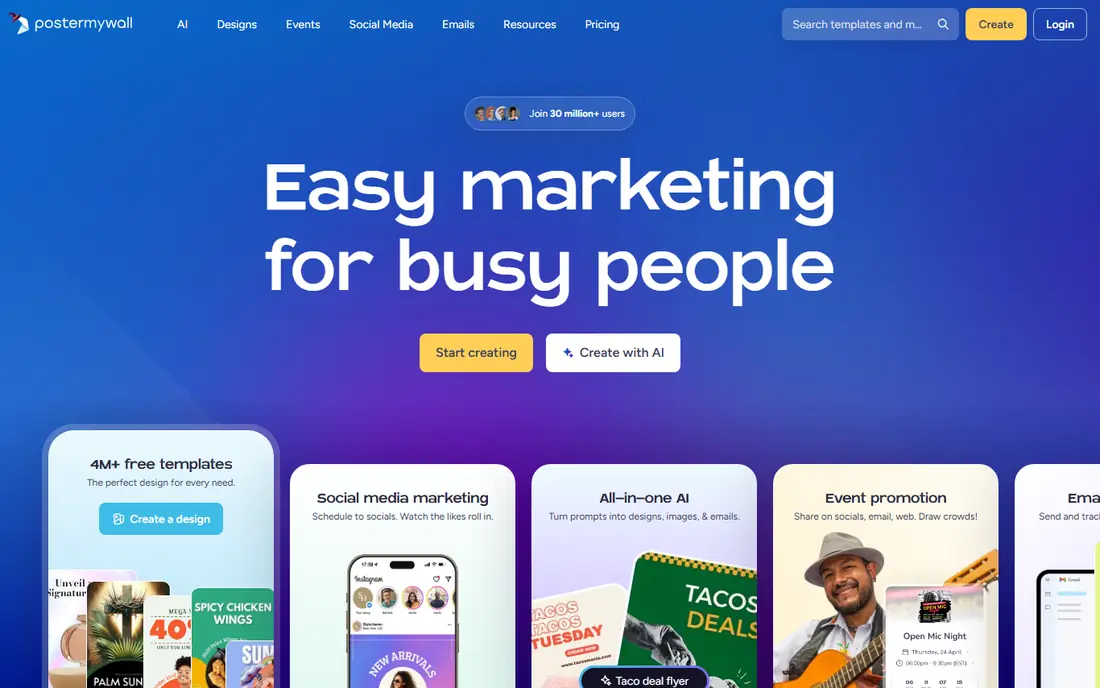
PosterMyWall is built for promotion, not only for design. Its templates cover concerts, sales, classes, fundraisers and community events, and paid plans add social scheduling and email sending. That combination helps a small business or club that needs a poster, a social post and an email from one design, without juggling three tools.
Free use has limits. Downloads can be watermarked or low resolution, so check export rules before you promise a print-ready poster. Paid plans remove those limits and add brand kits and higher-resolution exports. For event marketing, PosterMyWall remains a practical choice, especially when speed matters more than fine design control.
- Event-focused templates
- Social scheduling and email tools
- Easy resizing for different formats
- Free downloads can be watermarked or limited
- Some AI features use credits
Visme suits posters that need to explain data, not only announce an event. Charts, maps and data widgets let you turn numbers into a visual story, which helps for research posters, school projects and business reports. Templates for infographics also give a starting structure, so you do not need to design a data layout from scratch.
The editor is less instant than Canva, and beginners may need a little time to learn where tools sit. Free plan limits on downloads also matter, since a data poster is often meant for print. For a poster where the data must be clear and accurate, Visme is worth that extra learning time, especially for teams that reuse charts across reports.
- Charts, maps and data widgets
- Templates for infographics and reports
- Brand kit on paid plans
- Editor takes longer to learn than Canva
- Free plan limits downloads and features
Piktochart is a good fit for educators, nonprofits and workplace teams that make infographic posters regularly. Its templates guide you through a data story, and charts can be updated without rebuilding the whole poster. Team features also help when several people contribute data or review a draft before publication.
For a purely visual event poster, Piktochart can feel more structured than Canva or Adobe Express. It is at its best when the poster must communicate facts clearly, such as a health campaign, a school project or a quarterly summary. Check the export options on your plan, since full-resolution downloads may need a paid tier.
- Strong infographic templates
- Charts and maps
- Team collaboration features
- Poster design is less flexible than Canva for purely visual posters
- Paid plans needed for full exports
VistaCreate, formerly Crello, suits users who want a poster fast and may also want an animated version for social media. The editor is simple, templates cover common event and sale formats, and animated exports help a digital poster stand out in a feed. For a small business that posts the same offer in print and online, that dual use saves time.
The template library is smaller than Canva, so you may need to adapt a template more to fit a niche event. Paid plans also add more assets and brand features. VistaCreate is best as a quick, low-friction tool for regular posters, rather than as a design studio for complex work.
- Simple editor
- Animated poster options
- Brand kit and templates for social and print
- Smaller template range than Canva
- Some assets need a paid plan
Fotor suits posters where a photo is the hero. If you have a great event photo, product shot or portrait, Fotor helps you enhance it, remove a background and build a poster around it. Its AI photo tools can speed up edits that would take longer in a general design app, which helps for social and print posters alike.
Layout control is the limit. For a poster with complex text, charts or multi-column layouts, Canva or Visme will give you more structure. Fotor is best when the photo carries the message and the text is short, such as a concert poster, a sale poster or a portrait-led campaign. Check which AI features are free, since some sit on paid plans.
- Strong photo editing and AI tools
- Poster templates
- Easy enhancement of photos
- Design tools are less deep than Canva for layout work
- Some features need a paid plan
Venngage rounds out the list for data-led posters, especially in workplaces and classrooms. Its templates cover reports, timelines, comparisons and process diagrams, which map well to poster formats. Brand features on paid plans help teams keep colours and fonts consistent across a series of posters.
The free plan limits exports, so a print-ready poster may need a paid tier. Creative users who want a free-form canvas may also find Venngage more template-driven than Canva. For a poster that must present research, survey results or a process clearly, Venngage is a reliable and focused choice.
- Infographic templates for data and reports
- Brand features on paid plans
- Team collaboration
- Free plan limits exports
- Editor can feel template-driven for creative posters
How we picked these
We compared official product pages, template ranges, free plans, export options and print features, plus public reviews and help pages, to check that each tool still operates and fits poster making. We kept a mix of all-round editors, event tools, photo-first tools and data poster tools, and we favoured tools with a usable free plan. We did not claim hands-on testing, and export rules change, so check the current free and paid export terms before you design a final poster.
How to make a poster that works
Start with the message, not the template. A poster should answer three questions in seconds: what is it, when and where is it, and what should the reader do next. Put the most important words largest, keep supporting text short, and leave empty space around the headline so it can breathe. A crowded poster may look busy, but it rarely gets read.
Next, choose size and format early. A poster for a noticeboard needs different margins and resolution from a poster for social media, and a print shop needs a PDF with enough resolution for the final size. Check the export settings before you spend an hour on design, and test a print or phone preview at actual size. Colours that look bright on screen can look dull in print, so proof a test copy when the poster matters.
Finally, keep branding consistent. Use the same fonts and colours across posters for the same event or business, and save a template for repeat use. That consistency helps readers recognise your posters at a glance, and it saves time on the next design. If you use photos, check that you have the right to use them, and credit the photographer when required.