Best VMware Alternatives in 2026: 8 Alternatives Compared
By ToolNimba Editorial Team October 29, 2026 9 min read

- Top pick
 Proxmox VE
Low-cost server virtualization
Starting priceFreeCheck out Proxmox VERead our review - Runner-up
 Microsoft Hyper-V
Windows-first environments
Starting priceSee websiteCheck out Microsoft Hyper-VRead our review - Also great
 Nutanix AHV
Enterprise hyperconverged infrastructure
Starting priceSee websiteCheck out Nutanix AHVRead our review
How we researched this
We compared official pricing and feature pages, app store listings, privacy policies and public user reviews. Prices change, so check the provider's site before you pay.
Key takeaways
- Proxmox VE is the most direct low-cost alternative for small and mid-size teams, with free software and optional paid support.
- Nutanix AHV and Red Hat OpenShift Virtualization suit larger teams that want hyperconverged or container-based infrastructure.
- Microsoft Hyper-V makes most sense for Windows-first shops, while KVM and VirtualBox suit labs, developers, and Linux teams.
- Pricing models differ sharply: per core, per socket, per host, or free, so compare total cost for your actual cluster, not a headline rate.
- Our pick for most teams leaving VMware is Proxmox VE for cost and control, with Nutanix AHV as the enterprise option when support and scale matter more.
Quick comparison
| Name | Best for | Starting price | Free plan | |
|---|---|---|---|---|
| Proxmox VE | Low-cost server virtualization | Free | Yes | Visit |
| Microsoft Hyper-V | Windows-first environments | See website | No | Visit |
| Nutanix AHV | Enterprise hyperconverged infrastructure | See website | No | Visit |
 Citrix Hypervisor | Enterprise virtual desktops and servers | See website | No | Visit |
 KVM | Linux-based virtualization | Free | Yes | Visit |
 Oracle VM VirtualBox | Desktop labs and testing | Free | Yes | Visit |
 Red Hat OpenShift Virtualization | VMs alongside containers | See website | No | Visit |
 Scale Computing HyperCore | Simple edge and branch virtualization | See website | No | Visit |
The best VMware alternatives
VMware alternatives replace vSphere for running virtual machines, and the right choice depends on scale, operating system, and how much management you want built in. The options below range from free open source hypervisors to full enterprise platforms.
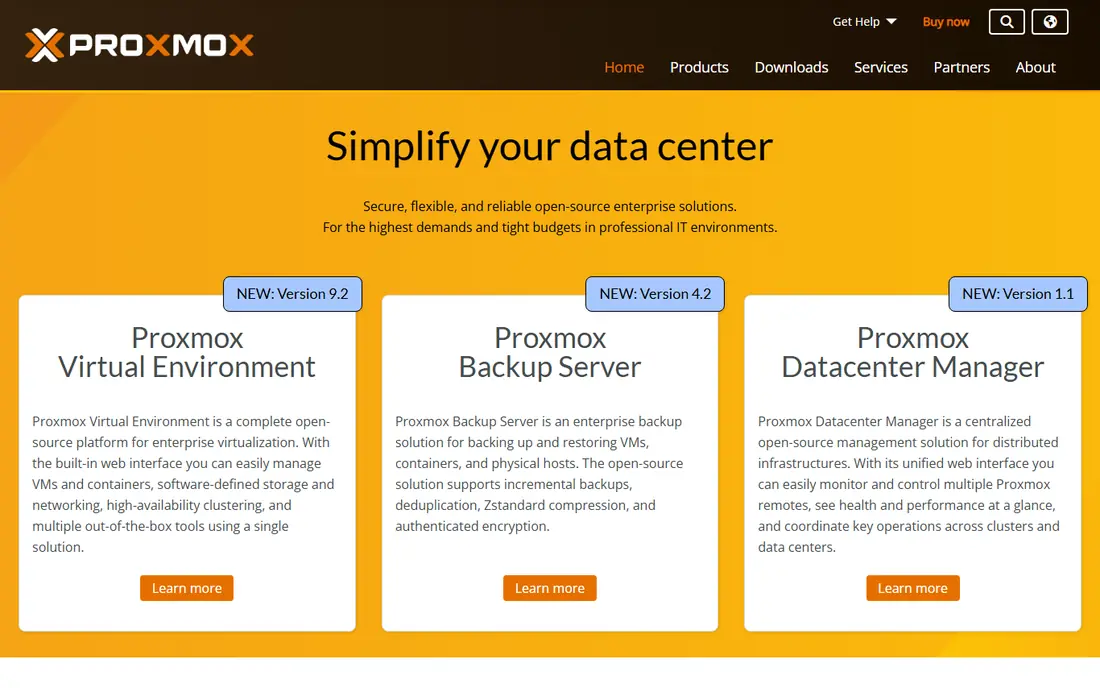
Proxmox VE is the alternative most VMware refugees try first, and for good reason. The software itself is free under an open source license, it runs both KVM virtual machines and Linux containers, and it includes clustering, high availability, live migration, and backup in one web interface. Support subscriptions are priced per CPU socket, not per core, which keeps costs far below per-core VMware licensing on modern high-core servers.
The honest limit is polish and automation. You will configure more by hand, and some workflows that VMware automates need scripts or third-party tools in Proxmox. Teams with Linux skills will not mind, and the built-in import wizard helps move VMware VMs across, though Windows guests may still need driver work. For a technical team that values control and cost, Proxmox is the clearest win.
- Free open source software with KVM and containers
- Clustering, live migration, and backup built in
- Low-cost support subscriptions
- Less automation than VMware out of the box
- Advanced networking and storage need manual setup
Hyper-V is the natural move for organizations already standardized on Windows Server and Active Directory. The hypervisor is included with Windows Server, so there is no separate hypervisor license to buy, and Windows guests run with full integration and support. Management through Windows Admin Center covers basic needs, while larger estates add System Center Virtual Machine Manager.
Linux workloads can run on Hyper-V, but the experience is less smooth than on KVM-based platforms, and advanced automation still takes extra Microsoft tooling. Migration from VMware is also a project, not a one-click move. If your estate is mostly Windows and your team already knows Microsoft tooling, Hyper-V keeps change to a minimum.
- Included with Windows Server
- Strong Windows guest support
- Familiar tools for Microsoft shops
- Advanced management needs System Center
- Linux guest tooling is less complete than Windows tooling
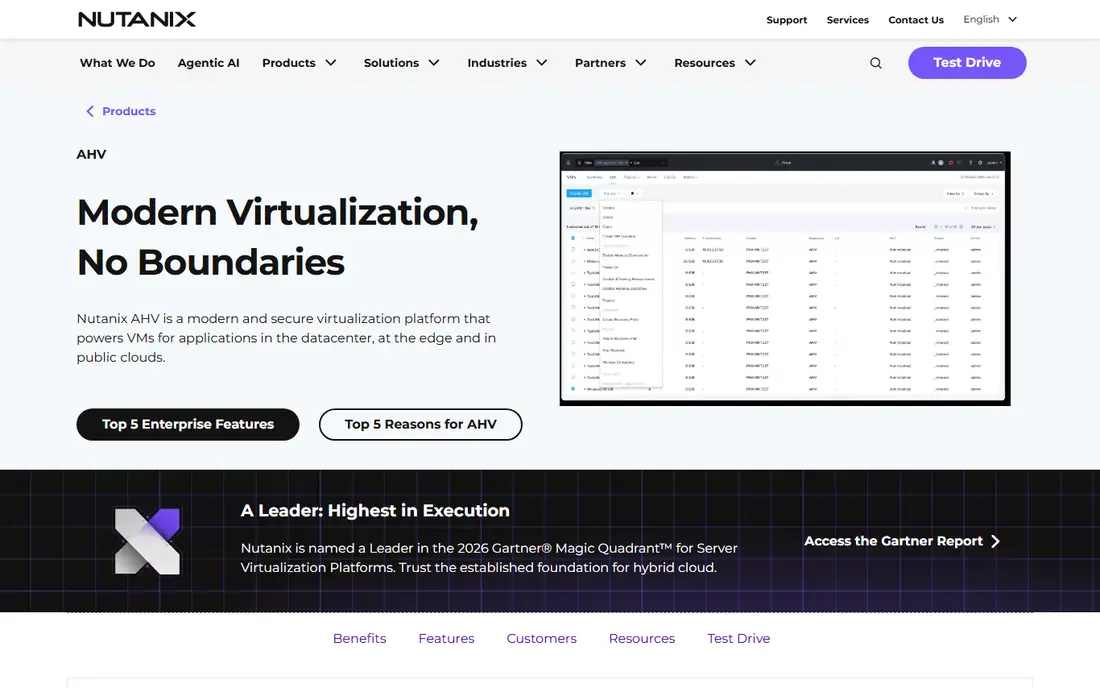
Nutanix AHV is not sold as a standalone hypervisor in the same way as Proxmox. It comes with Nutanix Cloud Infrastructure, which combines compute, storage, and networking in a hyperconverged platform managed through Prism. That integration is the appeal: one platform to deploy, scale, and protect VMs, with migration tooling aimed directly at VMware estates.
The trade-off is commitment. You buy into the Nutanix ecosystem and certified hardware, and pricing requires a quote, so small teams cannot simply download and try it at production scale. For mid-size and large enterprises that want a supported, VMware-like operational model without Broadcom licensing, AHV is the most credible enterprise alternative.
- Hypervisor included with Nutanix platform
- Unified compute, storage, and networking
- Strong automation and Prism management
- Pricing is quote based
- Tied to Nutanix hardware and ecosystem
Citrix Hypervisor, formerly XenServer, is built on the Xen hypervisor and is best known in virtual desktop estates. It handles Windows desktops and applications well, with management tools aimed at larger IT teams and service providers. Organizations already using Citrix for desktops may find it the lowest-friction VMware replacement for that workload.
For general server virtualization, the community and third-party ecosystem are smaller than those around KVM or Proxmox, which can make finding guides and integrations slower. It is a solid enterprise choice, but not the first pick for a small team that wants a free, community-supported platform.
- Long history in virtual desktops
- Strong graphics and session handling
- Enterprise management features
- Pricing is quote based
- Smaller community than Proxmox or KVM
KVM is the hypervisor inside Linux itself, turning the kernel into a virtualization host. It powers Proxmox, Nutanix AHV, and large parts of public cloud infrastructure, which tells you how proven it is. Performance is strong, especially for Linux guests, and there is no license fee for the hypervisor itself.
What KVM lacks is a ready-made product around it. You choose your own management layer, such as libvirt, oVirt, or Proxmox, and you own the integration work. That suits Linux teams and cloud builders who want full control. Teams that want a single supported console should pick a product built on KVM, such as Proxmox, rather than raw KVM alone.
- Free and built into Linux
- High performance for Linux guests
- Basis for Proxmox, Nutanix AHV, and many clouds
- No single vendor console out of the box
- Management tools must be chosen and assembled
VirtualBox is the lab tool, not the data center replacement. It runs on Windows, Linux, and macOS desktops, so a developer or student can spin up a test VM in minutes, take a snapshot, break something, and roll back. That ease makes it ideal for learning, software testing, and trying a VMware migration in a safe sandbox.
Do not mistake it for a server platform. VirtualBox lacks the clustering, live migration, and enterprise management that Proxmox or Nutanix provide, and performance under heavy production load will disappoint. Use it to learn and test, then deploy production VMs on a server hypervisor.
- Free and easy to install on desktop systems
- Runs Windows, Linux, and macOS guests for testing
- Snapshots for safe experiments
- Not built for production server clusters
- Performance and management lag behind server hypervisors
Red Hat OpenShift Virtualization
Best for: VMs alongside containers
Red Hat OpenShift Virtualization lets teams run virtual machines next to containers on Kubernetes. That matters for organizations modernizing slowly: a legacy VM can live beside new containerized services, managed with the same networking, storage, and automation. It is based on KVM, with Red Hat support and a clear path from VM to container when ready.
The cost is complexity. You need OpenShift knowledge, licensing, and a Kubernetes mindset, which is overkill for a simple three-host cluster. For enterprises already moving to OpenShift, though, it avoids running two separate infrastructure silos and makes VMware exit part of a wider modernization plan.
- Runs VMs and containers on one Kubernetes platform
- Strong for teams modernizing apps gradually
- Red Hat support
- Requires OpenShift skills and licensing
- Heavier than a standalone hypervisor for simple estates
Scale Computing HyperCore
Best for: Simple edge and branch virtualization
Scale Computing HyperCore targets the sites VMware often over-served: retail branches, remote offices, and edge locations with little or no local IT staff. It combines compute, storage, and virtualization in a hyperconverged appliance model, with self-healing features that handle a failed node without manual intervention. Management is deliberately simple, which is the point for lean teams.
Large, custom data centers may find HyperCore less flexible than Proxmox or Nutanix, and pricing requires a quote. For distributed estates where simplicity and uptime at the edge matter more than deep customization, it is a practical VMware alternative that keeps branch infrastructure manageable.
- Hyperconverged simplicity for edge and branch sites
- Self-healing design
- Easy management for small IT teams
- Pricing is quote based
- Less flexible for large, custom data center designs
How we picked these
We compared official product pages, pricing and licensing descriptions, and public migration guidance for hypervisors and virtualization platforms that replace VMware vSphere. We kept only products that exist today, run production virtual machines, and offer a credible path from VMware, whether by import tooling, hyperconverged design, or container-based migration. We did not claim hands-on testing we did not do, and where pricing is quote based we marked it as See website.
How to plan a VMware migration without regret
Start by inventorying what you actually run, not what you think you run. List every VM, its operating system, its storage, its backup tool, and its dependencies, then flag the hard cases: old Windows guests, VMs tied to VMware-specific tools, and workloads with strict performance needs. Those few VMs will decide your timeline more than the easy majority.
Next, test the replacement on non-production workloads first. Move a lab, a test server, and one low-risk production VM, then check backup, monitoring, networking, and disaster recovery on the new platform before you commit the estate. Budget for the project, not just the license: backup and replication tools built for VMware may need revalidation, and staff training takes time. Finally, keep VMware running in parallel until the new platform has proven itself on a real failure, not just a demo.
Sources
- https://www.proxmox.com
- https://www.microsoft.com/windows-server
- https://www.nutanix.com/products/ahv
- https://www.citrix.com/products/citrix-hypervisor
- https://www.linux-kvm.org
- https://www.virtualbox.org
- https://www.redhat.com/en/technologies/cloud-computing/openshift/virtualization
- https://www.scalecomputing.com
- https://blog.synology.com/apa-hyper-v-vs-nutanix-ahv-vs-proxmox-which-vmware-alternative-fits-best-2/
- https://www.comparethecloud.net/articles/renew-vmware-cloud-foundation-move-to-nutanix-or-migrate-to-proxmox-ve