Best Webflow Alternatives in 2026: 9 Tools Compared
By ToolNimba Editorial Team November 7, 2026 11 min read

- Top pick
 Framer
Design-led marketing sites
Starting priceFreeCheck out FramerRead our review - Runner-up
 Wix Studio
Agencies and client sites
Starting price$19 per monthCheck out Wix StudioRead our review - Also great
 Squarespace
Easy, polished sites
Starting priceSee websiteCheck out SquarespaceRead our review
How we researched this
We compared official pricing and feature pages, app store listings, privacy policies and public user reviews. Prices change, so check the provider's site before you pay.
Key takeaways
- Framer is our pick for most Webflow switchers, since its Figma-style canvas, animations, and hosting make landing pages fast to ship.
- Wix Studio is the best choice for agencies, with client management, responsive controls, and built-in business tools in one platform.
- WordPress remains the best option for large blogs and plugin-heavy sites, but you take on hosting, updates, and security yourself.
- Squarespace is the easiest alternative to learn, with polished templates and almost no setup, at the cost of design flexibility.
- Cheap and simple options like Carrd and Webstudio suit single pages and technical teams, but they do not replace Webflow CMS depth.
Quick comparison
| Name | Best for | Starting price | Free plan | |
|---|---|---|---|---|
| Framer | Design-led marketing sites | Free | Yes | Visit |
| Wix Studio | Agencies and client sites | $19 per month | Yes | Visit |
| Squarespace | Easy, polished sites | See website | Free trial | Visit |
 WordPress | Blogs and plugin flexibility | Free | Yes | Visit |
 Shopify | Selling online at scale | $29 per month | Free trial | Visit |
 Duda | Agency production at scale | $19 per month | Free trial | Visit |
 Webstudio | Open source visual building | Free | Yes | Visit |
 Bubble | Web apps and MVPs | $29 per month | Yes | Visit |
 Carrd | Single-page sites | $9 per year | Yes | Visit |
The best Webflow alternatives
We compared official pricing pages, feature pages, and public reviews for the tools below, focusing on design control, CMS depth, ecommerce, ease of use, hosting, and price.
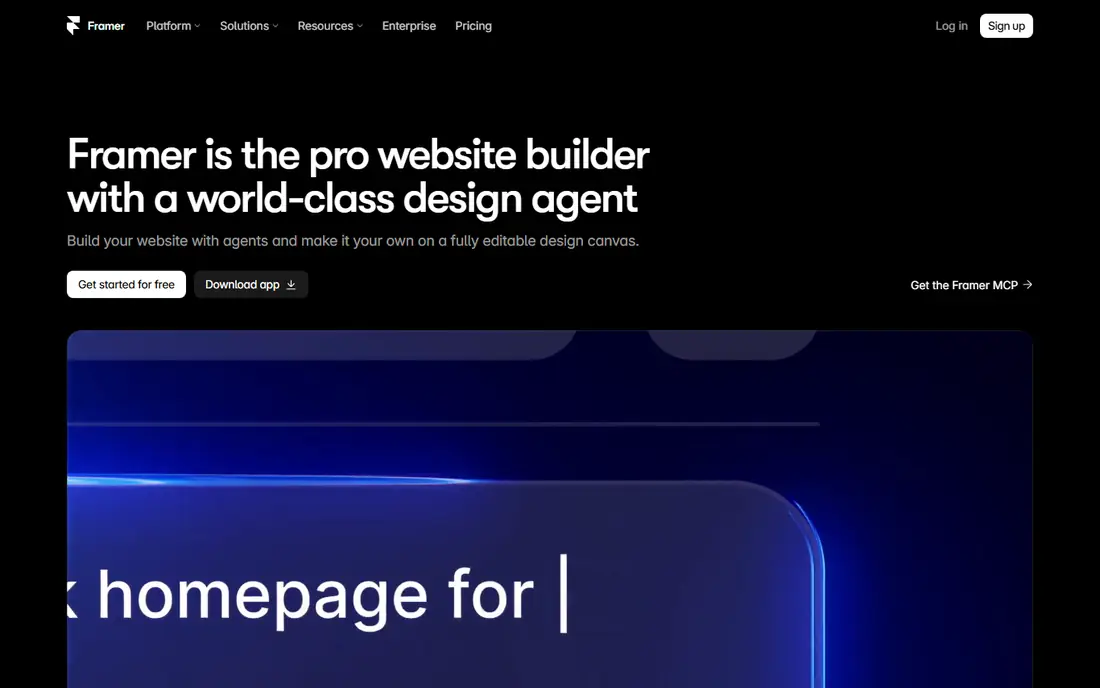
Framer is the closest direct alternative to Webflow for most marketing sites. Its canvas feels familiar to Figma users, animations take less setup than in Webflow, and hosting is included, so a landing page can go from design to live site quickly. The free plan lets you design on a Framer subdomain, Basic starts at $10 per month on annual billing, and Pro starts at $30 per month. For a startup site, portfolio, or product launch page, Framer is hard to beat on speed.
The CMS is where Webflow still leads. Framer Basic allows 30 pages, 2 collections, and 1,000 CMS items, while Pro allows 150 pages, 10 collections, and 2,500 items, with paid add-ons for more. A content-heavy site with a large blog, resource library, and case studies may hit those limits sooner than expected. If your site is mostly marketing pages with a modest blog, Framer is the best Webflow alternative here. If it is a large content operation, check the CMS limits first.
- Figma-style canvas
- Strong animations and interactions
- Hosting included with fast publishing
- CMS limits are tighter than Webflow
- Pricing is per site, so multi-site costs add up
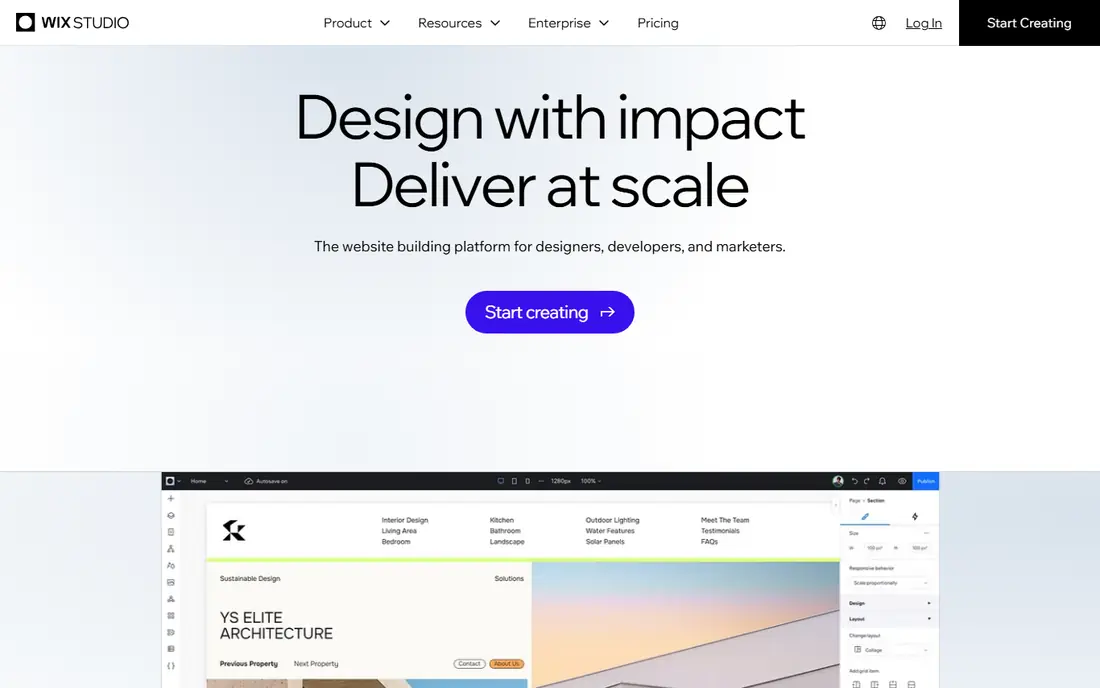
Wix Studio is Wix built for professionals, and it shows in the workflow. It adds responsive AI, custom CSS options, richer animations, and tools for managing clients, billing, and handover. Agencies can build many client sites in one workspace, reuse assets, and offer clients a simpler editor for content updates. Plans start around $19 per month, with a free plan for designing before you publish on a custom domain.
Design purists may still prefer Webflow for pixel-level control and code export. Wix Studio is more guided, which speeds up production but limits some advanced layouts. Portability is also weaker: a Wix site stays on Wix. For agencies that value speed, client tools, and built-in business features over full code control, Wix Studio is the strongest all-round alternative.
- Responsive design controls
- Client management and billing tools
- Large template and app range
- Less precise design control than Webflow on complex layouts
- Moving a site off Wix is difficult
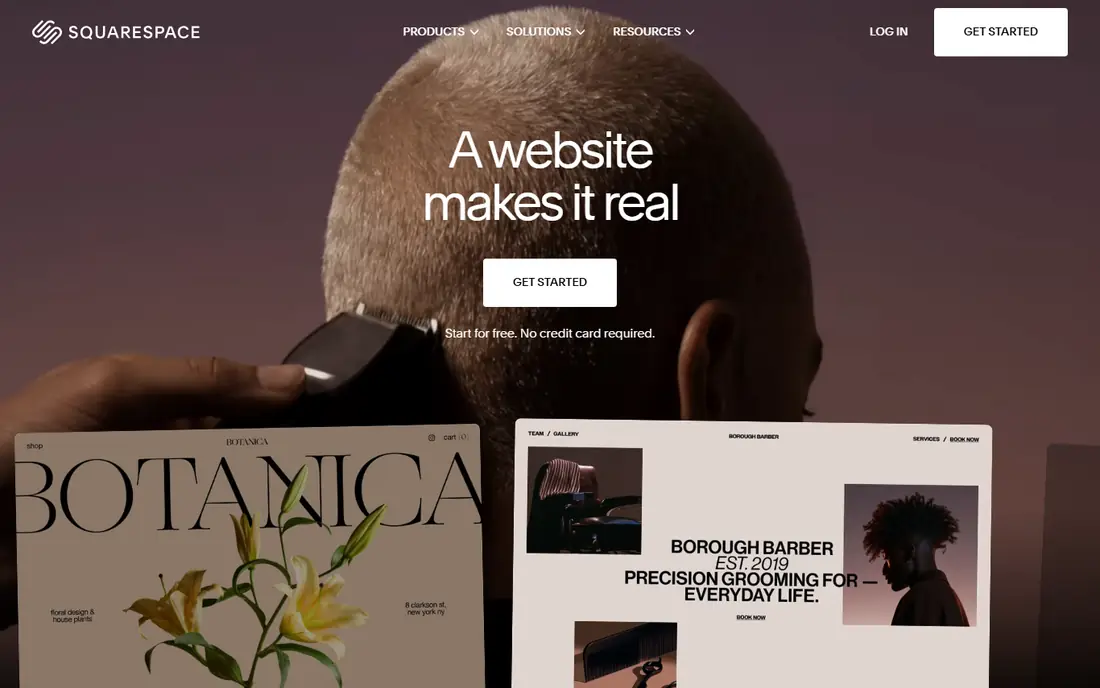
Squarespace is the easiest Webflow alternative to learn. Pick a template, answer a short setup flow, swap in your text and images, and you have a site that looks professional. Hosting, security, and updates are handled for you, and built-in commerce, scheduling, and email tools cover many small business needs. Recent comparisons list entry plans around $16 to $19 per month on annual billing, so check the current pricing page for your region and plan.
The trade-off is flexibility. Squarespace templates and section-based editing cannot match Webflow design freedom, and its CMS and customization options suit portfolios, restaurants, and small stores better than large content sites. If you want a beautiful site fast and do not need deep CMS structure, Squarespace wins on simplicity. If you need custom layouts and structured content, Framer or WordPress will fit better.
- Polished templates that look good with little effort
- All-in-one hosting, domains, and commerce
- Gentle learning curve
- Customization is limited to templates and sections
- Advanced CMS and code needs hit ceilings fast
WordPress powers a large share of the web for a reason. The software itself is free, the plugin ecosystem covers almost any feature, from membership to multilingual sites to complex stores through WooCommerce, and you can host it anywhere and move it when needed. Paired with a visual builder like Elementor, whose Pro plans start around $60 per year, WordPress gives you a visual editor plus far more functional range than Webflow. For a high-volume blog, news site, or directory, it is still the most flexible choice.
Flexibility comes with responsibility. You or your host must handle updates, backups, security, and performance, and a pile of plugins can slow a site or create conflicts. Budget for decent hosting, typically a few dollars to tens of dollars per month for a small site, plus maintenance time or an agency retainer for larger sites. If you want ownership and endless options and accept the upkeep, WordPress is the best long-term alternative.
- Free open source software
- Huge plugin and theme ecosystem
- Full hosting choice and code ownership
- You manage updates, backups, and security
- Performance depends on hosting and plugin choices
Shopify is the answer when the site is really a store. Its checkout, payments, discounts, inventory, and shipping tools are far stronger than Webflow ecommerce, and its app store covers marketing, reviews, subscriptions, and fulfillment. Basic starts at $29 per month on annual billing, with a free trial to test the setup. For a brand that sells at volume across web, social, and marketplaces, Shopify is the safer commercial choice.
Content-led sites may find Shopify limiting. Blog and landing page design is more constrained than Webflow, and many stores add page-builder apps to close the gap. Costs also grow beyond the base plan once apps and payment fees are counted. If selling is the main job of the site, choose Shopify. If content and design lead and selling is secondary, Framer or WordPress with WooCommerce may fit better.
- Complete checkout and payment system
- Large app store
- Multi-currency and multi-channel selling
- Content pages are more constrained than Webflow
- Monthly cost plus apps and transaction fees add up
Duda is built for agencies that produce many small business sites. It offers white-label client portals, team roles, reusable sections, and built-in tools for local business features like bookings and reviews. Plans start around $19 per month, and the workflow is designed to move a client from brief to live site fast. For an agency juggling dozens of similar sites, that production system matters more than avant-garde design control.
Duda will not satisfy designers who want Webflow-level layout freedom or code export. Its templates and sections are practical rather than experimental, and its ecosystem is smaller than Wix. Judge it on throughput: if your agency needs to ship reliable client sites quickly and manage them in one place, Duda is a strong, focused alternative.
- Client management and white-label options
- Team collaboration
- Built-in widgets and commerce
- Less design freedom than Webflow
- Smaller template and app ecosystem than Wix
Webstudio appeals to technical teams that like Webflow visual building but want open source code and hosting freedom. It offers a visual builder with modern web standards, a free hosted staging option, and a Pro plan listed around $15 per month on annual billing, plus the option to self-host. That combination suits developers and design engineers who want control without giving up a visual editor entirely.
The ecosystem is younger than Webflow, Wix, or WordPress. Templates, plugins, and community answers are fewer, and larger content sites need an external CMS connected to Webstudio. If your team is comfortable with that setup, Webstudio offers a rare mix of visual building and ownership. If you want a large template library and one-click features, a mainstream builder will save time.
- Open source visual builder
- Self-hosting possible
- Modern stack with clean code output
- Smaller community and fewer templates
- External CMS needed for larger content sites
Bubble is not a like-for-like Webflow replacement, and that is the point. It builds web applications: marketplaces, dashboards, booking tools, and internal tools with databases, user accounts, and workflows, all without traditional code. The free plan lets you learn and prototype, and paid plans start around $29 per month. For a founder testing an app idea, Bubble can ship a working product far faster than hiring developers.
Marketing sites are not its strength. Design control and page speed for a simple brochure site are better served by Framer or Squarespace, and Bubble pricing and performance need care as an app grows. If your project is an app rather than a site, Bubble belongs on the shortlist. If it is a marketing site, pick a site builder instead.
- Build full web apps without code
- Database, workflows, and user accounts built in
- Free plan for learning
- Not a straight marketing-site builder
- Performance and pricing scale with app usage
Carrd is the cheapest real alternative on this list, and the most limited. Pro Lite starts at $9 per year for a single-page site, which covers portfolios, link pages, coming-soon pages, and simple landing pages. Building takes minutes, templates are clean, and the price is almost negligible. For a personal page or a single offer, Carrd is all most people need.
It cannot replace Webflow for a multi-page site. There is no real CMS, blog system, or store, and a growing site will outgrow Carrd fast. Use it for what it is: a fast, cheap one-pager. If you need more pages later, move to Framer, Squarespace, or WordPress rather than stretching Carrd beyond its purpose.
- Extremely cheap
- Fast to build a one-page site
- Simple, clean templates
- One page only
- No CMS, blog, or store depth
How we picked these
We compared official feature pages, pricing pages, and public reviews for each tool. We kept only tools that are live in October 2026 and genuinely build websites or web apps, whether for marketing, content, commerce, or apps. We did not claim hands-on testing we did not do. Instead, we weighed design control, CMS depth, ecommerce, ease of use, hosting, portability, and price, and we noted where pricing varies by billing cycle or region.
Choosing the right Webflow alternative
Start with the site type. A marketing site points to Framer or Wix Studio. A simple, polished site points to Squarespace. A large blog or plugin-heavy site points to WordPress. A store points to Shopify. An app points to Bubble. A one-pager points to Carrd. Matching the tool to the job matters more than matching Webflow feature for feature.
Check CMS, hosting, and exit costs
Before you commit, check three limits that cause regret later. First, CMS capacity: how many items, collections, and pages does the plan allow, and what do add-ons cost. Second, hosting: is it included, what bandwidth and traffic limits apply, and can you use a custom domain. Third, exit: can you export code or content, or does the site stay locked to the platform. A cheap plan that traps your content or caps your blog early is not cheap in the long run.
Sources
- https://www.framer.com/pricing
- https://www.wix.com/studio/pricing
- https://www.squarespace.com/pricing
- https://wordpress.org
- https://www.shopify.com/pricing
- https://www.duda.co/pricing
- https://webstudio.is/pricing
- https://bubble.io/pricing
- https://carrd.co/pricing
- https://synqro.co/blog/webflow-alternatives
- https://www.usecarly.com/blog/webflow-alternatives/
- https://litextension.com/blog/webflow-alternatives/
Frequently asked questions
What is the best Webflow alternative?
Framer is the best Webflow alternative for most marketing sites, thanks to its design-led canvas, animations, and included hosting. Wix Studio is the best for agencies, WordPress is the best for large blogs, and Squarespace is the best for beginners who want a polished site fast. The right choice depends on your site type, CMS needs, and budget.
What are the best free Webflow alternatives?
Framer and Wix Studio both offer free plans that let you design a full site before paying, though a custom domain requires a paid plan. WordPress software is free, though you pay for hosting, and Webstudio offers free staging with self-hosting options. Carrd is not free for a custom domain, but its paid plan starts at only $9 per year.
Is Framer better than Webflow?
Framer is better for fast, animated marketing sites and for designers who think in Figma. Webflow is better for deeper CMS structures, precise interactions, and code export. If your site needs a large blog or complex content model, Webflow still leads. If it needs a polished launch site quickly, Framer usually wins on speed and simplicity.
What is the cheapest Webflow alternative?
Carrd is the cheapest for a real site, at $9 per year for a single page. For a full multi-page site, WordPress is free apart from hosting, and Framer Basic at $10 per month on annual billing is the cheapest mainstream visual builder. Compare total cost, including hosting, add-ons, and editor seats, rather than the headline plan price alone.
Can I migrate a Webflow site to another platform?
Migration is possible but rarely one-click. Content can usually be exported and rebuilt, while designs, interactions, and CMS structures often need manual recreation. Plan for a rebuild rather than a transfer, and use the move as a chance to simplify pages and content. Check each platform export and import options before you start, since portability varies widely.
Which Webflow alternative is best for ecommerce?
Shopify is the best choice for serious online selling, with a complete checkout, app store, and multi-channel tools. Squarespace and Wix Studio suit smaller stores that also need a polished site, while WordPress with WooCommerce suits stores that need full ownership and plugin flexibility. Choose based on sales volume, product range, and how much control you want over checkout and fees.