What is the Best AI App for Creating Images in 2026: 9 Apps Compared
By ToolNimba Editorial Team October 31, 2026 10 min read

- Top pick
 Midjourney
Artistic images
Starting price$10 per monthCheck out MidjourneyRead our review - Runner-up
 Adobe Firefly
Commercial work
Starting price$9.99 per monthCheck out Adobe FireflyRead our review - Also great
 Ideogram
Text in images
Starting price$20 per monthCheck out IdeogramRead our review
How we researched this
We compared official pricing and feature pages, app store listings, privacy policies and public user reviews. Prices change, so check the provider's site before you pay.
Key takeaways
- Midjourney is our pick for artistic and cinematic images, while Ideogram is best when the image must include readable text.
- Adobe Firefly suits commercial work because it is built for licensed, brand-safe use inside Adobe tools.
- ChatGPT Images and Gemini are the easiest starting points, since image creation sits inside chat apps many people already use.
- Check licensing before commercial use: free tiers may make images public or limit commercial rights, so read the terms for your plan.
Quick comparison
| Name | Best for | Starting price | Free plan | |
|---|---|---|---|---|
| Midjourney | Artistic images | $10 per month | No | Visit |
| Adobe Firefly | Commercial work | $9.99 per month | Yes | Visit |
| Ideogram | Text in images | $20 per month | Yes | Visit |
 Leonardo AI | Creator volume | $12 per month | Yes | Visit |
 ChatGPT Images | Chat-based edits | Free | Yes | Visit |
 Gemini | Google users and edits | Free | Yes | Visit |
 Canva AI | Finished social graphics | Free | Yes | Visit |
 Recraft | Vectors and brand graphics | Free | Yes | Visit |
 Stable Diffusion | Local control | Free | Yes | Visit |
The best AI apps for creating images
The best AI image app depends on the job: a poster needs readable text, a brand asset needs clean licensing, and a concept sketch needs style. We compared official product and pricing pages, model descriptions, and plan terms, and we kept only tools that still generate images in October 2026.

Midjourney remains the top pick for look alone. Its images tend to have strong lighting, composition, and mood, which suits concept art, mood boards, editorial illustration, and campaign hero images. The web app has made it easier to use than in its Discord-only days, and style controls help a creator keep a consistent feel across a series.
The limits are cost and literal control. There is no free tier, and lower plans meter Fast GPU time, so heavy use needs a higher plan or extra time. Midjourney can also be less literal than some rivals when a layout must match an exact brief. If style is the priority and you are willing to pay, it is still the app we would start with.
- Distinctive cinematic style
- Strong style control
- Web app plus Discord workflow
- No free tier
- Usage is metered by Fast GPU time on lower plans
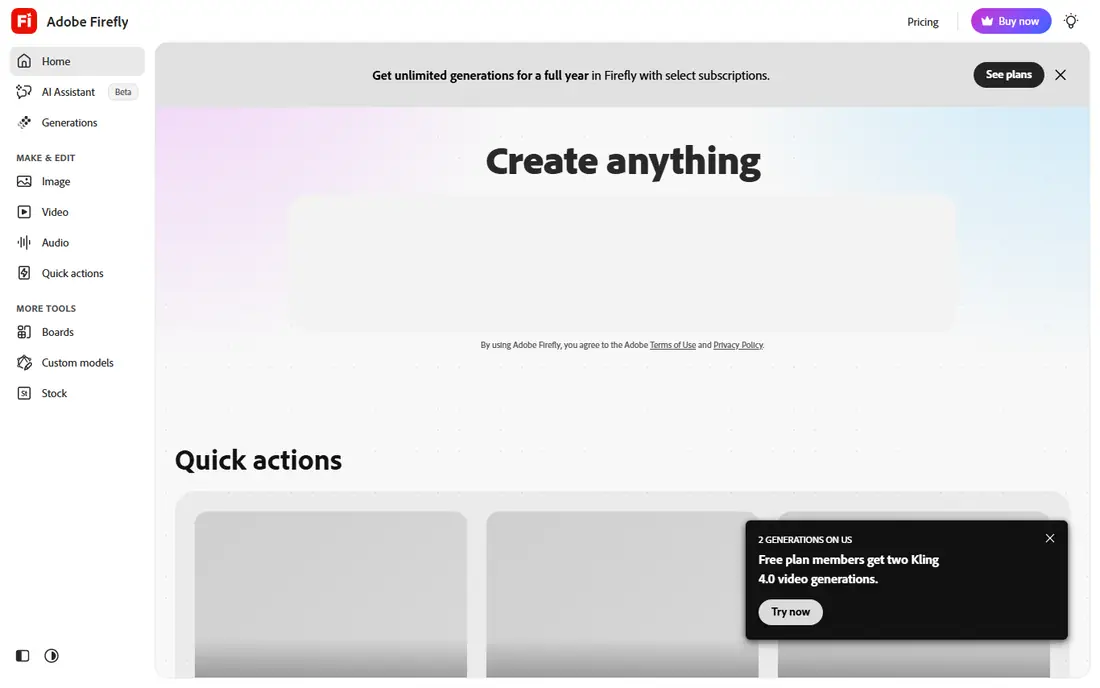
Adobe Firefly suits teams that need images they can publish with less licensing worry. Adobe positions its Firefly models as trained on licensed content, and the tool sits inside Photoshop, Express, and other Creative Cloud apps, so an image can move straight into a layout. Plans also give access to other models, which helps when one model fits a job better than another.
Free use is limited, and the plan ladder rises fast for heavy generation, with top plans listed near $199.99 per month in recent comparisons. Firefly is also less of a pure art tool than Midjourney. For marketing teams, agencies, and publishers who need safe, editable assets, that trade is worth it. For casual art, a free chat tool may be enough.
- Commercially focused Adobe models
- Works inside Photoshop and Express
- Multiple models in one plan
- Free credits are limited
- Higher plans get costly for heavy use
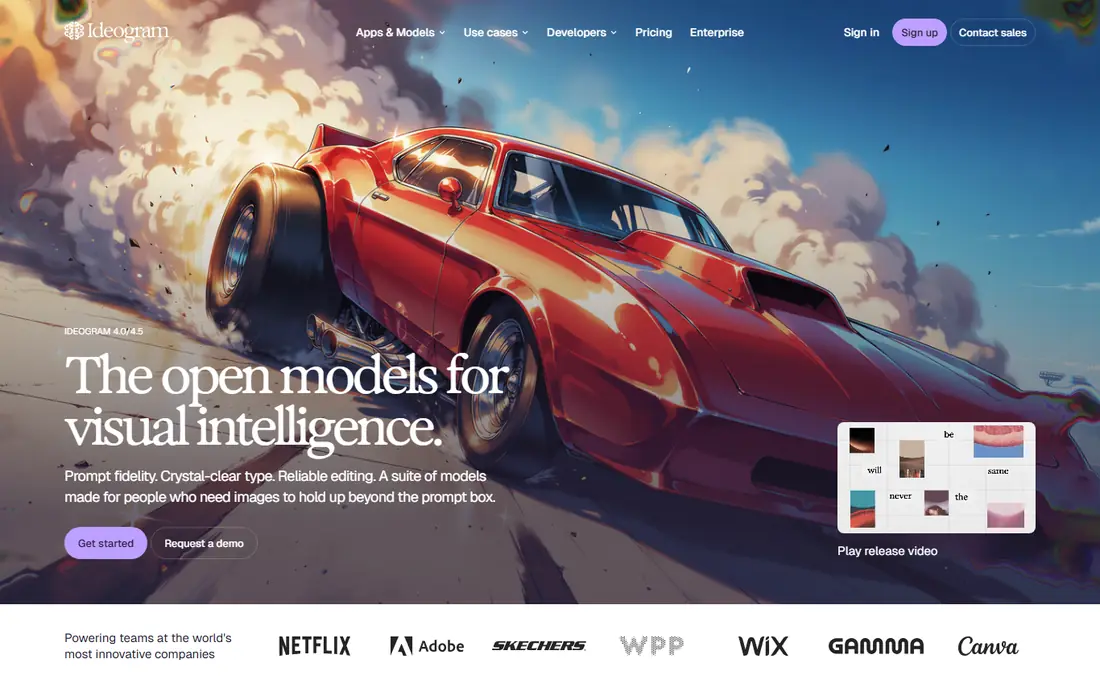
Ideogram is the app to try first when words must appear inside the image. Posters, thumbnails, memes, book covers, and simple logos often fail in other generators because letters garble, while Ideogram handles short text with far more care. Its interface stays simple, which helps non-designers get a usable result fast.
The free tier uses slower credits, and paid credits expire each month, so a user who generates in bursts should plan around that limit. Ideogram is also less suited to long, photorealistic scenes than Midjourney. If your brief includes a headline, a product name, or a sign, Ideogram should be near the top of your list.
- Reliable readable text for posters and logos
- Clean interface
- Commercial use on paid plans
- Monthly credits expire
- Free tier uses slower generation
Leonardo AI appeals to creators who generate often and want control without paying at once. Its free tier gives daily tokens, and paid plans add more tokens, private generation, and model training for a consistent style. Game assets, product mockups, and character art are natural fits, and the community models add variety.
Token math is the drawback. Users need to learn how different sizes and models consume tokens, or a busy day can drain the balance fast. Free images may also be public, so commercial or private work needs a paid plan. For a creator who wants volume, training, and a low entry cost, Leonardo is a strong and flexible pick.
- Generous free daily tokens
- Custom model training
- Good for game and product art
- Token system takes learning
- Free images may be public
ChatGPT Images suits people who already use ChatGPT for writing and ideas. You can describe an image, ask for a change, and iterate in the same chat, which feels natural for blog art, social posts, and simple product visuals. Text rendering has improved, and edits such as changing a background or a color are easy to request in plain words.
The catch is capacity. Free image use is limited, and caps can vary with demand, while heavier use points to a paid ChatGPT plan. ChatGPT is also a general chat tool, not a dedicated design studio, so fine art control is thinner than Midjourney. For everyday images inside a workflow you already use, it is the simplest route.
- Easy conversational edits
- Readable text in many images
- No separate app to learn
- Image caps vary with demand
- Plus plan needed for higher use
Gemini, with Google image models including its editing-focused releases, is a strong choice for Google users who need to edit as much as generate. Changing a background, adding a prop, or keeping a person consistent across edits feels straightforward, and text inside images has improved a lot. The free tier covers casual use, which makes it easy to try before paying.
Paid Google plans raise limits, and the top tiers get costly for heavy users. Gemini also leans toward clean, realistic edits rather than the stylized art Midjourney is known for. If you live in Google apps, need quick edits, and want a free starting point, Gemini is a practical and capable pick.
- Strong image editing
- Good text handling
- Free tier for casual use
- Paid plans needed for higher limits
- Style range is narrower than Midjourney
Canva AI suits small teams and solo creators who need a finished graphic, not just a raw image. You can generate an image, drop it into a template, add text with brand colors, and export sizes for each social channel without leaving the editor. That end-to-end flow saves time for social posts, ads, presentations, and course graphics.
AI limits are the main drawback. Free and lower plans include a set number of AI uses, and heavy generation may need a Pro plan or an extra AI allowance. Canva is also less strong for pure art or complex model control. If the final asset matters more than the generation step alone, Canva AI is the most useful all-round tool here.
- Templates, brand kits, and layouts in one place
- Easy for non-designers
- Free tier included
- AI use limits on free and lower plans
- Heavy AI work may need an extra pass
Recraft fills a gap most image apps leave open: editable vectors. Logos, icons, illustrations, and UI graphics come out as vectors you can resize and adjust, which matters for brand work and print. Style controls help keep a set of icons consistent, and the free tier lets a designer test the workflow before paying.
The catch is licensing on free images, which recent comparisons note may not cover commercial use, so check the current terms before publishing free output. Recraft is also weaker for photorealistic raster scenes. For brand, icon, and illustration work, it is a distinct and valuable choice that pairs well with a raster generator.
- Editable vector graphics
- Strong for icons and illustrations
- Brand style controls
- Free images are not licensed for commercial use in some terms
- Raster art is thinner
Stable Diffusion suits users who want full control and no subscription. Its open weights can run locally or through many hosted tools, and the ecosystem includes fine-tuning, inpainting, and style models for specific jobs. That freedom appeals to developers, researchers, and creators who want to own their pipeline.
Setup is the barrier. Local use needs a capable computer and some skill, and results vary a lot with the model, prompt, and settings. Hosted versions simplify that but add their own pricing. If you value control, privacy, and low long-term cost over a polished app, Stable Diffusion is the most flexible option on this list.
- Open weights for local use
- Wide model and tool ecosystem
- No subscription required for core models
- Setup needs skill and hardware
- Quality depends on the model and settings chosen
How we picked these
We compared official product pages, pricing pages, and model descriptions for image tools that work in October 2026, and we kept only tools with real generation, editing, or vector output. We weighed image style, text rendering, editing, licensing terms, ease of use, and price, and we mixed chat tools, art tools, and design platforms. We did not claim hands-on testing, and where a price varied by billing period we used the monthly figure from recent vendor comparisons and noted that you should confirm it before buying.
How to choose for your job
Start with the final use. A social post needs a finished layout, a poster needs readable text, a brand asset needs clean licensing, and a concept sketch needs style. Picking by final use avoids paying for a powerful art tool when a chat app would do, or using a chat app for a job that needs vectors.
Text and layout
If text matters, test Ideogram, ChatGPT Images, and Gemini with your exact headline first. Short words render better than long sentences, and a simple layout beats a busy scene. Generate at the size you will publish, since upscaling can soften small letters.
Licensing and privacy
Read the terms for your plan before commercial use. Check whether free images are public, whether commercial use is allowed, and whether the vendor claims any rights over prompts or outputs. For client work, prefer a paid plan with clear commercial terms, and keep a record of the plan and date you generated the asset.
Cost control
Free tiers suit testing and occasional posts. Paid plans suit daily use, private generation, and higher limits. Watch for credits that expire monthly, metered GPU time, and per-image API pricing, since those models punish burst use. Start free, measure how many images you actually make in a month, then pick a plan that fits that number.
Sources
- https://www.midjourney.com
- https://firefly.adobe.com
- https://ideogram.ai
- https://leonardo.ai
- https://chatgpt.com
- https://gemini.google.com
- https://www.canva.com
- https://www.recraft.ai
- https://stability.ai
- https://dev.to/mckennachapman/best-ai-image-generators-in-2026-12-tools-real-prices-and-the-cost-of-one-image-cec
- https://aipricecompare.org/best/best-ai-image-generator.html