Which Software Is Best for Remote Work in 2026: 8 Tools Compared
By ToolNimba Editorial Team October 29, 2026 9 min read

- Top pick
 Slack
Fast team chat across time zones
Starting price$7.25 per user per monthCheck out SlackRead our review - Runner-up
 Microsoft Teams
Teams already using Microsoft 365
Starting price$4 per user per monthCheck out Microsoft TeamsRead our review - Also great
 Zoom
Reliable video meetings and webinars
Starting price$14.16 per user per monthCheck out ZoomRead our review
How we researched this
We compared official pricing and feature pages, app store listings, privacy policies and public user reviews. Prices change, so check the provider's site before you pay.
Key takeaways
- No single tool covers remote work well. Most teams need chat, video, task tracking, and shared docs as separate layers.
- Slack and Microsoft Teams cover chat, while Zoom covers video, and Asana, ClickUp, or Trello cover tasks.
- Notion is a strong shared docs and wiki choice, and Google Workspace suits teams that live in Gmail and Drive.
- Start with free plans, then pay only when a limit such as message history, storage, or permissions starts to slow the team down.
Quick comparison
| Name | Best for | Starting price | Free plan | |
|---|---|---|---|---|
| Slack | Fast team chat across time zones | $7.25 per user per month | Yes | Visit |
| Microsoft Teams | Teams already using Microsoft 365 | $4 per user per month | Yes | Visit |
| Zoom | Reliable video meetings and webinars | $14.16 per user per month | Yes | Visit |
 Asana | Clear task ownership and deadlines | $10.99 per user per month | Yes | Visit |
 ClickUp | All in one tasks, docs, and chat | $7 per user per month | Yes | Visit |
 Notion | Shared docs, wikis, and knowledge bases | $10 per user per month | Yes | Visit |
 Trello | Simple visual boards for small teams | $5 per user per month | Yes | Visit |
 Google Workspace | Email, docs, Drive, and Meet in one suite | $7 per user per month | No | Visit |
The best remote work software
We compared official pricing and feature pages for tools active in October 2026. Prices are per user per month where stated, and billing terms vary, so check the vendor pricing page for monthly versus annual rates. The tools below cover different layers of remote work, so the best stack is usually a small set, not one app.

Slack is the default chat layer for many remote teams because channels, threads, and integrations keep work visible without constant meetings. A team can separate projects, announcements, and social chat, and search makes past decisions easier to find than an email thread.
The free plan is useful for small teams, but its message history limit means older decisions can disappear from search. Paid plans from $7.25 per user per month on some listings, or $8.75 on others depending on billing, remove that limit and add more admin controls. Set channel rules early, or Slack can add noise instead of clarity.
- Channels keep topics separate
- Huge integration range
- Search and threads help async work
- Free plan limits message history
- Busy channels can become noisy without clear rules
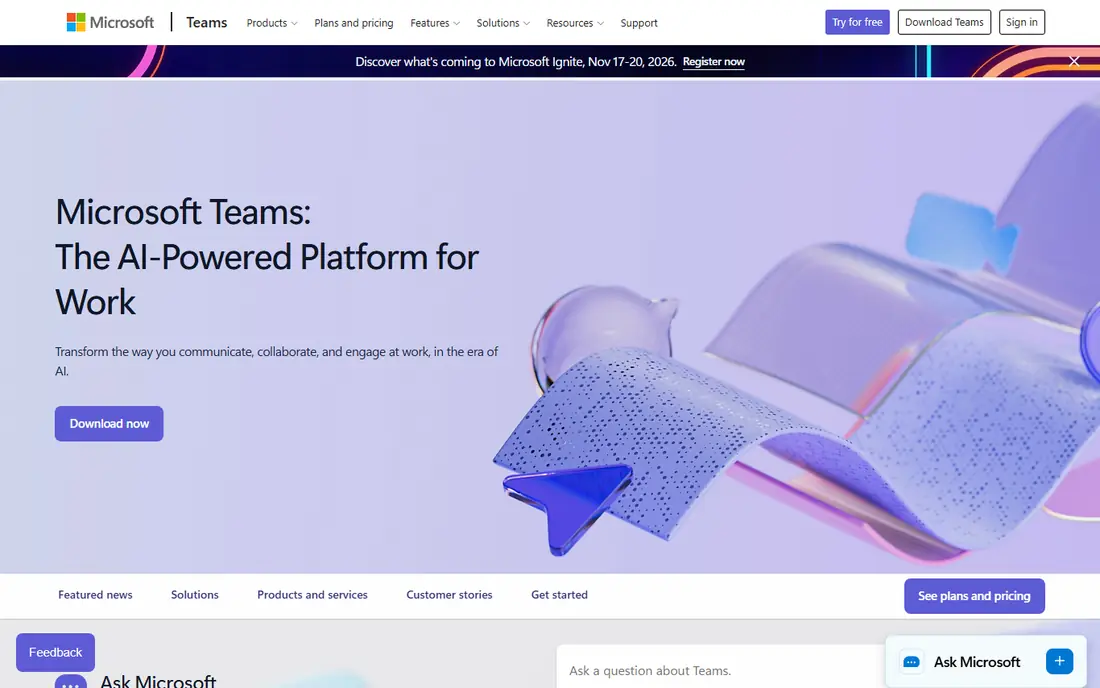
Microsoft Teams makes most sense for teams that already pay for Microsoft 365. Chat, meetings, and document collaboration sit together, and Word, Excel, and PowerPoint files can be edited with colleagues in real time. That bundle often beats buying chat and video separately.
Standalone Teams is less compelling if your team does not use Office apps, and the interface can feel crowded with channels, chats, and apps in one window. If your company already uses Outlook and OneDrive, Teams is usually the simplest remote work choice. If not, Slack plus Zoom may be cleaner.
- Chat, video, and file collaboration in one app
- Strong Office document co authoring
- Teams Essentials from $4 per user per month
- Interface can feel busy
- Best value comes inside a Microsoft 365 plan, not standalone
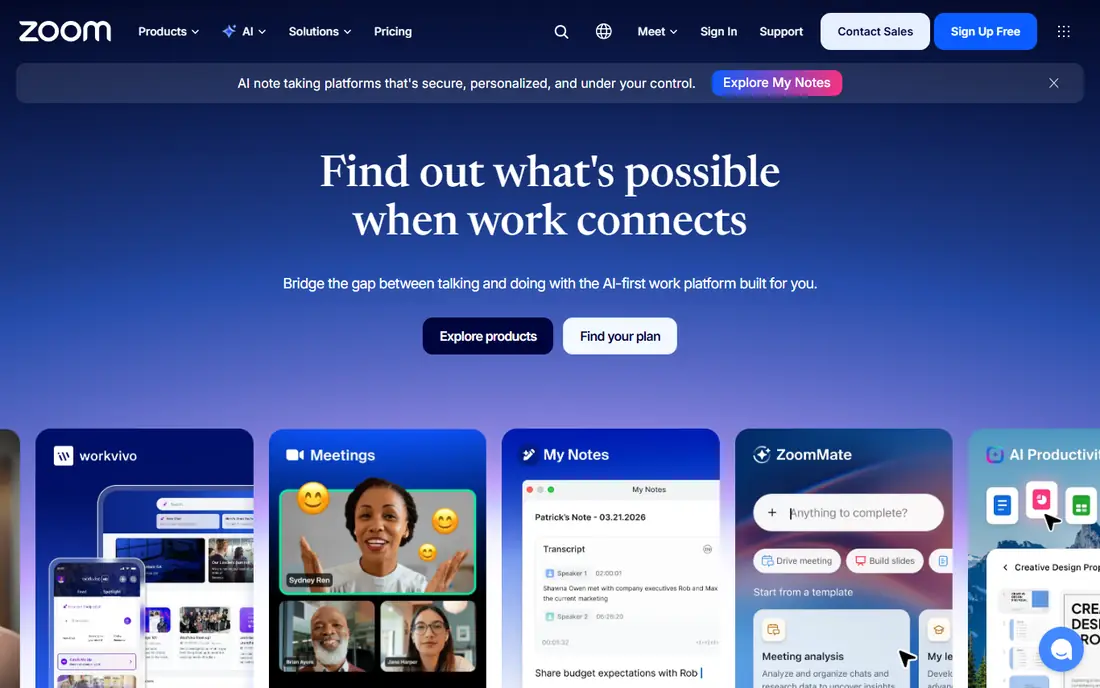
Zoom remains the safest video choice for remote teams that meet often. It handles large calls well, offers breakout rooms for workshops, and works across devices without much setup. The free basic plan suits short one to one calls and quick check ins.
Group meetings on the free plan are limited to 40 minutes, so teams that meet daily will need a paid plan. Workplace Pro pricing is listed around $14.16 per user per month on some pages, with other listings showing different rates by billing cycle. Confirm the current price on the Zoom pricing page before budgeting.
- Reliable video quality for large meetings
- Breakout rooms and webinar options
- Free basic plan for short meetings
- Free meetings are limited to 40 minutes for groups
- Paid pricing varies by plan and billing
Asana suits remote teams that lose track of who owns what. Tasks have owners, due dates, and comments, and timelines show how work connects across a project. That clarity matters when team members are in different time zones and cannot ask across a desk.
The free Personal plan covers basic task work, while Starter at $10.99 per user per month adds timelines and more views. Larger teams may need higher plans for portfolios and advanced reporting. If your work is simple, Trello may be enough. If deadlines and handoffs matter, Asana is the stronger pick.
- Clear task owners and due dates
- Timelines and project views
- Free Personal plan for small teams
- Advanced reporting sits on higher plans
- Can feel formal for very small teams
ClickUp appeals to teams that want fewer tools. It combines tasks, docs, goals, time tracking, and chat, with many views from lists to boards to calendars. The free plan is generous, and Unlimited at $7 per user per month adds more storage and integrations.
That flexibility is also the risk. A team that turns on every feature will confuse itself, so start with one project, one view, and a small set of rules. ClickUp is best for teams willing to spend a day setting it up well. Teams that want simplicity should look at Trello or Asana first.
- Tasks, docs, goals, and chat in one place
- Generous free plan
- Highly customizable views
- Flexibility can feel overwhelming at first
- Setup takes time to get right
Notion is where remote knowledge should live. Teams can build a handbook, meeting notes, project docs, and databases in one workspace, with pages that link together. That matters for remote work, because new joiners and async colleagues need answers without waiting for a call.
Notion is less strong as a strict task tracker, though it can handle simple task lists. Most teams pair it with Asana, ClickUp, or Trello for deadlines. Plus pricing is around $10 per user per month billed annually, with a free plan for individuals. Use Notion for knowledge, and a task tool for execution.
- Flexible docs, wikis, and databases
- Good free plan for individuals
- Templates for remote team handbooks
- Not a full project tracker on its own
- Permissions and AI features sit on higher plans
Trello is the easiest tool on this list to start with. Boards, lists, and cards show work at a glance, and dragging a card from doing to done is satisfying and clear. Small remote teams can run content, hiring, or support work on Trello with almost no training.
The limit is scale. Trello lacks the timelines, workload views, and reporting of Asana or ClickUp, so complex projects with dependencies can get messy. Standard at $5 per user per month adds more features, but teams with many projects should test Asana or ClickUp before committing to Trello alone.
- Very easy to learn
- Visual boards suit simple workflows
- Free plan covers basic boards
- Limited reporting and workload views
- Large projects can outgrow boards
Google Workspace suits remote teams that live in Gmail and shared docs. Business Starter at $7 per user per month includes custom email, Drive storage, Docs, Sheets, and Meet video calls. Real time editing in Docs and Sheets is smooth, and sharing controls are easy to understand.
The main drawback is that there is no free business tier, unlike Slack or Trello. Teams already using Microsoft Office may also prefer Microsoft 365 for desktop apps. For a new remote team that wants one suite for email, docs, storage, and video, Google Workspace is a clean, low friction choice.
- Gmail, Docs, Drive, and Meet work well together
- Real time collaboration
- Simple admin for small teams
- No free business plan
- Heavy Office users may prefer Microsoft 365
How we picked these
We compared official pricing and feature pages for remote work tools active in October 2026. We favored tools with clear free or low cost entry points, broad device support, and a specific job in a remote stack, rather than tools that only cover one narrow niche. Where pricing listings differed by billing cycle, we noted the range and directed readers to the vendor pricing page.
How to build a remote work stack
Start with four layers, and add tools only when a layer breaks. Chat comes first, because coordination pain arrives earliest. Video comes second for meetings that need face to face discussion. Task tracking comes third when handoffs start slipping. Docs and knowledge come fourth, before the same questions get asked for the third time.
Avoid paying for two tools that do the same job. Slack plus Teams, or Asana plus ClickUp, usually means work is split and search becomes harder. Pick one tool per layer, set simple rules for where work lives, and review the stack after a month. If a tool is not opened daily, it is probably not earning its seat.