Best Wix Alternatives in 2026: 9 Builders Compared
By ToolNimba Editorial Team November 7, 2026 9 min read

- Top pick
 Squarespace
Design-led business sites
Starting price$16 per monthCheck out SquarespaceRead our review - Runner-up
 Shopify
Serious online stores
Starting price$29 per monthCheck out ShopifyRead our review - Also great
 WordPress.com
Blogging and flexibility
Starting priceFreeCheck out WordPress.comRead our review
How we researched this
We compared official pricing and feature pages, app store listings, privacy policies and public user reviews. Prices change, so check the provider's site before you pay.
Key takeaways
- The best wix alternatives depend on whether you need design polish, online selling, blogging, or full control over code.
- Squarespace is our pick for design-led sites, Shopify for serious online stores, and WordPress for maximum flexibility.
- Free plans exist on WordPress.com, Webflow, Framer, and Weebly, but paid plans remove ads and add domains and selling features.
- Hostinger is the lowest-cost paid option, while Webflow and Framer suit users who want more design control.
- Check migration, templates, and transaction fees before you switch, because those costs matter more than the monthly price alone.
Quick comparison
| Name | Best for | Starting price | Free plan | |
|---|---|---|---|---|
| Squarespace | Design-led business sites | $16 per month | No | Visit |
| Shopify | Serious online stores | $29 per month | Free trial | Visit |
| WordPress.com | Blogging and flexibility | Free | Yes | Visit |
 Webflow | Design control and CMS sites | Free | Yes | Visit |
 Hostinger | Low-cost AI-built sites | $2.99 per month | No | Visit |
 GoDaddy | Fast simple sites | $10.99 per month | No | Visit |
 Weebly | Simple sites with selling | Free | Yes | Visit |
 Framer | Modern marketing sites | Free | Yes | Visit |
 Duda | Agencies and client sites | $25 per month | Free trial | Visit |
The best wix alternatives
Wix is easy to start with, but many users leave for better design, stronger selling tools, lower costs, or more control. The builders below cover those reasons. We compared official pricing pages, feature pages, and public comparisons, and we focused on tools that are current in 2026.
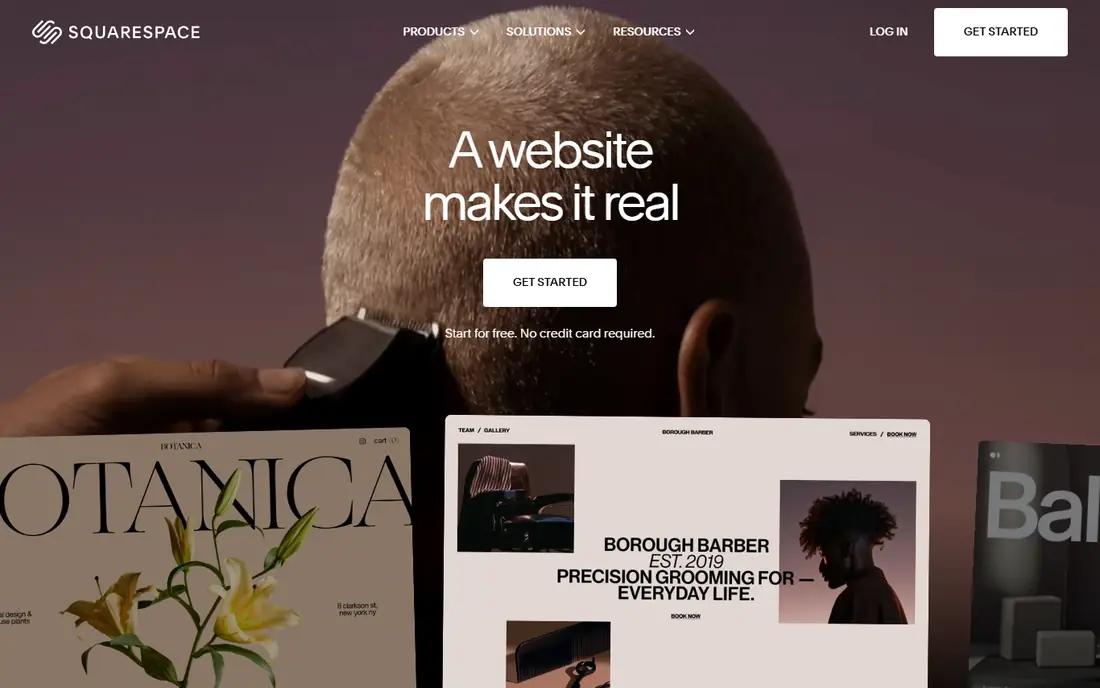
Squarespace is the closest like-for-like swap for Wix users who care about how a site looks. Templates are polished, the editor is calm, and blogging, scheduling, and basic selling are built in. Small businesses, portfolios, and creators can launch a professional site without hiring a designer.
The limit is flexibility. You cannot reshape templates as freely as in Webflow, and advanced custom code is more constrained than WordPress. If design polish matters more than deep customisation, Squarespace is our pick for most people leaving Wix.
- Polished templates
- Strong blogging
- Built-in marketing tools
- No free plan
- Customisation is more limited than Webflow or WordPress

Shopify is the clear choice when selling is the main job of your site. It handles products, inventory, discounts, shipping, and checkout in one system, and its app store covers most selling needs. Multi-channel selling, including social and in-person POS, is a core strength that Wix matches only in part.
The trade-off is that Shopify is a store first and a content site second. Blogging and long-form pages work, but they are not as flexible as WordPress. If most of your revenue comes from online orders, Shopify is worth the higher monthly price. If selling is occasional, a general builder may be cheaper.
- Full selling stack
- Large app store
- Strong checkout and POS support
- Content pages are less flexible than a blog platform
- Monthly cost adds up with apps
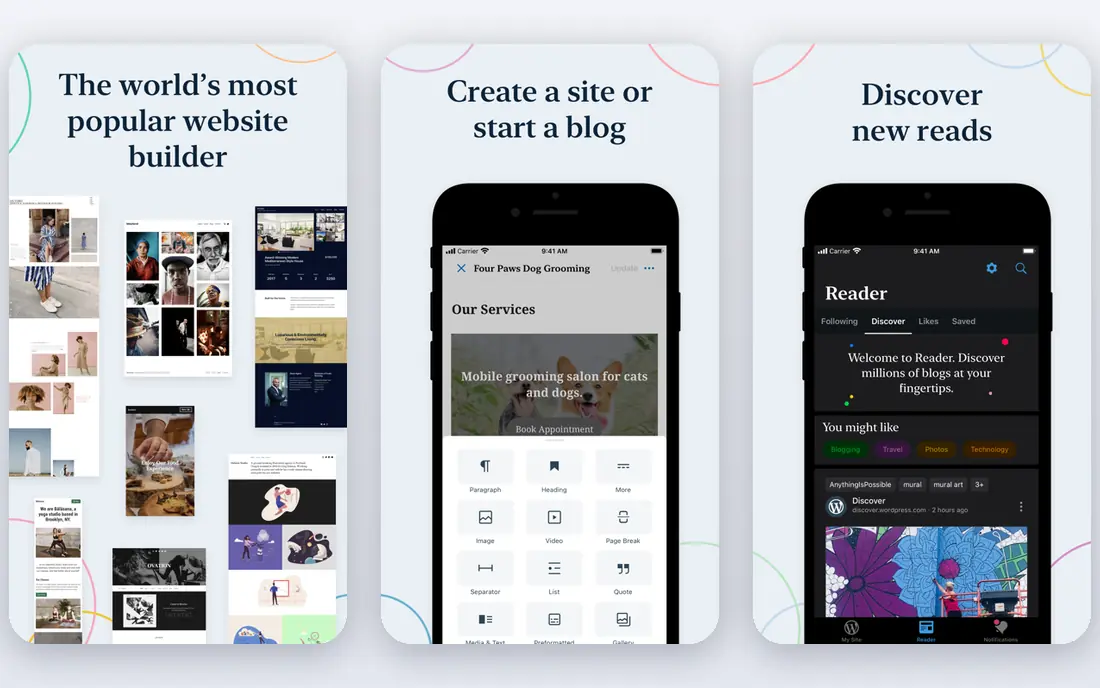
WordPress powers a large share of the web for a reason. The free WordPress.com plan lets you start a blog or simple site at no cost, and paid plans add domains, plugins, and selling features. Self-hosted WordPress.org offers even more control, with thousands of themes and plugins, but you arrange hosting and updates yourself.
That flexibility comes with upkeep. Updates, security, and plugin conflicts are your job on self-hosted WordPress, which is more work than a hosted builder. If blogging, SEO, and long-term control matter most, WordPress is still the strongest long-term choice.
- Free plan to start
- Huge theme and plugin range
- Full content ownership on self-hosted WordPress
- Plugin support needs a paid plan
- Self-hosted setup needs more upkeep
Webflow suits designers and growing businesses that want precise control over layout without writing all the code by hand. Its visual editor handles spacing, interactions, and CMS collections, and publishing is built in. Agencies use it for client sites because designs can be refined to a high standard.
The learning curve is real. Webflow is not a drag-and-drop toy, and beginners may need tutorials before they feel fast. If you want a site that looks custom and you are willing to learn, Webflow rewards the effort. If you want the fastest possible launch, Squarespace or Hostinger will be quicker.
- Visual design control
- Powerful CMS
- Clean hosting and publishing
- Learning curve is steeper than Wix
- Hosting is tied to Webflow
Hostinger Website Builder is the budget pick. Its AI builder can generate a site from a short description, hosting is included, and the intro price is far below most rivals. For a simple business site, a landing page, or a first site on a tight budget, it is hard to beat on price.
The catch is renewal pricing and design limits. The low price is tied to a longer term, and renewal rates are higher. Templates and AI output can also feel generic compared with Squarespace. If budget is the main driver and your site is simple, Hostinger is a sensible choice.
- Very low intro price
- AI site generation
- Hosting included
- Intro price rises on renewal
- Design control is limited
GoDaddy Website Builder is built for speed. You can pick a template, add business details, and publish a simple site quickly, with domain registration and email in the same account. Appointment scheduling and basic marketing tools cover common small business needs.
The editor is simpler than Squarespace or Webflow, so users who want a distinctive design may feel constrained. Selling tools are also basic next to Shopify. If you need a clean, fast business site and already use GoDaddy for domains, this is a practical, low-friction swap.
- Fast setup
- Domain and site in one place
- Simple templates
- Design flexibility is limited
- Selling features are basic compared with Shopify
Weebly remains a good simple alternative, especially for users who want to sell on a free plan. The editor is easy to learn, hosting is included, and basic SEO and inventory tools are built in. Small shops and hobby sellers can start without a monthly fee.
The design range feels dated next to newer builders, and feature updates are slower than on Shopify or Squarespace. If you want a simple, low-cost site and do not need modern design, Weebly still works. If design matters, look at Squarespace or Framer first.
- Free plan
- Simple drag-and-drop editor
- Built-in selling on free plan
- Design range is narrower than Squarespace
- Development pace is slower than rivals
Framer is a strong choice for startups and creators who want a modern marketing site quickly. Templates look current, animations are easy to add, and publishing is fast. The free plan lets you test the editor before paying, and paid plans add domains and CMS capacity.
The CMS caps on lower plans limit large content sites, and Framer is not a full store platform like Shopify. If your site is mainly marketing pages, a portfolio, or a startup landing page, Framer is an excellent Wix alternative. If you run a large store, Shopify remains the better fit.
- Free plan
- Modern templates
- Fast publishing and animations
- CMS limits on lower plans
- Less suited to large stores
Duda is built for agencies and freelancers who manage many client sites. It offers team tools, client billing, white-label options on higher plans, and a widget builder for common business features. That structure saves agencies time compared with managing separate accounts on a general builder.
For a single small business site, Duda may feel expensive and more complex than needed. For agencies, the client workflow is the reason to choose it. If you build sites for others, shortlist Duda alongside Webflow and WordPress.
- Built for agencies
- Client management tools
- Widgets and selling features
- Higher price for a single site
- Less known to solo small businesses
How we picked these
We compared official pricing pages, feature pages, and public comparisons for website builders that replace Wix for business sites, stores, blogs, or portfolios. We required a current product with a real builder, hosting, and publishing workflow. We included free, low-cost, and premium options, and we covered design, selling, blogging, and agency use cases. We did not claim hands-on testing, and pricing should be checked on the vendor site before purchase because intro and renewal rates change.
What to check before you switch
Start with what Wix is not doing for you. If the issue is design, prioritise templates and editor control. If the issue is selling, prioritise checkout, inventory, and transaction fees. If the issue is cost, compare renewal prices, not just intro offers, and add domain and app costs to the total.
Check migration and domain handling
Ask how pages, blog posts, products, and images move to the new platform. Some builders offer import tools, while others need manual rebuilding. Confirm domain transfer or pointing, email setup, and SEO redirects, because a messy move can lose search traffic.
Compare selling fees, not just monthly fees
A low monthly price can hide transaction fees, payment processing fees, and paid app costs. Shopify, Squarespace, and Weebly differ on these points, so model a typical month of orders before choosing. A store with high volume should weigh fees more heavily than the subscription alone.
Test the editor with a real page
Build one real page, not just a demo, before committing. Add your logo, text, images, and a contact form, and check mobile layout. An editor that feels fast in a demo can feel slow when you build a full site, so a short trial saves regret later.
Sources
Frequently asked questions
What are the best wix alternatives?
Squarespace is best for design-led sites, Shopify for stores, WordPress for blogging and flexibility, and Webflow for design control. Hostinger is the best low-cost option, while Framer suits modern marketing sites.
What are the best wix alternatives free?
WordPress.com, Webflow, Framer, and Weebly all offer free plans. Free plans usually include a branded subdomain and ads or limits, so paid plans are needed for a custom domain and full selling features.
Is Squarespace better than Wix?
Squarespace often wins on template polish and blogging, while Wix offers a wider app market and a free plan. If design quality is your priority, Squarespace is a strong upgrade. If you need many third-party apps on a budget, Wix may still suit you.
Is Shopify better than Wix for selling?
For serious online selling, yes. Shopify offers a deeper selling stack, stronger checkout, and a larger app store for commerce. Wix can handle small stores well, but high-volume sellers usually benefit from Shopify.
Can I move my Wix site to WordPress?
You can move content, but Wix sites do not export as a complete WordPress site in one click. Blog posts and pages often need manual import or a migration tool, and design must be rebuilt in a WordPress theme. Plan time for that rebuild before switching.
Which Wix alternative is cheapest?
Hostinger has the lowest intro price among the builders here, starting around $2.99 per month on a longer term. Check renewal pricing, because that rate rises after the first term. Weebly and WordPress.com free plans cost nothing to start, but limit domains and features.