Zapier Alternatives in 2026: 9 Tools Compared
By ToolNimba Editorial Team October 29, 2026 8 min read

- Top pick
 Make
Visual multi-step workflows
Starting priceSee websiteCheck out MakeRead our review - Runner-up
 n8n
Technical teams and self-hosting
Starting price$20 per monthCheck out n8nRead our review - Also great
 Pabbly Connect
Flat pricing and lifetime plans
Starting price$16 per monthCheck out Pabbly ConnectRead our review
How we researched this
We compared official pricing and feature pages, app store listings, privacy policies and public user reviews. Prices change, so check the provider's site before you pay.
Key takeaways
- Make is the most popular Zapier alternative for visual, multi-step workflows, with a free tier and credit based pricing.
- n8n is the pick for technical teams: open source, self-hostable, and strong on code, AI and data control.
- Pabbly Connect wins on flat pricing, since internal steps do not count as tasks and lifetime plans exist.
- IFTTT suits simple personal automations and smart home routines at a very low price.
- The billing unit matters more than the headline price: per-task, per-credit and per-execution models behave very differently at scale.
Quick comparison
| Name | Best for | Starting price | Free plan | |
|---|---|---|---|---|
| Make | Visual multi-step workflows | See website | Yes | Visit |
| n8n | Technical teams and self-hosting | $20 per month | Yes | Visit |
| Pabbly Connect | Flat pricing and lifetime plans | $16 per month | Yes | Visit |
 IFTTT | Simple personal automations | $2.99 per month | Yes | Visit |
 Microsoft Power Automate | Microsoft 365 users | $15 per user per month | Yes | Visit |
 Integrately | One-click ready automations | $19.99 per month | Yes | Visit |
 Workato | Enterprise automation | See website | No | Visit |
 Tray.ai | Enterprise integrations | See website | Free trial | Visit |
 Activepieces | Open source automation | See website | Yes | Visit |
The best Zapier alternatives
Zapier built the automation category, but its per-task pricing gets expensive as workflows grow, and power users often want deeper logic, self-hosting or flat rates. We compared official feature pages, pricing pages and public documentation to build this list of alternatives that cover the same ground and more.
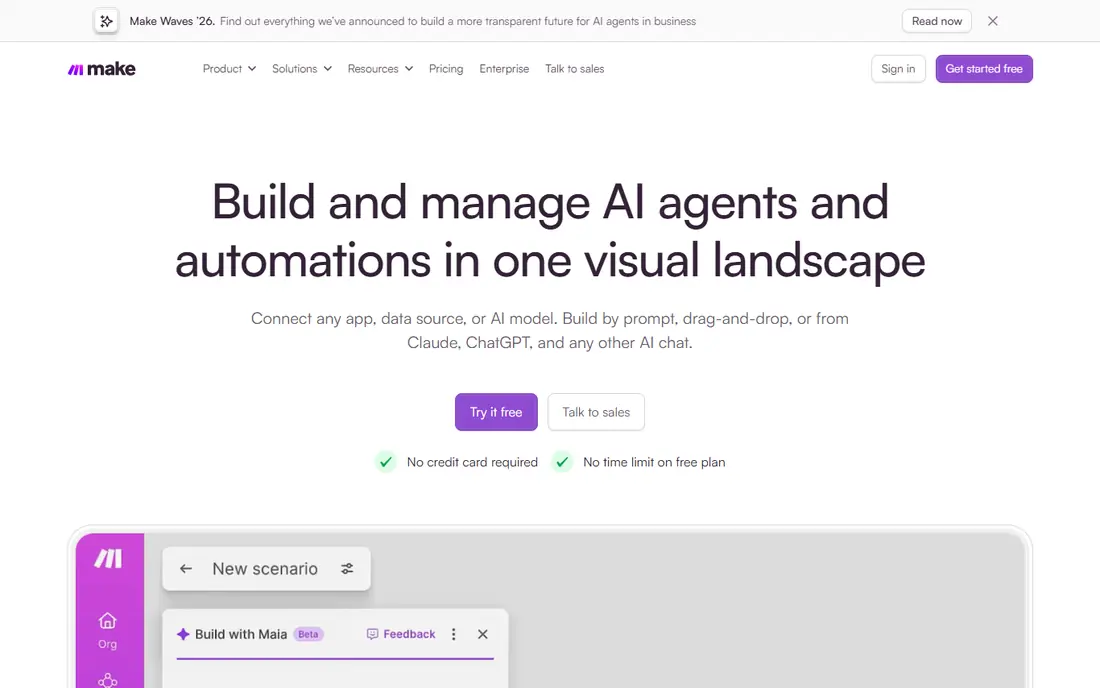
Make, formerly Integromat, is the most popular Zapier alternative for a reason: its visual builder shows data flowing between steps, and it handles branching, filters, routers and error handling that Zapier charges more to do. A free tier covers 1,000 credits a month, with paid plans adding more credits and features.
The credit model is the main thing to learn: steps consume credits differently than Zapier tasks, so model a real workflow before choosing a tier. For teams building multi-step automations, Make usually costs less than Zapier at the same volume.
- Visual builder with branching and logic
- Generous free tier
- Large app catalog
- Credit model needs forecasting
- Complex scenarios take learning
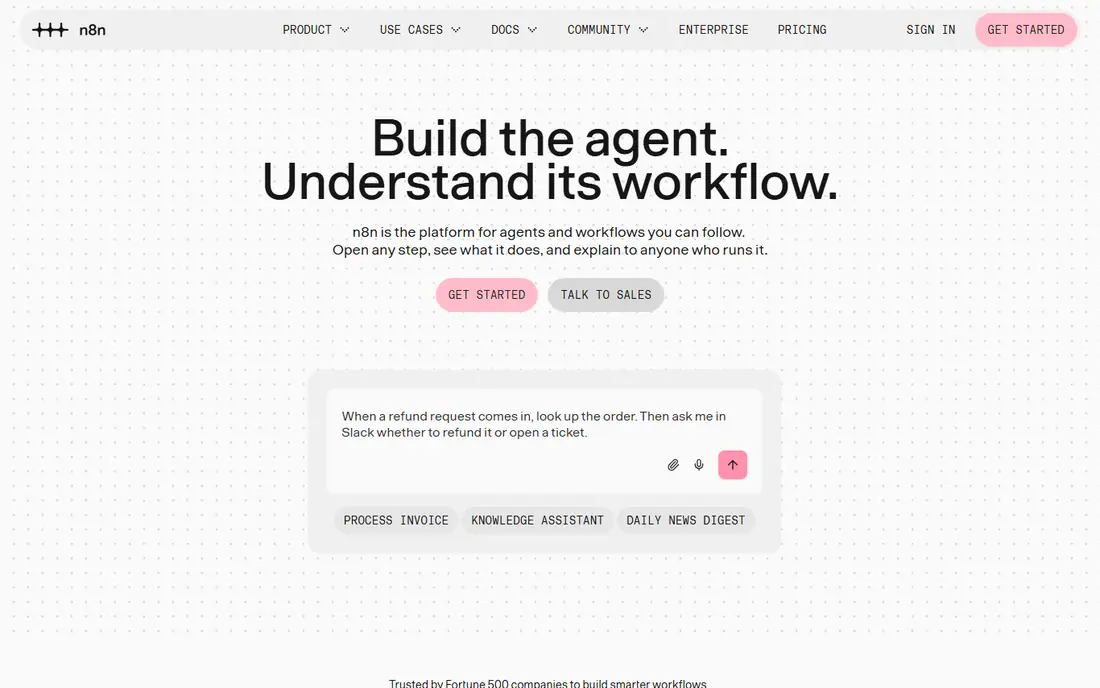
n8n is an open source automation platform with a visual builder plus code nodes, so technical teams can mix no-code steps with custom logic. The free self-hosted Community Edition runs on your own server, while cloud plans start at 20 dollars per month on annual billing for 2,500 executions, with unlimited users and workflows.
Data control is the draw: self-hosting keeps data inside your infrastructure, and the AI nodes suit teams building agent workflows. Non-technical users may find it heavier than Make or Pabbly, but for engineering-led teams it is the most flexible option here.
- Open source and self-hostable
- Code nodes for JavaScript and Python
- Strong AI workflow support
- Steeper learning curve
- Cloud plans meter executions
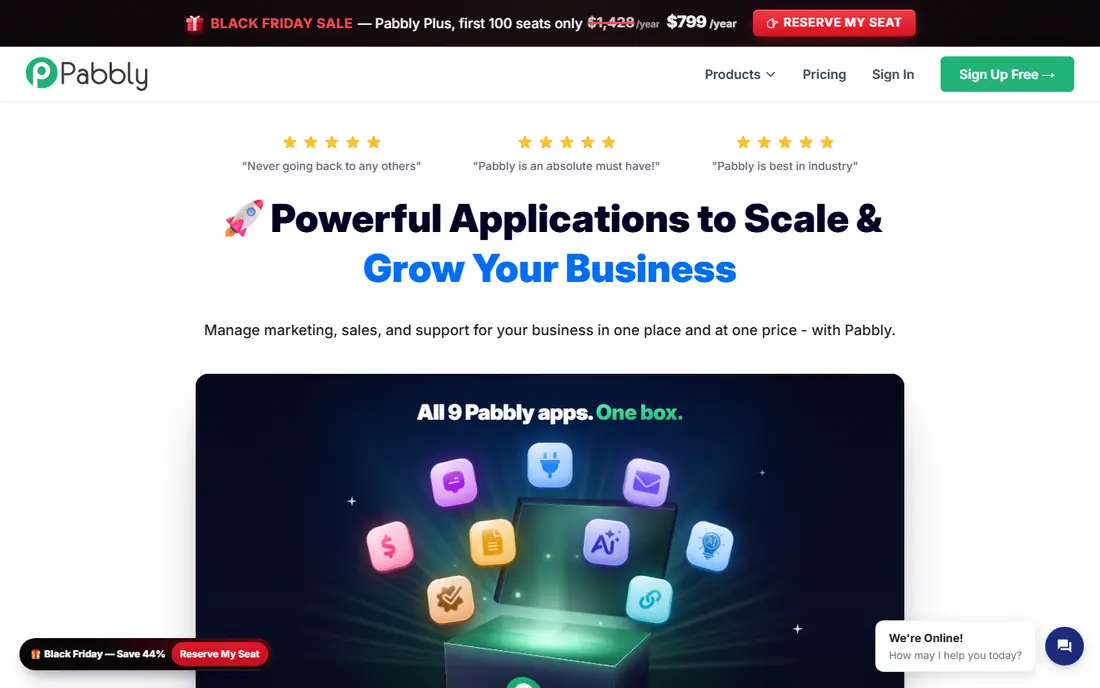
Pabbly Connect charges for external actions only, so filters, routers and formatters inside a workflow do not consume tasks. The free plan includes 100 tasks a month, while Standard costs 16 dollars per month on annual billing for 10,000 tasks, and lifetime plans start at 349 dollars one-time.
The flat model makes costs predictable at volume, which is why budget conscious teams choose it. The app catalog is smaller than Zapier, around a few hundred integrations, and the interface is plainer. If your apps are covered, the savings are real.
- Internal steps do not count as tasks
- Lifetime plans available
- Unlimited workflows on paid plans
- Smaller app catalog than Zapier
- Interface less polished
IFTTT connects apps and smart home devices with simple if-this-then-that applets: turn on lights at sunset, save email attachments to cloud storage, or post social updates automatically. The free plan covers a small number of applets, while Pro costs 2.99 dollars per month on annual billing for more applets and faster checks.
It is not a business workflow tool: multi-step logic and branching are limited. For personal routines and smart home automation at a tiny price, IFTTT remains the simplest choice.
- Very cheap
- Great for smart home routines
- Huge device support
- Limited to simple applets
- Free plan allows only a few applets
Power Automate connects Microsoft apps like Outlook, Teams, Excel and SharePoint with hundreds of third-party services, plus desktop flows that automate older Windows applications. The per-user plan costs 15 dollars per user per month on annual billing, and many Microsoft 365 plans already include basic flows.
The value is highest inside a Microsoft shop, where flows can trigger from Teams messages or SharePoint lists without extra tools. Outside that ecosystem, Make or n8n may feel lighter. For companies standardizing on Microsoft, Power Automate is the natural pick.
- Deep Microsoft 365 and Teams integration
- Desktop flows for legacy apps
- Often already licensed
- Interface can feel enterprise heavy
- Best value inside Microsoft ecosystem
Integrately focuses on ready-made automations: pick two apps and a task, and it is live in one click, with thousands of prebuilt recipes. Plans start at 19.99 dollars per month on annual billing, with a free tier for testing.
Setup speed is the appeal, especially for small businesses that want common workflows without building from scratch. Per-task pricing means heavy users pay more as volume grows, and visual editing is thinner than Make. For quick, standard automations, Integrately is hard to beat on speed.
- Huge library of one-click automations
- Fast setup
- Live chat support
- Per-task pricing climbs with volume
- Less visual control than Make
Workato is an enterprise automation platform used by large companies to connect business systems like Salesforce, NetSuite and Workday with governance, versioning and security controls. Recipes can be shared across departments, and AI features help build and document workflows.
Pricing is quote based and aimed at enterprise budgets, so small teams should look elsewhere. For organizations that need compliance, scale and IT oversight, Workato is a step above consumer automation tools.
- Enterprise grade governance and security
- Recipes scale across departments
- Strong AI features
- Quote based pricing
- Overkill for small teams
Tray.ai offers a low-code builder for complex, multi-system integrations, with AI assistance that drafts workflows from descriptions. It suits SaaS companies and IT teams building integrations that go beyond simple triggers and actions.
Pricing is quote based, with trials available through sales. Casual users will find Make or Pabbly simpler and cheaper, but teams building deep integrations across many systems will value Tray's power and governance.
- Powerful builder for complex integrations
- AI assisted development
- Strong for SaaS companies
- Quote based pricing
- Learning curve for casual users
Activepieces is an open source automation tool with a friendly builder, self-hosting options and a free cloud tier. Paid cloud plans add more runs and AI credits, while self-hosting removes run limits beyond your own server costs.
The platform is younger than Make or n8n, so its app catalog is smaller, but it grows steadily and the interface is approachable. For teams that want open source flexibility with a simpler start than n8n, Activepieces is worth a trial.
- Open source with self-hosting
- Generous free cloud tier
- Growing app catalog
- Smaller catalog than leaders
- Younger platform
How we picked these
We compared official feature pages, pricing pages and public documentation for each tool, and favored products that are actively sold and supported in October 2026. We mixed visual builders, open source platforms, flat-priced tools and enterprise options so the list covers individuals, small businesses and large companies. Prices come from vendor pricing pages, and where pricing is quote based we say so plainly rather than guessing.
How to switch from Zapier without breaking workflows
List your Zaps and count tasks per month, since billing units differ across platforms. Rebuild the most important workflows first and run them in parallel with Zapier for a week to catch differences in triggers, formatting and error handling. Export any data you need before cancelling, since history does not transfer.
Model your volume honestly
A workflow that runs 1,000 times with several steps costs very different amounts on per-task, per-credit and per-execution plans. Use each vendor's calculator or trial to test a real workflow at real volume before committing to an annual plan.
Map every Zap before you move it. List each automation, its trigger, its steps and how often it runs, then rebuild the busiest ones first on the new platform. Keep the old tool running in parallel for two weeks so a missed trigger shows up in the comparison, not in lost orders or leads. This parallel run takes extra time, but it catches mapping errors that a clean cutover would hide until customers notice.