Zoom Alternatives in 2026: 8 Tools Compared
By ToolNimba Editorial Team October 29, 2026 9 min read

- Top pick
 Google Meet
Google Workspace teams
Starting priceFreeCheck out Google MeetRead our review - Runner-up
 Microsoft Teams
Microsoft 365 teams
Starting priceFreeCheck out Microsoft TeamsRead our review - Also great
 Webex
Enterprise meetings
Starting priceFreeCheck out WebexRead our review
How we researched this
We compared official pricing and feature pages, app store listings, privacy policies and public user reviews. Prices change, so check the provider's site before you pay.
Key takeaways
- Google Meet and Microsoft Teams are the easiest Zoom replacements for teams already on Google Workspace or Microsoft 365.
- Webex suits larger organisations that want enterprise controls and hardware support.
- Jitsi Meet is the best free, no-account option for quick calls, with no vendor support to rely on.
- GoTo Meeting and Zoho Meeting suit smaller teams that want reliable meetings without a large suite.
- Whereby and Discord cover niche needs, from browser-only guest calls to community video chats.
Quick comparison
| Name | Best for | Starting price | Free plan | |
|---|---|---|---|---|
| Google Meet | Google Workspace teams | Free | Yes | Visit |
| Microsoft Teams | Microsoft 365 teams | Free | Yes | Visit |
| Webex | Enterprise meetings | Free | Yes | Visit |
 Jitsi Meet | Quick no-account calls | Free | Yes | Visit |
 GoTo Meeting | Reliable small-team meetings | $12 per organizer per month | Free trial | Visit |
 Zoho Meeting | Low-cost team meetings | See website | Yes | Visit |
 Whereby | Browser-only guest meetings | See website | Yes | Visit |
 Discord | Community and group video chats | Free | Yes | Visit |
The best Zoom alternatives
Most teams do not need a perfect Zoom clone. They need reliable video, a joining link that works for guests, and a price that fits the suite they already pay for. The tools below cover suite replacements, free options and niche meeting styles, so you can pick by workflow rather than by brand.
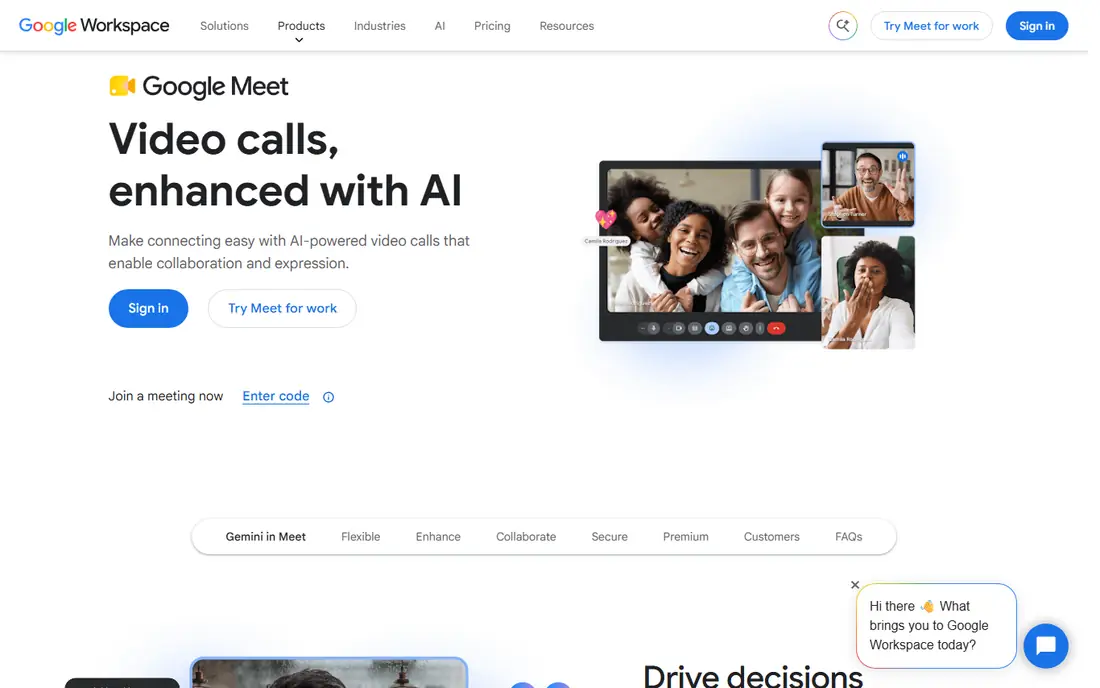
Google Meet is the simplest switch for a team that already lives in Gmail and Google Calendar. A meeting link sits inside a calendar invite, guests join from a browser, and there is no separate app to install for basic calls. Free group calls allow up to 100 people for up to 60 minutes, which covers many team meetings and classes.
The limits appear when you need recording, breakout rooms at scale or larger meetings, since those features sit on paid Workspace plans. Meet also lacks some dedicated webinar tools, such as advanced registration and analytics. For everyday internal and client meetings, though, Meet is clean, reliable and easy for guests to join.
- Joins from Gmail and Calendar
- Free group calls up to 60 minutes
- Captions and screen sharing included
- Recording and larger meetings need paid Workspace plans
- Fewer webinar features than dedicated webinar tools
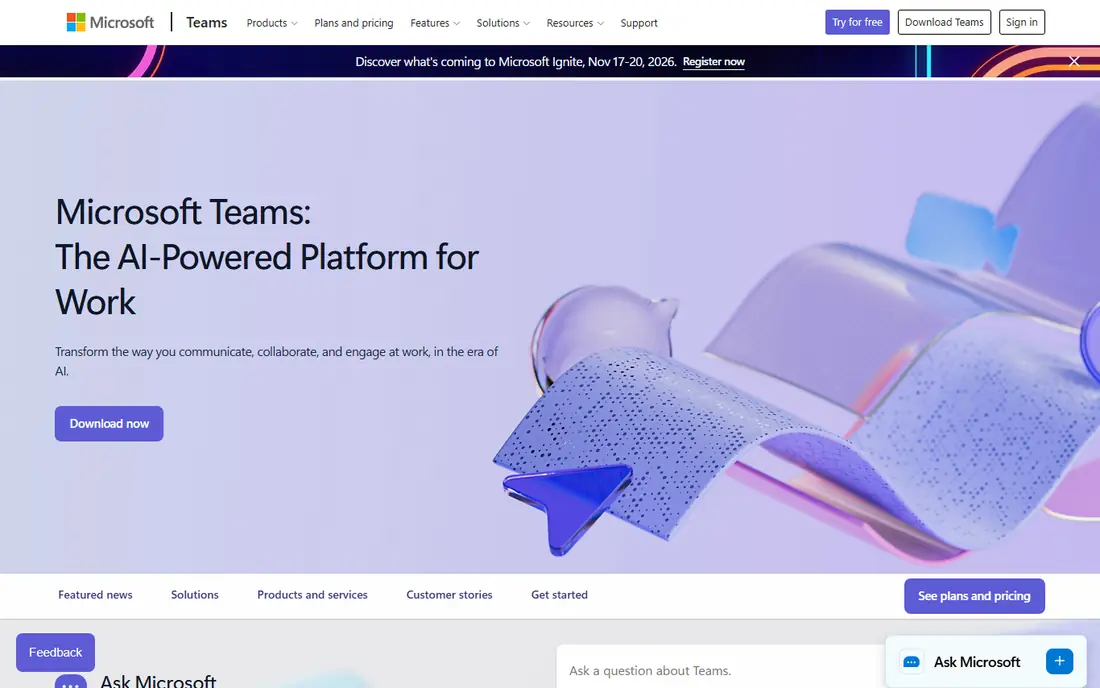
Microsoft Teams suits organisations that already pay for Microsoft 365, because meetings sit alongside chat, files and Office apps. A team can move from a chat thread to a video call, share a document and keep the discussion in one place. Free Teams meetings allow group calls up to 60 minutes with up to 100 people, which covers many small-team needs.
The main complaint is complexity. Teams is a full collaboration hub, so a user who only wants a meeting link may find the interface busy. It also works best inside Microsoft 365, so Google-first teams will get less value. For a Microsoft shop, however, Teams is usually the cheapest and most integrated Zoom replacement.
- Chat, channels, files and meetings in one app
- Free group calls up to 60 minutes
- Deep Microsoft 365 links
- App can feel busy for meeting-only users
- Best value needs Microsoft 365
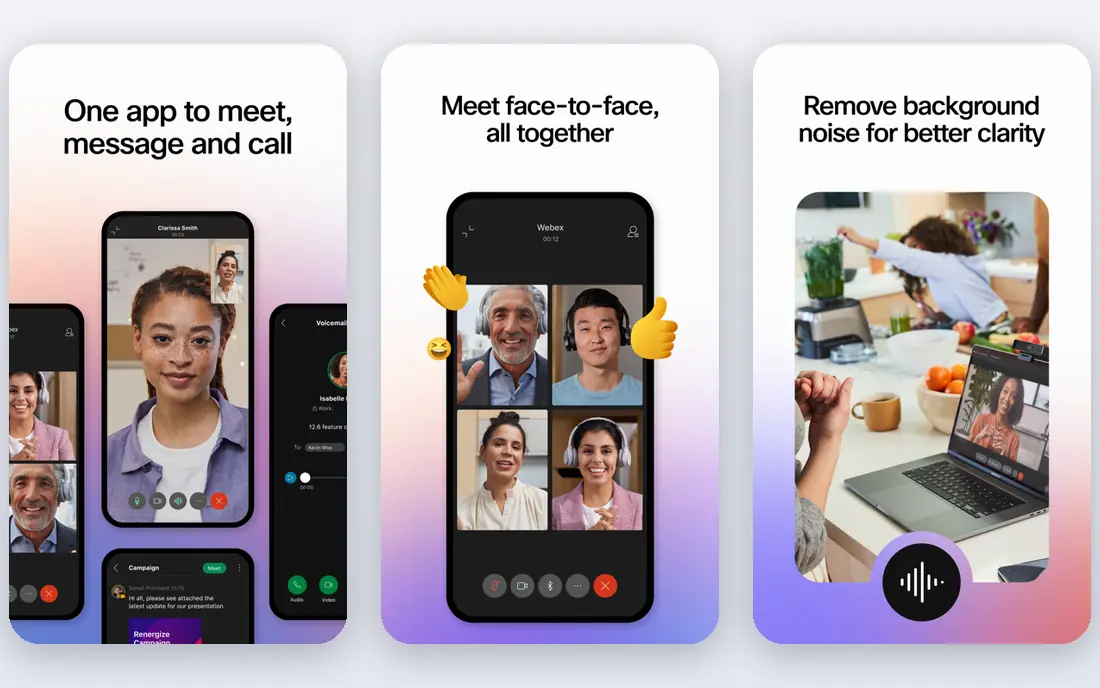
Webex, from Cisco, suits larger organisations that need strong admin controls, compliance features and meeting room hardware. Its free plan allows meetings with up to 100 people, which is useful for a first test, and paid plans add recording, larger meetings and events. Webex also works well with Cisco room systems, which matters for offices with dedicated meeting rooms.
The free 40-minute limit mirrors Zoom, so Webex does not solve that problem on its own. Paid pricing also needs checking against a suite you already pay for, since Teams or Meet may be included in that suite at no extra cost. Choose Webex when enterprise controls and room hardware matter more than suite bundling.
- Enterprise security and admin controls
- Free plan for up to 100 people
- Hardware and room support
- Free meetings are limited to 40 minutes
- Paid plans can cost more than suite options
Jitsi Meet is the best choice when you need a call now and do not want signups. You create a room, share the link and guests join from a browser, with no account required. The open-source code also allows a technical team to host Jitsi on its own servers, which suits privacy-focused organisations that want control over data.
The trade-off is support and polish. The public service has usage limits, and there is no support team to call when a call fails. Features such as recording and advanced moderation are simpler than in paid tools. For quick calls, interviews and community meetings, Jitsi is hard to beat on simplicity and cost, as long as you accept those limits.
- Free and open source
- Guests join from a browser without an account
- Can be self-hosted
- No vendor support on the free public service
- Features are simpler than paid suites
GoTo Meeting appeals to teams that want meetings to just work, without a full collaboration suite. The joining flow is simple, dial-in numbers help guests with poor internet, and paid plans include recording and screen sharing. For a small business that runs client calls and team meetings, that reliability matters more than chat channels or file hubs.
The lack of a free plan is the main limit, though a trial lets you test it first. GoTo Meeting also offers less than Teams or Meet for document collaboration, so teams that need chat and files may still need another tool. For meeting-first teams, GoTo Meeting is a steady and uncomplicated Zoom alternative.
- Simple, reliable meeting flow
- Dial-in numbers
- Screen sharing and recording on paid plans
- No free plan, only a trial
- Fewer collaboration features than Teams or Meet
Zoho Meeting suits small teams and Zoho users who want a low-cost meeting tool. The free plan covers small meetings, and paid plans start at a low price compared with many rivals. If your team already uses Zoho Mail, CRM or other Zoho apps, Meeting fits naturally into that workflow.
The ecosystem is smaller than Google Workspace or Microsoft 365, so teams outside Zoho get less integration value. Webinar features also sit on higher plans, so check those tiers if you run public events. For internal meetings on a tight budget, Zoho Meeting offers a clear and affordable path away from Zoom.
- Low-cost paid plans
- Free plan for small meetings
- Integrates with Zoho apps
- Smaller ecosystem than Google or Microsoft
- Webinar features need higher plans
Whereby is built for easy guest access. A host shares a room link, and guests join from a browser without installing an app or creating an account. That simplicity helps for client calls, coaching sessions and interviews, where a download step can lose a guest. Custom room links also make repeat meetings easy to remember.
Free plan limits are the catch, with shorter meetings and fewer participants than paid plans. Whereby is also not a webinar platform, so large public events need another tool. For one-to-one and small-group meetings where guest ease matters most, Whereby is one of the smoothest Zoom alternatives.
- Guests join from a browser with no download
- Custom room links
- Simple host controls
- Free plan limits meeting length and participants
- Not built for large webinars
Discord suits communities, gaming groups, study groups and clubs that want an ongoing place to chat and meet. Servers and channels keep conversations organised, voice channels allow drop-in talk, and video chats work for smaller groups. Screen sharing also helps for study sessions and collaborative work.
Discord is less suited to formal client meetings, since it lacks the calendar, recording and admin polish of business tools. Server video limits also matter for larger groups. Treat Discord as a community alternative to Zoom, not as a boardroom replacement, and it can be a lively and free option for groups that already use it.
- Free voice and video for communities
- Servers, channels and screen sharing
- Good audio quality
- Built for communities, not formal client meetings
- Video limits in server chats
How we picked these
We compared official pricing pages, free meeting limits, participant caps, joining methods and collaboration features, plus public reviews and help pages, to check that each tool still operates and fits video meetings. We kept a mix of suite replacements, enterprise tools, free options and niche meeting styles, and we favoured tools with a clear free plan or trial. We did not claim hands-on testing, and meeting limits change, so confirm the current free limits before you switch a team.
How to switch from Zoom without disrupting meetings
Start with the suite you already pay for. If your team uses Google Workspace, Meet is usually the lowest-friction switch, and if you use Microsoft 365, Teams is the same. Switching to a tool inside your existing suite avoids a new bill and keeps calendar invites working. Only look outside the suite when you have a clear reason, such as no-account guest calls or enterprise controls.
Next, test the guest experience before you move a whole team. Send a test link to a client or colleague outside your organisation, and check joining, audio, screen sharing and recording. A tool that works well internally can still fail for guests who lack an account or a fast connection. Run one real meeting on the new tool, gather feedback, and fix issues before you cancel Zoom.
Finally, move in stages. Keep Zoom for a short overlap period, update recurring meeting links, and tell clients where to find the new link. Update calendar templates, email signatures and support pages, so no one joins an old link by habit. A staged switch costs a little overlap, but it avoids missed meetings and confused guests.