AgencyAnalytics Alternatives in 2026: 9 Tools Compared
By ToolNimba Editorial Team November 11, 2026 9 min read

- Top pick
 Databox
Goal tracking and KPI scorecards
Starting price$64 per monthCheck out DataboxRead our review - Runner-up
 DashThis
Fast template client reports
Starting price$44 per monthCheck out DashThisRead our review - Also great
 Whatagraph
Polished cross-channel reports
Starting priceSee websiteCheck out WhatagraphRead our review
How we researched this
We compared official pricing and feature pages, app store listings, privacy policies and public user reviews. Prices change, so check the provider's site before you pay.
Key takeaways
- Databox and DashThis suit small and mid-size agencies, with Databox stronger on goals and DashThis stronger on fast template reports.
- Looker Studio suits Google-heavy reporting at no cost, though non-Google connectors often cost extra.
- Whatagraph and Klipfolio suit larger agencies that need polished cross-channel reports and deeper dashboard control.
- Pricing models differ sharply, by client, by dashboard, or by data source, so model your client count before you compare prices.
Quick comparison
| Name | Best for | Starting price | Free plan | |
|---|---|---|---|---|
| Databox | Goal tracking and KPI scorecards | $64 per month | Yes | Visit |
| DashThis | Fast template client reports | $44 per month | Free trial | Visit |
| Whatagraph | Polished cross-channel reports | See website | Free trial | Visit |
 Swydo | Mid-size PPC agencies | See website | Free trial | Visit |
 Klipfolio | Custom dashboards and formulas | $140 per month | Free trial | Visit |
 Looker Studio | Free Google reporting | Free | Yes | Visit |
 ReportGarden | Budget pacing plus reporting | $75 per month | Free trial | Visit |
 Supermetrics | Data piping into Sheets and Studio | See website | Free trial | Visit |
 TapClicks | Large agencies with operations staff | See website | Free trial | Visit |
The best AgencyAnalytics alternatives
We compared AgencyAnalytics alternatives on integrations, white-label reporting, client portals, pricing models, and setup speed, so you can pick a reporting tool that fits your client count.
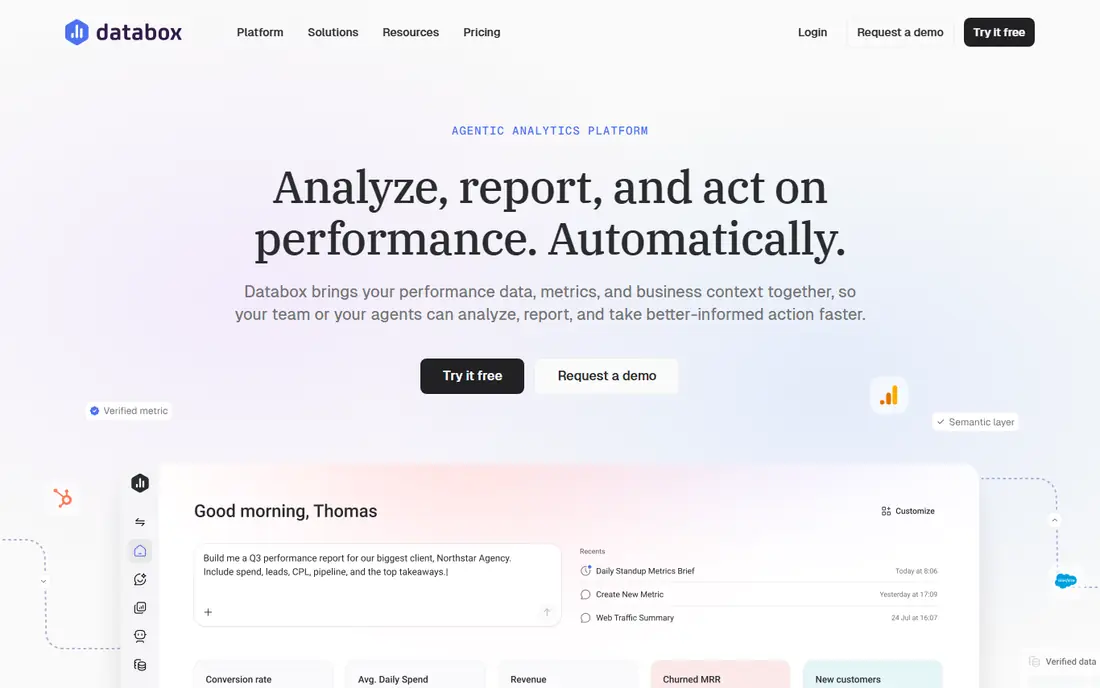
We place this option here because it is a dashboard platform known for KPI scorecards and goal tracking, with many integrations for agencies and in-house teams. its goal and scorecard features help clients see progress against targets, not only raw numbers, which makes monthly calls more useful. That detail matters in daily use. The honest catch is that white-label branding costs extra below higher plans, and extra data sources add to the bill as client counts grow. Before you commit, trial it with your real work, check the limits on the plan you would actually buy, and confirm that the features you need are not locked behind a higher tier. If it passes, it fits the readers above.
- Many integrations
- Goal tracking and scorecards
- Free tier for testing
- White-label is a paid add-on on lower plans
- Extra sources cost extra
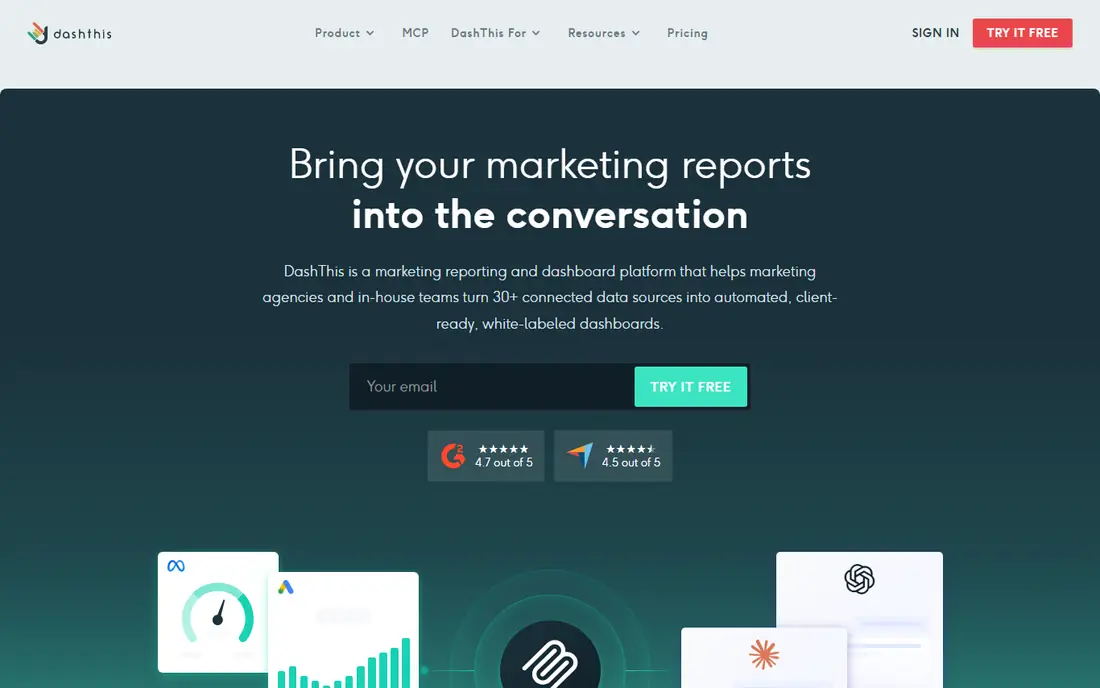
This pick earns its place because it is a reporting tool built for fast, template-driven client reports, with white-label branding and scheduled delivery. its templates let a small agency launch a client report in minutes, and scheduled delivery removes the monthly scramble to send reports. That detail matters in daily use. The honest catch is that per-dashboard pricing means costs rise with every client, and custom metric options are more limited than Klipfolio. Before you commit, trial it with your real work, check the limits on the plan you would actually buy, and confirm that the features you need are not locked behind a higher tier. If it passes, it fits the readers above.
- Fast template setup
- White-label reports
- Scheduled PDF and link sharing
- Pricing is per dashboard, so costs rise with client count
- Custom metrics are limited
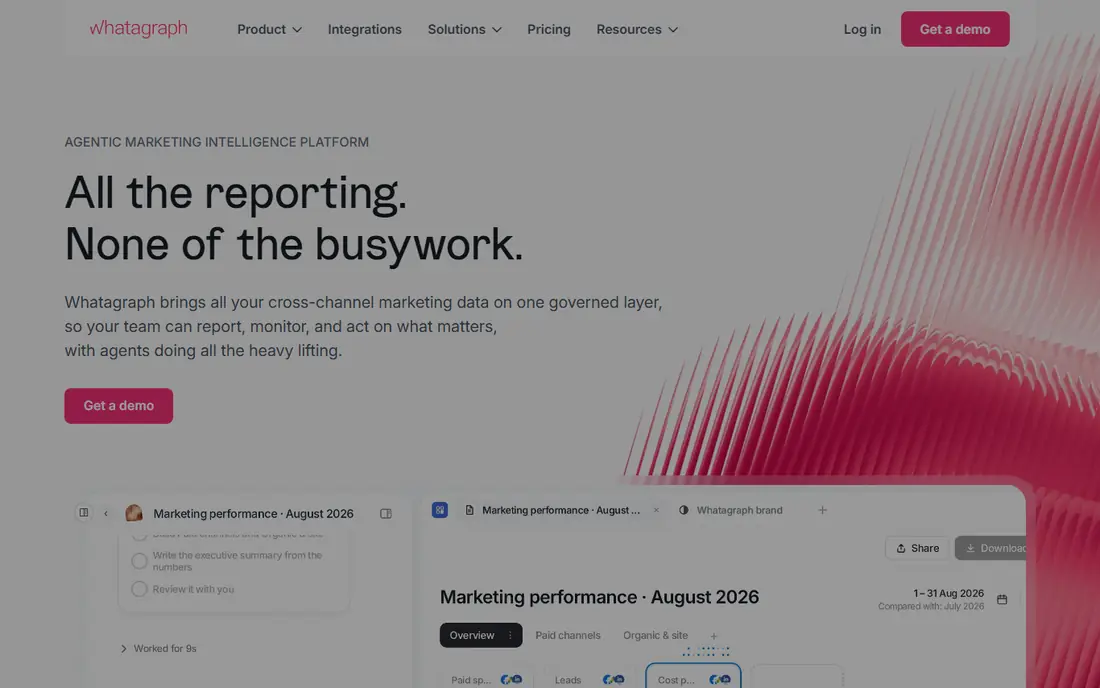
For many readers, this is the practical choice because it is a reporting platform for larger agencies that need polished, cross-channel client reports with many integrations. its report design and cross-channel blending suit agencies that present to larger clients, and unlimited users help bigger teams collaborate. That detail matters in daily use. The honest catch is that the entry price is enterprise-level for small agencies, and credit-based pricing needs careful modeling before you commit. Before you commit, trial it with your real work, check the limits on the plan you would actually buy, and confirm that the features you need are not locked behind a higher tier. If it passes, it fits the readers above.
- Polished cross-channel reports
- Many integrations
- Unlimited users on higher plans
- Entry price is high for small agencies
- Credit-based pricing needs planning
We include this tool because it is a reporting tool for mid-size agencies, especially those focused on PPC and analytics reporting with white-label branding. its white-label reports and PPC focus suit agencies that report ad performance monthly, with scheduled delivery built in. That detail matters in daily use. The honest catch is that pricing by data source can grow as clients add channels, and its integration list is smaller than AgencyAnalytics. Before you commit, trial it with your real work, check the limits on the plan you would actually buy, and confirm that the features you need are not locked behind a higher tier. If it passes, it fits the readers above.
- White-label reports
- PPC and analytics integrations
- Scheduled reporting
- Pricing by data source can rise with client complexity
- Smaller integration list than AgencyAnalytics
We place this option here because it is a dashboard platform for teams that want formula-level control over metrics and custom client dashboards. its formula and metric controls suit analysts who need calculated metrics that template tools cannot offer. That detail matters in daily use. The honest catch is that setup takes longer than DashThis, and white-label branding costs extra below the Pro plan. Before you commit, trial it with your real work, check the limits on the plan you would actually buy, and confirm that the features you need are not locked behind a higher tier. If it passes, it fits the readers above.
- Formula-level dashboard control
- Many integrations
- Metric catalog features
- White-label is a paid add-on on lower plans
- Setup takes more time than template tools
This pick earns its place because it is the free Google reporting tool for building custom dashboards from Google and other sources. it costs nothing to build and view, and Google integrations are native, which makes it ideal for Google-heavy client work. That detail matters in daily use. The honest catch is that you build every report yourself, and Meta and other non-Google sources often need a paid connector, which adds cost and setup. Before you commit, trial it with your real work, check the limits on the plan you would actually buy, and confirm that the features you need are not locked behind a higher tier. If it passes, it fits the readers above.
- Free to build and view
- Strong Google integrations
- Flexible report design
- You build everything yourself
- Non-Google sources often need paid connectors
For many readers, this is the practical choice because it is a reporting tool that pairs client dashboards with budget pacing, useful for agencies that track ad spend closely. budget pacing alongside performance reports helps agencies catch overspend early, which is a practical edge for PPC clients. That detail matters in daily use. The honest catch is that its integration list is smaller than AgencyAnalytics, so check your client sources before you switch. Before you commit, trial it with your real work, check the limits on the plan you would actually buy, and confirm that the features you need are not locked behind a higher tier. If it passes, it fits the readers above.
- Client reports with budget pacing
- PPC and SEO integrations
- White-label options
- Smaller integration list than larger rivals
- Interface is simpler for basic reports
We include this tool because it is a data connector that pipes marketing data into spreadsheets, Looker Studio, or a warehouse for custom reporting. teams that already build reports in Sheets or Looker Studio get reliable data pipelines without rebuilding their whole stack. That detail matters in daily use. The honest catch is that it is not a finished report tool, so you still need a dashboard layer, and pricing by source and destination needs modeling. Before you commit, trial it with your real work, check the limits on the plan you would actually buy, and confirm that the features you need are not locked behind a higher tier. If it passes, it fits the readers above.
- Moves marketing data into Sheets, Looker Studio, and warehouses
- Many sources
- Not a report tool on its own
- You still need a visualization layer
We place this option here because it is a marketing operations platform for larger agencies, with many integrations and workflow-driven reporting. its scale suits agencies with many clients and operations staff, since workflow and reporting features handle volume well. That detail matters in daily use. The honest catch is that pricing is quote-based on higher tiers, so small agencies will find budgeting harder than with published per-client pricing. Before you commit, trial it with your real work, check the limits on the plan you would actually buy, and confirm that the features you need are not locked behind a higher tier. If it passes, it fits the readers above.
- Many integrations
- SmartReports and workflow features
- AI reporting options
- Quote-based pricing on higher tiers
- Setup suits larger teams with operations staff
How we picked these
We compared official feature pages, pricing pages, and product documentation, and we focused on entry prices and how each vendor charges as client count grows. We gave weight to integrations, white-label options, and scheduled reporting, since those decide whether a tool saves time or creates work. We did not claim hands-on testing.
How to choose an AgencyAnalytics alternative
Model price at your real client count
A tool that looks cheap for five clients can cost far more at 30, depending on whether it charges per client, per dashboard, or per data source. Run your current client count and sources through each pricing page before you shortlist.
Check white-label and portal needs
If clients log in to view reports, you need portals and white-label branding. If you only send PDFs by email, a simpler tool may do, and you should not pay for portal features you never use.
Count integrations that matter
AgencyAnalytics covers many integrations, and rivals vary widely. List the ad, analytics, SEO, and social sources each client needs, then check that your shortlist covers them without paid connectors.
Sources
Frequently asked questions
What are alternatives to AgencyAnalytics?
Databox, DashThis, Whatagraph, Swydo, Klipfolio, Looker Studio, ReportGarden, Supermetrics, and TapClicks all cover client reporting with different pricing models. The right pick depends on client count, integrations, and white-label needs.
What is the best alternative to AgencyAnalytics for small agencies?
DashThis suits small agencies that want fast, template-driven reports, while Databox suits agencies that track goals with clients. Looker Studio suits agencies whose clients rely mostly on Google sources.
Is there a free alternative to AgencyAnalytics?
Looker Studio is free to build and view reports in, though paid connectors may be needed for non-Google sources. Databox also offers a free tier with limited sources, which suits testing before you pay.
Which reporting tool has the best white-label options?
AgencyAnalytics, DashThis, and Whatagraph all offer white-label reporting, with details varying by plan. Check whether white-label is included on the plan you would buy, since some vendors charge it as an add-on.
How do I switch reporting tools without losing client history?
Export past reports as PDFs and keep your old tool running during a transition month. Rebuild one client template first, check the numbers against the old report, then move the remaining clients in batches.