Best Airtable Alternatives in 2026: 10 Apps Compared
By ToolNimba Editorial Team November 9, 2026 11 min read

- Top pick
 Baserow
Open-source database replacement
Starting priceFreeCheck out BaserowRead our review - Runner-up
 NocoDB
Self-hosted Airtable-style tables
Starting priceFreeCheck out NocoDBRead our review - Also great
 Notion
Docs plus lightweight databases
Starting priceFreeCheck out NotionRead our review
How we researched this
We compared official pricing and feature pages, app store listings, privacy policies and public user reviews. Prices change, so check the provider's site before you pay.
Key takeaways
- Baserow and NocoDB are the closest free Airtable alternatives for database-first teams, especially when self-hosting matters.
- Notion and Coda suit teams that want docs and databases in one workspace, while ClickUp and monday.com suit project-led work.
- Airtable alternatives free plans vary widely on records, editors, and automations, so test with a real base before you switch.
- Moving tables by CSV is usually easy, but linked records, formulas, and automations often need rebuilding in the new tool.
Quick comparison
| Name | Best for | Starting price | Free plan | |
|---|---|---|---|---|
| Baserow | Open-source database replacement | Free | Yes | Visit |
| NocoDB | Self-hosted Airtable-style tables | Free | Yes | Visit |
| Notion | Docs plus lightweight databases | Free | Yes | Visit |
 ClickUp | Projects plus databases | Free | Yes | Visit |
 Coda | Interactive docs and workflows | See website | Yes | Visit |
 monday.com | Visual project boards | See website | Yes | Visit |
 Softr | Apps and portals on your data | See website | Yes | Visit |
 Stackby | Spreadsheet-style CRM data | See website | Yes | Visit |
 Smartsheet | Spreadsheet-style project tracking | See website | Free trial | Visit |
 Google Sheets | Simple free data tables | Free | Yes | Visit |
The best Airtable alternatives
We compared database features, free-plan limits, migration options, and pricing models, so you can match an alternative to Airtable to the way your team actually works.
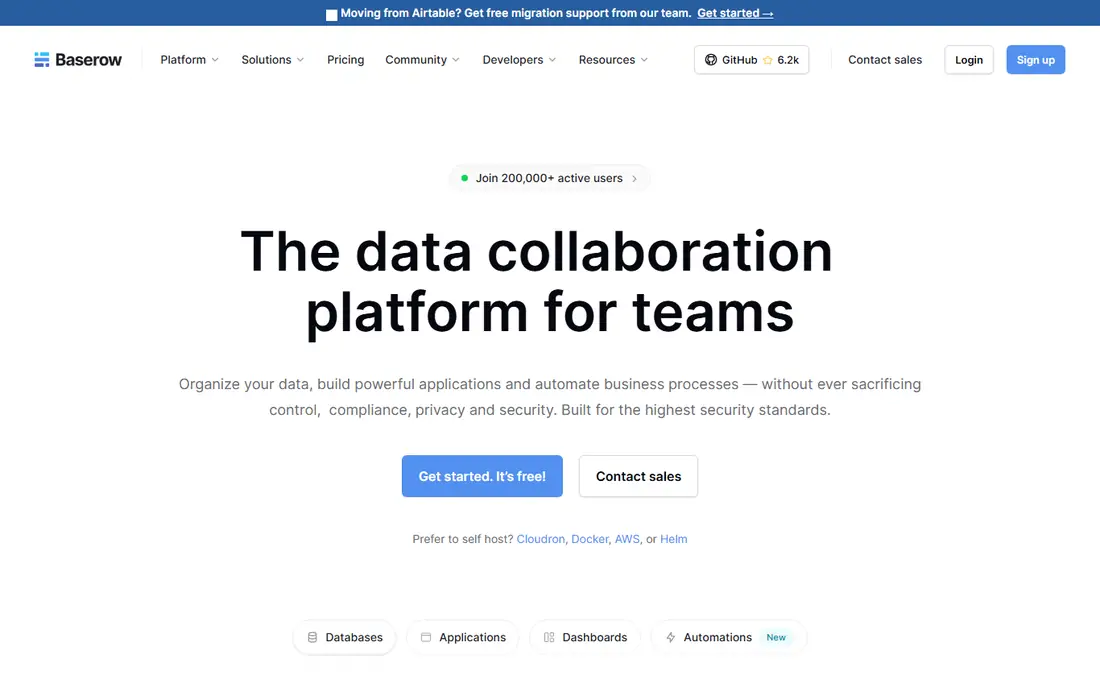
Baserow is the closest database-first alternative to Airtable for teams that want control without a high monthly bill. Tables, views, linked records, and formulas cover the core Airtable workflow, and the hosted free plan lets a small team test a real base before paying. For teams with technical help, self-hosting removes per-seat and row limits that hosted plans impose, though you then own updates, backups, and security.
The trade-off is polish and breadth. Baserow has fewer ready-made templates and app-building features than Airtable, so teams that rely on Airtable Interfaces may need a separate front-end tool. Still, as a free Airtable alternative for structured data, inventory, content tracking, and internal lists, Baserow is hard to beat, and its open-source model makes long-term costs easier to predict.
- Open source with a hosted free plan
- Spreadsheet-style tables with linked records
- Self-hosting removes many hosted limits
- Smaller template library than Airtable
- Self-hosting needs technical setup and maintenance
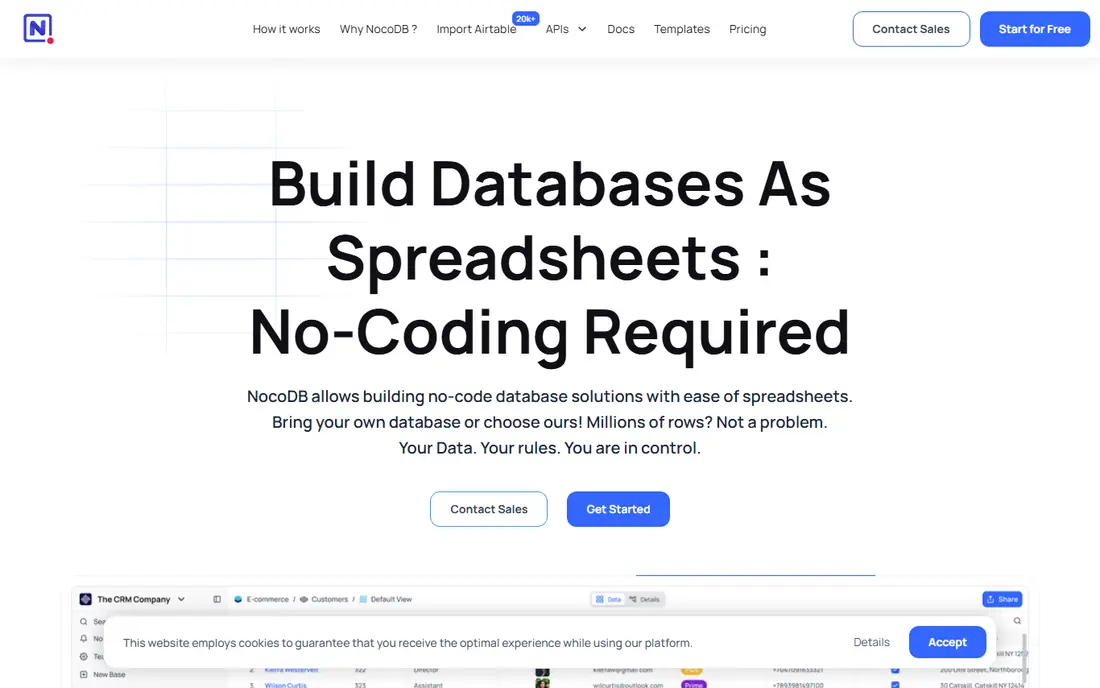
NocoDB appeals to teams that already have a database and want a friendly front end for it. Connect a Postgres or MySQL database, and NocoDB gives you grid, gallery, and form views with permissions and APIs, much like Airtable, but on infrastructure you control. The self-hosted community edition is free apart from your server costs, which makes it attractive for startups and internal tools.
Hosted NocoDB Cloud is easier, but it limits users, records, and features by plan, so check the current cloud tiers before you assume it is unlimited. NocoDB is less of a full app builder than Airtable, and its interface options are simpler. For database teams, developers, and cost-conscious groups, though, it is one of the strongest alternatives to Airtable available today.
- Turns existing databases into spreadsheet views
- Free self-hosted edition
- Automatic APIs for tables
- Cloud plan limits records and features by tier
- Setup is more technical than a hosted SaaS tool
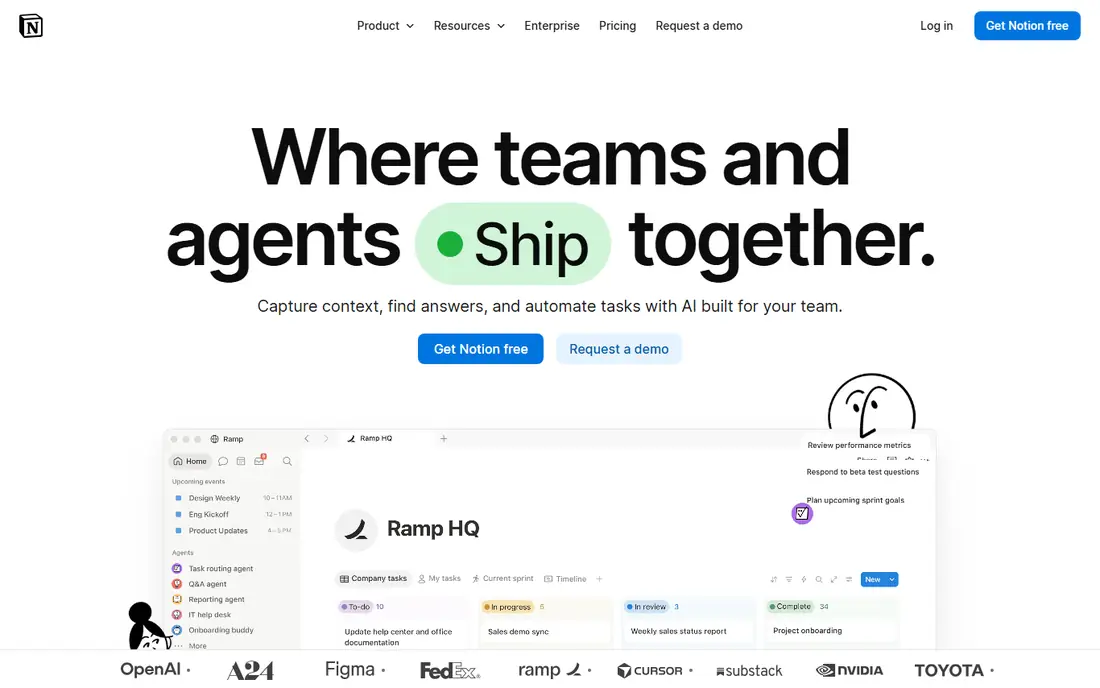
Notion is the best Airtable alternative for teams that live in documents as much as data. You can build a wiki, embed a database in a page, link related tables, and use views such as boards and calendars, all inside the same workspace. The free plan works well for individuals and small teams, and the template community covers content calendars, CRMs, and project trackers.
Where Notion falls short is heavy database work. Very large bases, complex linked records, and advanced automations feel lighter than Airtable, and power users may need integrations to fill gaps. If your main need is a shared workspace where notes and data sit together, Notion is an excellent switch. If your main need is a strict database, Baserow or NocoDB will fit better.
- Docs, wikis, and databases in one workspace
- Generous free plan for individuals
- Large template community
- Databases are lighter than Airtable for large, linked datasets
- Advanced automations need paid plans or integrations
ClickUp suits teams that want Airtable-like tables inside a full project tool. Lists, boards, calendars, docs, and goals sit in one workspace, and the free plan covers real work for small teams, not just a trial. For agencies and operations teams, that breadth means fewer separate subscriptions, and the import tools help move basic table data from Airtable.
The downside is focus. ClickUp does many things, and its table views are not as database-first as Airtable, Baserow, or NocoDB. Teams that need strict relational data may find the setup more fiddly. Still, as an alternative to Airtable for project-led teams, ClickUp offers strong value, especially when tasks, docs, and data need to live together.
- Free forever plan with tasks, docs, and tables
- Strong project views
- Broad integrations
- Feature breadth can feel crowded
- Airtable-style database views are less refined
Coda turns a document into a working tool. Tables, buttons, automations, and formulas combine so a single doc can track work, collect form entries, and update status without a separate app. That makes Coda a strong Airtable alternative for internal workflows, meeting trackers, and lightweight CRMs built around documents rather than pure databases.
Pricing needs care, since Coda charges by Doc Maker rather than by every viewer, which can be cheaper or pricier depending on who edits. The formula language also takes time to learn. For teams that like building their own workflows and want docs and data in one place, Coda is a creative and capable pick, and the free plan is enough to test a real doc.
- Docs that act like apps with buttons and automations
- Flexible tables and formulas
- Good for internal tools
- Pricing is based on Doc Makers, which can confuse small teams
- Learning curve for advanced formulas
monday.com is the best Airtable alternative when visual project management matters more than a strict database. Boards, timelines, and dashboards make status easy to see, and automations handle reminders and status changes without code. Non-technical teams often adopt it faster than a database-first tool, and the template library covers marketing, operations, and CRM-style work.
The limits are pricing structure and data depth. Paid plans have minimum seats, and linked data across boards is less flexible than Airtable linked records. For work tracking, client pipelines, and team projects, monday.com is polished and practical. For a large relational database, a tool such as Baserow will give more control at a lower cost.
- Clear boards, timelines, and automations
- Many templates
- Easy for non-technical teams
- Minimum seat rules on paid plans
- Database features are project-focused rather than relational
Softr answers a different question from most alternatives to Airtable: what if you keep your data, but need a better front end for clients or staff. You can build portals, directories, and internal tools from Airtable data or from Softr Databases, with login controls and permissions. That makes it ideal for agencies, membership sites, and client dashboards that Airtable Interfaces do not fully cover.
Softr is not a direct database replacement on its own, and its pricing is structured around apps, so compare the total for your number of apps and users. If your Airtable bases work well but sharing them feels messy, Softr may be a better investment than a full migration. If your bases themselves are the problem, switch the database first.
- Builds client portals and internal apps from tables
- Native Airtable connection
- Granular permissions
- Less suited as a standalone database
- Pricing is per app rather than per user on many plans
Stackby keeps the spreadsheet feel that many Airtable users like, while adding API columns that can pull live data into a table. That is useful for marketing teams, agencies, and small CRMs that track leads, content, and campaigns in one sheet-like base. Templates cover common workflows, and the free tier lets a small team test a real use case.
The ecosystem is smaller than Airtable, Notion, or ClickUp, so integrations and community templates are fewer. Performance on very large bases can also be a factor to test. For teams that want an Airtable-like experience with a lower entry price and a focus on CRM-style tables, Stackby is a practical alternative worth a trial.
- Familiar spreadsheet layout
- API columns for live data
- CRM and marketing templates
- Smaller ecosystem than Airtable
- Some features need paid plans
Smartsheet suits operations and project teams that think in spreadsheets but need timelines, reports, and approvals. Grids, Gantt charts, card views, and dashboards cover planning and tracking, and the platform is well established in larger organizations. For teams moving from Airtable because they need stronger reporting or enterprise controls, Smartsheet is a credible step up.
The main drawback is cost. There is no permanent free plan, only a trial, so small teams should compare it carefully with free alternatives such as Baserow, Notion, and Google Sheets. Smartsheet also feels more like a project platform than a flexible database. For spreadsheet-native project work at scale, it earns its place, but it is not the cheapest Airtable alternative here.
- Familiar grid layout with project views
- Strong reporting and dashboards
- Good for enterprise teams
- No permanent free plan
- Pricing can rise quickly for larger teams
Google Sheets is the simplest free Airtable alternative, and for many small lists it is enough. Anyone can open it, sharing is easy, and formulas, filters, and charts cover basic tracking without a new subscription. It also imports and exports CSV files cleanly, which makes it a useful bridge during a migration to another tool.
Sheets lacks Airtable linked records, gallery and form views, and built-in database permissions, so it breaks down for complex relational data. Add-ons and scripts can fill some gaps, but they add maintenance. If your base is really a shared list, a tracker, or a simple CRM, Sheets is free and dependable. If it is a relational database, choose Baserow, NocoDB, or Notion instead.
- Free with a Google account
- Near-universal familiarity
- Offline access and easy sharing
- No linked-record database structure
- Automations and views need add-ons or scripts
How we picked these
We compared official feature pages, pricing pages, and migration guides, along with recent independent comparisons from October 2026. We kept only tools that are actively maintained and that cover core Airtable jobs, such as tables, views, collaboration, or app building. We noted free-plan limits and self-hosting options where they change the real cost, and we treated vendor pricing claims as starting points to verify on the vendor site before you buy.
How to switch without losing your data
Export one base at a time, and test the import with your own data before you move everything. Start with a small, low-risk base that includes linked records and attachments, so you can see what survives and what needs rebuilding. Check record limits, attachment storage, and editor counts on the new free or paid plan, since those limits often decide whether a switch actually saves money.
Rebuild workflows in stages
Tables and basic fields usually import cleanly, but formulas, automations, and interface layouts often need manual rebuilding. List your automations before you migrate, and rebuild the most important one first in the new tool. Keep Airtable read-only during the transition, and run both tools in parallel for a short period so your team can catch missing data before the old base is closed.
Sources
Frequently asked questions
What is the best free alternative to Airtable?
Baserow is the best free alternative to Airtable for database-first work, with a hosted free plan and a self-hosted option. Notion is the best free option for docs plus databases, and Google Sheets is the simplest free option for basic lists. The best airtable alternatives free pick depends on whether you need a database, a workspace, or just a shared table.
What are the best Airtable alternatives for small teams?
Notion, ClickUp, and Baserow suit small teams well, because their free plans cover real work and their paid plans start lower than Airtable for many teams. monday.com suits visual project teams, while Stackby suits spreadsheet-style CRM work. Test each with your actual base, since editor limits and record caps matter more than the headline price.
Can I migrate from Airtable to another tool easily?
Basic tables usually migrate by CSV export and import, but linked records, formulas, attachments, and automations often need rebuilding. Some tools, such as Softr, connect directly to Airtable, which can avoid a full migration. Always test one base first, and keep your original base read-only until the new setup is verified.
Is there an open-source Airtable alternative?
Yes. Baserow and NocoDB are the leading open-source Airtable alternatives, and both can be self-hosted. Self-hosting gives more control over data and limits, but you must handle updates, backups, and security. Hosted plans are easier if you do not have technical support in-house.
Are alternatives to Airtable cheaper?
Many are, especially Baserow and NocoDB for self-hosted use, and Notion and ClickUp for small teams on free or low-cost plans. Total cost depends on editors, records, storage, and automations, so compare the plan that fits your team size rather than the cheapest advertised tier. Airtable alternatives free plans can save money, but paid features may still be needed as you grow.
Should I keep Airtable and add another tool instead?
Sometimes, yes. If your bases work well but you need a client portal, Softr can sit on top of Airtable without a migration. If your problem is cost, record limits, or data control, a full switch to Baserow or NocoDB makes more sense. Name the specific problem first, then choose the smallest change that solves it.