Alternatives to Adobe Acrobat in 2026: 9 PDF Editors Compared
By ToolNimba Editorial Team November 9, 2026 9 min read

- Top pick
 Foxit PDF Editor
Closest Acrobat replacement
Starting price$129.99 per yearCheck out Foxit PDF EditorRead our review - Runner-up
 PDFelement
Best value desktop editing
Starting price$79.99 per yearCheck out PDFelementRead our review - Also great
 Nitro PDF
Windows business teams
Starting price$16 per user per monthCheck out Nitro PDFRead our review
How we researched this
We compared official pricing and feature pages, app store listings, privacy policies and public user reviews. Prices change, so check the provider's site before you pay.
Key takeaways
- Foxit PDF Editor is the closest full replacement for Acrobat, with editing, OCR, and redaction plus a perpetual license option.
- PDFelement offers the best value for full desktop editing, starting around $79.99 per year.
- PDFgear is the best completely free desktop editor, with no subscription at all.
- Smallpdf and Sejda are the best browser-first options for quick edits without installing software.
- PDF Expert is the best pick for Mac and iPad users who want a polished native app.
Quick comparison
| Name | Best for | Starting price | Free plan | |
|---|---|---|---|---|
| Foxit PDF Editor | Closest Acrobat replacement | $129.99 per year | Yes | Visit |
| PDFelement | Best value desktop editing | $79.99 per year | Yes | Visit |
| Nitro PDF | Windows business teams | $16 per user per month | Free trial | Visit |
 ABBYY FineReader PDF | Scan and OCR accuracy | $16 per month | Free trial | Visit |
 PDF Expert | Mac and iPad users | $80 per year | Free trial | Visit |
 Smallpdf | Quick browser edits | $12 per month | Yes | Visit |
 pdfFiller | Forms and e-signatures | $20 per month | Free trial | Visit |
 PDFgear | Free desktop editing | Free | Yes | Visit |
 Sejda | Simple browser and desktop edits | $14.99 per month | Yes | Visit |
The best alternatives to Adobe Acrobat
Adobe Acrobat is the benchmark PDF editor, but its subscription is the priciest on the market, and many people need only part of what it does. The editors below cover the same core jobs, editing text, converting files, signing forms, and handling scans, at lower prices or for free.
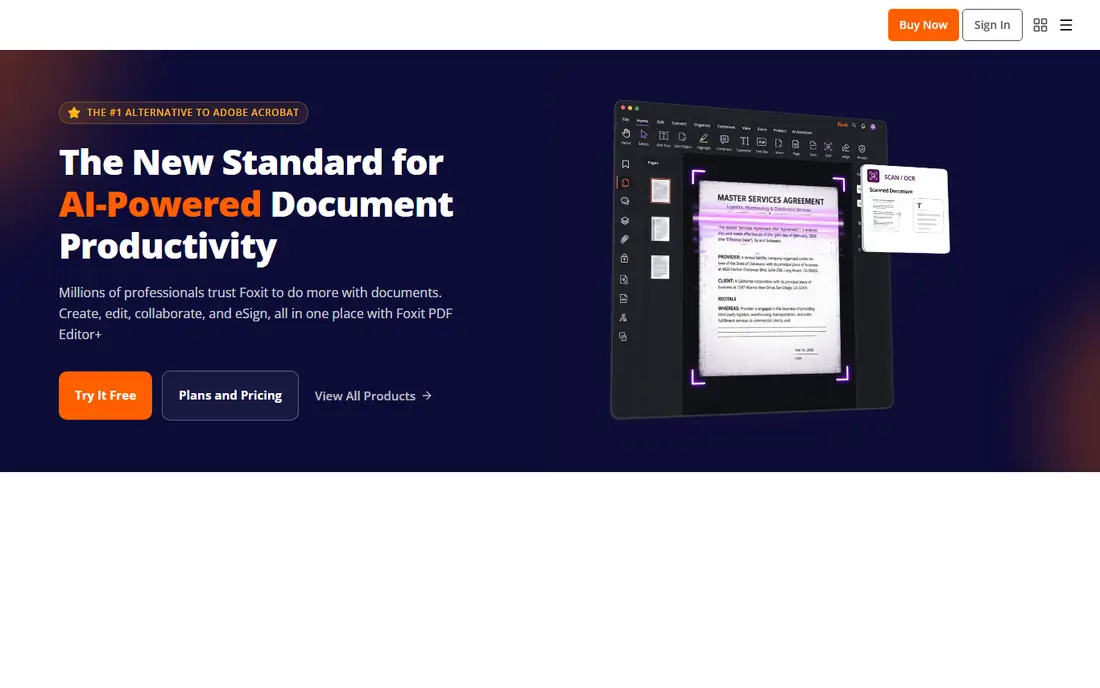
Foxit PDF Editor is the closest full-featured alternative to Acrobat. It covers text editing, OCR, redaction, form handling, and document comparison, and it runs noticeably lighter than Adobe's app on large files. A free plan covers basic reading and annotation, while the paid editor costs $129.99 per year, with a perpetual license option that Acrobat does not offer.
The interface is a close Acrobat imitation, which helps switchers but will not win design awards, and the mobile apps lag the desktop version. For businesses and power users who want Acrobat capability without Adobe's price, Foxit is our top pick.
- Near-Acrobat feature set
- Perpetual license available
- Lighter on system resources than Acrobat
- Interface closely imitates Acrobat
- Mobile apps trail the desktop
- Higher tiers gate some features
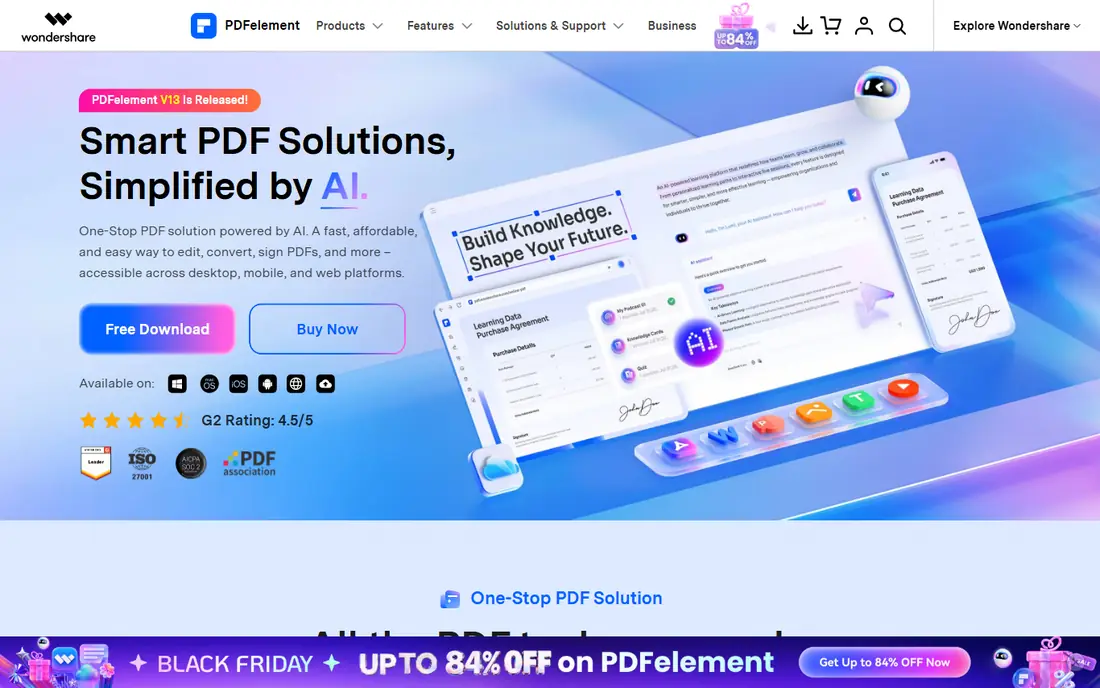
Wondershare PDFelement gives you most of what Acrobat does at roughly a third of the price. The interface mirrors Microsoft Office, so editing text, converting files, and building forms feels familiar, and the AI sidebar can summarize long contracts or rephrase sections. Paid plans start around $79.99 per year per user, with a perpetual license option as well.
OCR accuracy falls behind Adobe and ABBYY on poor-quality scans, and AI use is capped unless you buy extra credits. For individuals and small teams who want full desktop editing at a fair price, PDFelement is the best value on this list.
- Strong price-to-capability ratio
- Friendly Word-style interface
- AI sidebar for summaries
- OCR trails Adobe and ABBYY on poor scans
- AI features need extra credits
- No Linux version
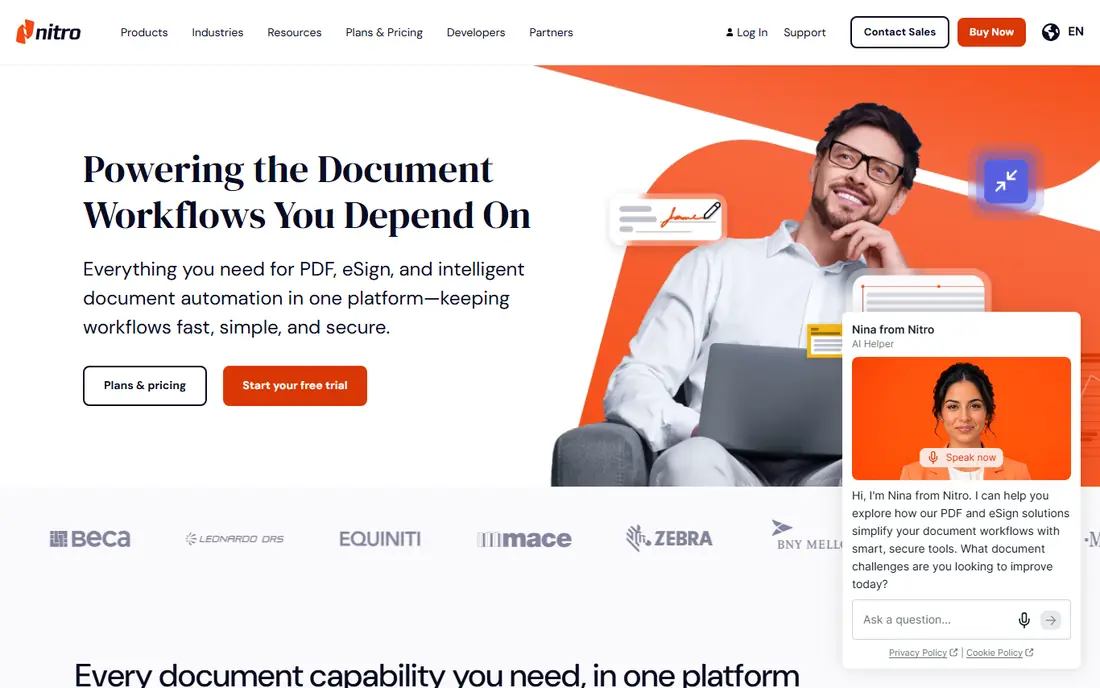
Nitro PDF Pro is a favorite for Windows-based teams standardizing on one tool. It handles editing, conversion, OCR, and e-signing well, and IT teams like its deployment and license management. Pricing starts around $16 per user per month, with a trial available.
Mac support is weaker than the Windows version, and the per-user model adds up for large teams. For a Windows office moving off Acrobat, Nitro is a dependable, well-supported choice.
- Strong editing and conversion on Windows
- Good for standardized team deployments
- Reliable e-signing
- Windows-focused, with weaker Mac support
- Per-user pricing adds up
- Interface is businesslike
ABBYY FineReader PDF exists for one reason above all: turning scans and photos of documents into accurate, editable text. Its OCR engine handles poor scans, unusual layouts, and many languages better than any other editor here, and it also edits PDFs, compares document versions, and converts files. Pricing starts around $16 per month or a perpetual license.
If you rarely scan, that OCR power is wasted money, and the interface is denser than PDFelement or PDF Expert. For law offices, archives, and anyone drowning in scanned paperwork, ABBYY is worth every cent.
- Best-in-class OCR for scans and images
- Strong document comparison
- Good PDF editing
- Pricier than PDFelement
- Interface is dense
- Overkill if you rarely scan
PDF Expert is the PDF editor Mac and iPad users love. It opens fast, annotates smoothly with Apple Pencil, and handles forms and signatures with a polish no cross-platform tool matches. Pricing starts around $80 per year or a one-off license, with a trial to test it.
There is no Windows or Android version, so mixed-device teams should look elsewhere, and some advanced features sit on higher tiers. For Apple-only users who edit PDFs daily, PDF Expert is the most pleasant tool on this list.
- Beautiful native Mac and iOS app
- Fast on large files
- Great annotation and signing
- No Windows or Android version
- Advanced OCR and redaction need higher tiers
- Subscription for full features
Smallpdf is the browser-first pick. Open the site, drop in a file, and merge, split, compress, or convert it in seconds, with no software to install. The free tier covers occasional use, while Pro starts around $12 per month for unlimited tasks and larger files.
It will not replace a desktop editor for heavy text editing or OCR, and free use is capped. For quick jobs on a Chromebook, a borrowed computer, or a phone, Smallpdf is the fastest path from problem to finished file.
- No install needed
- Fast conversions, merges, and compression
- Clean interface
- Free use is limited
- Deep editing needs the desktop-class tools
- Pro needed for unlimited tasks
pdfFiller is built around forms. It lets you fill, sign, and route documents, collect signatures from others, and manage team document workflows from the browser. Its template library covers common business and legal forms, which saves setup time. Plans start around $20 per month, with a trial available.
Deep text editing is weaker than in Foxit or PDFelement, and everything runs in the browser. If your main PDF job is forms, signatures, and approvals rather than layout editing, pdfFiller fits better than a general editor.
- Strong form filling and routing
- E-signatures and team workflows
- Large template library
- Subscription starts around $20 per month
- Editing is weaker than desktop editors
- Browser-dependent
PDFgear is the surprise of this list: a full desktop PDF editor that is genuinely free, with editing, annotation, conversion, and signing, and no subscription at all. It covers the everyday jobs most people need, on Windows, Mac, iOS, and Android.
Advanced features like high-end OCR, redaction, and batch automation trail the paid tools, and it comes from a smaller company than Adobe or Foxit. For students, home users, and anyone who refuses another subscription, PDFgear is the best free editor we found.
- Full editing with no subscription
- Free on desktop and mobile
- No watermark games
- Fewer advanced features than Acrobat
- Smaller company
- AI features are limited
Sejda keeps PDF editing simple. Its browser tools handle merging, splitting, editing, and signing with a clean interface, and a desktop version covers offline work. The free tier allows a few tasks per day, while Pro starts around $14.99 per month for unlimited use.
Power users will miss the depth of Foxit or Nitro, and free use is capped daily. For occasional editors who want a tool that stays out of the way, Sejda is a friendly, low-cost choice.
- Clean, simple interface
- Browser and desktop versions
- Generous free tasks
- Fewer power features than Foxit
- Free tier has daily limits
- No mobile app focus
How we picked these
We compared official pricing pages, feature lists, and independent 2026 comparisons of PDF editors, favoring tools with current availability in October 2026, a real free tier or trial, and a clear job: full desktop editing, browser speed, forms, or free use. We mixed desktop and browser tools across Windows, Mac, and mobile. Prices change often, so confirm on each vendor page before you pay. We did not test every editor hands-on; our comparison rests on published features, pricing, and public reviews.
Choosing the right replacement
Match the tool to your main job. Full Acrobat-style editing points to Foxit or PDFelement, scan-heavy work points to ABBYY, and Apple users should try PDF Expert first. Quick browser jobs belong to Smallpdf or Sejda, forms and signatures belong to pdfFiller, and a zero budget points straight to PDFgear.
Before paying, test your hardest real document in the free tier or trial: a scanned contract, a complex form, or a 100-page report. Compatibility surprises show up in real files, not in feature lists, and a week of testing beats a year of the wrong subscription.
Sources
- https://www.flozic.ai/blog/best-pdf-editor-apps
- https://thebusinessdive.com/foxit-vs-pdfelement
- https://www.drawboard.com/blog/best-pdf-editors-windows
- https://www.foxit.com
- https://pdf.wondershare.com
- https://www.gonitro.com
- https://www.abbyy.com
- https://pdfexpert.com
- https://smallpdf.com
- https://www.pdffiller.com
- https://www.pdfgear.com
- https://www.sejda.com
Frequently asked questions
What is the best free alternative to Adobe Acrobat?
PDFgear is the best completely free desktop editor, with full editing and no subscription. Smallpdf and Sejda are the best free browser options for quick tasks, though both cap free use. Foxit and PDFelement also offer free tiers for basic reading and annotation.
Can I edit PDF text without Acrobat?
Yes. Foxit, PDFelement, PDF Expert, Nitro, and PDFgear all edit PDF text directly, much like editing in a word processor. Browser tools like Smallpdf and Sejda handle simpler text edits. For scanned PDFs, you need OCR first, which ABBYY FineReader handles best.
Is Foxit better than Adobe Acrobat?
Foxit matches most of Acrobat's core features at a lower price and offers a perpetual license, which Acrobat does not. Acrobat still leads on absolute compatibility and the deepest feature set, especially for enterprise workflows. For most individuals and small teams, Foxit covers everything they need.
Do PDF editors work on Mac and Windows?
Most do, but check before buying. PDF Expert is Mac and iOS only, Nitro is strongest on Windows, and Foxit, PDFelement, and PDFgear cover both desktop platforms. Browser tools like Smallpdf, Sejda, and pdfFiller work anywhere with a modern browser.
Can I sign PDFs without paying?
Yes. PDFgear, Smallpdf, and Sejda all offer free signing options, and Foxit and PDFelement include signing in their free tiers. Paid plans add advanced signature workflows, like requesting signatures from multiple people and tracking signing status.