Best Alternatives to Microsoft Office in 2026: 8 Apps Compared
By ToolNimba Editorial Team November 9, 2026 9 min read

- Top pick
 Google Workspace
Real time collaboration
Starting priceFreeCheck out Google WorkspaceRead our review - Runner-up
 LibreOffice
Free offline desktop use
Starting priceFreeCheck out LibreOfficeRead our review - Also great
 WPS Office
Microsoft style free suite
Starting priceFreeCheck out WPS OfficeRead our review
How we researched this
We compared official pricing and feature pages, app store listings, privacy policies and public user reviews. Prices change, so check the provider's site before you pay.
Key takeaways
- Google Workspace is the best Microsoft Office alternative for teams that live in a browser and edit together in real time.
- LibreOffice is the best free desktop suite for people who want full offline use with no subscription.
- WPS Office gives the closest Microsoft style look and feel in a free suite, with PDF tools that many rivals charge extra for.
- Apple iWork is free and strong, but it fits best when everyone in the group uses Apple devices.
- File compatibility is the main risk when switching, so test your most complex documents before you cancel a Microsoft 365 plan.
Quick comparison
| Name | Best for | Starting price | Free plan | |
|---|---|---|---|---|
| Google Workspace | Real time collaboration | Free | Yes | Visit |
| LibreOffice | Free offline desktop use | Free | Yes | Visit |
| WPS Office | Microsoft style free suite | Free | Yes | Visit |
 Apple iWork | Apple device owners | Free | Yes | Visit |
 ONLYOFFICE | Teams needing format fidelity | Free | Yes | Visit |
 Zoho Workplace | Small business value | $3 per user per month | Yes | Visit |
 FreeOffice | Lightweight desktop use | Free | Yes | Visit |
 Apache OpenOffice | Simple free desktop suite | Free | Yes | Visit |
The best alternatives to Microsoft Office
The best alternative to Microsoft Office depends on how you work. Some people need real time editing with a team, others need a desktop app that works offline, and some only need to open Word and Excel files a few times a week. We compared official feature pages, pricing pages and app store listings for the suites below.
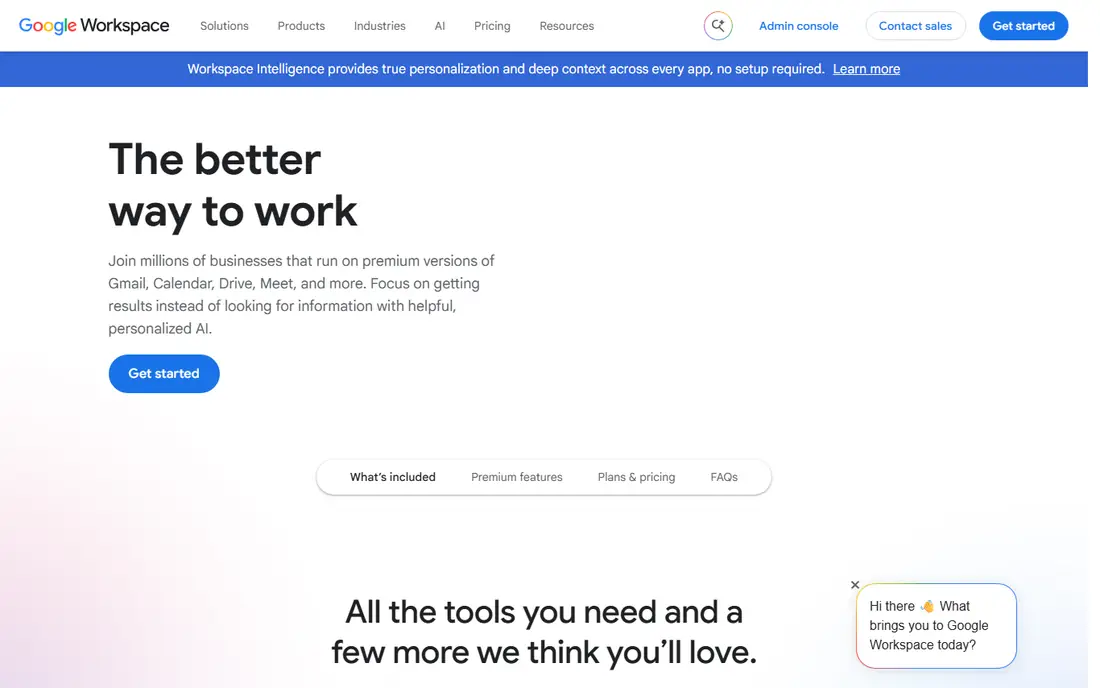
Google Workspace is the most practical Microsoft 365 alternative for teams. Docs, Sheets and Slides open Word, Excel and PowerPoint files and export back to those formats, and several people can edit the same file at once with comments and version history. A free personal account covers most home needs, with 15 GB shared across Gmail and Drive.
Paid Business Starter starts at $7 per user per month on an annual plan, with 30 GB pooled storage per user and a custom domain email. The catch is offline work. You can set files for offline use, but the suite is built for the browser, so a long flight or a weak connection is where a desktop suite still wins.
- Docs, Sheets and Slides edit together in real time
- Strong version history
- Works in any browser
- Full features need internet
- Complex Word formatting can shift on import
LibreOffice is the default answer for anyone who wants a complete desktop office suite without paying. Writer, Calc, Impress, Draw, Base and Math cover documents, spreadsheets, presentations, drawings, databases and formulas, and the suite reads and writes Microsoft formats well for everyday files. It runs on Windows, Mac and Linux, and it works fully offline.
The trade off is polish and collaboration. There is no built in real time co editing like Google Docs, and the interface will not feel as modern as a paid suite. For solo work, students and small offices that share files by email or cloud storage, those limits rarely matter, and the price is hard to beat.
- Fully free and open source
- Writer, Calc and Impress included
- No account or subscription
- Interface looks dated
- Very large files can feel slow on older hardware
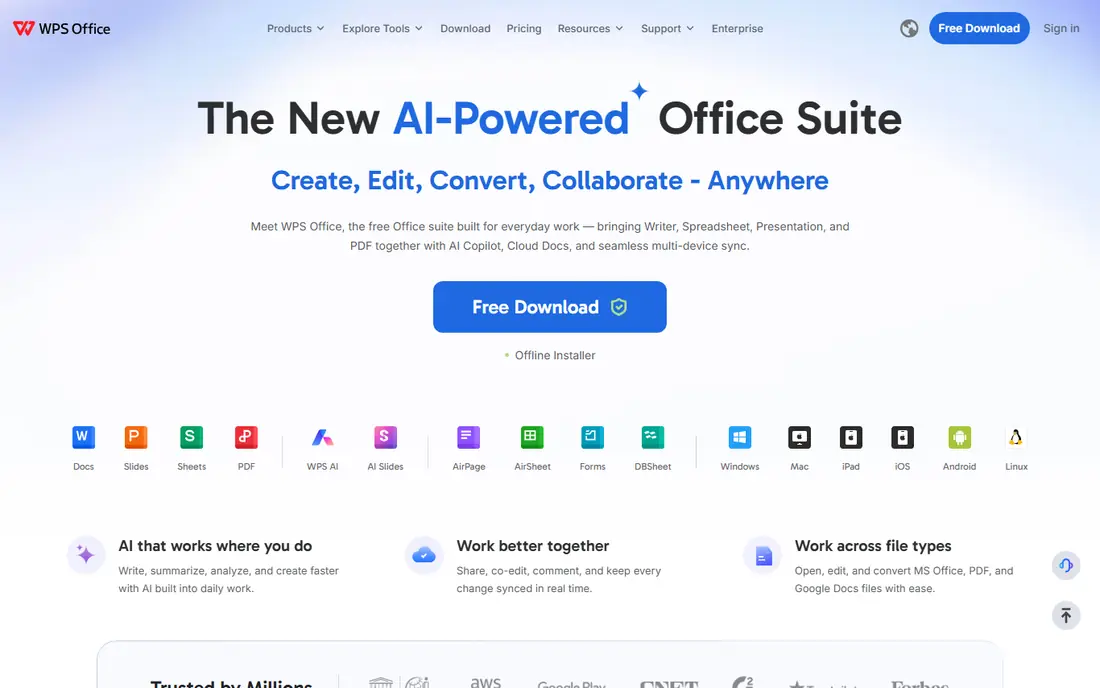
WPS Office is the closest free lookalike to Microsoft Office. Writer, Spreadsheets and Presentation use a familiar tabbed layout, open Microsoft formats directly and include PDF viewing and editing tools that many rivals sell separately. It runs on Windows, Mac, Linux, iOS and Android, so one suite can cover a phone and a desktop.
Premium is listed at $29.99 per year in third party listings, with a free version that covers the core apps. The catch is the free tier itself, which includes ads and limits some PDF and template features. If you want a Microsoft style feel without a Microsoft price, start with the free version and upgrade only when a locked tool earns its keep.
- Familiar ribbon style layout
- Built in PDF tools
- Light install and fast startup
- Free version shows ads
- Some advanced tools sit behind Premium
Apple iWork, made up of Pages, Numbers and Keynote, is free for Mac, iPhone and iPad owners and works in a browser through iCloud as well. Keynote in particular is a strong presentation tool, with smooth animation and templates that look polished without much effort. Collaboration works well when everyone uses Apple accounts or iCloud links.
The limit is sharing with Windows users. Pages, Numbers and Keynote can export to Word, Excel and PowerPoint, but complex spreadsheets and heavily formatted documents should be checked after export. If your household or team is mostly Apple based, iWork covers daily work at no extra cost.
- Pages, Numbers and Keynote are free on Apple devices
- Clean design
- Good templates
- Best inside the Apple ecosystem
- Complex Excel files can need checking
ONLYOFFICE suits teams that care about how a Word or Excel file looks after it is opened and saved again. Its editors keep Microsoft formatting close to the original, and the suite can be self hosted or used as a cloud workspace with documents, mail, projects and CRM tools. Desktop editors let individuals work offline, then sync through a cloud account.
The catch is setup. A solo user gets a clean desktop editor set, but a team that wants the full workspace should expect admin work. If format fidelity is your main worry when leaving Microsoft Office, ONLYOFFICE is worth testing with your real files before you commit.
- Strong Microsoft format compatibility
- Self hosting option
- Desktop editors for Windows, Mac and Linux
- Full team features need setup
- Smaller template library than Google or Microsoft
Zoho Workplace bundles Writer, Sheet and Show with mail, chat, meetings and cloud storage in one business suite. The Standard plan starts at $3 per user per month on annual billing, which undercuts Google Workspace Business Starter for a small team that needs email on its own domain. Collaboration, comments and version history cover normal team editing.
The trade off is ecosystem size. Fewer outside tools integrate with Zoho first, and new staff may need a short learning period. For a small business that wants one bill for mail, documents and meetings, Zoho Workplace is one of the best Microsoft Office alternatives on value alone.
- Writer, Sheet and Show plus mail and chat
- Low starting price
- Good admin controls
- Smaller user community than Google
- Some integrations feel less deep
FreeOffice, from SoftMaker, is a lighter desktop suite for people who want TextMaker, PlanMaker and Presentations without a large download or a subscription. It opens and saves Word, Excel and PowerPoint formats, and it feels quick on older machines that struggle with heavier suites. The interface is familiar enough that most Microsoft Office users find their way around fast.
The limit is depth. FreeOffice does not match LibreOffice on database tools, macros or extensibility, and it has no real time collaboration. For a second computer, a student laptop or a simple home office, that lighter scope is a strength, not a flaw.
- Light and fast
- Good Microsoft format support
- Simple install
- Fewer features than LibreOffice
- No built in collaboration tools
Apache OpenOffice remains a working free desktop suite, with Writer for documents, Calc for spreadsheets, Impress for presentations, Draw, Base and Math. It suits people who want a simple, stable suite for basic documents and who do not need frequent new features or cloud collaboration. Files save in open formats and can be exported to Microsoft formats.
The honest catch is pace. Development has been slower than LibreOffice, so newer Microsoft format details and modern interface touches arrive later, if at all. Most new users should try LibreOffice first, and keep Apache OpenOffice as a fallback for an older machine or a simple workflow.
- Free and open source
- Writer, Calc and Impress included
- Works offline
- Slower development pace
- Fewer updates than LibreOffice
How we picked these
We compared official feature pages, pricing pages and app store listings, and we favored suites that are still maintained, open common Microsoft formats and cover documents, spreadsheets and presentations in one product. We checked free tiers, paid starting prices and offline or collaboration limits, and we left out tools that only cover one document type. We did not claim hands on testing, and we note where third party listings disagree with a vendor checkout page.
How to choose an Office alternative without losing files
Start by listing the files you cannot afford to break, such as a client report with tracked changes, a budget spreadsheet with formulas or a sales deck with custom fonts. Open each one in your shortlisted suite, save a copy in Microsoft format and compare the result page by page. That one hour test tells you more than any feature list.
Match the suite to how you work
Browser teams should lean toward Google Workspace or Zoho Workplace, offline solo workers toward LibreOffice or FreeOffice, and Apple households toward iWork. If you share files with Microsoft Office users every day, ONLYOFFICE and WPS Office deserve a closer look for format fidelity. The best alternative to MS Office is the one your collaborators can open without a conversion headache.
Watch the total cost, not just the headline
A free suite can still cost time if it lacks a PDF editor, cloud storage or admin controls you need. Add those costs before you compare a free plan with a $7 per user per month business plan. For a team, also check guest access, file history limits and storage per user, since those limits often trigger the first upgrade.
Sources
Frequently asked questions
What are the best Microsoft Office alternatives for free?
LibreOffice, Google Workspace with a free personal account, WPS Office, Apple iWork and FreeOffice all cover documents, spreadsheets and presentations at no cost. LibreOffice wins for offline desktop use, Google Workspace wins for collaboration, and WPS Office wins for a Microsoft style layout.
Are there good Office 365 alternatives for business?
Google Workspace and Zoho Workplace are the strongest Office 365 alternatives for business, with custom domain email, admin controls and team storage. Google Workspace Business Starter starts at $7 per user per month on an annual plan, while Zoho Workplace Standard starts lower, so compare storage and meeting limits for your team size.
What is the best alternative to MS Office on a Mac?
Apple iWork is the natural Mac pick because Pages, Numbers and Keynote are free and built for macOS and iOS. LibreOffice and WPS Office also run well on a Mac and may suit you better when you share Microsoft files with Windows users every day.
Can these alternatives open Microsoft Word and Excel files?
Yes, all the suites above open Word, Excel and PowerPoint files, and most save back to those formats. Complex formatting, macros and advanced spreadsheet functions can still shift, so test your most important files before you rely on a new suite for client work.
Is LibreOffice really free?
Yes, LibreOffice is free and open source, with no subscription, account requirement or time limit for the desktop suite. The Document Foundation accepts donations, and optional support or cloud services from other providers may charge separately.
What is the best Microsoft Office alternative for students?
Google Workspace and LibreOffice cover most student work for free, with Google winning for group projects and LibreOffice winning for offline essays and large documents. WPS Office is a good third option when you want a familiar ribbon layout and built in PDF tools on a student budget.