Amplitude Alternatives in 2026: 9 Tools Compared
By ToolNimba Editorial Team November 9, 2026 9 min read

- Top pick
 Mixpanel
Event-based product analytics
Starting priceSee websiteCheck out MixpanelRead our review - Runner-up
 PostHog
All-in-one product platform
Starting priceSee websiteCheck out PostHogRead our review - Also great
 Heap
Autocapture analytics
Starting priceSee websiteCheck out HeapRead our review
How we researched this
We compared official pricing and feature pages, app store listings, privacy policies and public user reviews. Prices change, so check the provider's site before you pay.
Key takeaways
- The best Amplitude alternatives split into event analytics, autocapture tools, replay-led tools and privacy-first options, so the right pick depends on your team.
- Mixpanel is the closest like-for-like event analytics replacement, while PostHog suits engineering-led teams that want analytics, replay and feature flags together.
- Heap suits teams that want retroactive analysis without heavy instrumentation, while Pendo adds in-app guidance and onboarding.
- Google Analytics 4 is the free baseline for web and app acquisition, but it is not a full product analytics replacement for deep funnel work.
- Usage-based pricing means you should price your current event volume and a higher volume before switching, not just the entry tier.
Quick comparison
| Name | Best for | Starting price | Free plan | |
|---|---|---|---|---|
| Mixpanel | Event-based product analytics | See website | Yes | Visit |
| PostHog | All-in-one product platform | See website | Yes | Visit |
| Heap | Autocapture analytics | See website | Yes | Visit |
 Pendo | Analytics plus in-app guidance | See website | Yes | Visit |
 Google Analytics 4 | Free web and app analytics | Free | Yes | Visit |
 Matomo | Privacy-first analytics | See website | Yes | Visit |
 FullStory | Session replay and behavior analysis | See website | Free trial | Visit |
 Countly | Self-hosted mobile and web analytics | See website | Free trial | Visit |
 Smartlook | Lightweight replay analytics | $55 per month | Yes | Visit |
The best Amplitude alternatives
We compared product analytics tools that can replace Amplitude for funnels, retention, cohorts and user behavior analysis. Amplitude itself is not listed, since this article covers alternatives to it. The nine below cover different team sizes, budgets and privacy needs.
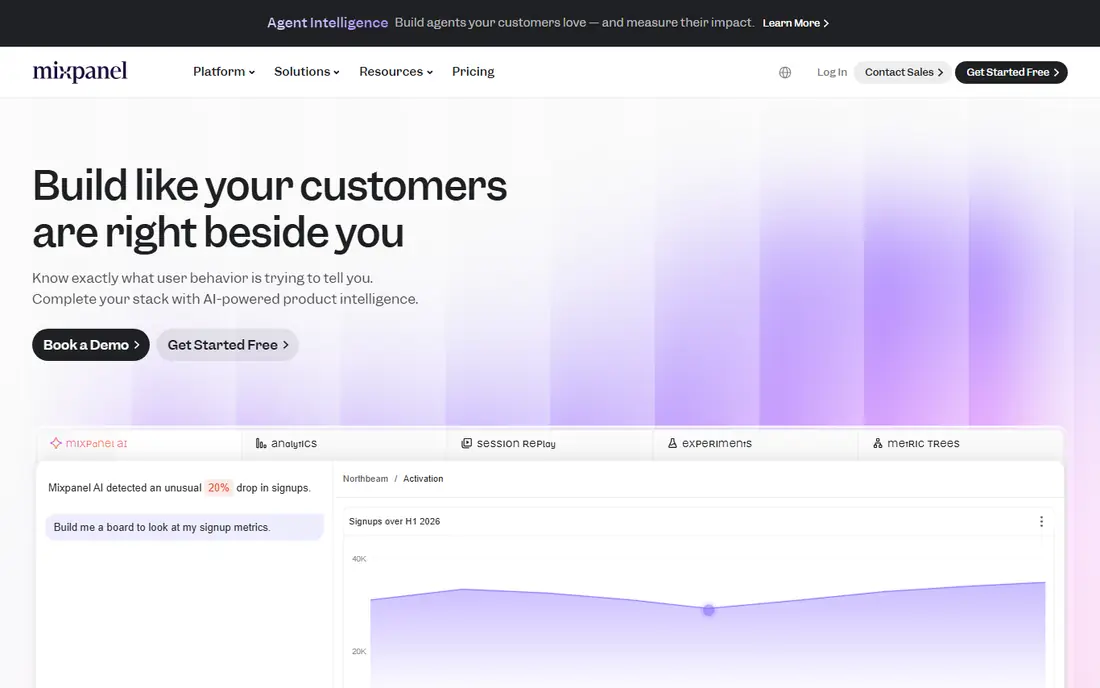
Mixpanel is the closest direct replacement for teams that live in event data. Its funnels, retention reports, cohorts and flows are built for product and growth teams who ask how users move through a product. The free plan, which covers up to 1 million events per month in recent pricing, makes it easy to test with a real product before paying.
The catch is volume pricing. A launch or tracking change can push event counts up quickly, so price your expected volume and a higher scenario before you commit. Teams that need deep replay or in-app guidance may also need another tool alongside Mixpanel.
- Fast, self-serve funnel, retention and cohort analysis
- Free plan with a large event allowance
- Strong integrations and experimentation options
- Usage-based pricing can rise fast with event volume
- Session replay and some features are limited on lower plans
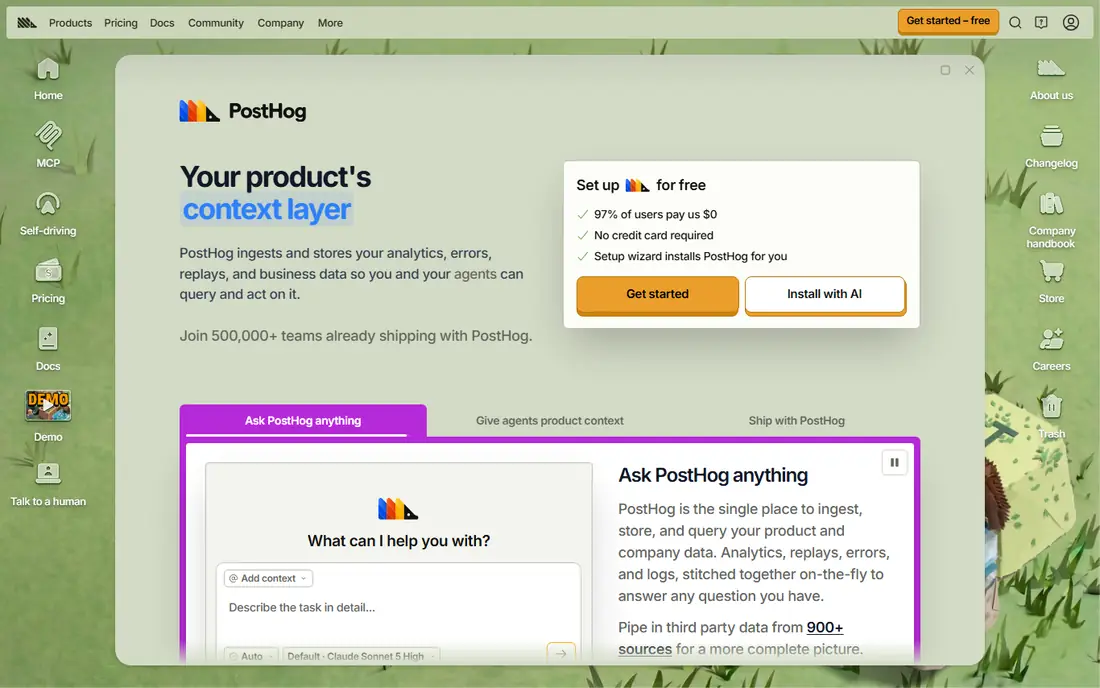
PostHog suits engineering-led teams that want one platform for many product jobs. Alongside product analytics, it offers session replay, feature flags, experiments and surveys, so teams can test and learn without stitching several tools together. Its free tier covers 1 million events per month, and self-hosting appeals to teams with strict data control needs.
The trade-off is scope. A broad platform takes longer to set up well, and billing across products needs care. For small teams that only need simple funnels, a narrower tool may be faster, but for teams that want replay and flags in one place, PostHog is hard to beat.
- Analytics, session replay, feature flags and surveys in one platform
- Generous free event allowance
- Open-source self-hosting option
- Broad platform can feel complex at first
- Usage-based billing needs monitoring across several products
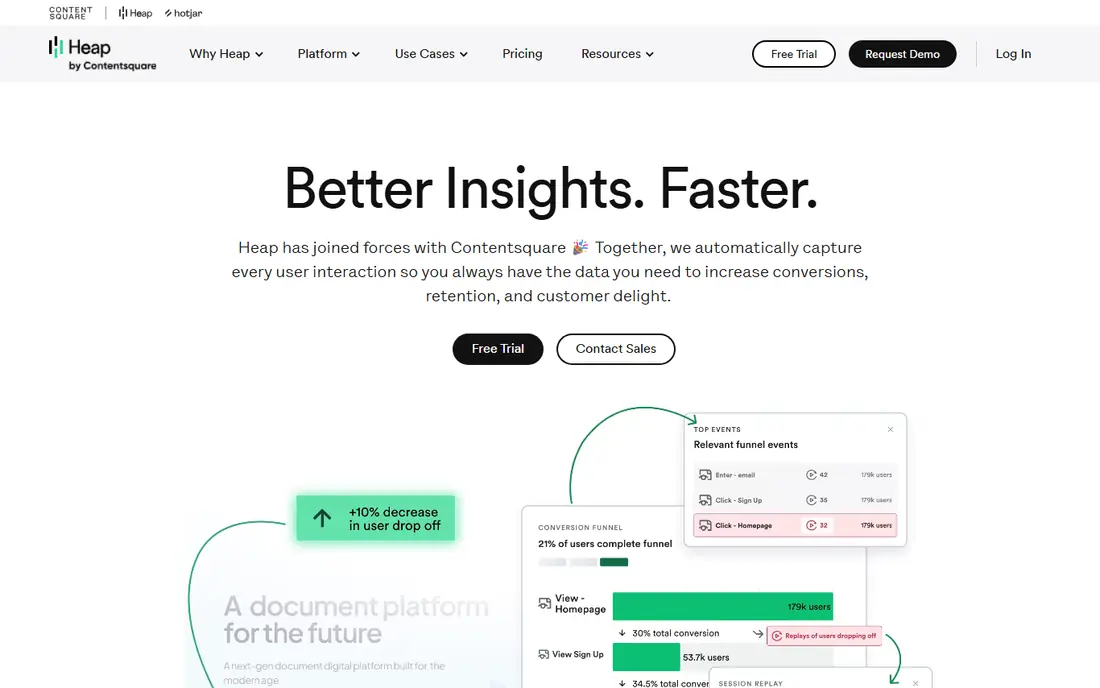
Heap is the pick for teams that hate instrumentation debt. Its autocapture records user interactions automatically, so analysts can define an event later and see past data for it. That retroactive view helps teams answer questions they did not think to track in advance.
The main limits are price transparency and scope. Paid plans are quote-based, and Heap does not lead on experimentation or in-app guidance. It is best for teams that value fast, retroactive analysis and are willing to go through a sales process for pricing.
- Autocapture lets teams define events retroactively
- Less upfront instrumentation work
- Useful for teams without dedicated analytics engineers
- Paid pricing is quote-based and can be high
- Experimentation and journey tools are less central than in some rivals
Pendo suits SaaS teams that need analytics and user guidance in one tool. Alongside behavior reports, it lets teams build in-app guides, tooltips and surveys to onboard users and drive feature adoption. That combination helps product teams act on data, not just report it.
The catch is pricing and scale. The free plan covers only 500 monthly active users, and paid pricing requires a sales conversation. Enterprise teams often get the most value, while very small teams may prefer a tool with published self-serve pricing.
- Product analytics plus in-app guides, surveys and onboarding
- Automatic interaction tracking
- Useful for SaaS adoption work
- Paid pricing is quote-based
- Free plan is limited to a small monthly active user count
Google Analytics 4 is the free baseline every team should consider, especially for marketing and acquisition questions. It tracks web and app traffic, channels and conversions, and it connects with Google Ads and BigQuery for deeper analysis. For teams that mainly need to know where users come from, it is often enough.
The limit is product depth. GA4 is not built for the same funnel, retention and cohort workflows as Mixpanel or PostHog, and it offers no session replay. Use it alongside a product analytics tool when you need both acquisition and in-product behavior.
- Free for standard use
- Strong acquisition and traffic reporting
- Integrates with Google Ads and BigQuery
- Less suited to deep product funnels and cohorts than dedicated product tools
- No session replay
Matomo is the privacy-first choice for teams that want control over their data. The self-hosted version is free to run on your own servers, which helps regulated industries and teams with strict data rules. Cloud hosting is also available for teams that prefer a managed service.
The trade-off is effort. Self-hosting needs maintenance, updates and server care, while cloud plans add cost. Teams that do not need that level of control may find a simpler hosted tool faster, but for data ownership, Matomo stands out.
- Self-hosted option gives full data ownership
- Privacy-focused features for regulated teams
- No data sampling on self-hosted installs
- Cloud pricing is separate from self-hosting
- Some advanced features need paid plugins or higher plans
FullStory suits teams that want to see why users drop off, not just where. Session replay, heatmaps and behavior signals help UX and product teams find friction in flows, forms and checkout steps. That qualitative view pairs well with quantitative funnel reports from another tool.
The limit is pricing and scope. Paid plans are quote-based, and teams that need deep cohort and experimentation work may still need a dedicated event analytics platform. Use FullStory when replay is the missing piece, not as a one-for-one replacement for every Amplitude report.
- Strong session replay for diagnosing drop-offs
- Behavior signals and funnel analysis
- Useful for UX and product teams
- Pricing is quote-based
- Replay-led analysis complements, but does not replace, full event analytics for every team
Countly is a solid self-hosted alternative for mobile-first teams. It covers web and mobile analytics, user behavior and push messaging, and its self-hosted edition gives teams control over data storage. That makes it useful for apps with privacy or compliance needs.
The drawback is scale of ecosystem. Countly has a smaller community and fewer plug-and-play integrations than Mixpanel or PostHog, and self-hosting needs technical upkeep. Teams with engineering support will get more from it than teams that want a fully managed setup.
- Self-hosted option for mobile and web
- Strong mobile analytics and push features
- Data ownership for regulated teams
- Smaller community than leading rivals
- Setup and maintenance need technical care
Smartlook suits smaller teams that want replay without enterprise complexity. It combines session recordings, heatmaps and funnel reports in a lighter package, and its free plan covers a small monthly session volume for testing. Setup is simpler than many enterprise tools, which helps small product teams move fast.
The limit is scale. High-traffic products can hit session limits quickly, and deep cohort analysis is not its main strength. For a first replay tool alongside a main analytics platform, though, Smartlook offers a clear, affordable path.
- Lightweight session replay with funnels and heatmaps
- Free plan for small session volumes
- Faster to set up than enterprise replay tools
- Less deep for large-scale product analytics
- Session limits matter for high-traffic products
How we picked these
We compared official feature pages, pricing pages and product documentation for tools that offer product analytics, funnels or behavior analysis. We excluded Amplitude itself, as required for an alternatives article, and favored tools with a free plan or trial, clear event or session limits, and a distinct use case. Where pricing was quote-based, we wrote See website rather than guessing.
How to switch from Amplitude without losing insight
Start by listing the reports your team actually uses each week, not every report you ever built. Funnels, retention and a few key cohorts usually matter most, and those are the reports to rebuild first in the new tool. That list also shows whether you need replay, guidance or privacy controls alongside analytics.
Run tools in parallel for one cycle
Send events to both Amplitude and the new tool for a billing cycle if your setup allows it. Compare the same funnel in both tools, and check for gaps in event names, properties and identity handling. Parallel running costs effort, but it prevents a switch that looks clean on day one and breaks reporting later.
Fix taxonomy before you migrate history
Inconsistent event names and properties cause more problems than any feature gap. Agree on naming rules, required properties and identity handling before you move, and document them in one place. Historical data migration depends on export and import support, so check those limits early rather than assuming full history will transfer.
Price volume, not just the entry plan
Event and session pricing can change fast with growth, launches or tracking changes. Price your current volume, three times that volume, and the cost of replay or guidance add-ons you plan to use. A tool that looks cheap at launch can become costly at scale, so compare quotes at realistic volumes.
Sources
Frequently asked questions
What are the best Amplitude alternatives?
Mixpanel is the closest event analytics replacement, PostHog suits all-in-one product teams, and Heap suits teams that want autocapture. Pendo adds in-app guidance, while Google Analytics 4 covers free acquisition reporting and Matomo covers privacy-first needs.
Is there a free alternative to Amplitude?
Yes. Mixpanel and PostHog offer free event allowances, Google Analytics 4 is free for standard use, and Matomo offers a free self-hosted edition. Free limits differ by events, sessions or users, so check which unit matches your traffic.
What is the best alternative to Amplitude for startups?
PostHog and Mixpanel are strong startup choices because of their free tiers and self-serve setup. PostHog suits teams that also want replay and feature flags, while Mixpanel suits teams that mainly need fast funnel and retention analysis.
Does Heap really capture events without instrumentation?
Heap uses autocapture to record interactions automatically, so teams can define many events retroactively. Some custom events and context still need setup, and data quality still depends on consistent page and app structure.
Can I self-host an Amplitude alternative?
Yes. PostHog, Matomo and Countly offer self-hosted options, with different setup and maintenance needs. Self-hosting gives data control, but it also adds server, update and security work that a managed plan would handle.
How do I migrate from Amplitude to another tool?
Export your event taxonomy and key reports, rebuild core funnels in the new tool, and run both tools in parallel for a cycle if possible. Check identity handling, property names and retention rules early, since those details affect whether reports match.