Best AWS Alternatives in 2026: 9 Cloud Platforms Compared
By ToolNimba Editorial Team November 9, 2026 12 min read

- Top pick
 Google Cloud
Full-scale cloud and AI work
Starting priceSee websiteCheck out Google CloudRead our review - Runner-up
 Microsoft Azure
Microsoft and enterprise shops
Starting priceSee websiteCheck out Microsoft AzureRead our review - Also great
 DigitalOcean
Simple servers and apps
Starting price$6 per monthCheck out DigitalOceanRead our review
How we researched this
We compared official pricing and feature pages, app store listings, privacy policies and public user reviews. Prices change, so check the provider's site before you pay.
Key takeaways
- The best AWS alternatives split into two groups: full-scale clouds such as Google Cloud, Azure, and Oracle Cloud, and simpler platforms such as DigitalOcean, Render, and Heroku.
- If price predictability matters most, fixed-price virtual servers from Linode, Vultr, and Hetzner Cloud are easier to budget than usage-based billing.
- Small teams often save time with a platform that handles deployment, databases, and scaling, even when the per-unit price looks higher.
- Check free tiers and trial credits carefully, since many expire after 30 or 90 days and some always-free resources have strict limits.
Quick comparison
| Name | Best for | Starting price | Free plan | |
|---|---|---|---|---|
| Google Cloud | Full-scale cloud and AI work | See website | Free trial (90 days) | Visit |
| Microsoft Azure | Microsoft and enterprise shops | See website | Free trial (30 days) | Visit |
| DigitalOcean | Simple servers and apps | $6 per month | Free trial | Visit |
 Linode | Predictable virtual servers | $5 per month | No | Visit |
 Vultr | Low-cost global servers | $5 per month | No | Visit |
 Oracle Cloud Infrastructure | Generous always-free resources | See website | Yes | Visit |
 Heroku | Fast app deployment | $7 per month | No | Visit |
 Render | Managed web services | $7 per month | Yes | Visit |
 Hetzner Cloud | Best value dedicated resources | See website | No | Visit |
The best AWS alternatives
Moving away from AWS usually means trading breadth for clarity. The platforms below cover the main reasons people leave: confusing bills, steep learning curves, or a need for simpler hosting. We compared official pricing pages, product documentation, and public feature descriptions to sort them by fit, not by hype.
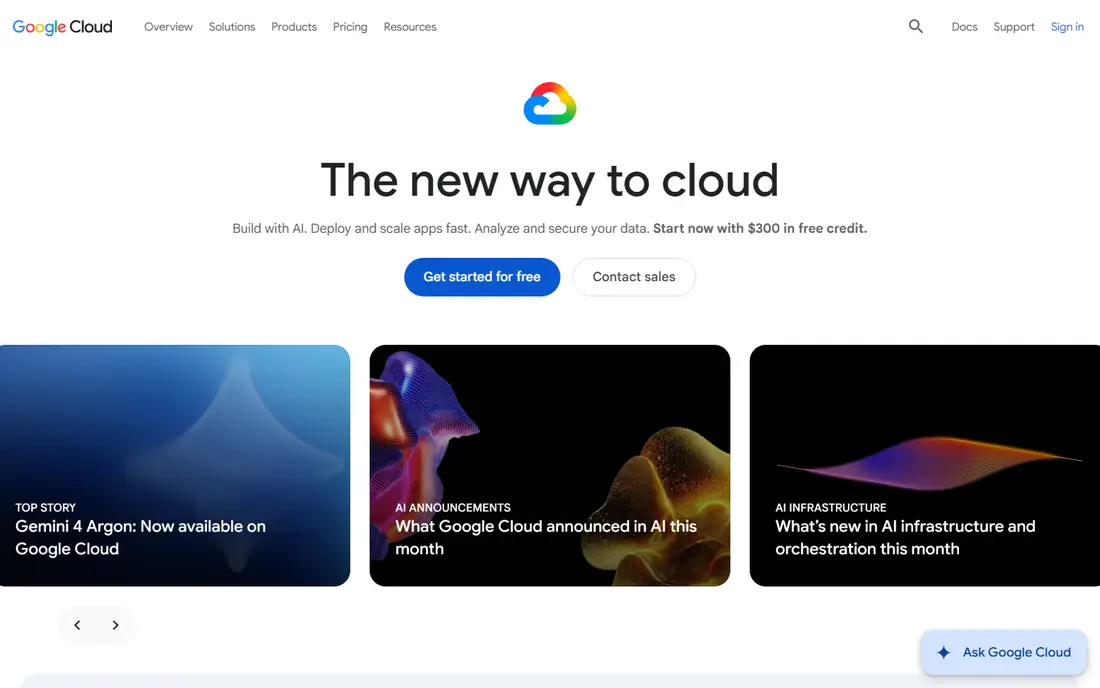
Google Cloud is the closest like-for-like replacement for AWS in this list, with compute, storage, databases, networking, and a large set of AI services. Teams that already use Google Workspace or BigQuery often find the integration handy, and Kubernetes support through Google Kubernetes Engine is a genuine strength. New customers get $300 in trial credit, plus an always-free tier for selected products, which makes a careful test possible.
Google Cloud has many ways to do the same job, and billing depends on region, machine type, storage class, and network egress. That flexibility suits larger engineering teams, but a solo developer can spend more time reading pricing pages than writing code. Set budget alerts from day one, and start with one region and one machine family.
It is less appealing as a simple home for a small website.
- Very broad service catalog
- Strong Kubernetes and data tools
- $300 trial credit for new customers
- Pricing can be hard to predict
- Console feels complex for beginners
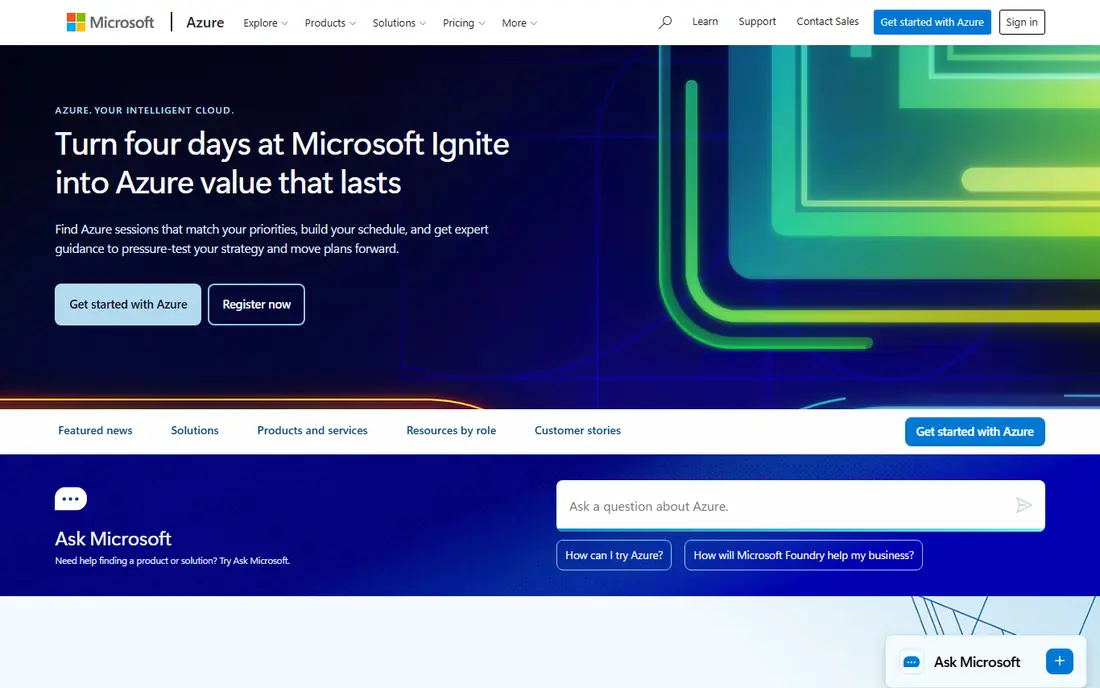
Azure makes the most sense for organizations already running Windows Server, Active Directory, or Microsoft 365. Identity, security, and compliance tooling line up well with enterprise requirements, and hybrid options let teams keep some workloads on their own hardware. The free account includes $200 in credit for 30 days, plus selected services free for 12 months and others always free.
The downside mirrors Google Cloud: choice overload. Azure has overlapping services for hosting, databases, and messaging, and picking the wrong tier can cost far more than expected. Small teams without a cloud specialist should start with App Service or a single virtual machine, rather than trying to adopt the full platform at once.
We would pick Azure first when the business already pays for Microsoft products, or when procurement and compliance teams require Microsoft contracts. For a greenfield startup with no Microsoft ties, the simpler options below are easier to run.
- Deep Windows, Active Directory, and Microsoft 365 integration
- Broad global regions
- $200 trial credit
- Service catalog is large and confusing
- Costs rise quickly without careful monitoring
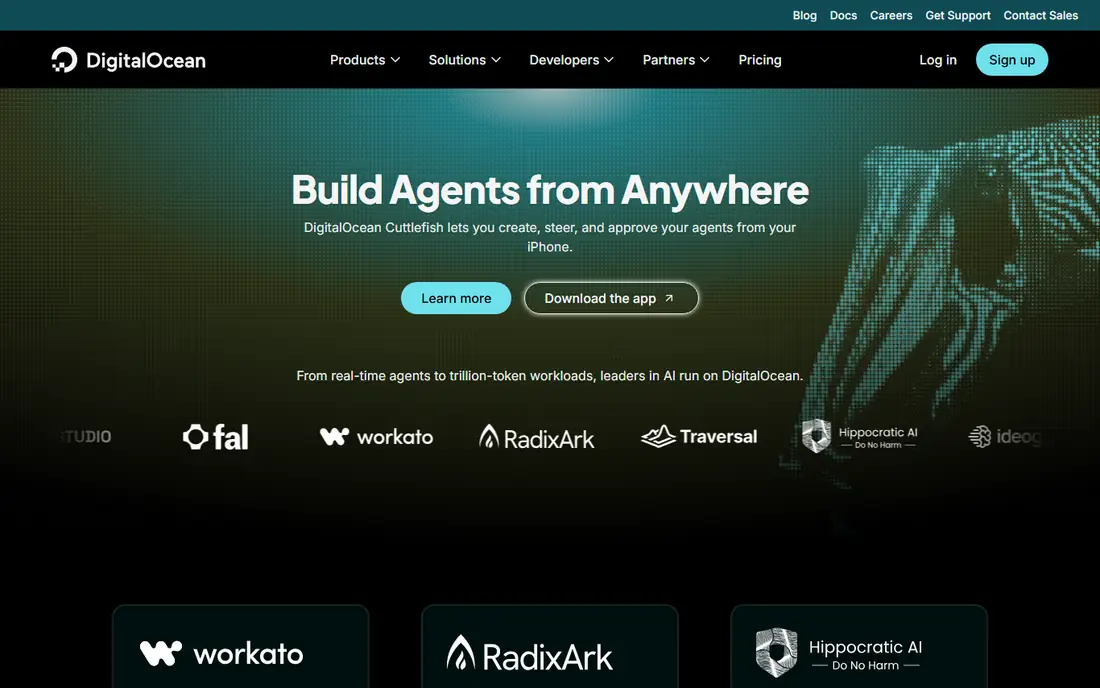
DigitalOcean built its name on Droplets, which are simple virtual servers with a fixed monthly price. Managed databases, object storage, Kubernetes, and App Platform cover the common next steps, so a small app can grow without moving providers right away.
The trade-off is breadth. You will not find the same depth of enterprise AI, analytics, or compliance services as on Google Cloud or Azure. For many web apps, APIs, and side projects, that depth is not needed. The documentation is clear, and the control panel is far easier to learn than the AWS console.
Our pick for most small teams is DigitalOcean when the goal is predictable hosting for a web app, API, or small database. It is a good middle ground between a bare server and a full enterprise cloud.
- Clear fixed pricing
- Friendly control panel
- Managed databases and app hosting
- Smaller service catalog than the big clouds
- Fewer regions for some products
Linode, now part of Akamai, offers shared and dedicated virtual servers with a pricing model that is easy to follow. Plans start at $5 per month for a small shared instance, and larger plans scale in clear steps. Managed databases, object storage, and a Kubernetes engine cover the usual production needs, and the global network benefits from Akamai's footprint.
Linode feels a little more technical than DigitalOcean, and the sign-up process asks for payment details up front. There is no permanent free tier to fall back on, so testing costs a small amount. In return, you get a platform that stays out of the way and bills in a way that is easy to explain to a client or a finance team.
Choose Linode when you want a dependable virtual server and you are comfortable managing the operating system yourself. It suits developers, agencies, and small businesses that value steady pricing over a large catalog of managed services.
- Transparent fixed pricing
- Solid performance for the price
- Managed Kubernetes and databases
- No permanent free tier
- Interface is more technical than DigitalOcean
Vultr competes directly with Linode and DigitalOcean on price, with virtual servers from $5 per month and a wide spread of data center locations. Bare metal servers and GPU instances give it extra range for demanding workloads.
The platform is aimed at people who know their way around a server. Vultr gives you the machine and the network, and you handle the software stack, updates, and backups unless you add managed services. That freedom keeps costs down, but it also means more responsibility than a platform such as Heroku or Render.
We would shortlist Vultr for cost-sensitive projects, multi-region hosting, and teams that already automate server setup. It is less suited to a non-technical founder who wants deployment handled for them.
- Many global locations
- Low entry price
- Bare metal and GPU options
- Support is less hands-on than managed platforms
- You manage more yourself
Oracle Cloud Infrastructure
Best for: Generous always-free resources
Oracle Cloud Infrastructure stands out for its Always Free tier, which includes Arm-based compute, block and object storage, and Autonomous Database resources at no ongoing cost, subject to limits. New accounts also get $300 in credit for 30 days. For a personal project, a learning environment, or a small production app, that free allowance goes further than most rivals.
The experience is not as smooth as the simpler providers. Account verification can be strict, free capacity in a chosen region is not always available, and idle resources can be reclaimed. The console also assumes more cloud knowledge than DigitalOcean or Render. Read the Always Free limits before you build, and keep backups outside the free tier.
Pick Oracle Cloud when free or very low-cost infrastructure matters more than polish, or when the workload centers on Oracle databases. For a team that needs a fast, friction-free start, the simpler platforms above are better.
- Always Free tier includes compute, storage, and databases
- $300 trial credit
- Strong enterprise database options
- Account approval can be strict
- Console and capacity limits can frustrate new users
Heroku remains the fastest way to get a web app online for many developers. Push code with Git, and the platform builds, runs, and scales it, with managed Postgres and a large add-on catalog for caching, logging, and monitoring. Review apps let teams preview each pull request without extra setup, which is a real time saver.
Heroku no longer offers a free tier, and the entry paid dyno starts at $7 per month, with databases and other add-ons billed separately. That total can climb quickly for a busy app, and you give up the fine-grained infrastructure control that a virtual server provides. Recent reports also note that Heroku is in sustaining mode, with fewer new features than in its early years.
Even so, Heroku fits small teams that value developer speed over infrastructure control, especially for prototypes, internal tools, and early-stage products. If the app grows large, compare the full monthly total with Render or a virtual server before renewing.
- Very fast Git-based deployment
- Managed Postgres and add-ons
- Review apps for pull requests
- No free tier
- Costs add up as dynos and add-ons grow
- Limited control over infrastructure
Render is the modern successor to the Heroku model, with web services, static sites, background workers, cron jobs, and managed Postgres on one platform. A free tier covers small web services and a small Postgres database, which makes it easy to test a real project before paying. Paid web services start at $7 per month, with databases from $6 per month in recent pricing comparisons.
The platform is easier to reason about than a full cloud, and preview environments for pull requests help small teams ship with confidence. Render does not match the breadth of Google Cloud or Azure, and heavy workloads can become expensive once several services and larger databases are combined. Check the bandwidth and database limits on the plan you choose.
We would pick Render for teams leaving Heroku, or for developers who want managed hosting without learning Kubernetes. It is a strong default for a typical web app with a database and a worker.
- Free tier for web services and databases
- Managed Postgres and cron jobs
- Preview environments
- Paid plans add up for larger apps
- Fewer regions and services than big clouds
Hetzner Cloud is a favorite among cost-conscious developers in Europe, with virtual servers that offer strong specifications for a low monthly price and large included traffic allowances. Dedicated CPU plans suit steady workloads that need consistent performance, and the pricing page is unusually clear about what each plan includes.
The limits are geographic and operational. Hetzner has fewer locations than the global clouds, and support is geared toward customers who can manage their own servers. There is no free tier, and managed databases or platform services are thinner than on DigitalOcean or Render. You will need your own backup and monitoring setup.
Choose Hetzner Cloud when budget is the top priority and the team is comfortable running Linux servers. Pair it with a managed database elsewhere if you do not want to run Postgres yourself, and the total can still undercut many rivals.
- Very low prices for the specifications
- Generous traffic allowances
- Dedicated CPU options
- Fewer global locations than big clouds
- You manage the server yourself
- No free tier
How we picked these
We compared official pricing pages, product documentation, and app and platform descriptions, and we favored providers that are clearly available in October 2026 and that serve a distinct need, from full enterprise clouds to simple app hosting. We left AWS itself out, since this is a list of replacements, and we left out providers whose pricing could not be checked or whose products did not fit general cloud hosting.
We also weighed the full cost of running a real app, not just the headline server price. That means databases, bandwidth, and the time needed to manage the platform all count. A cheap server that needs constant attention can cost more than a managed service for a small team.
What to check before you switch
Start with the workload, not the brand. A static site, a database-backed web app, and a data pipeline have very different needs, and the cheapest option for one can be a poor fit for another.
Match the platform to the workload
Use a full cloud such as Google Cloud, Azure, or Oracle Cloud when you need many managed services, strict compliance controls, or global scale. Use a virtual server provider such as DigitalOcean, Linode, Vultr, or Hetzner Cloud when a single server or a small cluster will do. Use Heroku or Render when deployment speed and managed databases matter more than infrastructure control.
Price the whole app, not one server
Add up compute, databases, storage, backups, and egress before you compare. Some providers include generous traffic allowances, while others charge per gigabyte sent out. A trial that looks free can turn into a real bill once credits expire, so set a calendar reminder for the end of any trial period.
Test migration with a small service first
Move a staging app or an internal tool before moving production. That test reveals gaps in regions, managed services, backups, and support response times. Keep the old AWS setup running until the new platform has handled real traffic for at least a few weeks.
Sources
Frequently asked questions
What are the best AWS alternatives for small businesses?
DigitalOcean, Render, and Linode are strong starting points for small businesses, because pricing is fixed and the control panels are easier to learn than AWS. Google Cloud and Azure suit larger businesses that need a broad service catalog or Microsoft integration. Pick based on who will manage the platform day to day.
Are there good free alternatives to AWS?
Oracle Cloud has the most generous always-free tier in this list, and Google Cloud and Azure offer trial credits plus some always-free services. Render also offers a free tier for small web services and databases. Always read the limits, since free resources can be reclaimed or capped.
Which AWS alternative is cheapest?
Hetzner Cloud, Vultr, and Linode usually offer the lowest fixed monthly prices for a virtual server, while Render and Heroku charge more but include more management. The cheapest headline price is not always the cheapest total, once databases and bandwidth are added.
Is Google Cloud or Azure better than AWS?
Neither is better in every case. Google Cloud is often preferred for Kubernetes, data, and AI work, while Azure is often preferred for Microsoft-centered organizations. Both match AWS on breadth, but both also share its complexity and usage-based billing.
Can I move an app from AWS to Render or Heroku easily?
Many standard web apps move well, since both platforms accept Git-based deployment and offer managed Postgres. Apps that depend heavily on AWS-specific services, such as Lambda, DynamoDB, or SQS, need more rework. Audit those dependencies before you commit to a move.