Basecamp Alternatives in 2026: 8 Tools Compared
By ToolNimba Editorial Team November 9, 2026 9 min read

- Top pick
 Asana
Structured team workflows
Starting price$10.99 per monthCheck out AsanaRead our review - Runner-up
 monday.com
Visual boards and dashboards
Starting price$9 per monthCheck out monday.comRead our review - Also great
 ClickUp
Most features per dollar
Starting price$9 per monthCheck out ClickUpRead our review
How we researched this
We compared official pricing and feature pages, app store listings, privacy policies and public user reviews. Prices change, so check the provider's site before you pay.
Key takeaways
- Trello and ClickUp offer the simplest free starting points, while Asana and monday.com suit teams that need structure and timelines.
- Free plans differ a lot: some cap users at two, while others allow unlimited members with limits on features instead.
- Teams that bill clients should look closely at Teamwork and Wrike, which add time, billing, and reporting tools.
- Moving from Basecamp is mostly about recreating message boards, to-do lists, and files, so test imports before you commit.
Quick comparison
| Name | Best for | Starting price | Free plan | |
|---|---|---|---|---|
| Asana | Structured team workflows | $10.99 per month | Yes | Visit |
| monday.com | Visual boards and dashboards | $9 per month | Yes | Visit |
| ClickUp | Most features per dollar | $9 per month | Yes | Visit |
 Trello | Simple kanban boards | $5 per month | Yes | Visit |
 Wrike | Larger structured projects | $10 per month | Yes | Visit |
 Zoho Projects | Budget teams in the Zoho suite | $5 per month | Yes | Visit |
 Teamwork | Client work and agencies | $9.99 per month | Yes | Visit |
 Notion | Docs plus tasks in one place | $10 per month | Yes | Visit |
The best Basecamp alternatives
Basecamp is loved for its calm, simple approach: message boards, to-do lists, schedules, files, and chat in one place. The tools below replace that core in different ways, from bare-bones boards to full work platforms. Prices are per user per month on annual billing unless stated.
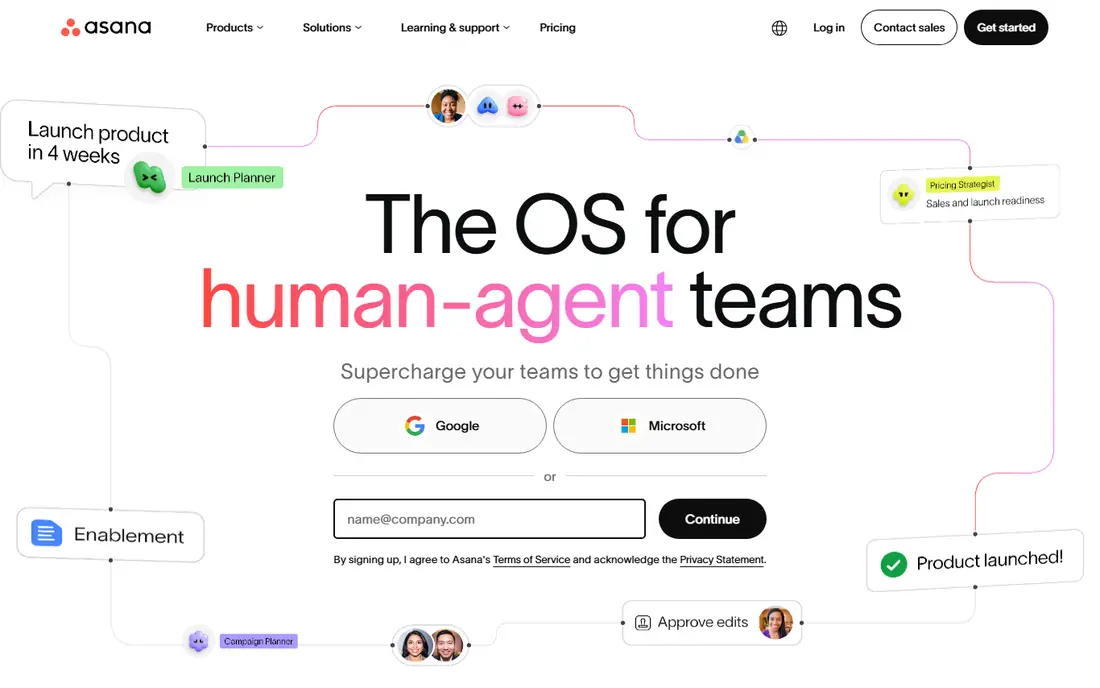
Asana is the most polished step up if Basecamp feels too basic. You get list, board, timeline, and calendar views, plus dependencies that show which task blocks another. That structure helps marketing, operations, and product teams run campaigns and launches without losing track of handoffs. Templates for common projects also shorten setup time.
The trade is cost and limits. The free Personal plan now covers only up to two users, so a whole team will need a paid plan. Asana is also less flexible than some rivals for custom databases, but for teams that want clear ownership and deadlines, that focus is a strength rather than a flaw.
- Clear timelines and dependencies
- Strong templates
- Wide integrations
- Free plan covers only up to two users
- Costs rise as teams add advanced features
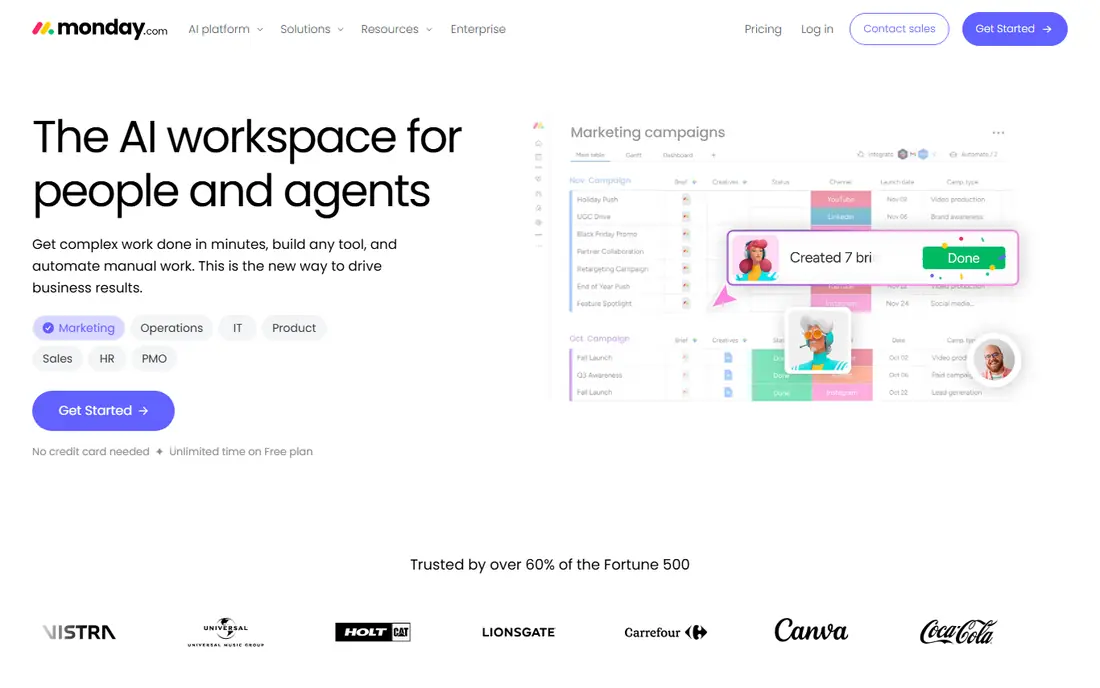
monday.com suits teams that think in color-coded boards rather than long task lists. You can build boards for projects, track status at a glance, and add automations that move items, notify owners, or set due dates. Dashboards pull progress across boards, which managers like when they oversee several projects at once.
The free plan is limited to two seats, and paid plans have a three-seat minimum, so price your real team before comparing headline rates. monday.com can also grow complex if every team builds its own boards without shared rules, so agree on a simple board structure early.
- Highly visual boards
- Strong automations
- Dashboards for managers
- Free plan limited to two seats
- Seat minimums can raise the real price
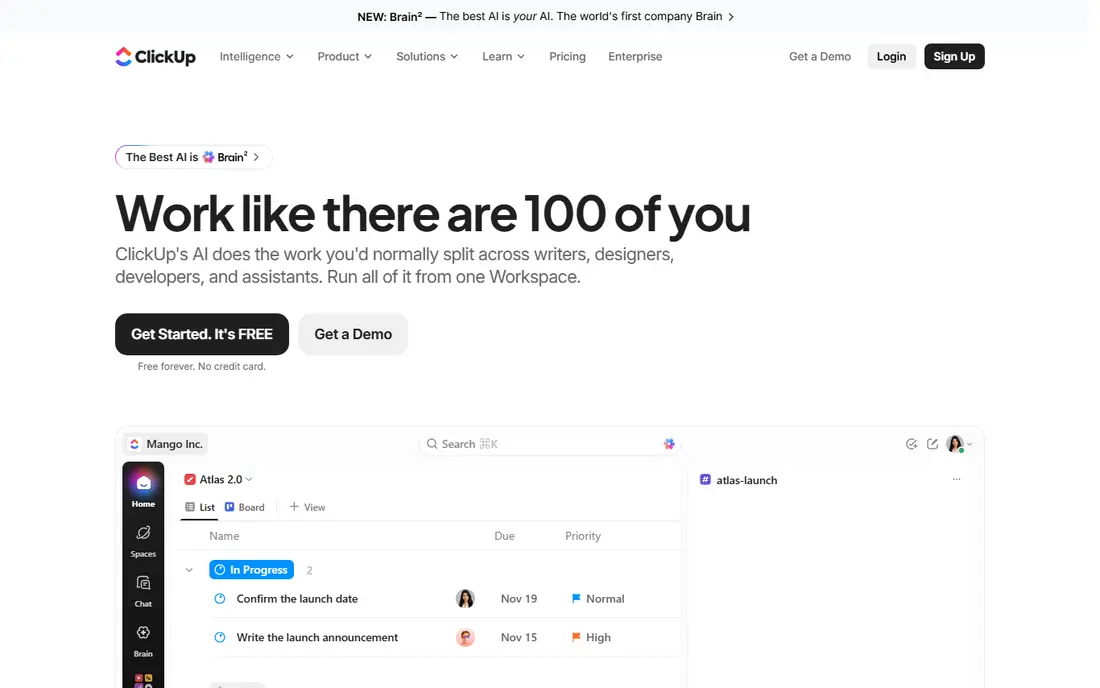
ClickUp is the value pick in this list. Its free plan covers unlimited members with limits on storage and advanced features, and paid plans add timelines, automations, and reporting at a lower price than many rivals. If your team wants docs, goals, time tracking, and chat in the same workspace, ClickUp packs them in.
That breadth is also the risk. Teams that turn on every feature at once often end up with messy workspaces that confuse new members. Pick one view per project type, set naming rules, and let one person own the setup for the first month. Done that way, ClickUp can replace Basecamp and several smaller tools at once.
- Generous free plan
- Many views and custom fields
- Docs, goals, and chat included
- Flexibility can turn into clutter without an owner
- Setup takes time
Trello is the closest match if you liked Basecamp for simplicity. A board, lists, and cards are easy to explain to anyone, and the free plan covers up to 10 collaborators, which suits small teams and side projects. Paid plans add unlimited boards, advanced checklists, and more automation.
Trello struggles when projects need dependencies, workload views, or detailed reporting. It also lacks the message-board feel of Basecamp, so teams that relied on Basecamp discussions may need a separate chat tool. For straightforward work that fits on a board, though, Trello remains hard to beat on ease and price.
- Easiest board to learn
- Free plan covers up to 10 collaborators
- Low cost
- Weak for timelines, dependencies, and reporting
- Power-ups add cost
Wrike is built for teams that outgrow simple boards and need structure across departments. It offers Gantt charts, workload views, approvals, and reporting that help managers spot overloaded staff and slipping deadlines. Marketing and professional services teams often use it to run campaigns with many reviewers.
Small teams may find Wrike heavy. Setup and permissions take more thought than Trello or Basecamp, and the interface rewards training. If your projects involve many stakeholders, approvals, and shared resources, that weight pays off. If you run five-person projects, a lighter tool will move faster.
- Strong reporting and resource views
- Approval workflows
- Enterprise controls
- Steeper learning curve
- Can feel heavy for small teams
Zoho Projects is a strong budget alternative, with paid plans starting at $5 per user per month and a free plan for small teams. It covers tasks, milestones, Gantt charts, time tracking, and issue tracking, which is a solid set for the price. Teams already using Zoho CRM, Books, or Mail get extra value from shared logins and data.
The interface is functional rather than delightful, and some teams will miss the polish of Asana or monday.com. Integrations outside Zoho exist, but they are not as broad as the largest platforms. For cost-conscious teams, especially those already in Zoho, it is a sensible, capable choice.
- Low starting price
- Gantt charts and time tracking
- Fits Zoho apps well
- Interface feels less polished than Asana
- Best value only inside Zoho
Teamwork is designed for agencies and client-service teams, which makes it a natural Basecamp alternative for that audience. You can invite clients to specific projects, track time, set billable rates, and watch workload across the team. That client layer is something Basecamp handles simply, but Teamwork adds the billing and reporting that agencies need as they grow.
For internal teams with no clients, Teamwork may offer more than you need. Paid plans have seat minimums, so check the total monthly cost for your team size. If client work is your core business, though, the combination of project, time, and billing tools in one place is a clear advantage.
- Client-friendly projects
- Time tracking and billing
- Workload views
- Seat minimums apply
- Less suited to internal-only simple lists
Notion appeals to teams that want project tasks living next to docs, notes, and wikis. You can build a project database, link it to meeting notes, and create a shared knowledge base without switching apps. That blend suits startups, content teams, and small operations teams that document as they work.
Notion is not a strict project manager out of the box. Deadlines, dependencies, and workload views require setup, and teams that need strong reporting may find it thin. If your main need is shared knowledge with light task tracking, Notion is excellent. If you need rigorous project control, pair it with clearer rules or choose Asana or Wrike instead.
- Docs, wikis, and databases together
- Flexible templates
- Free plan for individuals
- Weaker for strict deadlines and workload
- Needs setup to work as a project tool
How we picked these
We compared official pricing pages, feature lists, and public reviews for tools that cover Basecamp core work: tasks, collaboration, files, and schedules. We favored tools with a usable free plan or trial, clear paid pricing, and a distinct strength, and we excluded Basecamp itself, since this list is for people moving away from it. Prices change, so check the vendor pricing page before you buy.
How to choose a Basecamp alternative
Start by naming what you will miss most about Basecamp. If it is simplicity, Trello or a careful ClickUp setup will feel closest. If it is structure, Asana, monday.com, or Wrike will serve you better. If it is client work, Teamwork adds billing and client access that the others treat as an afterthought.
Test migration before you pay
Export a real project, not a test project, and try to recreate it in your top two choices. Check how message threads, files, and to-do lists map to the new tool, and whether comments and assignees survive the move. A tool that looks good in a demo can disappoint when your actual history does not transfer cleanly.
Price the whole team, not one seat
Free plans that cap users at two are not free for a team of eight. Add up seats, seat minimums, and any paid add-ons for automations, reporting, or storage. A tool with a higher per-user price but no minimums can cost less than a cheaper tool sold in blocks. Also check guest and viewer rules, since clients and contractors often need limited access without a full paid seat.
Keep the new system simple
The most common failure after switching is rebuilding Basecamp complexity in a more powerful tool. Agree on one project template, one way to name tasks, and one place for discussions. Review the workspace after a month and remove views and fields nobody uses. A simple system that everyone uses beats a powerful system that half the team avoids.
Sources
- https://www.asana.com
- https://www.monday.com
- https://www.clickup.com
- https://www.trello.com
- https://www.wrike.com
- https://www.zoho.com/projects/
- https://www.teamwork.com
- https://www.notion.com
- https://www.goodday.work/blog/best-basecamp-alternatives/
- https://thedigitalprojectmanager.com/tools/best-basecamp-alternatives/
Frequently asked questions
Are there free Basecamp alternatives?
Yes. Trello, ClickUp, Wrike, Zoho Projects, Teamwork, monday.com, Asana, and Notion all offer free plans, but limits differ. Trello covers up to 10 collaborators free, while Asana and monday.com free plans cover only two users, so check limits for your team size.
What is the closest alternative to Basecamp?
Trello is closest for simplicity, since it keeps work visual and easy to learn. Teamwork is closest for client-service teams that liked Basecamp project structure, while ClickUp is closest if you want Basecamp simplicity plus more views and docs in one place.
Which Basecamp alternative is best for small teams?
For small teams, Trello is best if work fits on boards, and ClickUp is best if you want a generous free plan with more features. Zoho Projects is a strong low-cost pick, especially for teams already using Zoho apps.
Can I migrate projects from Basecamp?
Most tools support CSV import or third-party migration tools, but message threads and file history do not always transfer perfectly. Test with one real project first, and keep Basecamp read-only access until you confirm the new workspace holds what you need.
Do these tools include chat like Basecamp?
Some do, but not all in the same way. ClickUp includes chat and comments, while Asana, Trello, and monday.com lean on task comments and integrations with chat apps. If real-time chat matters, check that feature before you switch.