Best Accounting Software for Freelancers in 2026: 8 Tools Compared
By ToolNimba Editorial Team November 11, 2026 9 min read

- Top pick
 FreshBooks
Service freelancers who invoice often
Starting price$23 per monthCheck out FreshBooksRead our review - Runner-up
 QuickBooks Solopreneur
Simple tax tracking
Starting price$20 per monthCheck out QuickBooks SolopreneurRead our review - Also great
 Wave
Freelancers on a zero budget
Starting priceFreeCheck out WaveRead our review
How we researched this
We compared official pricing and feature pages, app store listings, privacy policies and public user reviews. Prices change, so check the provider's site before you pay.
Key takeaways
- FreshBooks is our pick for most service freelancers because invoicing, time tracking, and client payments sit in one tidy place.
- Wave and Zoho Books both offer genuinely free starting points, but Wave has no revenue cap while Zoho Books free plan ends above 50,000 dollars in annual revenue.
- QuickBooks Solopreneur is the simplest tax-focused choice, with mileage tracking and quarterly tax estimates built in.
- Freelancers who work with an accountant should shortlist Xero or QuickBooks Online, since both are widely used by accounting professionals.
Quick comparison
| Name | Best for | Starting price | Free plan | |
|---|---|---|---|---|
| FreshBooks | Service freelancers who invoice often | $23 per month | Free trial | Visit |
| QuickBooks Solopreneur | Simple tax tracking | $20 per month | Free trial | Visit |
| Wave | Freelancers on a zero budget | Free | Yes | Visit |
 Xero | Growing freelancers with an accountant | $27 per month | Free trial | Visit |
 Zoho Books | Free accounting under 50,000 dollars revenue | Free | Yes | Visit |
 Bonsai | Contracts plus invoicing in one tool | $25 per month | Free trial | Visit |
 Found | Banking plus basic bookkeeping | Free | Yes | Visit |
 QuickBooks Online | Full double-entry accounting | $38 per month | Free trial | Visit |
The best accounting software for freelancers
Freelance bookkeeping is mostly about four jobs: sending invoices, tracking expenses, separating business money from personal money, and staying ready for tax season. We compared official pricing pages, feature lists, and app store listings for the tools below. This is general information only and is not tax advice. Tax rules vary by state and situation, so check with a qualified professional before you rely on any estimate a tool gives you.
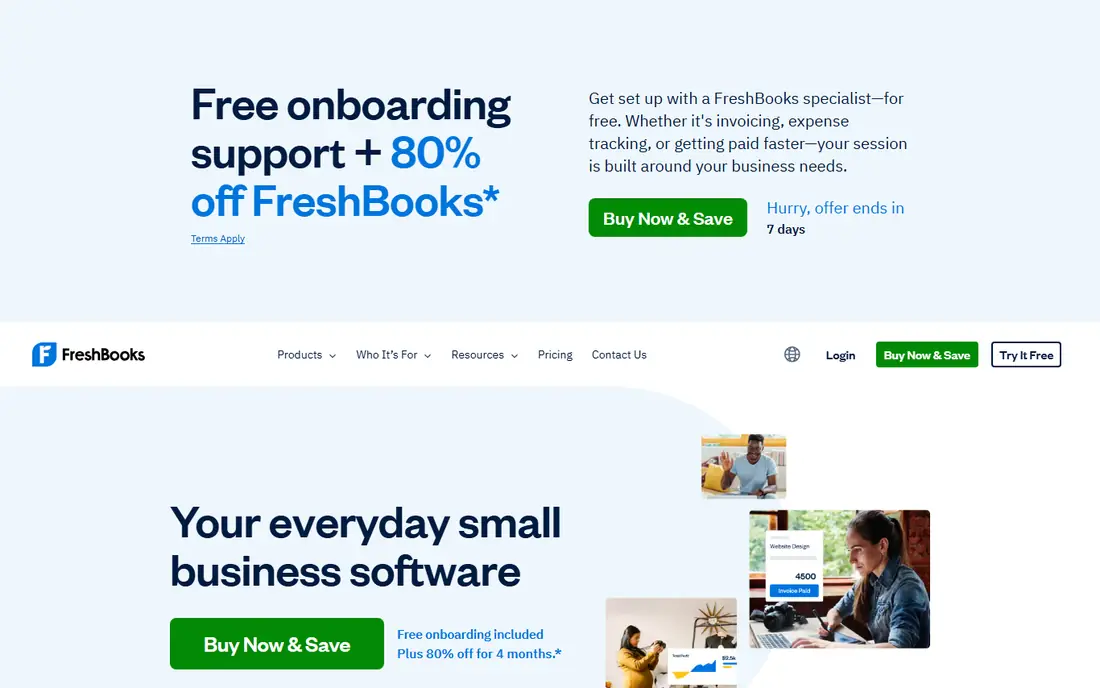
FreshBooks feels built around the invoice rather than the ledger, and that suits designers, writers, consultants, and other service freelancers. You can turn tracked time into an invoice, send payment reminders, and let clients pay online without chasing paper checks. The dashboard keeps income, expenses, and outstanding invoices visible at a glance, which helps when cash flow is uneven.
The catch is the client cap on the entry plan. Lite covers five billable clients, so a freelancer with a larger roster will need the Plus plan or a different tool. FreshBooks also lacks the depth of a full accounting suite for inventory or complex reporting. For most solo service work, though, that trade is worth it, and our pick for most people is FreshBooks.
- Polished invoices
- Built-in time tracking
- Client payment options
- Lite plan caps billable clients at five
- No free plan
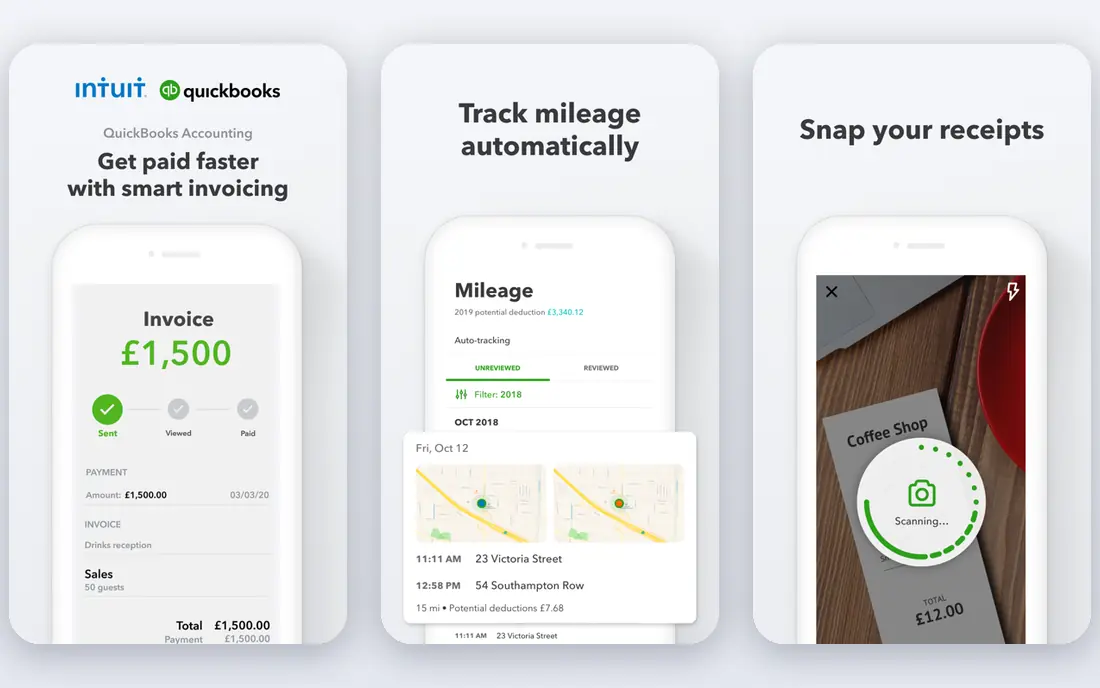
QuickBooks Solopreneur is the stripped-down sibling of QuickBooks Online, aimed squarely at one-person businesses. It separates personal and business transactions, tracks mileage automatically from your phone, and estimates quarterly taxes based on your income and expenses. That tax focus is the main reason to choose it over a prettier invoicing app.
The trade-off is scope. Solopreneur is not meant to grow into a multi-employee accounting system, and its reports are simpler than those in QuickBooks Online. If you later hire staff or need inventory tracking, you may need to move up. For a solo freelancer who dreads tax season, it is a calm and practical choice.
- Automatic mileage tracking
- Quarterly tax estimates
- TurboTax export
- Lighter than full QuickBooks Online
- Fewer reporting options
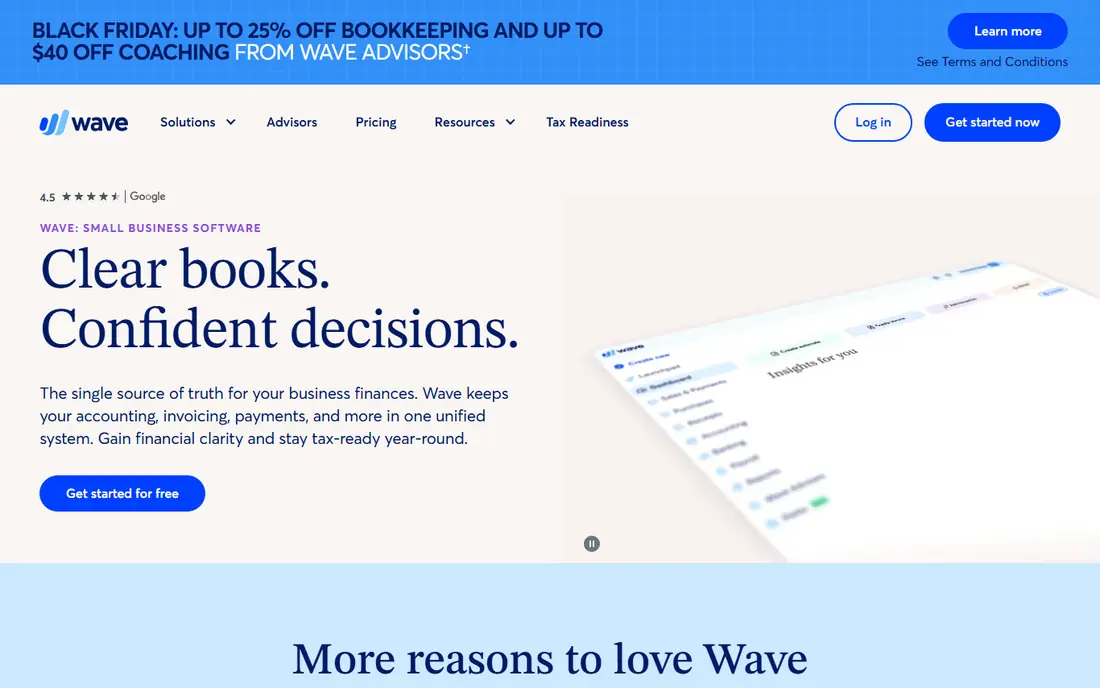
Wave gives you unlimited invoices and bookkeeping records on its free Starter plan, with payment processing fees charged only when a client pays by card or bank payment. That makes it the easiest recommendation for a freelancer who is just starting out or who has irregular income. Setup is quick, and the interface avoids accounting jargon where it can.
The free plan does mean manual bank entry in some cases, and payroll is a separate paid add-on rather than part of the core product. Wave also offers fewer advanced reports than Xero or QuickBooks Online. Even so, for a freelancer who needs clean books and professional invoices without a monthly bill, Wave is hard to beat.
- Free invoicing and bookkeeping
- No revenue cap on the free plan
- Simple setup
- Bank connections and payroll cost extra on paid plans
- Support is lighter than paid rivals
Xero is a full double-entry accounting platform, and it shows in the quality of its bank reconciliation and reporting. It handles multiple currencies well, which matters if you bill clients abroad, and it includes W-9 and 1099 management on its business plans. Many accountants already know Xero, so handing over your books at year end is usually smooth.
Beginners may find Xero busier than FreshBooks or Wave, and the Early plan limits you to 20 invoices and five bills per month. Freelancers who send a high volume of small invoices should check those limits before signing up. If your business is growing toward regular accountant support, Xero is a strong long-term home.
- Strong bank reconciliation
- Multi-currency support
- 1099 management
- Entry plan caps invoices and bills
- Learning curve for beginners
Zoho Books offers the most accounting per dollar of any tool here. Its free plan covers businesses with annual revenue up to 50,000 dollars and includes invoicing, bank reconciliation, and reporting. Paid plans add users, automation, and deeper workflows, and the tool connects well with other Zoho products such as Zoho CRM and Zoho Expense.
The obvious limit is the revenue ceiling on the free plan. Cross it and you move to a paid plan, which starts at 15 dollars per month when billed annually. The interface also packs in more options than a simple invoicing app, so the first week takes some learning. For a budget-minded freelancer who wants real accounting rather than a simple invoice maker, Zoho Books is excellent value.
- Full double-entry accounting free under the revenue limit
- Automation and workflows
- Accountant access
- Free plan ends above 50,000 dollars revenue
- Interface can feel dense
Bonsai is less of a pure accounting tool and more of a freelance business suite. You can send a proposal, turn it into a contract, track time against the project, and invoice from the same place. That flow suits freelancers who lose time to admin between projects, since the paperwork follows the client relationship instead of living in separate apps.
The weakness is on the tax and bookkeeping side. Bonsai covers income and expenses, but it does not match QuickBooks Solopreneur for tax estimates or Xero for full reporting. Think of it as a client-work tool with solid billing, rather than a replacement for an accountant. If contracts and proposals eat your week, Bonsai earns its place.
- Contracts, proposals, and invoices together
- Client portals
- Time tracking
- Weaker tax features than QuickBooks Solopreneur
- Less accounting depth than Xero
Found combines a business bank account with bookkeeping features, which appeals to freelancers who want money and records in one place. Income and expenses are categorized automatically, and the app helps you set aside money for taxes as payments arrive. That single-app simplicity reduces the end-of-month scramble to sort transactions.
Found is not a full accounting suite, though. Its invoicing and reporting are lighter than FreshBooks or Xero, and freelancers with complex books will still need an accountant-friendly platform. As a starting point for a solo freelancer who wants banking and basic books together, it is a neat and genuinely free option.
- Business banking and bookkeeping in one app
- Automatic expense categorization
- Tax savings tools
- Not a full accounting platform
- No invoicing depth of FreshBooks
QuickBooks Online is the default choice for many accountants, and that familiarity is a real advantage at tax time. Simple Start covers invoicing, expense tracking, and basic reporting, while higher tiers add bill management, project tracking, and more users. If you expect to hire, add payroll, or work closely with a bookkeeper, starting here avoids a later migration.
The downside is price and complexity. At 38 dollars per month for Simple Start, it costs more than every other entry plan in this list, and the menus can overwhelm a freelancer who only sends a few invoices a month. Choose QuickBooks Online when you need its depth or your accountant asks for it, not just because it is the best-known name.
- Widest accountant support
- Deep reporting
- Scales from solo to team
- Highest entry price here
- Interface can feel heavy for simple needs
How we picked these
We compared official pricing pages, feature lists, and app store listings for tools that serve solo freelancers, and we favored products that handle invoicing, expense tracking, and tax readiness without forcing a team-sized plan. We checked that each product is available in the United States in October 2026 and that its homepage loads and matches the product named. We did not claim hands-on testing. Prices change often, and several vendors run introductory discounts, so confirm the current price on the vendor site before you buy.
What to check before you choose
Start with how you actually get paid. If most income comes from a handful of retainer clients, a polished invoicing tool with recurring billing matters more than advanced reporting. If you bill many small jobs, watch client caps and invoice limits on entry plans, since those limits decide whether the cheap plan stays cheap.
Next, look at tax readiness. Mileage tracking, expense categorization, quarterly estimates, and clean exports to a tax product or accountant save real time in April. A tool that only makes pretty invoices will still leave you sorting a year of transactions. Also check bank connections, payment processing fees, and whether your accountant already uses the platform, since those practical details matter more than a long feature list.
Finally, try the free plan or trial with real data for a week. Enter a few invoices, connect a bank account if you are comfortable doing so, and run a profit and loss report. If the workflow feels like extra work rather than less work, try the next option. The best accounting software for freelancers is the one you will actually keep up to date.
Sources
- https://www.freshbooks.com
- https://quickbooks.intuit.com
- https://www.waveapps.com
- https://www.xero.com
- https://www.zoho.com/books
- https://www.hellobonsai.com
- https://www.found.com
- https://ownworkhq.com/best-accounting-software-for-freelancers/
- https://personalprofitability.com/best-accounting-apps-for-freelancers/
Frequently asked questions
What is the best accounting software for freelancers?
For most service freelancers, FreshBooks is a strong default because invoicing and time tracking are its core strengths. Wave is the best free starting point, and QuickBooks Solopreneur is the best choice if tax estimates and mileage matter most. Match the tool to how you bill, not to the longest feature list.
What is the best bookkeeping software for freelancers on a tight budget?
Wave offers free invoicing and bookkeeping with no revenue cap, while Zoho Books offers full double-entry accounting free for businesses under 50,000 dollars in annual revenue. Both beat a spreadsheet once client volume grows, since they track who has paid and what is still outstanding.
What is the best accounting app for freelancers who bill by the hour?
FreshBooks and Bonsai both turn tracked time into invoices, which removes manual math at billing time. FreshBooks is stronger for pure invoicing polish, while Bonsai adds proposals and contracts to the same workflow. Check client caps before you commit to an entry plan.
What accounting tools are best for freelancers at tax time?
QuickBooks Solopreneur estimates quarterly taxes and exports to TurboTax, Xero handles 1099 management, and Zoho Books and Wave produce the reports an accountant needs. This article is general information only and is not tax advice, so confirm deadlines and deductions with a qualified professional.
Do freelancers need full accounting software or just invoicing?
If you have a few clients, simple income, and no employees, invoicing plus expense tracking may be enough. Once you add multiple income streams, business expenses, or an accountant, full double-entry accounting with bank reconciliation becomes worth the cost. Start simple and upgrade when the books start taking more than an hour a week.