Best Accounting Software for Invoicing in 2026: 9 Tools Compared
By ToolNimba Editorial Team November 11, 2026 9 min read

- Top pick
 QuickBooks Online
Accountant-led small businesses
Starting price$38 per monthCheck out QuickBooks OnlineRead our review - Runner-up
 Xero
Growing teams wanting unlimited users
Starting price$25 per monthCheck out XeroRead our review - Also great
 FreshBooks
Freelancers and service businesses
Starting price$23 per monthCheck out FreshBooksRead our review
How we researched this
We compared official pricing and feature pages, app store listings, privacy policies and public user reviews. Prices change, so check the provider's site before you pay.
Key takeaways
- QuickBooks Online suits businesses whose accountant already uses it, while Xero suits teams that want unlimited users on every plan.
- FreshBooks is built around invoicing for freelancers and service businesses, while Wave and Zoho Books offer strong free starting points.
- Entry plan limits matter: check invoice counts, client counts, user counts and bank connections before choosing on price alone.
- Payment processing fees sit outside the software price, so compare those fees as well as the monthly subscription.
- This guide is general information, not tax or accounting advice; check with your accountant for your business structure and tax rules.
Quick comparison
| Name | Best for | Starting price | Free plan | |
|---|---|---|---|---|
| QuickBooks Online | Accountant-led small businesses | $38 per month | Free trial | Visit |
| Xero | Growing teams wanting unlimited users | $25 per month | Free trial | Visit |
| FreshBooks | Freelancers and service businesses | $23 per month | Free trial | Visit |
 Wave | Free invoicing for solo owners | Free | Yes | Visit |
 Zoho Books | Budget-conscious full accounting | $15 per month | Yes | Visit |
 Square Invoices | Sellers already using Square | Free | Yes | Visit |
 Invoice Ninja | Free and open source invoicing | Free | Yes | Visit |
 Sage | Established small businesses | See website | Free trial | Visit |
 FreeAgent | UK-focused freelancers and small firms | See website | Free trial | Visit |
The best accounting software for invoicing
The best accounting software for invoicing sends professional invoices, tracks who paid, chases late payments and keeps the books in order. These nine cover free tools through full accounting platforms.
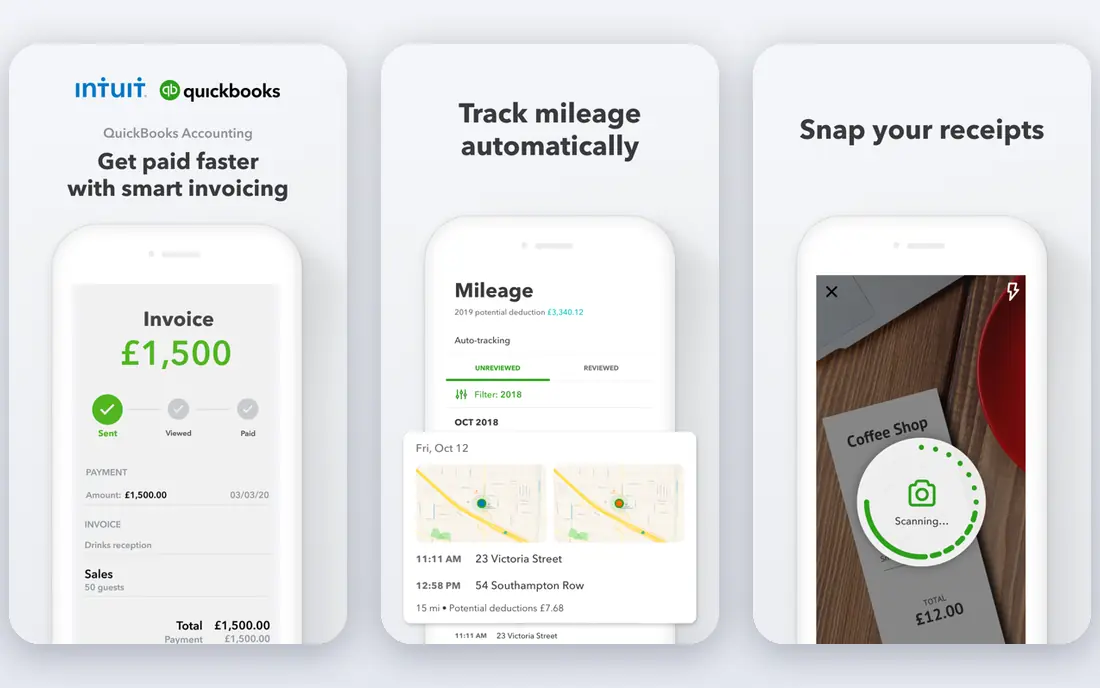
QuickBooks Online is the safe choice for many US small businesses because most accountants know it well. Its invoicing covers estimates, recurring invoices, payment links and reminders, while the wider platform handles expenses, bank reconciliation and reports. Payroll can be added for teams that want everything in one place.
The entry plan limits matter. Simple Start allows only one user plus accountant access, and invoice and feature limits push growing teams to higher plans. Promotional prices also expire, so budget on the regular rate. If your accountant already works in QuickBooks, the convenience often outweighs the higher price.
- Widely used by accountants
- Strong reporting
- Payroll add-on available
- Entry plan allows only one user
- Price rises with users and features
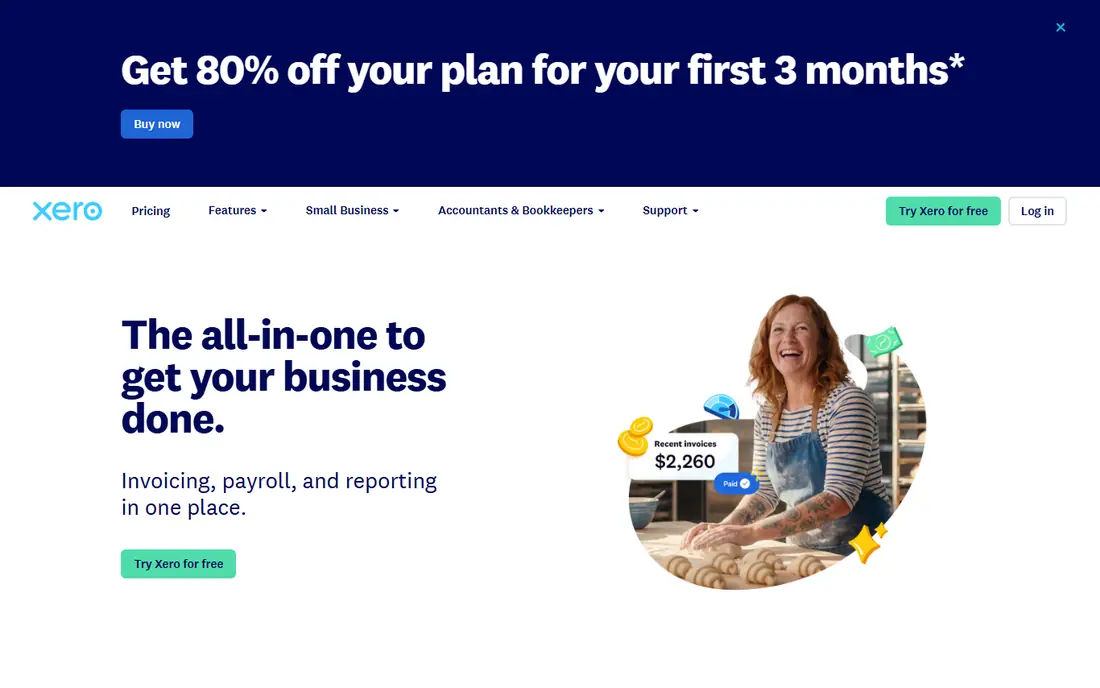
Xero suits growing businesses that dislike per-user fees. Every plan includes unlimited users, which helps teams, bookkeepers and advisors work in the same file without extra seat costs. Invoicing is straightforward, with quotes, recurring invoices, payment links and reminders, plus bank reconciliation and reporting.
The Early plan caps invoices at 20 per month and bills at five, so high-volume businesses need a higher plan. US payroll runs through a partner such as Gusto rather than natively, which adds a separate cost. For a team that sends a moderate number of invoices and wants room to grow, Xero is a strong QuickBooks alternative.
- Unlimited users on every plan
- Clean interface
- Strong app ecosystem
- Entry plan caps invoices and bills
- US payroll needs a partner add-on
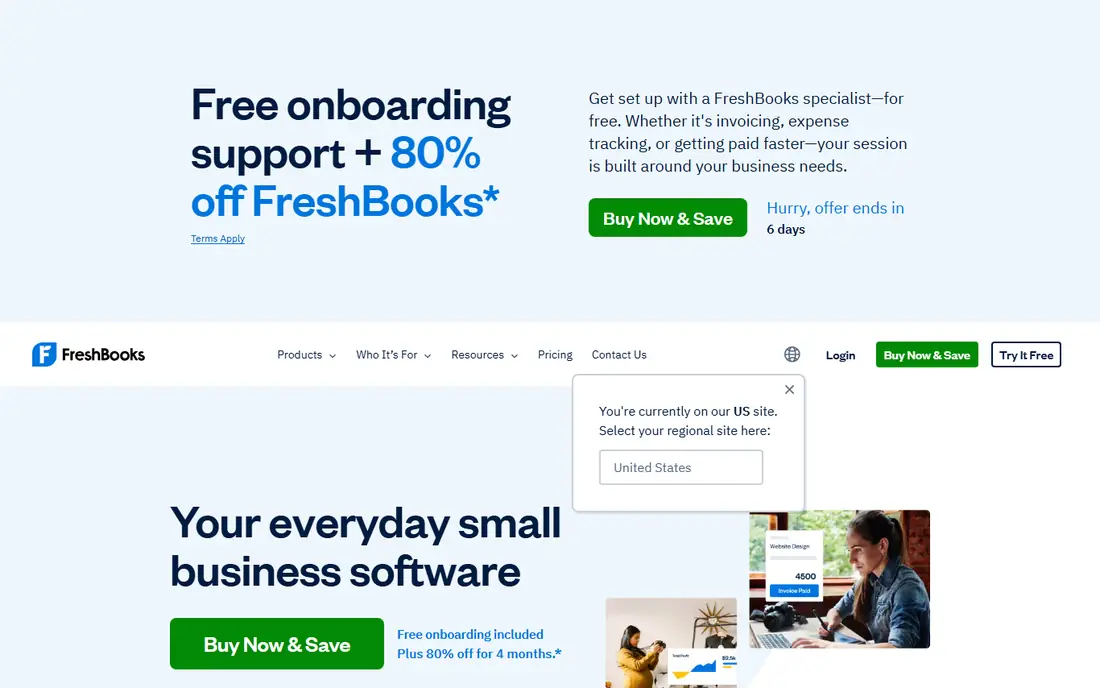
FreshBooks is built for people who live in invoices: freelancers, agencies and service businesses that bill by project or hour. Its invoices look professional, clients can pay online, and time tracking, expenses and proposals sit close to invoicing. The client portal lets customers view invoices and pay without email chains.
The Lite plan covers only five billable clients, so a growing agency will need Plus or Premium quickly. FreshBooks also lacks full double-entry accounting depth on lower plans, which matters for businesses with inventory or complex reporting needs. For service billing, though, it remains one of the easiest tools to use daily.
- Invoicing-first design
- Time tracking and expenses
- Client portal
- Entry plan covers only five billable clients
- No full double-entry accounting on entry plans
Wave is the best free option for solo owners and very small businesses that need professional invoices without a monthly fee. Its Starter plan covers unlimited invoices, estimates, bills and bookkeeping records, with payment processing available for a per-transaction fee. Setup is simple, and the interface stays focused on the basics.
The free plan lacks automatic bank import, so users must upload transactions or enter them manually, and support is more limited than paid rivals. Payroll costs extra where available. For a solo business with modest volume, those limits are acceptable. For a team with high transaction volume, a paid tool will save time.
- Free unlimited invoicing
- Income and expense tracking
- Simple setup
- No automatic bank import on free plan
- Payroll is a paid add-on
Zoho Books offers the most accounting per dollar in this list. It covers invoicing, expenses, bills, bank reconciliation, inventory and projects, and it is free for businesses with annual revenue under 50,000 dollars, subject to plan limits. Paid plans start low and add users, automation and advanced features.
The free plan caps invoices per year and users, so growing businesses will move to paid plans. The interface also packs many features into one place, which can feel busy at first. For a budget-conscious business that wants full double-entry accounting, Zoho Books is hard to beat on value.
- Full accounting at a low price
- Free for revenue under 50000 dollars
- Inventory and projects
- Free plan has invoice and user limits
- Interface takes time to learn
Square Invoices suits sellers who already take payments through Square, whether in person, online or both. Invoices are free to send, clients can pay by card, and payments flow into the same Square account used for point-of-sale sales. Recurring invoices, reminders and estimates cover common needs for small sellers.
It is not a full accounting system. Businesses that need detailed ledgers, inventory accounting or complex reports will still need QuickBooks, Xero or Zoho Books alongside it. For a small seller who mainly needs to invoice and get paid, Square Invoices keeps that job simple and free.
- Free invoicing
- Easy card payments
- Works with Square point of sale
- Not a full accounting platform
- Reporting is lighter than QuickBooks or Xero
Invoice Ninja appeals to freelancers and small businesses that want free invoicing with the option to self-host. Its free plan covers invoices, quotes, recurring billing and client portals, with support for many payment gateways. The open source version gives technical users full control over hosting and data.
Accounting depth is lighter than QuickBooks, Xero or Zoho Books, so businesses that need full ledgers should pair it with an accountant or a separate tool. Setup and customization also take more effort than a hosted-only app. For invoice-focused users who value free access and control, Invoice Ninja is a strong pick.
- Free plan with invoicing and quotes
- Self-hosted option
- Many payment gateways
- Accounting features are lighter than full platforms
- Setup needs more care
Sage serves established small businesses that want invoicing inside a wider accounting and payroll system. Its products cover quotes, invoices, expenses, bank reconciliation and reporting, with payroll options in many regions. Companies that already use Sage for accounting often keep invoicing in the same system for consistency.
Pricing varies by product, region and plan, so buyers should confirm the exact Sage product and price for their country before comparing. The interface feels more traditional than FreshBooks or Xero, which may slow new users. For a business that values an established accounting brand, Sage remains a dependable option.
- Long accounting track record
- Invoicing plus payroll options
- Strong compliance tools
- Pricing varies by product and region
- Interface can feel traditional
FreeAgent suits UK freelancers, contractors and small limited companies that want invoicing, expenses, time tracking and tax estimates in one place. It connects to bank feeds, tracks invoices and overdue payments, and helps users estimate tax bills. Many UK accountants and banks offer it as part of a business account bundle.
US users get less value, since FreeAgent is designed around UK tax and banking. Pricing also varies by region and bundle, so confirm the current price for your location. For a UK freelancer who wants a simple, accountant-friendly invoicing tool, FreeAgent is a strong choice.
- Built for freelancers and small firms
- Invoicing, expenses and tax estimates
- Bank feeds
- Best fit is UK users
- US features and pricing differ
How we picked these
We compared official pricing pages and recent accounting comparisons in September and October 2026, focusing on invoicing features, plan limits, free tiers and payment options. We favored tools that send professional invoices, support online payments and track overdue balances, whether they are full accounting platforms or invoice-focused tools. We used See website where pricing varies by region or product, and we noted that promotional prices expire.
How to choose invoicing software
Start with volume and users. Count invoices per month, billable clients and people who need access. A free tool with unlimited invoices may beat a cheap paid plan that caps clients at five, while a team that needs many users may save more with Xero unlimited users than with a low entry price that charges per seat.
Next, check payments and chasing. Confirm which payment methods clients can use, what fees apply per transaction, and whether reminders, late fees and recurring invoices work on your plan. An invoice tool that clients cannot pay easily will delay cash flow no matter how nice the invoice looks.
Finally, think about the books behind the invoice. If you only need invoices and payment tracking, Wave, Square Invoices or Invoice Ninja may be enough. If you need a full ledger, tax reports and accountant access, choose QuickBooks, Xero, Zoho Books or Sage, and ask your accountant which file format they prefer before you commit.
Sources
Frequently asked questions
What is the best accounting software for invoicing?
For most small businesses, QuickBooks Online and Xero are the strongest full accounting options, while FreshBooks is best for service invoicing and Wave is best for free invoicing. The right pick depends on invoice volume, user count and whether your accountant already uses one platform. Start with those factors, not the headline price alone.
Is there really free accounting software for invoicing?
Yes. Wave offers free unlimited invoicing, Zoho Books is free for businesses under 50,000 dollars in annual revenue, and Invoice Ninja and Square Invoices offer free invoicing plans. Free plans usually limit users, bank automation or support, and payment processing fees still apply when clients pay by card.
How much does invoicing software cost?
Entry prices in this guide range from free to about 38 dollars per month for full accounting platforms. FreshBooks starts at 23 dollars, Xero at 25 dollars and QuickBooks Online at 38 dollars per month at regular rates. Payment processing fees, payroll add-ons and higher plans for more invoices or users add to the total.
Can clients pay invoices online?
Yes, most tools in this guide let clients pay by card or bank transfer through a payment link on the invoice. Fees vary by provider and payment method, and they sit outside the software subscription. Check the fee for your main payment method before choosing, since it affects every invoice you send.
Do I need full accounting software just to send invoices?
Not always. If you only send invoices and track payments, an invoice-focused tool such as Wave, Square Invoices or Invoice Ninja may be enough, with an accountant handling year-end books. If you need bank reconciliation, tax reports, inventory or payroll in the same system, full accounting software will save time and reduce errors.