Best Accounting Software for Small Businesses in 2026: 8 Tools Compared
By ToolNimba Editorial Team November 11, 2026 8 min read

- Top pick
 QuickBooks Online
Most US small businesses with an accountant
Starting price$38 per monthCheck out QuickBooks OnlineRead our review - Runner-up
 Xero
Teams that need unlimited users
Starting price$25 per monthCheck out XeroRead our review - Also great
 FreshBooks
Freelancers and service businesses
Starting price$23 per monthCheck out FreshBooksRead our review
How we researched this
We compared official pricing and feature pages, app store listings, privacy policies and public user reviews. Prices change, so check the provider's site before you pay.
Key takeaways
- QuickBooks Online is the safest default for US small businesses, because most accountants already know it.
- Xero suits teams that need unlimited users without per-seat fees.
- FreshBooks suits freelancers and service firms that live in invoices and billable time.
- Wave and Zoho Books offer real free starting points for very small businesses.
- This is not financial advice, and tax rules vary, so check your local filing needs with a qualified accountant.
Quick comparison
| Name | Best for | Starting price | Free plan | |
|---|---|---|---|---|
| QuickBooks Online | Most US small businesses with an accountant | $38 per month | Free trial | Visit |
| Xero | Teams that need unlimited users | $25 per month | Free trial | Visit |
| FreshBooks | Freelancers and service businesses | $23 per month | Free trial | Visit |
 Wave | Solopreneurs and very small businesses starting free | Free | Yes | Visit |
 Zoho Books | Budget-conscious businesses and Zoho users | $15 per month | Yes | Visit |
 Sage Accounting | Small firms wanting a long established brand | See website | Free trial | Visit |
 FreeAgent | Small firms and freelancers who want simple tax views | See website | Free trial | Visit |
 Kashoo | Simple bookkeeping for small firms | See website | Free trial | Visit |
The best accounting software for small businesses
Good accounting software should make invoicing, bank reconciliation, and tax reports easy, without forcing you to learn accounting jargon. We compared official pricing pages, feature pages, and public reviews, and we weighed ease of use, user limits, payroll links, and accountant access.

QuickBooks Online is the default choice for a reason. Most US accountants know it, which makes year-end work and tax prep smoother, and it connects to hundreds of apps for payroll, payments, and inventory. Invoicing, expense tracking, and bank reconciliation cover the daily work of most small firms.
The price and complexity are the trade-offs. The entry plan suits a single user, and larger teams need higher tiers. If you have a QuickBooks accountant and plan to grow, that cost often pays for itself in saved time at tax season.
- Huge accountant network and app integrations
- Full invoicing, expenses, and reporting
- Payroll add-on available
- Higher price than rivals
- Learning curve for full features
- Plan limits on users and features
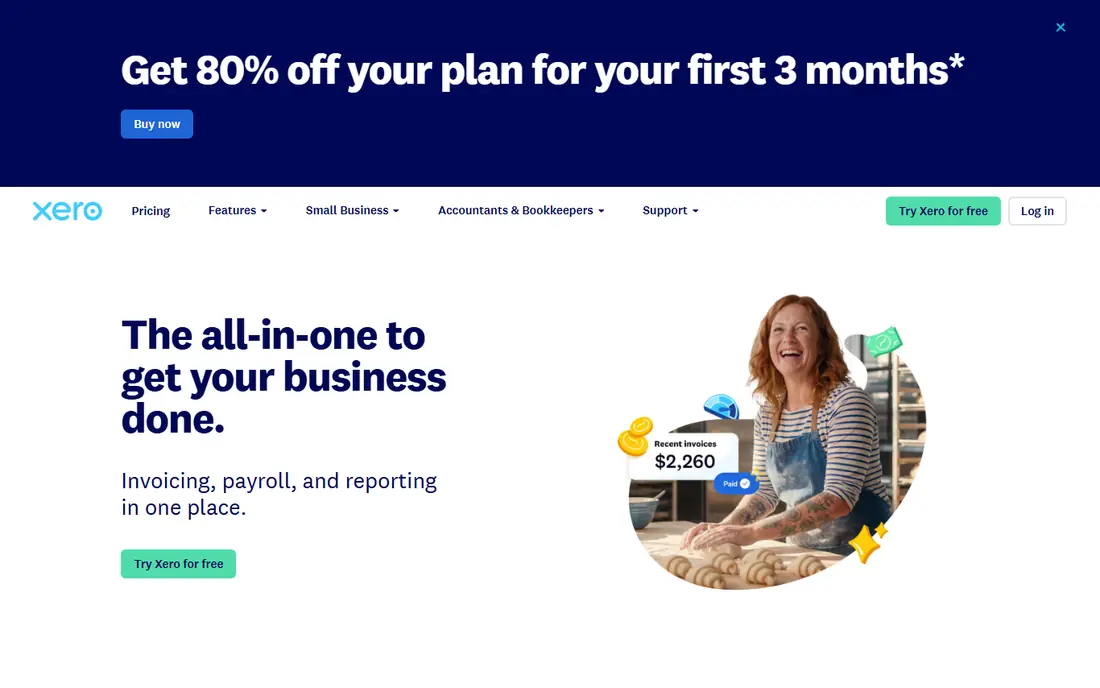
Xero suits growing teams that hate per-seat fees. You can invite staff and your accountant without paying for each seat, and the interface makes bank reconciliation clear. Multi-currency support also helps firms that sell or buy abroad.
The entry plan caps invoices and bills, so high volume firms need a higher tier. US payroll is partner based rather than native, which adds a step. If team access and clean reconciliation matter most, Xero is a strong pick.
- Unlimited users on all plans
- Clean bank reconciliation
- Strong multi-currency support
- Cheapest plan caps invoices and bills
- US payroll runs through partners such as Gusto

FreshBooks is built for people who bill for time and services. Invoices look professional, time tracking links to billing, and recurring invoices and retainers save admin work for agencies and consultants. The interface feels friendly even if you have no accounting background.
It is less deep for inventory, complex reporting, or multi-entity accounting. If your business is service based and invoice led, FreshBooks fits well. If you sell many products or need deep accounting controls, QuickBooks or Xero may fit better.
- Excellent invoicing and time tracking
- Client retainers and recurring invoices
- Friendly interface for non-accountants
- Lighter pure accounting depth than QuickBooks or Xero
- Client limits on lower tiers
Wave is the genuine free starting point for a side business or a solo firm. Core accounting, invoicing, and estimates cost nothing, and the system uses real double-entry accounting, not just a simple income list. That makes it a serious tool, not just a demo.
Paid features include automatic bank transaction imports and payroll add-ons, so a growing firm may need to pay for convenience. Still, for a new business with low volume, Wave lets you start properly without a monthly bill.
- Real double-entry accounting at no core cost
- Unlimited invoices and estimates
- Simple setup for solo workers
- Automatic bank feeds and some features need paid plans
- Smaller accountant network than QuickBooks
Zoho Books gives you a lot of accounting per dollar. Automation, invoicing, expenses, and reporting cover most small firm needs, and the free plan suits very small businesses under a revenue cap. If you already use Zoho CRM or Zoho Inventory, the links add real value.
The US accountant network is smaller than QuickBooks, so check whether your accountant works with Zoho Books before you switch. If you do your own books and want strong automation at a low price, Zoho Books is hard to beat.
- Strong automation for the price
- Free plan for businesses under fifty thousand dollars in revenue in recent listings
- Zoho app links
- Smaller US accountant network
- Full value grows if you use other Zoho apps
Sage Accounting suits firms that want a known accounting brand with solid core tools. Invoicing, expense tracking, and cash flow views cover daily work, and Sage has a long history in accounting software. That history can reassure firms that want a stable vendor.
The catch is variation by market. Sage plans, payroll links, and accountant support differ by country, so US firms should check local details carefully. It is a sound option, but it is not the default US pick in the way QuickBooks is.
- Established accounting brand
- Invoicing, expenses, and cash flow tools
- Accountant links
- Pricing and plan details vary by country
- US presence is smaller than QuickBooks or Xero
FreeAgent focuses on making tax and cash flow clear for small firms and freelancers. Tax timelines, estimates, and simple reports help owners see what they may owe, rather than waiting until year end. Invoicing and expenses stay simple, which suits firms without a finance team.
Larger firms with inventory, multi-entity books, or complex payroll needs will outgrow it. For a small service firm that wants clarity over depth, FreeAgent is a calm, readable choice.
- Clear tax timelines and estimates
- Simple invoicing and expenses
- Friendly for non-accountants
- Less suited to large or complex firms
- Availability and pricing vary by market
Kashoo suits owners who want simple, correct bookkeeping without a steep learning curve. It covers invoicing, expenses, and reports in a clean interface, and setup takes less time than a full enterprise tool. That simplicity helps firms that do their own books.
The trade is ecosystem size. Kashoo has fewer integrations and a smaller accountant network than the leaders, so check payroll and app links before you commit. If your needs are simple and stable, Kashoo covers them without clutter.
- Simple double-entry bookkeeping
- Invoicing and expense tools
- Easy setup for owners
- Fewer integrations than QuickBooks or Xero
- Less depth for growing or complex firms
How we picked these
We compared official pricing and feature pages, plus public reviews that describe user limits, payroll links, and accountant access. We kept both free and paid tools, because small businesses range from solo side hustles to growing firms with staff. We used See website where pricing varies by country or is not published as a simple list price, rather than guessing a figure.
How to choose accounting software
Start with three questions: how many people need access, do you sell products that need inventory tracking, and will you hand the books to an accountant each year. The answers cut the list fast. A solo service firm can start free, while a product firm with staff usually needs QuickBooks or Xero.
Invoicing, payroll, and tax
Check whether invoicing is unlimited, whether payroll is native or an add-on, and whether tax reports fit your filing needs. Also check bank feed support, because automatic feeds save hours each month. Trial the tool with real invoices and bank transactions for a month before you migrate a full year of books.
Switching and accountant fit
Ask your accountant which tools they support, because a tool they know will save time and fees. Plan a switch at a clean point, such as a month end or a new tax year, and keep your old books backed up. A short trial with a second tool can help you compare invoicing and reconciliation before you commit.
Sources
- https://www.spotsaas.com/blog/accounting-software-for-business
- https://www.spotsaas.com/blog/best-quickbooks-alternatives-2026
- https://successknocks.com/small-business-accounting-software/
- https://quickbooks.intuit.com
- https://www.xero.com
- https://www.freshbooks.com
- https://www.waveapps.com
- https://www.zoho.com/books/
- https://www.sage.com
- https://www.freeagent.com
- https://www.kashoo.com
Frequently asked questions
What is the best accounting software for small businesses?
QuickBooks Online is the safest default for US small businesses, because most accountants know it and it covers invoicing, expenses, and payroll links. Xero suits teams that need unlimited users, while FreshBooks suits freelancers who bill for time.
Is there free accounting software for small businesses?
Yes. Wave offers free core accounting with unlimited invoices, and Zoho Books offers a free plan for businesses under a revenue cap in recent listings. Free plans may limit automatic bank feeds, payroll, or multi-user access.
Do I need payroll in my accounting software?
Not always. Many firms run payroll through a separate provider such as Gusto or a payroll add-on. Native payroll is convenient, but a partner payroll link can work well if it syncs cleanly with your books.
Can I switch accounting software later?
Yes, but switching takes care. Export your chart of accounts, customers, and transaction history, and switch at a month end or tax year end where possible. Keep a backup of old books, and ask your accountant to check the opening balances in the new tool.
Is accounting software enough for tax filing?
Accounting software helps you track income, expenses, and reports, but it is not a substitute for tax advice. Tax rules vary by business type and location, so check your filing needs with a qualified accountant or tax professional.