Best Agentic AI Platform We Can Run On Premises in 2026: 9 Platforms Compared
By ToolNimba Editorial Team November 3, 2026 12 min read

- Top pick
 Dify
Fast self-hosted agent apps
Starting priceFreeCheck out DifyRead our review - Runner-up
 LangGraph
Durable agents in code
Starting priceFreeCheck out LangGraphRead our review - Also great
 CrewAI
Multi-agent teams in Python
Starting priceFreeCheck out CrewAIRead our review
How we researched this
We compared official pricing and feature pages, app store listings, privacy policies and public user reviews. Prices change, so check the provider's site before you pay.
Key takeaways
- Dify is our pick for most teams that want a working self-hosted agent app quickly, because its community edition runs on Docker and covers agents, workflows, and retrieval in one place.
- LangGraph is the strongest choice for developers building durable, multi-step agents in code, but you own the hosting, database, and monitoring around it.
- Frameworks such as CrewAI and AutoGen cost nothing to run, yet they give you code and libraries rather than a finished platform with access controls and audit logs.
- Enterprise platforms such as IBM watsonx Orchestrate and UiPath add governance and support, but pricing is quote based and setup is heavier.
- Every option here genuinely supports running on your own servers or in your own virtual private cloud, which is the test we applied before including it.
Quick comparison
| Name | Best for | Starting price | Free plan | |
|---|---|---|---|---|
| Dify | Fast self-hosted agent apps | Free | Yes | Visit |
| LangGraph | Durable agents in code | Free | Yes | Visit |
| CrewAI | Multi-agent teams in Python | Free | Yes | Visit |
 AutoGen | Research and multi-agent experiments | Free | Yes | Visit |
 Flowise | Visual agent building | Free | Yes | Visit |
 Langflow | Visual prototyping | Free | Yes | Visit |
 IBM watsonx Orchestrate | Enterprise governance | See website | No | Visit |
 UiPath | Enterprise automation with agents | See website | Free trial | Visit |
 n8n | Workflow automation with AI steps | Free | Yes | Visit |
The best agentic AI platforms we can run on premises
On-premises agentic AI means the software runs on servers you control, not only in a vendor cloud. That matters when data cannot leave your network, when a regulator asks where prompts go, or when you already run a private cloud. These nine options all clear that bar, though they differ a lot in how much work you must do yourself.
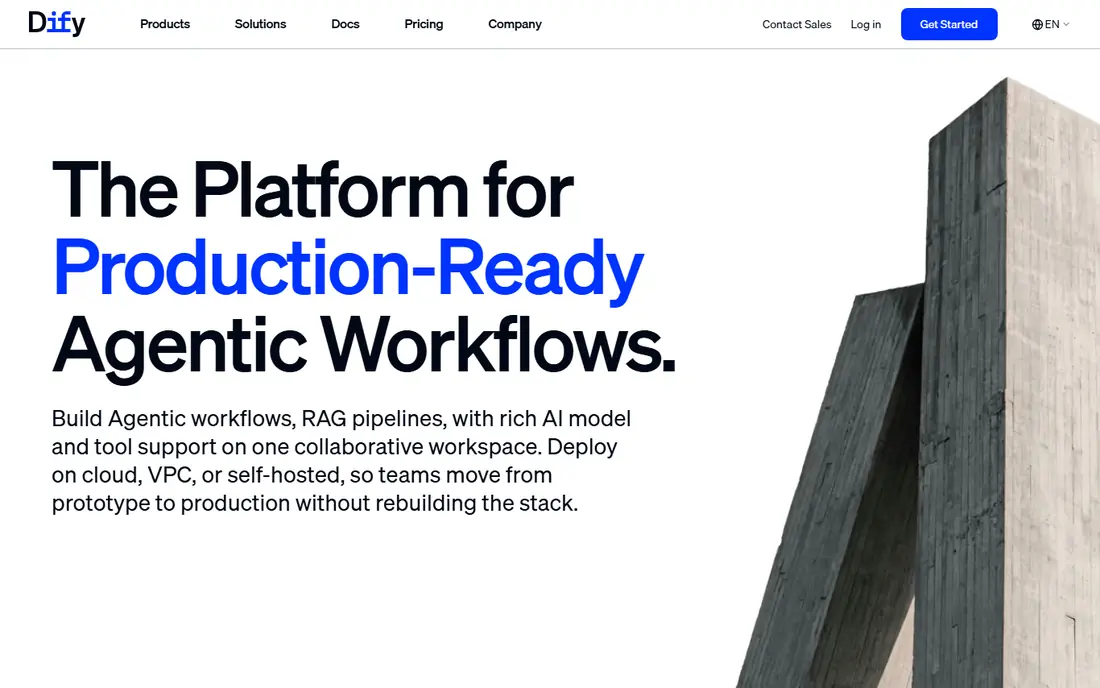
Dify is the fastest route we found from an idea to a working agent app on your own hardware. You can deploy the community edition with Docker, then build agents, chat apps, and retrieval workflows in a visual editor without writing a full application from scratch. It also connects to many models, so you can point it at a model you host yourself or at a hosted model if your policy allows that.
The catch is the gap between the free edition and the enterprise edition. Single sign-on, role-based access, audit logs, and Kubernetes deployment sit in the paid enterprise tier, which is aimed at larger teams. Smaller teams may be fine without those controls, but regulated companies should price the enterprise plan before committing. Still, for a first on-premises agent project, Dify gives you the most complete product for the least setup effort.
- Docker-based self-hosting
- Visual builder plus agents and retrieval
- Large open source community
- Community support only on the free edition
- Enterprise controls need a paid plan
LangGraph is a framework for building agents as graphs of steps, with state that survives interruptions and can resume later. That design suits long, multi-step jobs such as research, document review, or ticket handling, where an agent may need to pause, call a tool, and continue. Because it is code first, developers keep full control over prompts, tools, and how each step behaves.
The trade-off is that LangGraph is not a finished platform. There is no ready-made console for business users, no tenancy model, and no audit trail unless you build those parts yourself. Self-hosted deployment also needs a database for state and a cache for streaming, plus the usual monitoring and backups. If you have a platform team, that is a fair price for control. If you do not, a visual platform will get you further, faster.
- Stateful, resumable agent runs
- Huge LangChain ecosystem
- Works with many models
- No built-in user interface or access control
- You operate the infrastructure
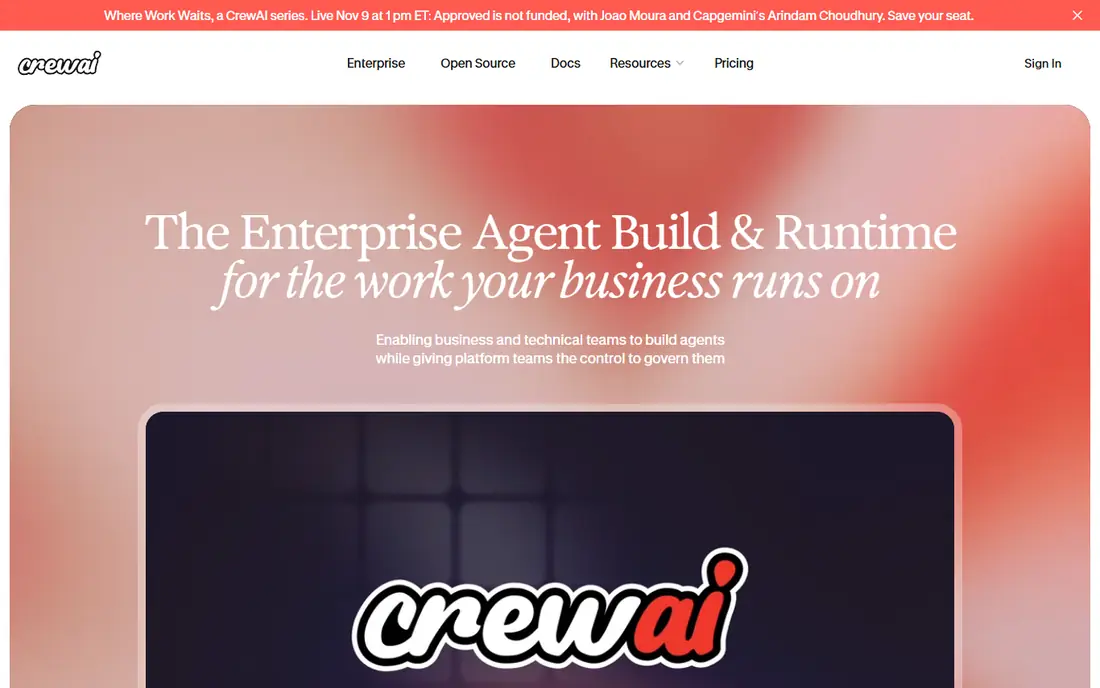
CrewAI lets developers define agents with roles, goals, and tools, then run them as a crew that passes work between members. That maps well to jobs that split naturally, such as one agent gathering facts, another drafting, and a third checking the result. The framework is open source, so it runs wherever your Python code runs, including your own servers.
CrewAI does not ship as a managed product with a console, user management, or audit logging. You bring your own runtime, your own model access, and your own guardrails around what agents may do. Teams that already write Python services will like the small learning curve. Teams looking for a low-code tool for non-developers should look at Dify or Flowise instead.
- Role-based agents that hand work to each other
- Python first
- Simple to start
- You supply hosting, memory, and governance
- Quality depends on your prompts and tools
AutoGen, from Microsoft, is a framework for building systems where multiple agents converse, share results, and solve a task together. It supports patterns such as group chat, code execution, and human-in-the-loop approval, which makes it a good fit for experiments and for teams testing how agents should cooperate. It runs on your own infrastructure, since it is simply code you deploy.
That flexibility comes with assembly work. AutoGen gives you building blocks, not a finished app with logins, permissions, and a dashboard. Turning an experiment into a service that colleagues can use safely takes extra engineering around tool permissions, logging, and cost controls. For research teams and strong engineering teams, that is a good trade. For a business team that wants a product, it is not the shortest path.
- Backed by Microsoft research
- Flexible conversation patterns
- Open source
- Research-oriented design
- Needs engineering effort to turn into a product
Flowise turns agent building into a canvas exercise. You drag chat models, tools, memory, and retrieval nodes onto a board, connect them, and test the result in the browser. It deploys with Docker on your own server, which keeps data inside your network and makes it a practical choice for prototypes and internal tools.
The visual approach is a strength for small and medium flows, and a weakness for very large ones. A board with dozens of nodes is harder to review, test, and version than code, and Flowise lacks the governance depth of an enterprise platform. Used for the right size of problem, though, it is one of the friendliest self-hosted options here. It is especially handy when the people building the agent are not full-time developers.
- Drag-and-drop canvas
- Runs with Docker
- Many integrations
- Visual flows can get messy at scale
- Enterprise features are limited
Langflow offers a similar canvas idea, built on top of LangChain components. You can assemble a chain or agent visually, test it, and then export or serve it as an API. That makes it a strong tool for proving an idea before a team invests in production code. It runs on your own hardware, so early experiments stay inside your network.
Langflow is best treated as a prototyping and learning tool rather than a full production platform. It does not provide the access control, multi-tenancy, and audit features that a company-wide deployment needs, and larger flows benefit from being moved into LangGraph code once the design settles. If your goal is to test agent ideas quickly on premises, Langflow earns its place. If your goal is a governed product, pair it with a plan to productionize the result.
- Visual canvas built on LangChain
- Quick prototypes
- Open source
- Prototyping focus
- You still need to operate and harden it
IBM watsonx Orchestrate is an enterprise agent platform designed for companies that need governance, integration with business systems, and vendor support. It supports on-premises and hybrid deployment, which matters for firms that already run IBM infrastructure or face strict data rules. Agents can work across business tools with approvals and audit trails, rather than running as unsupervised scripts.
The cost of that completeness is complexity and price. Pricing is quote based, so budgeting requires a sales conversation, and implementation usually involves planning around identity, data access, and existing systems. Smaller teams will find the open source options faster and cheaper. Larger, regulated organizations that need support contracts and audit evidence are the audience IBM is built for, and for them the extra weight is the point.
- Enterprise controls and support
- Broad IBM ecosystem
- On-premises and hybrid options
- Quote-based pricing
- Heavier setup than open source tools
UiPath started in robotic process automation and has added agent capabilities on top of its automation platform. That history matters: many business jobs mix rule-based steps with agent judgment, and UiPath handles both in one place. It offers on-premises deployment options for customers that need to keep automation inside their own data centers, along with orchestration, queues, and governance features.
UiPath is a large platform, and it shows. New teams face a learning curve, and pricing is quote based, so small projects may find it more than they need. It fits best where a company already automates with UiPath, or where agents must work inside heavily governed business processes with human approvals. For a standalone agent experiment, a lighter tool will move faster.
- Mature automation platform
- Agent features on top of workflows
- On-premises options
- Broad platform with a learning curve
- Pricing is quote based
n8n is a workflow automation tool that can be self-hosted for free, and it now includes AI agent nodes that let workflows call models, use tools, and make decisions. Its strength is breadth: hundreds of integrations let a workflow pull data from business apps, process it with an agent step, and send results onward. For teams whose agent work sits inside larger automated processes, that combination is practical.
We include n8n with a clear note: it is not an agent-only platform. Agent behavior emerges from how you design the workflow, and very complex multi-agent logic is easier to express in LangGraph or CrewAI. But if your real problem is connecting systems, with agent judgment at one or two steps, n8n is a strong self-hosted pick. The free self-hosted edition also makes it cheap to test before paying for a cloud plan.
- Self-hosted free edition
- Huge integration library
- Visual workflows
- Workflow tool first, not a pure agent platform
- Complex agent logic still needs care
How we picked these
We compared official feature pages, deployment documentation, pricing pages, and public reviews, and we kept only products that genuinely support running on your own servers or in your own virtual private cloud. Managed services that only offer a private connection to a vendor cloud did not make the list, even when vendors describe them as private. We also favored a mix of frameworks for developers and finished platforms for business teams, so the list covers both ends of the build-versus-buy choice.
What to check before you deploy on premises
Start with data flow, not with features. Map where prompts, documents, and tool results travel, and confirm that no step quietly sends data to a vendor cloud. That check alone rules out some setups that look self-hosted but still call a hosted model or a hosted logging service. If your policy requires fully local models, you also need GPU capacity and an inference server, which is a separate project from picking an agent tool.
Staffing and support
Open source tools are free to download, but they are not free to run. Budget for the people who will patch, monitor, back up, and upgrade the system, and for the on-call work when an agent run fails at an awkward hour. Enterprise platforms cost more up front, but they shift some of that burden to the vendor. Be honest about which model your team can sustain for two years, not just for a pilot.
Guardrails for agents that take actions
Agents that only answer questions are low risk. Agents that send email, change records, or move money need approvals, permission limits, spending caps, and logs you can review. Check whether each platform supports human approval before actions, per-tool permissions, and a full audit trail. If it does not, you must build those controls yourself, and that work should be in the project plan from day one.
A practical pilot plan
Pick one real job with a clear owner and a measurable result, such as triaging support tickets or summarizing internal documents. Run it on premises for a few weeks, measure accuracy and cost, and review the logs with the team that owns the process. A pilot that small tells you more than a feature comparison ever will, and it gives you evidence to take to security and finance before a wider rollout.
Sources
- https://dify.ai
- https://www.langchain.com
- https://www.crewai.com
- https://microsoft.github.io
- https://flowiseai.com
- https://www.langflow.org
- https://www.ibm.com
- https://www.uipath.com
- https://n8n.io
- https://www.qovery.com/blog/self-hosted-ai-agent-platform-own-vpc-compliance
- https://vdf.ai/blog/enterprise-agentic-on-premises-solutions/