Best AI Accounting Software in 2026: 9 Tools Compared
By ToolNimba Editorial Team November 6, 2026 10 min read

- Top pick
 QuickBooks Online
Most US small businesses
Starting price$38 per monthCheck out QuickBooks OnlineRead our review - Runner-up
 Xero
Growing teams and multi-currency
Starting price$27 per monthCheck out XeroRead our review - Also great
 FreshBooks
Service businesses and freelancers
Starting price$23 per monthCheck out FreshBooksRead our review
How we researched this
We compared official pricing and feature pages, app store listings, privacy policies and public user reviews. Prices change, so check the provider's site before you pay.
Key takeaways
- QuickBooks Online and Xero lead for most small businesses, with AI categorization, bank reconciliation, and wide accountant support.
- Zoho Books and Wave are the best low-cost starting points, with free plans that cover core invoicing and bookkeeping.
- FreshBooks suits service businesses that bill by time or project, while Digits and Dext suit firms that want deeper AI bookkeeping help.
- AI can speed up data entry and matching, but it does not replace a qualified accountant for tax advice, audits, or complex decisions.
Quick comparison
| Name | Best for | Starting price | Free plan | |
|---|---|---|---|---|
| QuickBooks Online | Most US small businesses | $38 per month | Free trial | Visit |
| Xero | Growing teams and multi-currency | $27 per month | Free trial | Visit |
| FreshBooks | Service businesses and freelancers | $23 per month | Free trial | Visit |
 Zoho Books | Budget bookkeeping in the Zoho ecosystem | Free | Yes | Visit |
 Wave | Free core bookkeeping | Free | Yes | Visit |
 Digits | AI-first bookkeeping | See website | No | Visit |
 Dext | Receipt and invoice capture | See website | Free trial | Visit |
 Sage Accounting | Compliance-focused small businesses | See website | Free trial | Visit |
 Ramp | Expense and accounts payable automation | Free | Yes | Visit |
The best ai accounting software
AI accounting tools promise less manual data entry: transactions categorized by learned rules, receipts read from photos, and bank matches suggested for review. The best tool still depends on your business type, transaction volume, and whether an accountant already uses a given platform. We compared tools on AI features, core accounting depth, invoicing, pricing, and free plans. This is not financial advice, and tax decisions should be checked with a qualified professional.
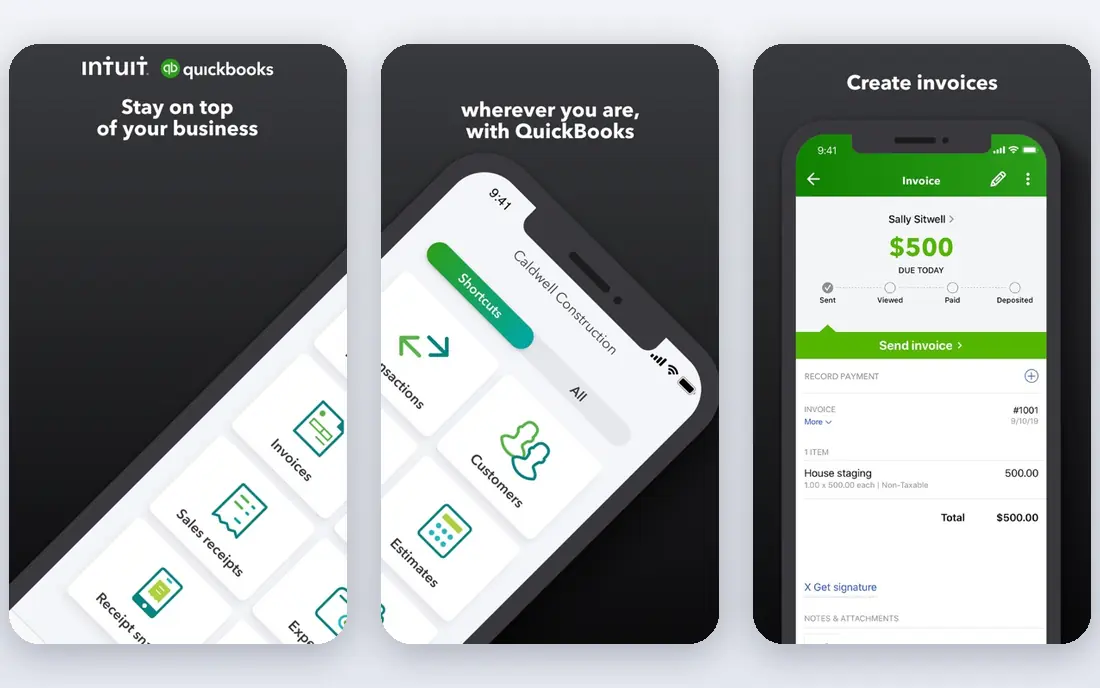
QuickBooks Online is our pick for most US small businesses because of its reach. Its AI assistant helps categorize transactions, draft invoice reminders, and surface cash-flow insight, while bank feeds and reconciliation keep the books current. Most US accountants know it well, which makes handover and year-end work simpler.
The cost is the main drawback. Simple Start is listed at $38 per month for one user, and costs rise with users and features. Businesses that need inventory, advanced reporting, or many seats should price the full plan, not just the entry tier. If your accountant already works in QuickBooks, that familiarity often outweighs the price gap.
- Intuit Assist AI for categorization and invoice reminders
- Huge accountant network
- Wide app integrations
- Higher prices than rivals
- Higher plans needed for more users and advanced features
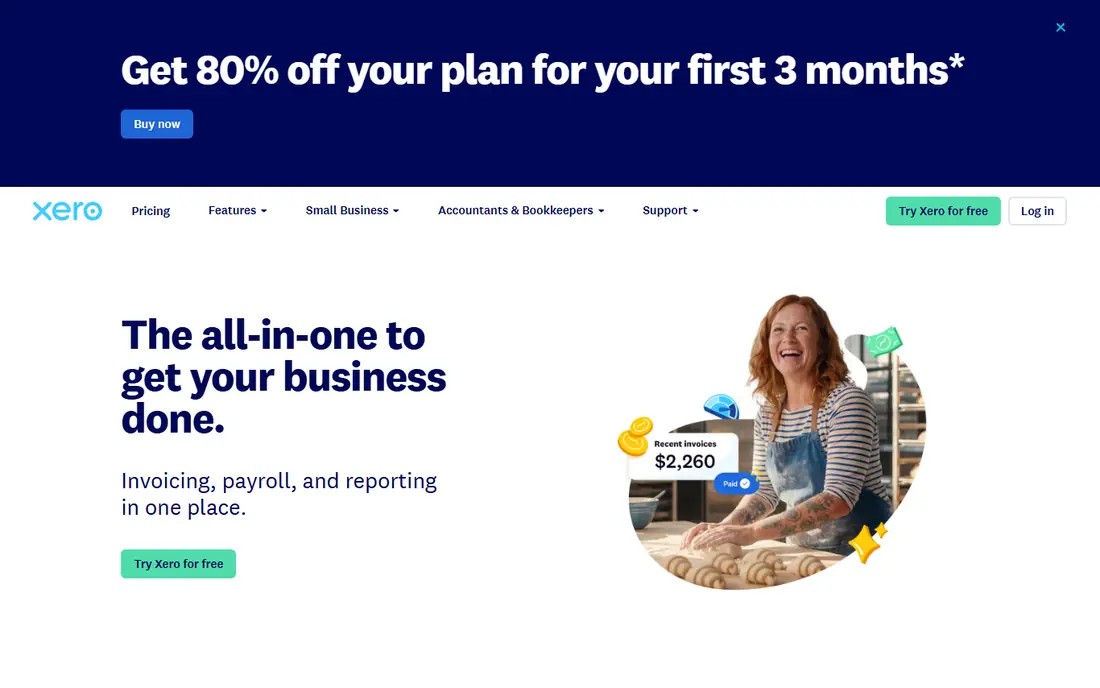
Xero suits teams that want every staff member in the books without per-seat fees. Its AI tools help with bank reconciliation and reading invoices into the ledger, and its chat assistant can answer questions from your own books. Multi-currency support is a real advantage for businesses that bill or buy abroad.
The entry plan, listed at $27 per month, caps monthly invoices and bills, so growing firms often need the mid-tier plan. US payroll is handled through partner apps rather than built in. For a growing team, especially one with international clients, Xero is often the better value than QuickBooks.
- Unlimited users on all plans
- AI bank reconciliation and document capture
- Strong multi-currency support
- Entry plan caps invoices and bills
- Payroll needs a separate partner app in the US
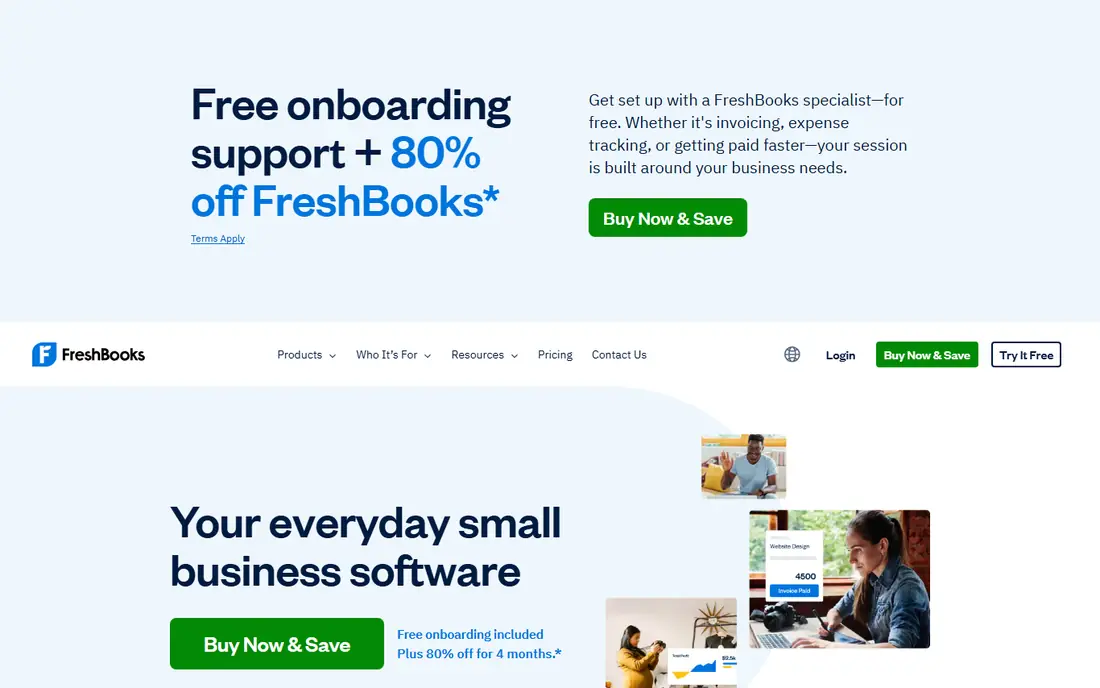
FreshBooks is built around getting paid for services. Invoices can be built from tracked time and expenses, clients get a portal to view and pay, and reports stay focused on what a service business needs. That focus makes it faster to learn than a full accounting suite, and its AI features help with expense organization and receipt handling.
The Lite plan, listed at $23 per month, allows only five billable clients, so firms with more clients need a higher tier. It is also lighter on inventory and deep accounting features. For freelancers and agencies that live on client billing, FreshBooks remains a strong, focused pick.
- Strong invoicing and time tracking
- Client portals
- Clean reports for service firms
- Lite plan caps billable clients
- Lighter on double-entry depth than QuickBooks or Xero
Zoho Books is the best budget pick for businesses already using Zoho tools, and a good free starting point for small firms. The free plan covers invoicing and core bookkeeping for businesses under the published revenue limit, while paid plans add automation, projects, and inventory. AI features help categorize transactions and flag anomalies.
The revenue cap is the catch: once you pass it, you must move to a paid plan. Businesses outside the Zoho ecosystem may also find integrations less familiar than QuickBooks or Xero. For a cost-conscious startup that wants real accounting, not just invoicing, Zoho Books offers strong value.
- Free plan for businesses under a revenue limit
- Automation and AI categorization
- Good value on paid plans
- Free plan has a revenue cap
- Full value comes inside the wider Zoho suite
Wave gives solo operators and side businesses a genuinely free core: unlimited invoices, expense tracking, and accounting records without a revenue cap. That makes it a safe place to start when cash is tight and transaction volume is low. Its design stays simple, which helps owners who do their own books.
The free plan has limits. Automatic bank transaction imports sit on the paid Pro plan, listed at $19 per month, and support is thinner than paid competitors. Payment processing and payroll are paid add-ons. For a micro business that can enter transactions manually or pay for Pro, Wave is hard to beat on price.
- Free invoicing and bookkeeping with no revenue cap
- Simple design for solo operators
- Automatic bank imports need the paid plan
- Support is limited compared with paid rivals
Digits takes an AI-first approach: instead of month-end bookkeeping, it aims to keep books current as transactions arrive, with AI categorization and anomaly checks running in the background. Dashboards show cash position and spending trends without waiting for a monthly close. That suits startups and firms that want live numbers for decisions.
The drawback is fit and price transparency. Digits is priced for businesses with real transaction volume, and smaller firms may find a standard ledger cheaper. Check the current pricing page and trial terms before committing. For a growing startup that wants bookkeeping largely handled in the background, Digits is worth a close look.
- AI-native bookkeeping with continuous categorization
- Live financial dashboards
- Built for modern startups
- Pricing is not a simple public entry tier
- May be more than a tiny business needs
Dext solves the paper problem that slows AI accounting down. Snap a receipt, forward an invoice by email, and Dext extracts line items, learns how you code each supplier, and sends the data to your accounting platform. That reduces manual entry and gives the AI in your ledger cleaner data to work with.
Dext is not a replacement for QuickBooks, Xero, or Zoho Books. You still need a ledger, so budget for both tools. Firms with many receipts, or accountants handling many clients, get the most value. For a business drowning in paper, Dext can pay for itself in saved entry time.
- Strong receipt and invoice data extraction
- Learns supplier coding
- Flags duplicates
- It is an add-on, not a full ledger
- Needs a separate accounting platform
Sage Accounting suits businesses that value steady compliance and reporting over the newest AI features. It covers invoicing, expenses, bank reconciliation, and tax reporting, and it offers an upgrade path to larger Sage systems as a company grows. That path matters for firms that expect to outgrow a starter ledger.
The trade-off is AI depth. Sage includes automation, but AI-first tools such as Digits or QuickBooks put their AI features more front and center. Pricing also varies, so use the vendor pricing page for your country. For a compliance-minded small business, Sage remains a dependable choice.
- Solid invoicing, expenses, and reporting
- Upgrade path to larger Sage products
- Bank reconciliation tools
- AI features are less prominent than AI-first rivals
- Pricing varies by region and plan
Ramp is not a full ledger, but it is one of the best AI tools for the spending side of accounting. It issues corporate cards with spending controls, matches receipts with AI, routes approvals, and syncs approved expenses to your accounting platform. That cuts the chasing and manual coding that eats finance time each month.
The limitation is scope. You still need QuickBooks, Xero, or a similar ledger for the full books, and the best results come when the team actually uses Ramp cards. The free tier covers core expense management, with paid plans for larger firms. For a company with many employee expenses, Ramp pairs well with a ledger pick above.
- Free tier for expense management
- Corporate cards with controls
- AI receipt matching and approvals
- It is not a full accounting ledger
- Best value comes with Ramp cards and connected accounting software
How we picked these
We compared official pricing pages, product documentation, and recent pricing coverage, focusing on tools with real AI features such as auto-categorization, receipt extraction, or AI reconciliation, rather than only basic automation. We checked entry prices, free plans or trials, invoicing, and accountant support, and we favored tools that are actively sold to US small businesses in 2026. We did not claim hands-on testing, and prices change often, so confirm the current price on the vendor site before you buy.
How to choose AI accounting software without overpaying
Start with your transaction volume and who does the books. A solo freelancer with few invoices may do fine on Wave or Zoho Books, while a firm with staff, inventory, or many clients needs QuickBooks or Xero. Ask your accountant which platform they prefer, since their familiarity can save more than a cheaper monthly fee. Then run a trial with real bank feeds and real invoices, not demo data.
Check three details before you pay: user limits, invoice and bill caps on the entry plan, and whether payroll, payments, or receipt capture cost extra. AI accuracy also needs review in the first months, since miscategorized transactions can create tax problems later. Set a weekly review habit until the AI learns your suppliers and categories, and keep a human accountant in the loop for year-end and tax filings.
Sources
Frequently asked questions
Which AI tool is best for accounting for a small business?
QuickBooks Online is the safest all-round pick for US small businesses, while Xero suits growing teams and international billing. Zoho Books and Wave are better if budget is the main concern. The best tool depends on transaction volume, staff count, and your accountant's preference.
Can AI accounting software replace my accountant?
No. AI handles data entry, categorization, and routine reconciliation well, but tax strategy, audits, and complex decisions still need a qualified human accountant. Use AI to reduce manual work and free your accountant for advice, not to remove professional review entirely.
What is the best free AI accounting tool?
Zoho Books offers a free plan for businesses under its revenue limit, and Wave offers free core bookkeeping with no revenue cap. Both include automation, though advanced AI features may sit on paid plans. Start free, and upgrade when volume or features demand it.
Is my financial data safe with AI accounting tools?
Established vendors use encryption and read-only bank connections, and most connect to thousands of US banks. Enable two-factor authentication, review app permissions, and limit who can access bank feeds and payroll. If a vendor cannot explain its security practices clearly, do not use it for financial data.
How much does AI accounting software cost?
Entry prices on this list range from free to $38 per month for QuickBooks Online, with higher tiers for more users and features. Add-on tools such as Dext cost extra, and payment processing fees apply separately. Always price the plan you will actually need in six months, not just the entry tier.