Best AI Apps for Creating Images in 2026: 9 Apps Compared
By ToolNimba Editorial Team November 3, 2026 9 min read

- Top pick
 Midjourney
Artistic and stylized images
Starting price$10 per monthCheck out MidjourneyRead our review - Runner-up
 DALL-E 3
Images inside ChatGPT
Starting price$20 per monthCheck out DALL-E 3Read our review - Also great
 Adobe Firefly
Commercial-safe creation
Starting priceFreeCheck out Adobe FireflyRead our review
How we researched this
We compared official pricing and feature pages, app store listings, privacy policies and public user reviews. Prices change, so check the provider's site before you pay.
Key takeaways
- Midjourney leads for artistic and stylized images, while Adobe Firefly suits commercial work with clearer content terms.
- DALL-E 3 inside ChatGPT and Gemini with Imagen suit users who already pay for those AI subscriptions.
- Ideogram and Leonardo AI offer strong text rendering and style control for social and marketing images.
- Stable Diffusion is the free, open option for users who want local control and custom models.
- Always check commercial use terms, since free plans and subscriptions differ on ownership and brand use.
Quick comparison
| Name | Best for | Starting price | Free plan | |
|---|---|---|---|---|
| Midjourney | Artistic and stylized images | $10 per month | No | Visit |
| DALL-E 3 | Images inside ChatGPT | $20 per month | Free plan | Visit |
| Adobe Firefly | Commercial-safe creation | Free | Yes | Visit |
 Ideogram | Text in images | See website | Free plan | Visit |
 Leonardo AI | Style control and game art | Free | Yes | Visit |
 Stable Diffusion | Free local generation | Free | Yes | Visit |
 Canva AI | Images inside designs | Free | Yes | Visit |
 Microsoft Designer | Free everyday images | Free | Yes | Visit |
 Gemini | Images inside Google AI | Free | Yes | Visit |
The best AI apps for creating images
These apps cover artistic generation, marketing images, text rendering, and free local creation, so different creators can find a fit.
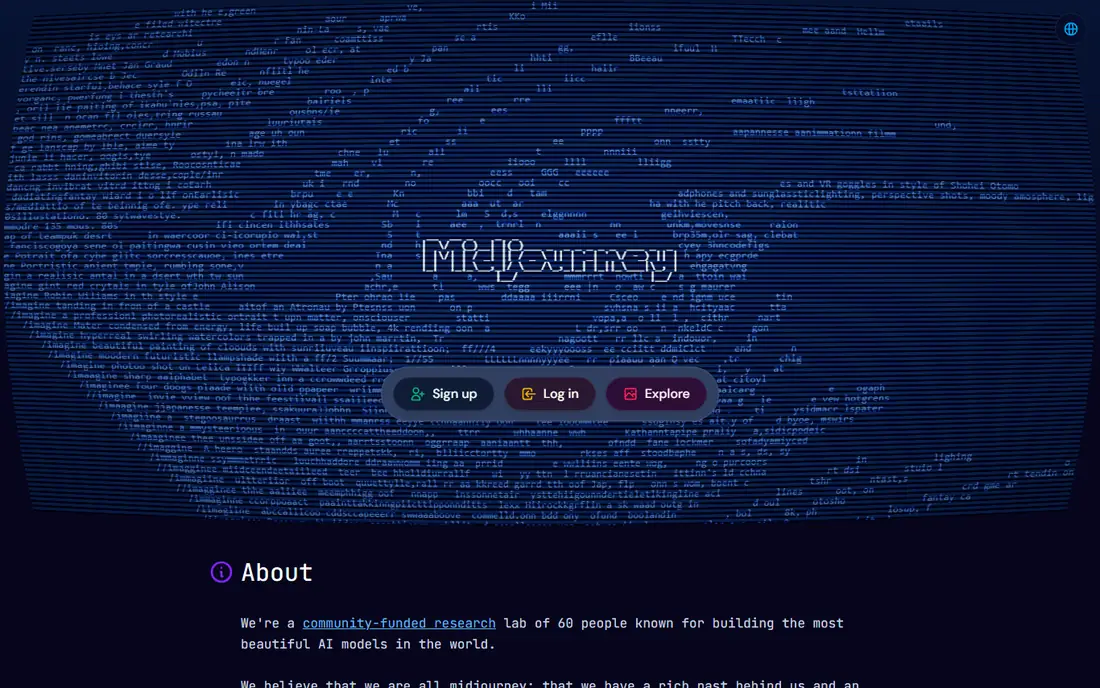
Midjourney turns text prompts into detailed, stylized images, from concept art and product mockups to social graphics and brand visuals. Its Basic plan costs $10 per month with 3.3 hours of fast GPU time, while higher plans add more fast time and unlimited Relax mode. Annual billing lowers the monthly rate by about 20 percent.
There is no free plan, so new users must pay to try it. Prompt controls and parameters also take practice, though the web app is easier than the original Discord-only workflow. For creators who value artistic style above all, Midjourney remains a leading choice.
- Strong artistic style
- Active community
- Web and Discord access
- No free plan
- Learning prompt parameters takes time
DALL-E 3 is OpenAI image model, available inside ChatGPT and through Microsoft tools. Users can describe an image in plain language, then refine it by chatting about changes, which makes it friendly for beginners. Text rendering and scene composition are generally strong, especially for simple illustrations and marketing visuals.
Free access is limited, and the fullest use sits inside a paid ChatGPT plan at $20 per month. Style can also feel generic compared with Midjourney for artistic work. For users already in ChatGPT, DALL-E 3 is a convenient and capable image tool.
- Easy prompts in ChatGPT
- Good text handling
- Editing by chat
- Full use needs a paid plan
- Style can feel generic
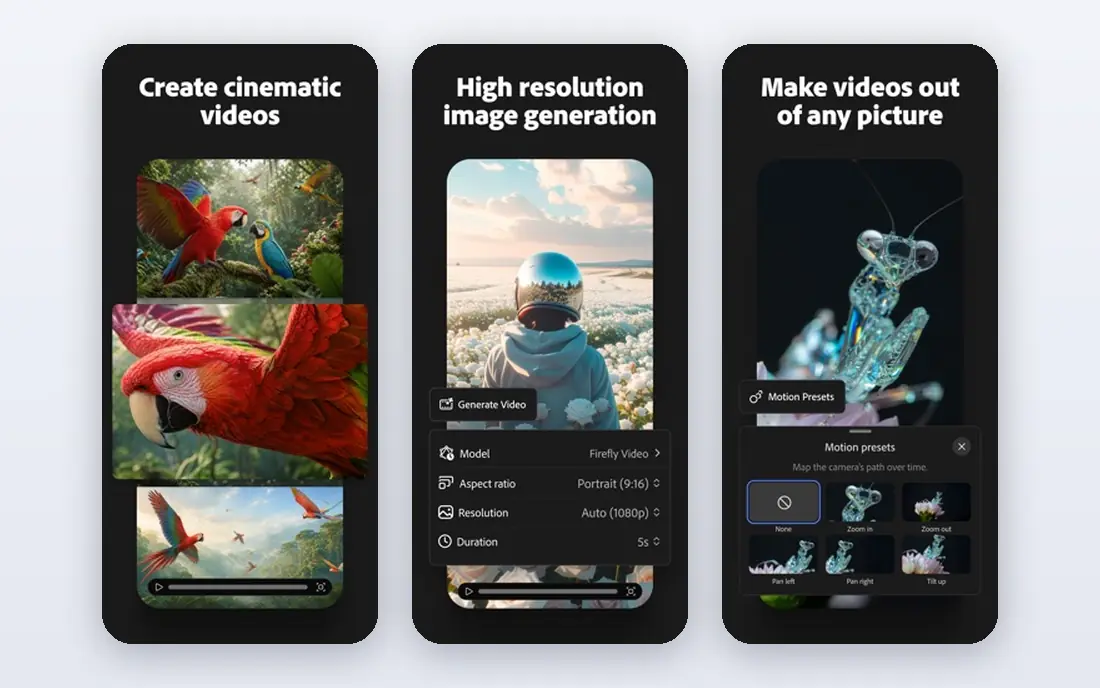
Adobe Firefly is designed for commercial use, with training on licensed and public domain content and clear terms for Adobe customers. It integrates with Photoshop, Express, and other Adobe apps, so generated images can be edited, extended, and placed into designs without leaving the Adobe workflow. A free plan lets users test generation with limited credits.
Free credits run out quickly for heavy users, and the fullest features require a paid plan. Style range is also narrower than Midjourney for purely artistic work. For businesses that need safer commercial terms and Adobe integration, Firefly is a strong pick.
- Trained on licensed content
- Integrates with Adobe apps
- Easy editing
- Free credits are limited
- Best features need a paid plan
Ideogram stands out for rendering readable text inside images, which is a common weakness for many generators. Posters, logos, social cards, and product labels benefit from that strength, since text errors ruin an otherwise good image. The web app is simple, with style presets and editing tools for refining results.
Pricing varies by plan, so check the current page for credit limits and commercial terms. Artistic range is also narrower than Midjourney for painterly or concept work. For marketing images where text must be correct, Ideogram is a practical first choice.
- Strong text rendering
- Good for posters and logos
- Easy web app
- Pricing varies by plan
- Fewer artistic styles than Midjourney
Leonardo AI offers a range of style models for illustration, game art, product visuals, and photorealistic images, plus tools for upscaling, editing, and training custom styles. The free plan lets creators test models with daily credits, while paid plans add more credits and faster generation. That mix suits indie game developers, marketers, and content creators.
Free credits limit heavy use, and the interface packs many options into one workspace, which can overwhelm beginners. For creators who want style control without running local models, Leonardo AI offers a good balance of power and ease.
- Strong style models
- Image editing tools
- Free plan to start
- Credit limits on free plan
- Interface can feel busy
Stable Diffusion is an open image model that can run locally or through many apps and web services. It offers free generation, custom models, and fine control over style, composition, and inpainting for users willing to set it up. That openness makes it popular for developers, researchers, and creators who want full control over their pipeline.
Local setup requires technical skill and a capable graphics card for fast results, though cloud services remove that barrier at a cost. Prompting and model choice also take learning. For users who value freedom and low cost over convenience, Stable Diffusion is unmatched.
- Free and open
- Local control
- Many custom models
- Setup needs technical skill
- Hardware matters for speed
Canva AI lets users generate images directly inside Canva designs, then place them into social posts, presentations, flyers, and ads without switching apps. Brand kits, templates, and resizing tools make it easy to keep generated images consistent with a business look. A free plan covers basic use, with paid plans adding more credits and features.
Control over style, seeds, and detailed prompting is weaker than dedicated generators such as Midjourney or Stable Diffusion. Credits also vary by plan. For small businesses that already design in Canva, Canva AI is the fastest path from prompt to finished post.
- Images inside templates
- Easy resizing
- Brand kit integration
- Less control than dedicated generators
- Credits vary by plan
Microsoft Designer offers free AI image generation with simple prompts, plus tools for social posts, stickers, and quick designs. It uses DALL-E based generation in a clean web app, which makes it accessible for users who want occasional images without learning a complex tool. A Microsoft account is required to use it.
Style range and control are more limited than dedicated generators, and heavy users may hit credit or usage limits. For everyday images, invitations, and social posts, Microsoft Designer is a free and friendly option.
- Free to start
- Simple prompts
- Social and sticker tools
- Style range is limited
- Microsoft account required
Gemini, Google AI assistant, includes image generation powered by Imagen models for users who already chat with Gemini. Users can describe an image, refine it in conversation, and use results in Google Docs, Slides, and other Google tools. A free plan covers basic use, with paid plans adding higher limits and newer models.
Free limits apply, and style control is simpler than Midjourney, Leonardo AI, or Stable Diffusion. For Google users who want images without another subscription, Gemini is a convenient and capable choice.
- Images inside Gemini chat
- Imagen models
- Google integration
- Free limits apply
- Style control is simpler than rivals
How we picked these
We compared official product pages, pricing pages, and feature descriptions for AI image apps that are actively available and truly generate images from prompts. We included artistic, commercial, text-focused, and free local options, and we marked pricing as See website where plans and credits vary. We did not claim hands-on testing, and we left out tools that only edit photos or only sell stock images with no generation.
Choosing an image generator for your work
Start with how you will use the images. Artistic projects favor Midjourney or Leonardo AI, while business and client work favors Adobe Firefly for clearer commercial terms. Marketing images with text favor Ideogram, and everyday social posts can often be handled by Canva AI, Microsoft Designer, or Gemini at no extra cost.
Also check credits, ownership, and brand use terms before publishing. Free plans may limit commercial use, and subscription terms differ on whether images can be used in ads or products. Generate a few test images in your brand style, check text accuracy, and confirm export size and format meet your print or web needs.