Best AI Apps for Images in 2026: 8 Apps Compared
By ToolNimba Editorial Team November 3, 2026 9 min read

- Top pick
 Midjourney
Artistic quality
Starting price$10 per monthCheck out MidjourneyRead our review - Runner-up
 Adobe Firefly
Brand-safe commercial work
Starting price$9.99 per monthCheck out Adobe FireflyRead our review - Also great
 ChatGPT (GPT Image)
Easy all-in-one generation
Starting price$20 per monthCheck out ChatGPT (GPT Image)Read our review
How we researched this
We compared official pricing and feature pages, app store listings, privacy policies and public user reviews. Prices change, so check the provider's site before you pay.
Key takeaways
- AI image tools differ by strength: Midjourney leads on artistic quality, Ideogram leads on text in images, and Firefly leads on commercial safety.
- Most tools offer a free tier or trial, but generation credits, resolution and commercial rights vary by plan, so check the terms before publishing.
- Prompt skill matters as much as the model: reference images, style notes and aspect ratios change results more than switching tools often does.
- For brand work, use a tool trained on licensed content or with clear commercial terms, and keep records of licenses for client projects.
Quick comparison
| Name | Best for | Starting price | Free plan | |
|---|---|---|---|---|
| Midjourney | Artistic quality | $10 per month | No | Visit |
| Adobe Firefly | Brand-safe commercial work | $9.99 per month | Yes | Visit |
| ChatGPT (GPT Image) | Easy all-in-one generation | $20 per month | Yes | Visit |
 Ideogram | Text and typography | $8 per month | Yes | Visit |
 Leonardo AI | Volume and game art | $12 per month | Yes | Visit |
 Stable Diffusion | Local control and privacy | Free | Yes | Visit |
 Flux | Photorealism | See website | Yes | Visit |
 Canva Magic Media | Non-designers | See website | Yes | Visit |
The best AI apps for images
We compared official pricing pages, model documentation and public reviews for image generators that produce usable, publishable results. The picks below cover art, realism, text-heavy design, brand work and free local generation.
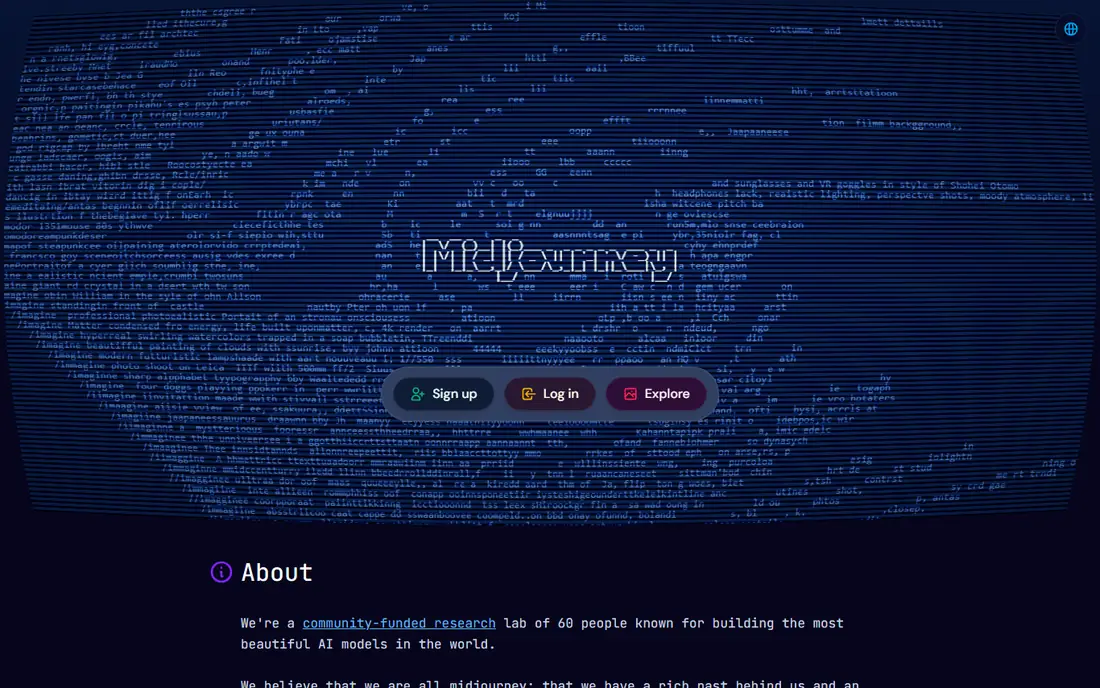
Midjourney remains the benchmark for beautiful images. Its cinematic, polished look suits concept art, marketing visuals, book covers and social content that needs to stand out. A web editor now sits alongside the original Discord workflow, making it easier for beginners to start, and reference images help keep a character or style consistent across a series.
The Basic plan starts at 10 dollars per month, with Standard around 30 dollars and Pro around 60 dollars for heavier use and privacy options. There is no free tier, so budget for at least a month to learn the tool. If pure visual quality is your priority, Midjourney is still the first tool to try.
- Highest artistic quality and style control
- Web editor plus community inspiration
- Character and style consistency features
- No free tier
- Prompt syntax takes practice
- Text rendering lags behind Ideogram
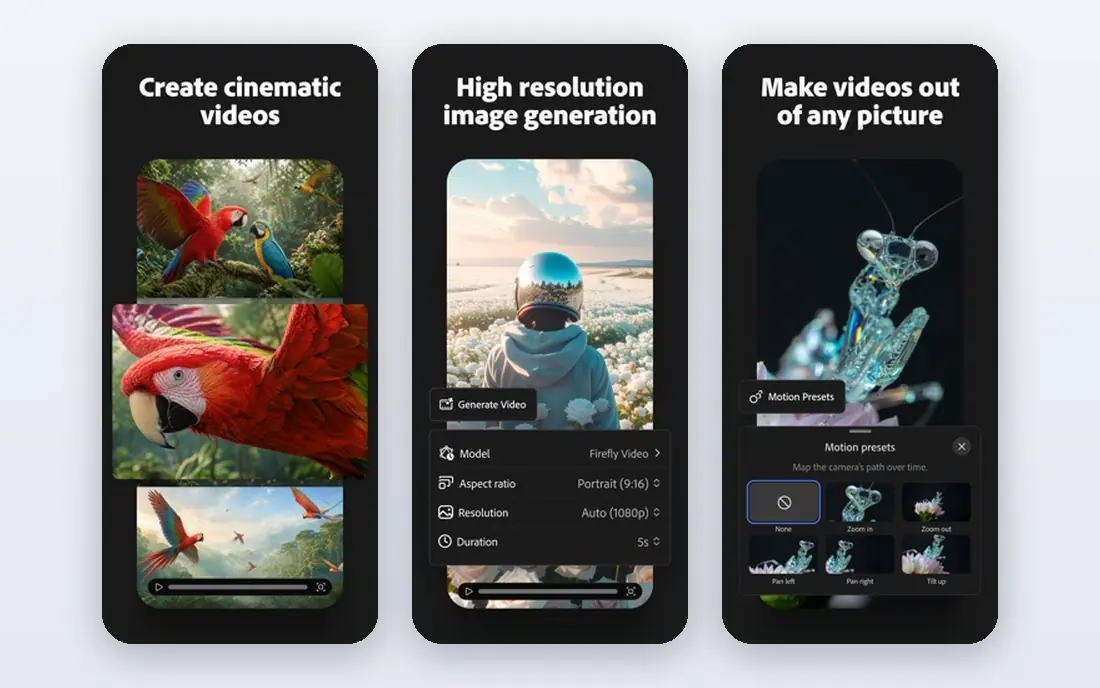
Adobe Firefly is the safest pick for commercial and brand work. Adobe positions Firefly as trained on licensed content, and it offers commercial-use protections for eligible workflows, which matters when a client asks where an image came from. Integration with Photoshop means generated images can be edited, extended and composited without leaving Creative Cloud.
Paid plans start at around 9.99 dollars per month, with a free tier offering limited credits. Firefly will not always match Midjourney for pure artistic flair, but for agencies, publishers and in-house teams, the combination of safety and editing integration is hard to beat.
- Trained with licensed content for commercial use
- Deep Photoshop and Creative Cloud integration
- Generative fill and editing tools
- Artistic range is narrower than Midjourney
- Credits limit heavy generation on lower plans
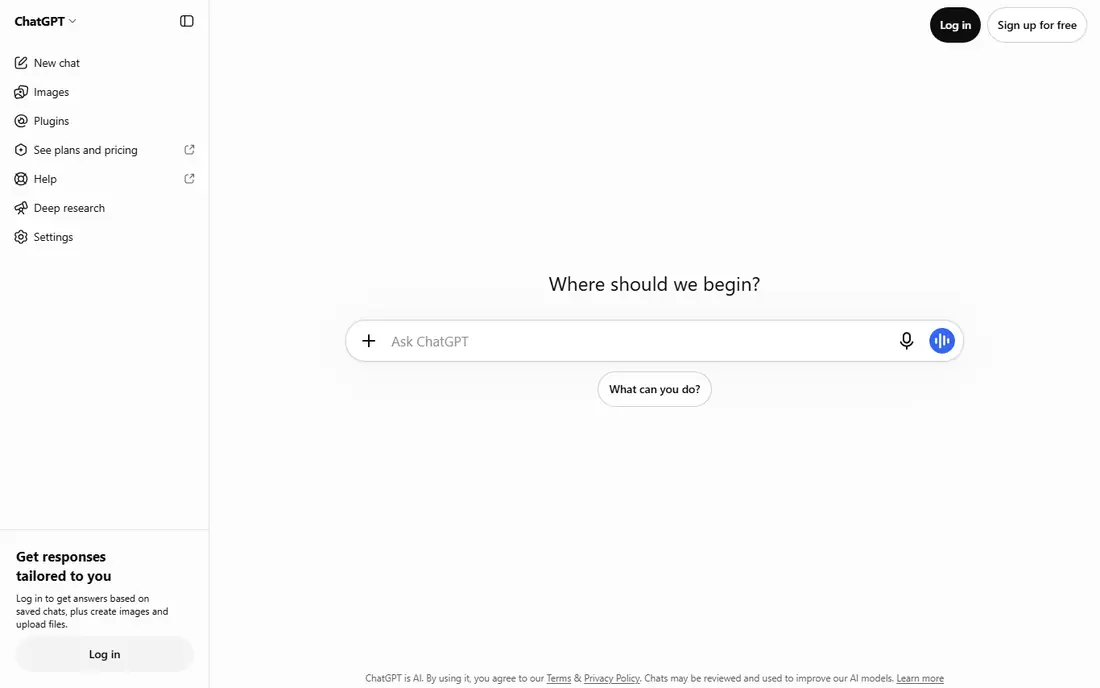
ChatGPT with its GPT image model is the easiest way into AI images for most people. You describe an image in plain chat, refine it in conversation, and edit by asking for changes. Prompt understanding is strong, so complex scenes and text in images come out closer to the request than with older models. ChatGPT Plus is reported at 20 dollars per month, with a free tier offering limited generation.
Serious illustrators may want more style control than a chat interface offers, and heavy users will hit limits. For blog images, social posts, mockups and quick concepts, ChatGPT is the most convenient all-in-one option, especially if you already use it for writing.
- Chat-based prompts with strong prompt understanding
- Good text rendering
- No separate app to learn
- Free tier limits image generation
- Less artistic control than Midjourney for style work
Ideogram wins the job other generators struggle with: legible text inside an image. Posters, logos, product labels, social graphics and book covers with titles come out far cleaner here than in most rivals. The free tier includes a monthly image allowance, and paid plans start at around 8 dollars per month, with higher tiers adding more generations and brand tools.
For pure art or photorealism, Midjourney and Flux are stronger. For any design where the words must be right, Ideogram should be your first test. Check the output at full size before publishing, since small text errors still happen.
- Best text rendering for posters, logos and layouts
- Magic Prompt enhancement
- Brand kit options on paid plans
- Less artistic flair than Midjourney
- Smaller community and fewer shared prompts
Leonardo AI suits creators who generate a lot of images and want control over style. The free tier provides daily credits, and paid plans start at around 12 dollars per month. Users can train custom models on their own style, which helps game artists, illustrators and product teams keep a consistent look across many assets.
The choice of models and settings can overwhelm beginners at first. Start with the default models, learn one workflow well, and only explore fine-tuning once you know the basics. For volume generation on a budget, Leonardo AI offers strong value.
- Generous free daily credits
- Fine-tuning and model training options
- Strong for game and concept art
- Interface has many models and settings to learn
- Best results need model selection skill
Stable Diffusion is the open option. The models are free to use, and you can run them locally on your own hardware, which keeps prompts and images private and avoids subscription fees. Community tools such as ComfyUI add deep control over generation, editing and automation, and many hosted services offer Stable Diffusion without local setup.
The cost is complexity. Local generation needs a capable graphics card, and cloud GPU hosting typically costs per hour. Results also depend heavily on model choice and settings, so beginners should expect a learning curve. For privacy, customization and automation, no subscription tool matches it.
- Open models that run locally for privacy
- Huge community tools and fine-tuning options
- No subscription required for the model itself
- Needs capable hardware or a paid cloud host
- Setup is technical
- Quality depends on model and settings
Flux, from Black Forest Labs, is the photorealism pick. Its images show fine detail, natural skin and lighting, and text rendering that rivals Ideogram for many layouts. Flux is available through partner apps and APIs rather than one simple consumer subscription, with API pricing varying by model and host.
That flexibility is also the drawback: you need to pick a host, compare its pricing, and check its commercial terms. For professionals who need realistic product shots, portraits or architectural visuals, Flux is worth the extra setup. Casual users will find Midjourney or ChatGPT simpler.
- Excellent photorealism and detail
- Strong text rendering
- Available through many apps and APIs
- Pricing varies by host and API, so costs are hard to compare
- No single simple subscription
Canva Magic Media brings AI image generation to people who do not think of themselves as designers. You generate an image, drop it into a social post, presentation or flyer, add text and branding, and export, all in one tool. The free Canva plan includes limited generation, with Pro plans adding more credits and features.
Specialist tools produce better standalone art, and Canva generations can look generic for hero images. For everyday content, where speed and a finished layout matter more than gallery quality, Canva is the most practical choice in this list. Check the current Canva pricing page, since plans and credit limits change.
- Image generation inside a full design tool
- Templates, text and layout in one place
- Easy for social and marketing content
- Generation quality lags behind specialist tools
- Credits and features vary by Canva plan
How we picked these
We compared official pricing pages, model documentation and public reviews for image tools with current models and usable output. We favored tools with a free tier or trial where available, and we marked variable API pricing as See website. We kept a mix of artistic, realistic, text-focused, brand-safe and free local options, since no single tool wins every job.
What to check before you subscribe
Start with the images you actually need. Generate the same five prompts in two or three tools: a portrait, a product shot, a poster with text, a logo concept and a scene in your brand style. Compare them at full size, not as thumbnails, and check hands, text and small details where AI tools still make mistakes.
Check the commercial terms for your use. Free outputs may be public or limited for commercial use, while paid plans usually allow commercial publishing. For client work, save the license terms and the plan you were on when you generated each image. Also confirm credit limits, resolution options and whether you can edit or upscale an image after generation.
Prompts beat subscriptions
A clear prompt with subject, style, lighting, composition and aspect ratio will improve results more than paying for a second tool. Add a reference image when you need consistency, and iterate in small steps rather than rewriting the whole prompt each time. Keep a list of prompts that worked, since reuse saves time on repeat projects.
Watch for AI image pitfalls
AI images can include wrong text, extra fingers, inconsistent logos and details that look plausible but are wrong. For product images, check that the product matches the real item. For people, check faces and hands at full size. For any image that claims to show a real place, person or event, label it as AI-generated where your platform or audience expects that honesty.